FloorCapture
Capture a property on-site and have an editable floor plan ready in minutes.
Use your iPhone or iPad with LiDAR to capture each room. AI creates the floor plan on your device, ready for you to continue working on in RoomSketcher.
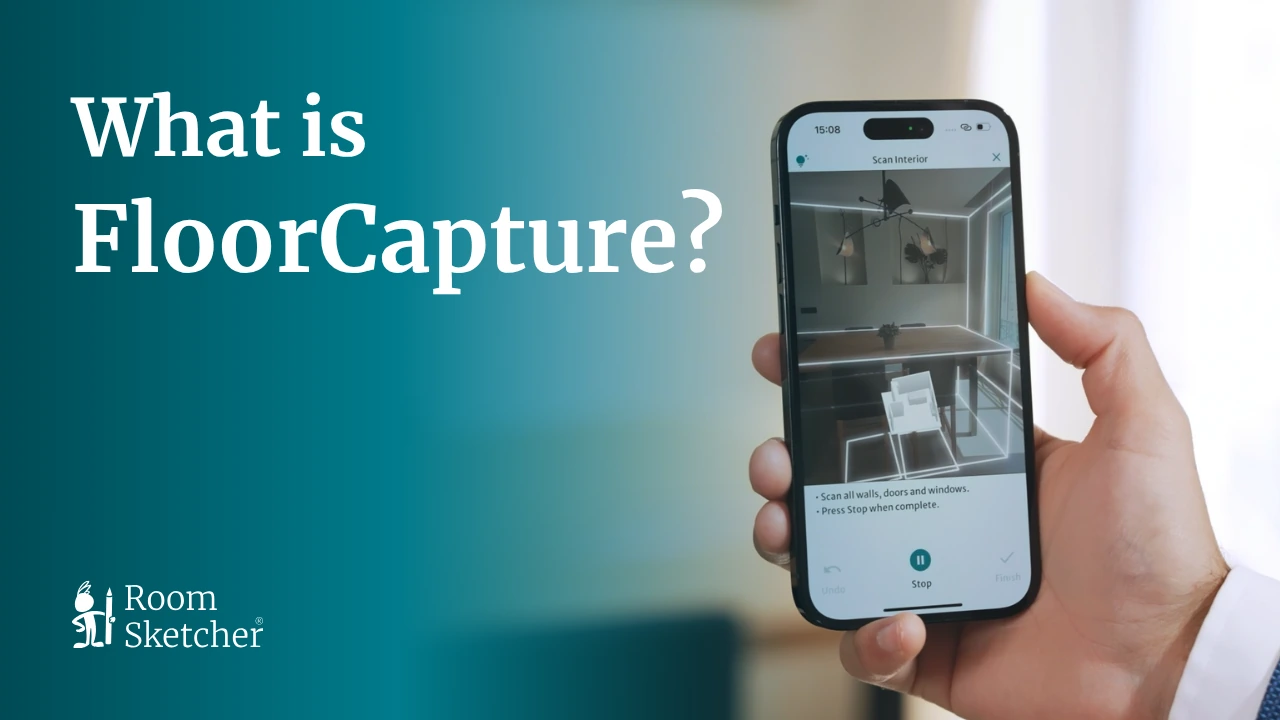




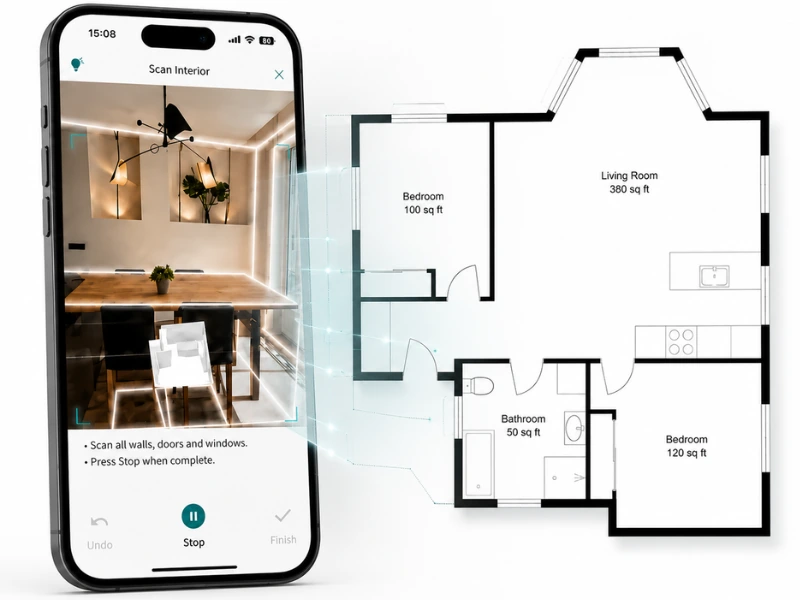
Create an Editable Floor Plan On-Site
Capture the property while you’re there and have a digital floor plan ready to continue working on as soon as you finish.
FloorCapture uses LiDAR and AI to turn the captured layout into an editable RoomSketcher project, ready for you to review and refine.
Adjust the Floor Plan to Fit the Job
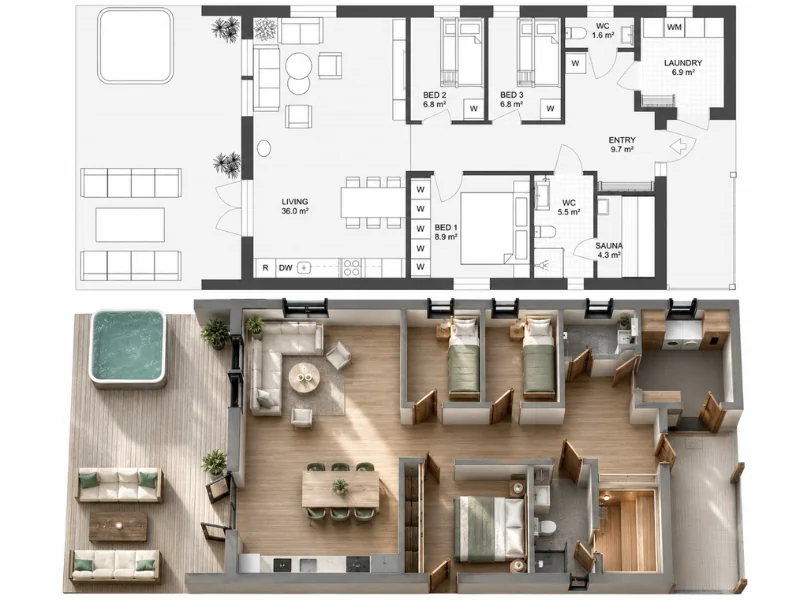
Open the captured floor plan in RoomSketcher and make the changes you need.
Adjust the layout, add furniture and measurements, and include any other details that help complete the plan.
When it’s ready, generate your finished 2D and 3D Floor Plans.
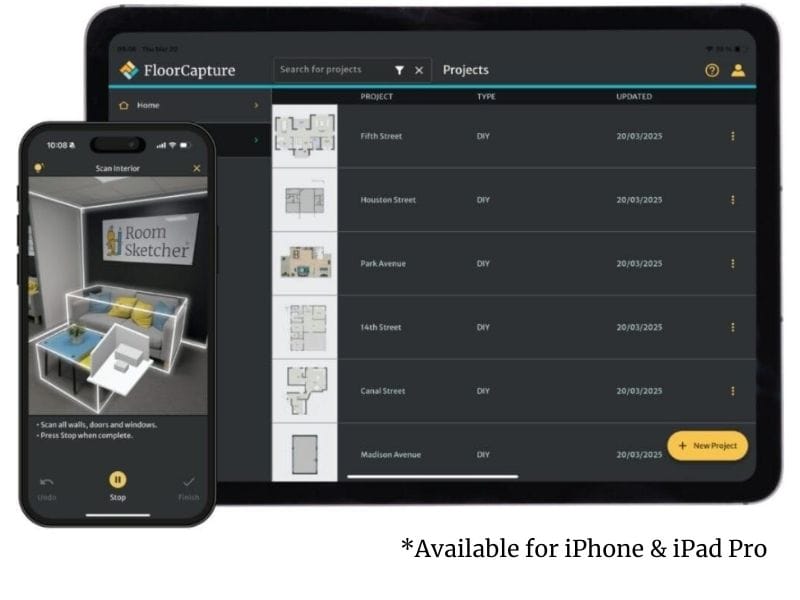
Get Early Access to FloorCapture
We’re inviting a selected group of professionals to try it in their own workflow, share feedback directly with the product team, and help shape what comes next.
We’d love to hear from you if you:
- Have an iPhone or iPad with LiDAR
- Work with existing properties
- Create floor plans as part of your work
- Use the RoomSketcher app on a computer or tablet
- Would like to share your experience and ideas with us
Become a Beta Tester
Frequently Asked Questions
Everything you need to know about using FloorCapture and joining the beta.
FloorCapture works with LiDAR-enabled Apple devices, including iPhone 12 Pro or newer and iPad Pro 2020 or newer.
Yes. Open the project in the RoomSketcher app to review the layout, make changes, and export your finished floor plans.
Yes. Each level is captured separately, and you can easily add multiple levels to the same RoomSketcher project.
A medium-sized property usually takes around five to 10 minutes to capture. Once you finish, FloorCapture instantly converts it into RoomSketcher geometry.
Yes. You can leave the beta at any time, and you’ll keep the projects you’ve already captured.
Be the First to Hear What’s New
Sign up for the RoomSketcher newsletter to get the latest product updates, new feature announcements, and FloorCapture news delivered to your inbox.