Professional Floor Plans in Minutes
Accurate, editable floor plans and polished visuals, powered by AI.
The easy-to-use floor plan creator trusted by 10M+ professionals and homeowners in 170+ countries.




— STEP 1 —
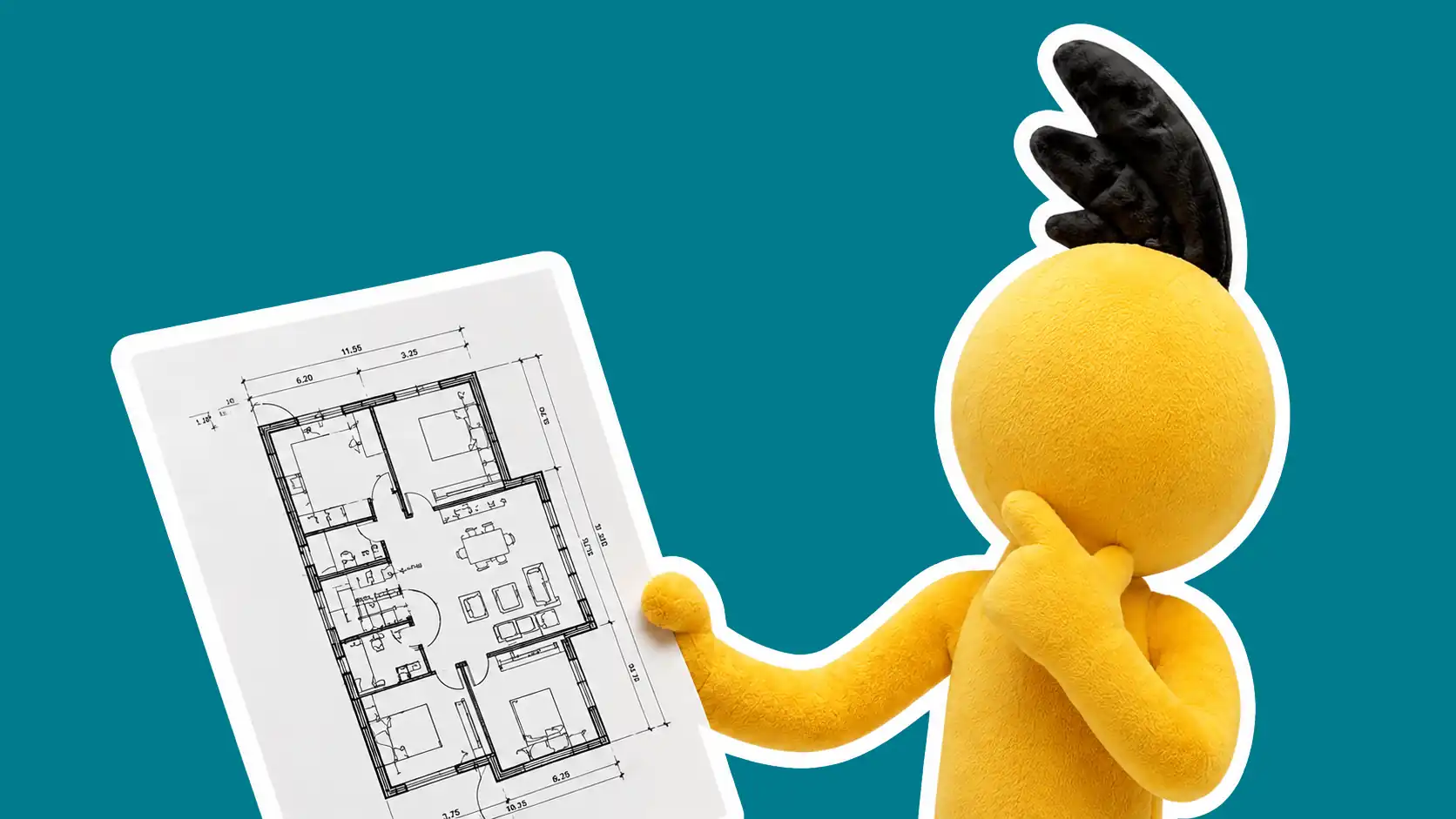
Create Your Editable Floor Plan
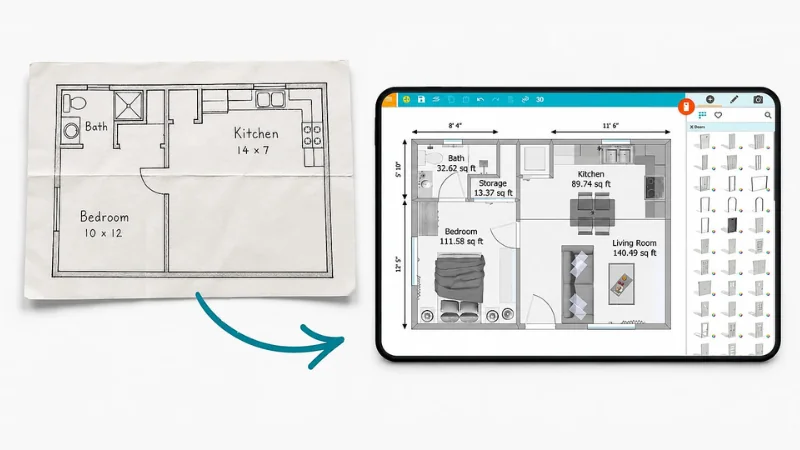
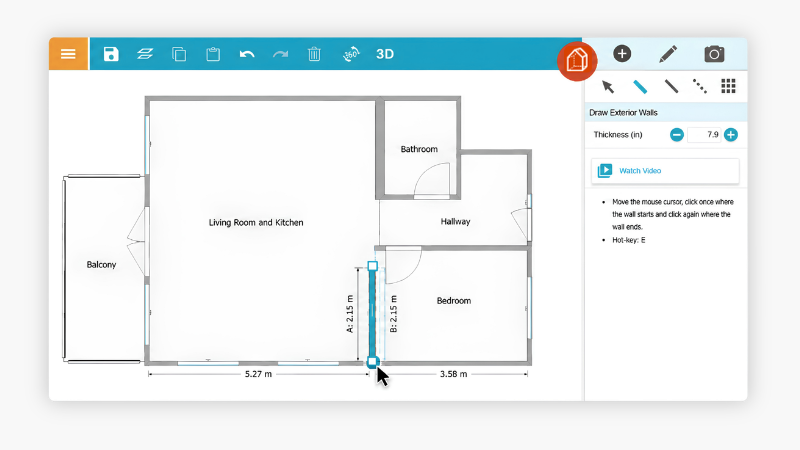
Whether you have a real room, a rough sketch, a blueprint, or nothing at all, RoomSketcher helps you take the next step.
Have a different starting point?



— STEP 2 —
Edit and Customize
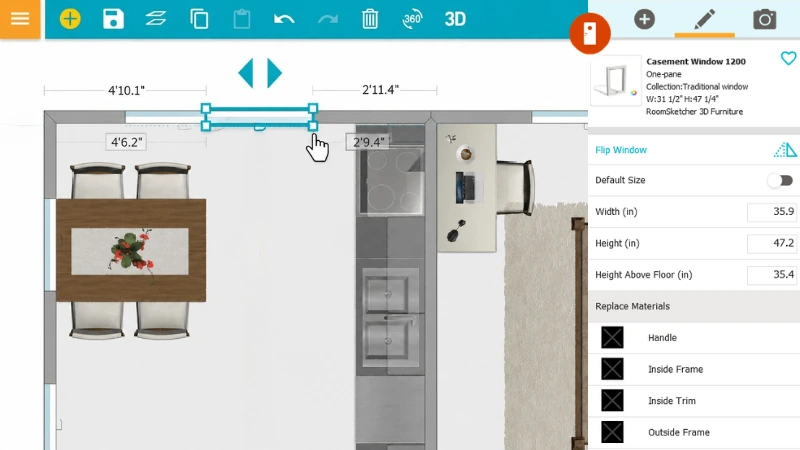
Once your floor plan is in RoomSketcher, you can edit the layout, add furniture, and customize details. Changes update instantly in both 2D and 3D.
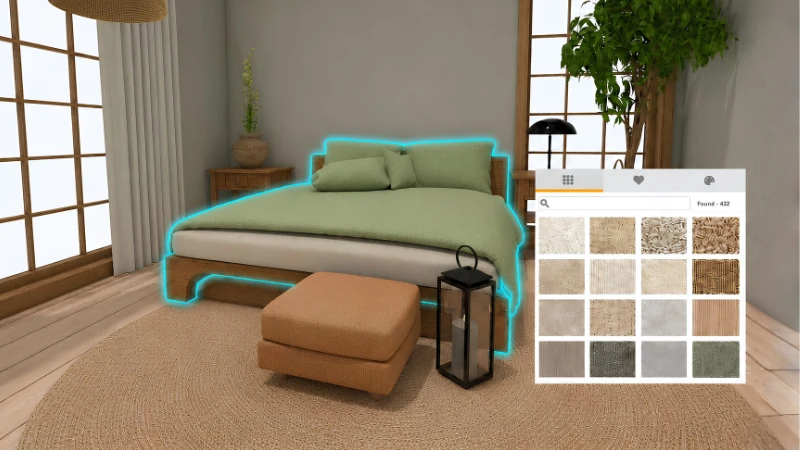
Custom Styling
Furnish each room, change materials, and choose colors that match your project. Draw inspiration from AI styles and prompts as you shape the space.
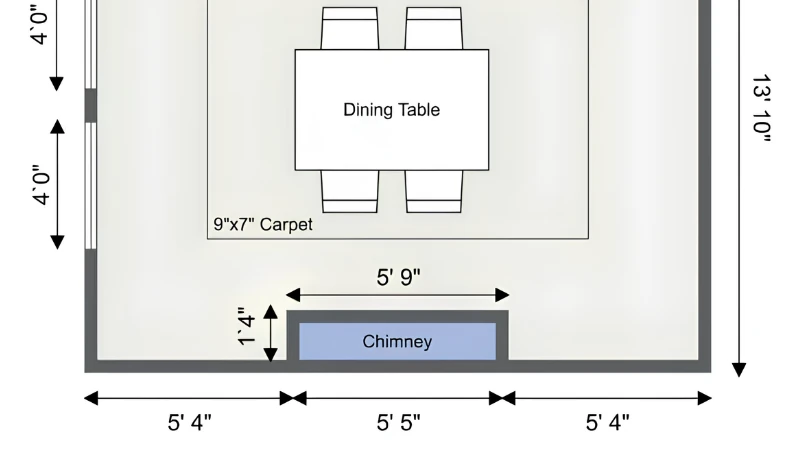
Technical Detailing
Add the necessary details that make your floor plan easier to understand. Show measurements, room names, total area, symbols, electrical plans, HVAC details, and more.
"Very user-friendly software!! It is so fast to edit designs that I can edit in real time with a customer. I love the ability to copy projects and then have multiple layouts for a single project. Glad I paid for this software!"
"RoomSketcher is great! The AI feature to draw plans is very useful. The ability to edit and generate 2D floor plans almost instantly is great!"
"We use RoomSketcher for putting floor plans into real estate listings. The app is great and easy to use. The service for pulling in blueprints is fantastic and has saved us so much time. Reasonable cost, great turnaround time, and easy to deal with. This one is a winner!"
I have been looking for a straight forward floor plan/design package to use for my interior design business for a while now. Having tried a few packages I came across RoomSketcher and found that it was uncomplicated to use, it meet all my needs, it was reasonably priced and the online training videos and customer/client support, in my view have been impeccable.
This is honestly one of my favorite apps. I love using it every time we move or when we’re flipping a home. It’s incredibly easy to use, but still detailed enough that I can add furniture, map out layouts, and really think through projects before making decisions.
— STEP 3 —
Generate Polished Visuals
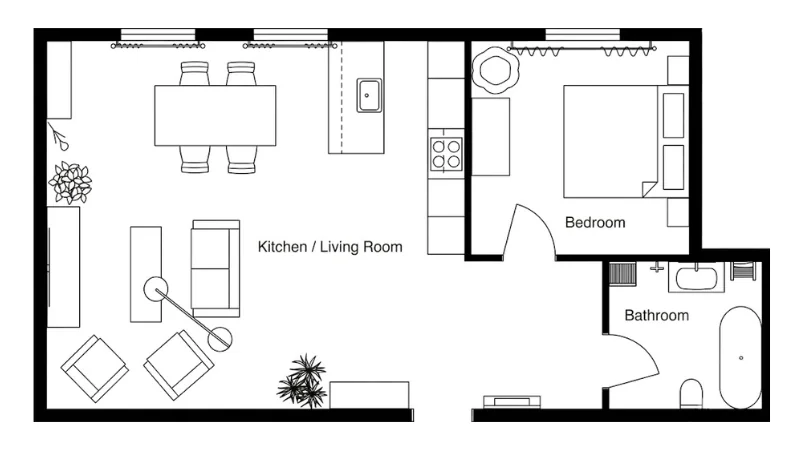
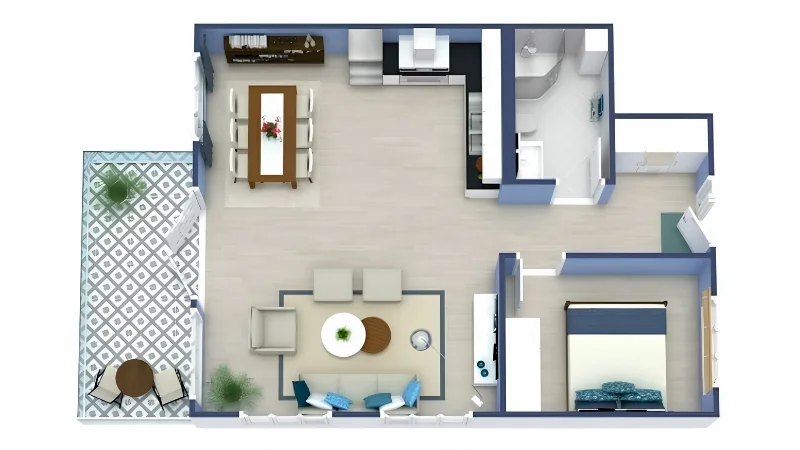
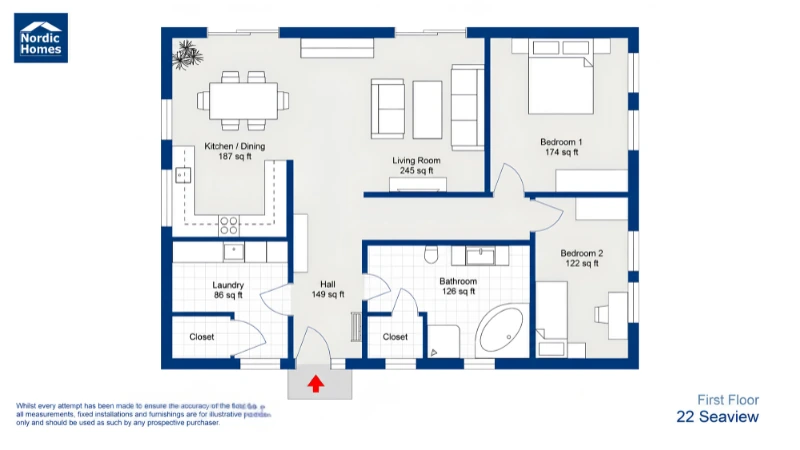
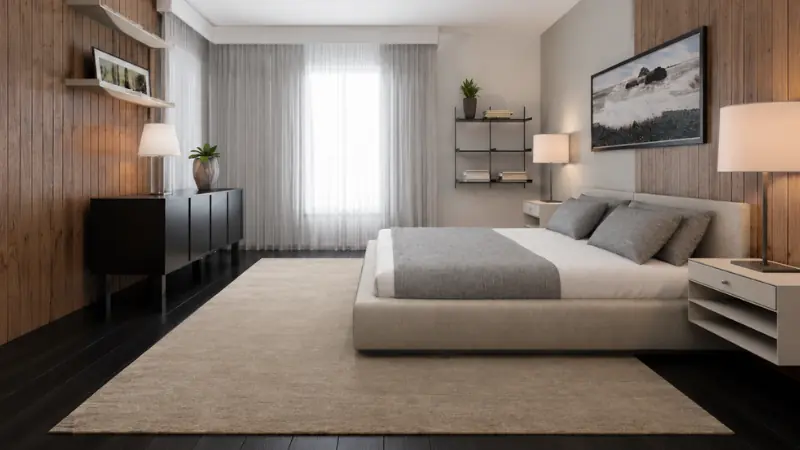
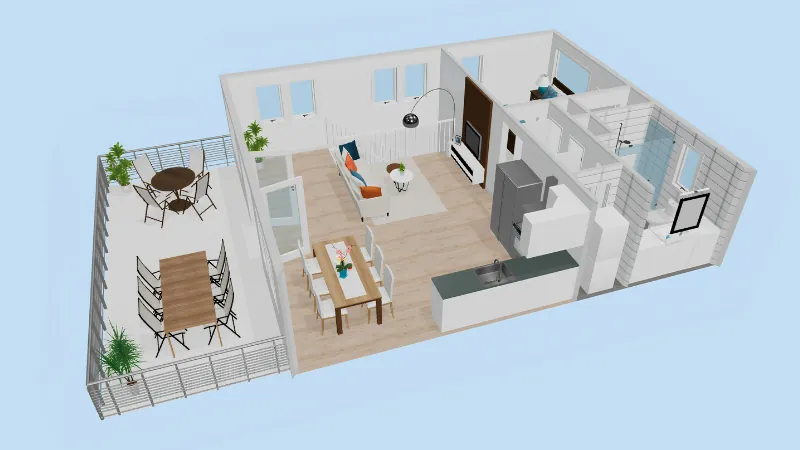
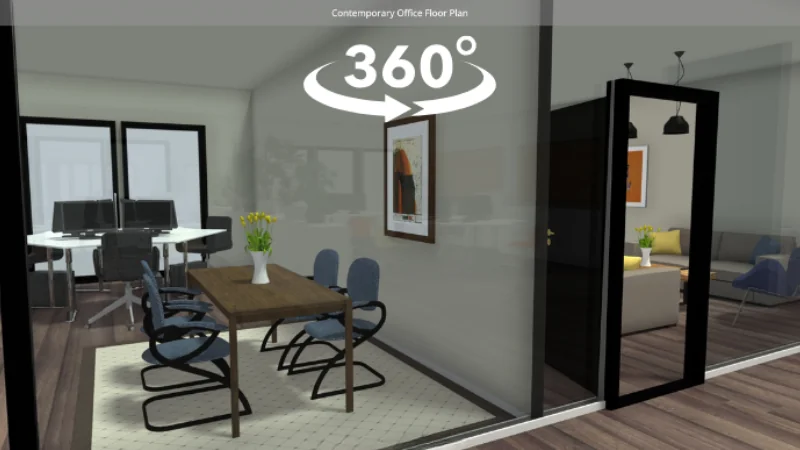
Once your floor plan is ready, you can generate the outputs you need for planning, presenting, or selling.
— FLEXIBLE PRICING
Get Started for Free, Upgrade Anytime
Create a free RoomSketcher account and see how easy it is to draw, furnish, and visualize your floor plan. No credit card required, and no surprise charges.
When you’re ready for more projects, professional floor plans, or advanced features, you can upgrade anytime.
10,000+ Companies
Already use RoomSketcher






— WHY ROOMSKETCHER
Three Reasons People Choose RoomSketcher

Create Accurate Plans Faster
Create clear, to-scale floor plans with intuitive tools that help you move from idea to finished visual faster.

Update Plans Anytime
Stay in control as projects change. Cloud-saved floor plans make it easy to update plans and re-generate visuals whenever needed.

Get Support Along the Way
Find answers quickly with webinars, tutorials, the Help Center, and in-house support whenever you need it.
Trusted by Professionals and Homeowners Worldwide
10M+
Users Worldwide
170+
Countries
20+ Yrs
Experience



— FAQ
Your Questions Answered
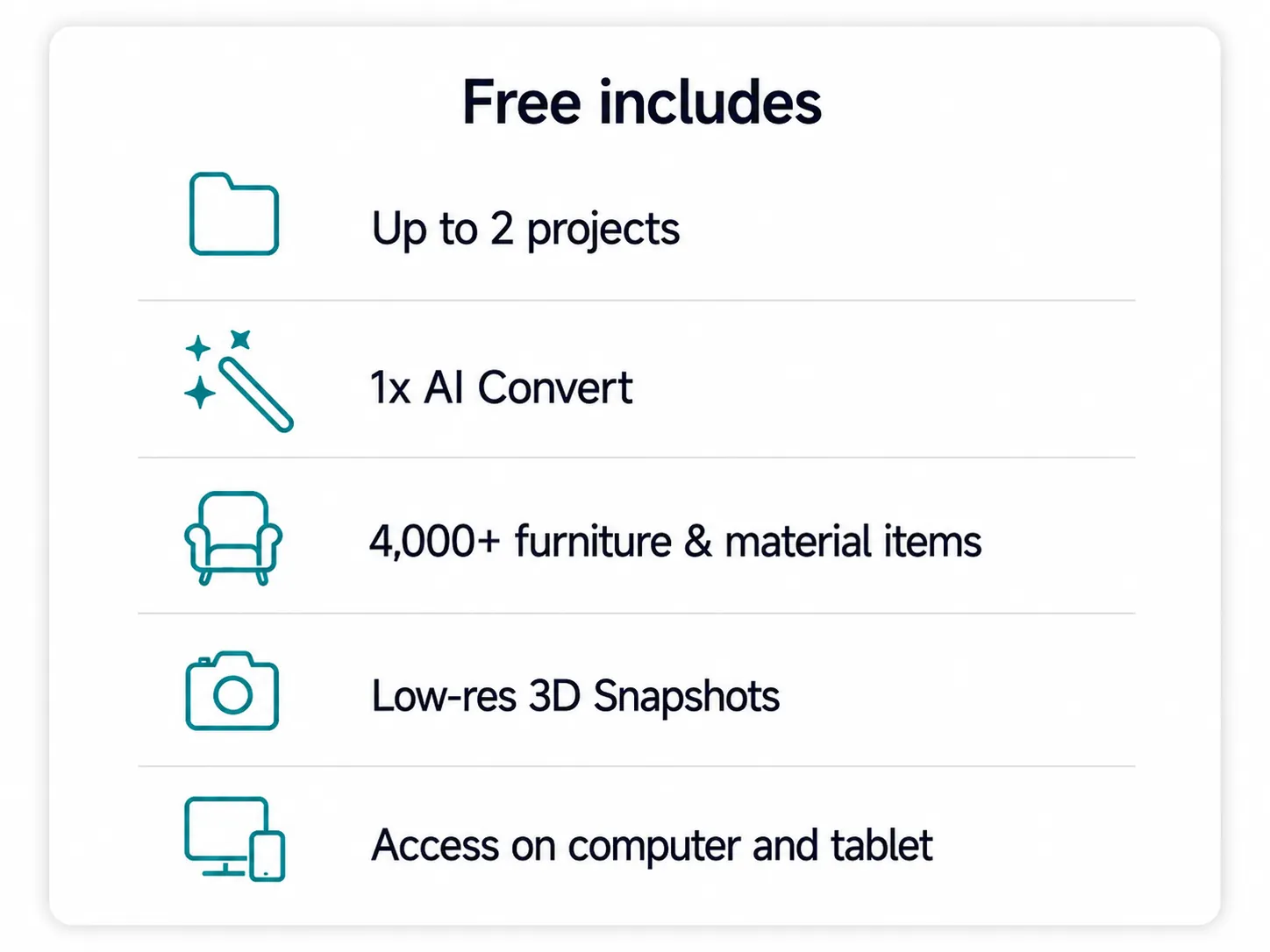
With RoomSketcher Free, you can create floor plan projects, draw and furnish rooms, and try basic 3D viewing. Some outputs and advanced features, such as high-quality floor plans, professional customization, and certain 3D features, require an upgrade or paid add-on.
Choose Free if you want to try RoomSketcher and create simple projects.
Choose Pro if you want professional 2D and 3D Floor Plans, interactive Live 3D walkthroughs, measurements, customization, and branding.
Choose Team if you need multiple users, higher volume, or several floor plan styles.
Yes. Monthly and annual RoomSketcher subscriptions can be canceled anytime. Your subscription stays active until the end of the current billing period.
Yes. RoomSketcher’s AI Convert can turn a computer-generated blueprint into an editable floor plan. The AI detects walls, doors, and windows, and you can then refine the result in the RoomSketcher App.
Yes. AI Convert is available for Free, Pro, and Team users through the web portal, so you can try converting a blueprint into an editable RoomSketcher project. And your first AI Convert is free!
Yes. You can upload a blueprint or sketch and order professional floor plans from RoomSketcher. The finished project is delivered to your account, where you can view, download, print, or edit it.
Yes. RoomSketcher lets you download and print your 2D and 3D Floor Plans in different formats and layouts.
Yes. You can use the RoomSketcher web portal in your browser to start and manage projects, upload blueprints, use AI Convert, place floor plan orders, generate floor plans, and download your finished plans. To draw or edit floor plans yourself, use the RoomSketcher App on a computer or tablet.
Your next floor plan is five minutes away.
Create floor plan projects, draw and furnish rooms, and try
3D viewing — no credit card required.