Learn How to Use RoomSketcher Live
Join free live workshops and webinars to learn RoomSketcher step by step, ask questions, and get practical tips for creating floor plans.
— GET STARTED LIVE
Free Beginner Workshops
New to RoomSketcher? Join a workshop, follow along step by step, ask questions, and share your screen to get help with your project. Pick the workshop that matches how you want to start, or join both.

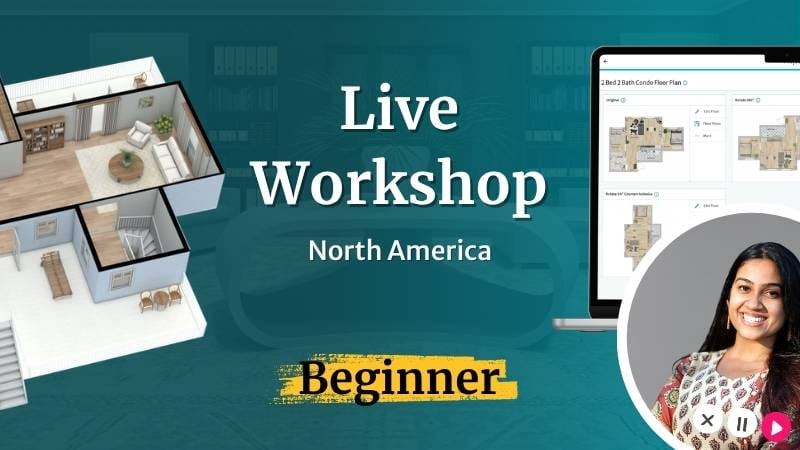
Getting Started: Draw from Scratch
Start with a blank canvas and learn how to draw your first RoomSketcher floor plan step by step in this live workshop!
You’ll learn how to:
✓ Draw walls and create rooms from scratch
✓ Add doors, windows, furniture, and key details
✓ Edit and export a print-ready floor plan
Choose the time that works best for you:

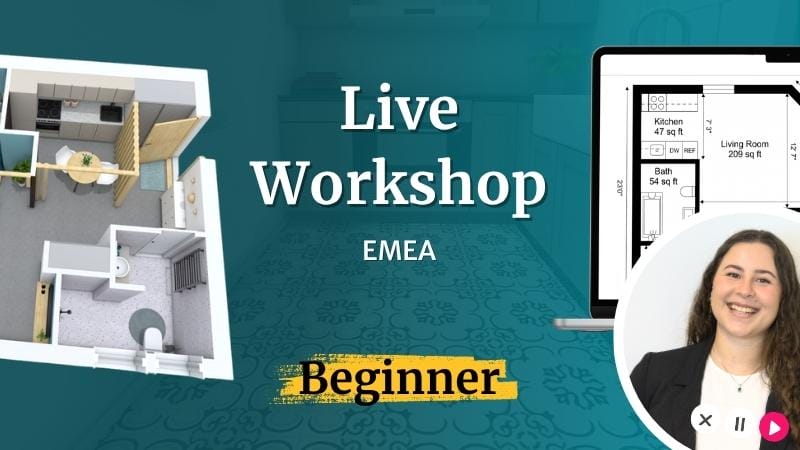
Getting Started: Upload a Blueprint
Upload a blueprint, PDF, image, or sketch and learn how to turn it into an editable RoomSketcher project in this live workshop!
You’ll learn how to:
✓ Upload a floor plan or blueprint and set the scale
✓ Use AI Convert and trace manually
✓ Edit and export a print-ready floor plan
Choose the time that works best for you:
Thursdays, 9–10 AM CT / 5–6 PM CEST →
To follow along live: Make sure you have a RoomSketcher account and the app downloaded before the workshop starts.
— ONE TIME WEBINARS
Explore More RoomSketcher Topics
Want to go beyond the basics? Each month, we host a live webinar focused on a specific RoomSketcher feature, workflow, or use case.
One-time webinars are best for users who already know the basics and want to learn more.

This Month’s Webinar
Topic announced soon.
When registration opens, you’ll be able to sign up here.
Stay Updated on Upcoming Webinars
One-time webinar topics change throughout the year, from specific features to practical workflows. Subscribe to our newsletter to get updates on upcoming sessions and topics that interest you.
Hear From Past Attendees
RoomSketcher is trusted by 10M+ professionals and homeowners in 170+ countries. See how our live sessions have helped users get started faster.
— FAQ
Your Questions Answered
Absolutely! All RoomSketcher webinars are free, and you can join as many times as you want.
We reccomend you start with the Getting Stared: Draw from Scratch workshop. You'll need to have created an account and downloaded the app to follow along.
Yes. The Getting Started: Draw from Scratch workshop shows you how to start with a blank canvas, draw walls, add doors and windows, furnish a room, and download your floor plan.
Yes. The Getting Started: Upload a Blueprint workshop shows you how to upload a blueprint, PDF, image, or sketch, set the scale, and turn it into an editable RoomSketcher project.
Yes. In the Getting Started: Upload a Blueprint workshop, you’ll learn how to trace and edit an existing floor plan in RoomSketcher.
Yes. You need a RoomSketcher account and the app installed before joining a Live Workshop.
You can attend one-time webinars without an account, but we recommend signing up before the session.
Yes, but each member has to sign up individually.
Yes! The recording will be sent out the day after the webinar. If you have not received the recording for any reason, please reach out to us at [email protected]. Don’t forget to check your spam folder.
Our webinars are only available in English at this time. However, our support team can help you in English, Danish, Norwegian, Swedish, and German.
If at any point you need help with something RoomSketcher related, please reach out to our wonderful customer service team at [email protected]. They can help you answer questions, troubleshoot or direct you to a trainer. You can also check out our Help Center for additional resources.
Create Floor Plans With More Confidence
Join a free live workshop, follow along, and ask questions as you learn.