RoomSketcher Launches New Web Portal for Streamlined User Experience
An overhauled web interface makes for a simple and intuitive starting point for all your RoomSketcher projects, floor plans, and designs.
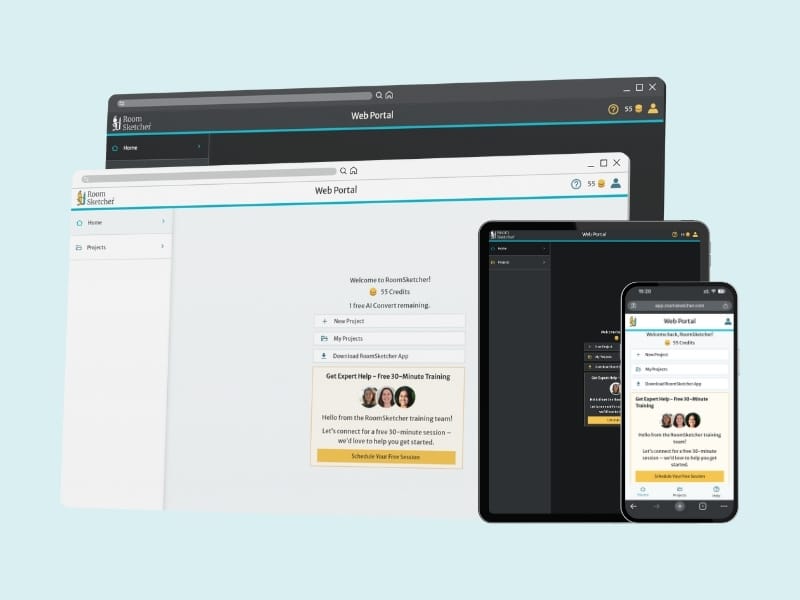

RoomSketcher is launching a redesigned version of its online interface to create a better experience for its users. Web portal is both the gateway to your RoomSketcher projects and the app itself. It provides an overview of all your ongoing projects through a modern and responsive interface, with improved access to settings and exciting new features.
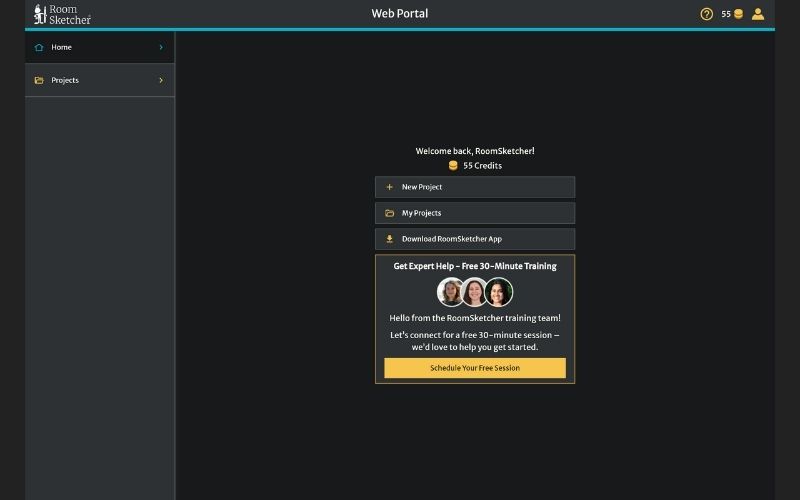
A redesigned interface improves functionality through a minimalist and intuitive layout, with quick options for starting new projects, accessing existing designs, and launching the RoomSketcher app. All of RoomSketcher’s online functionality has been retained and thoughtfully redesigned with added features.
Introducing the New Web Portal
Modernized Navigation Interface
The redesigned web portal improves project management and flow between the online and desktop portions of RoomSketcher with a clearer layout and quicker access to essential tools.
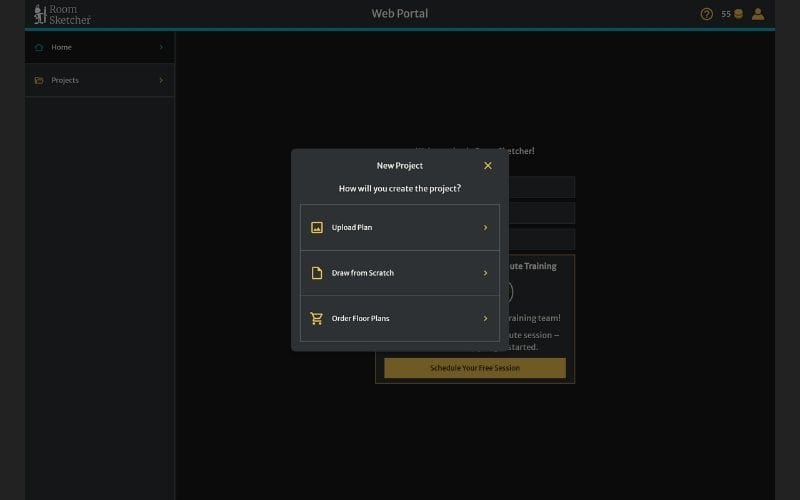
Web portal’s home page offers users clear options to start drawing floor plans from scratch, upload their own plans, or order plans using our Redraw service.
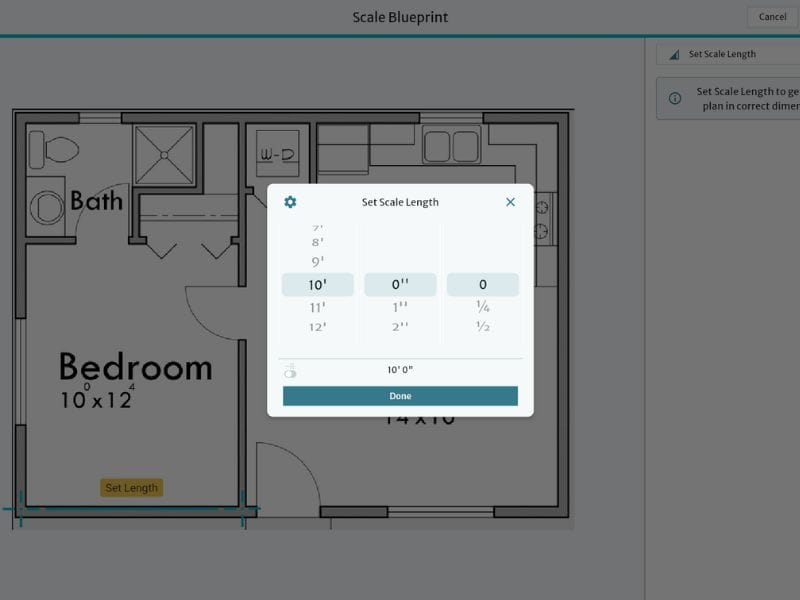
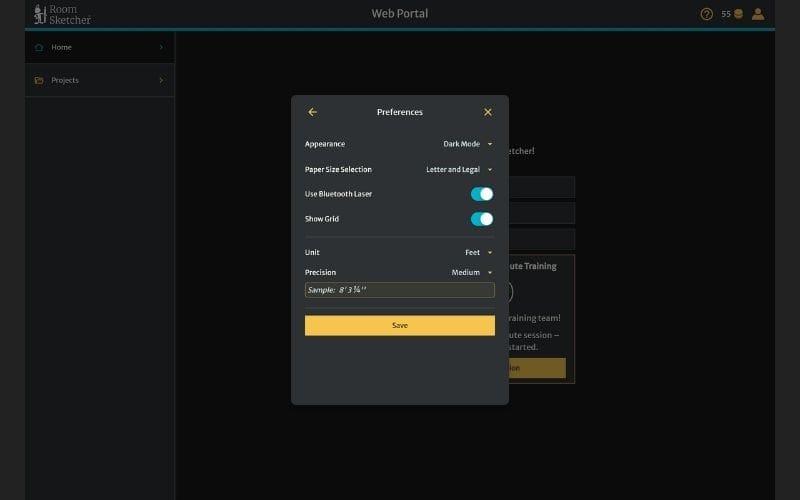
Users also have a revamped preview interface when importing plans and blueprints, with easy cropping, rotation, and AI-powered automatic straightening. This is followed by a new, easier-to-use interface for setting your drawing’s scale with direct access to canvas size and measurement unit settings.
Streamlined Project Management & Sharing
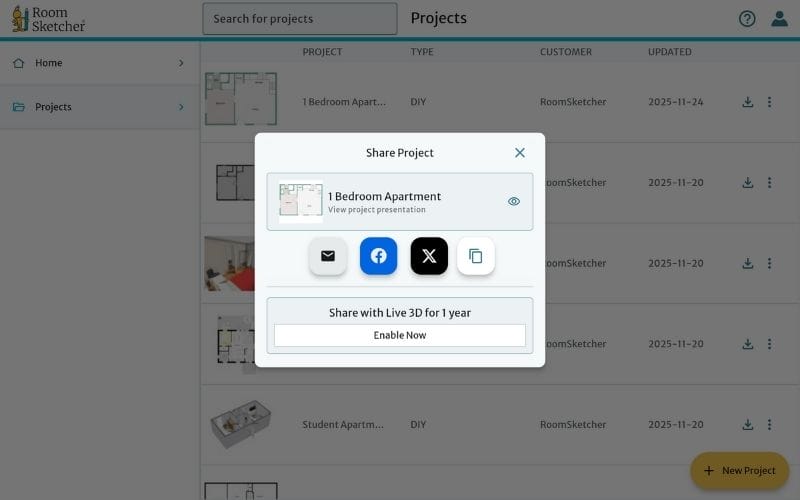
The Projects page brings the next round of improvements to RoomSketcher. Projects are identifiable at a glance, with key information such as name, customer type, and last updated date.
Clicking through to a project in web portal provides easy access to each floor with generation options for 2D and 3D floor plans. All generated floor plans, along with 3D Photos and 360 Views, can be conveniently viewed, downloaded and shared in the new media gallery and sharing menu.
Dark Mode
Web portal also brings users Dark Mode. Designed for reduced eye strain during extended late-night RoomSketcher sessions, or just those of us who prefer a darker look. Dark Mode brings the same new and improved interface in a cool black, dark-gray and yellow color scheme.
While Dark Mode is currently limited to the web portal, it’s one of the many exciting features we’re looking to implement into the unified RoomSketcher experience that web portal will serve as a platform for.
What comes next?
Web portal is just the start of an exciting wave of updates planned for RoomSketcher. Our goal is to keep improving RoomSketcher’s accessibility and ease of use while expanding capabilities and professional features.
You can keep an eye out for all the latest updates and improvements to our product by signing up to our newsletter. We also host webinars on making the most of RoomSketcher’s impressive feature set, including new informative webinars on features now available in the latest release.
Recommended Reads
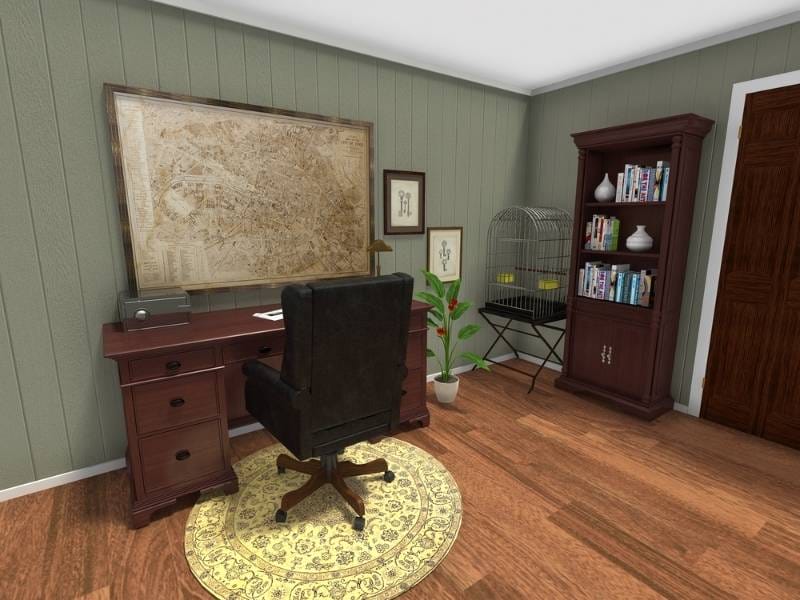
Add Playful Touches to Your Projects With Pool Tables, Bird Cages, and More
Our new product update has so many exciting new furniture items. Let's take a closer look at what's come to the RoomSketcher app. The new update includes pool tables, bird cages, and Replace Materials.

New Decor and Outdoor Products Now Support Replace Materials
We’ve expanded replace material to include a wide mix of decor, and outdoor equipment! This update allows you to deliver professional, polished floor plans.

New Storage Furniture Available Now
We’re thrilled to announce over 100 new replace material options for our storage furniture! This update allows you to customize and create storage solutions that fit your unique style.