RoomSketcher Launches AI Convert, Transforming Blueprints Into Editable Floor Plans in Seconds
Automatically convert scanned, photographed, and digital blueprints quickly to start editing on RoomSketcher.
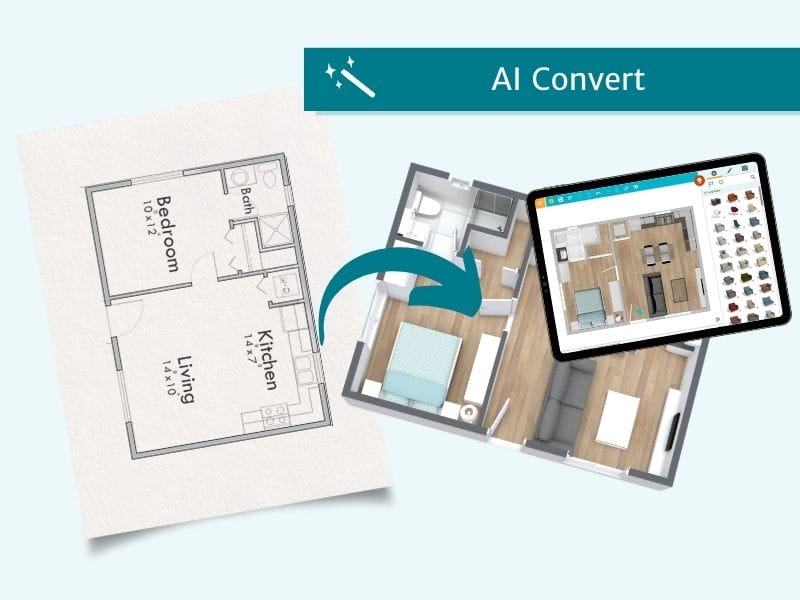

RoomSketcher has launched AI Convert, a new feature update that uses artificial intelligence to turn architectural floor plans into fully editable RoomSketcher projects in seconds. The feature is available through RoomSketcher’s newly released Web Portal, marking a significant step forward in speed and automation for professionals who need accurate and editable floor plans, fast.
What is AI Convert?
RoomSketcher AI Convert utilizes artificial intelligence to achieve a new level of speed, precision, and consistency in importing blueprints. It produces a clean, editable RoomSketcher project in seconds, serving as a quick start for users who would otherwise spend minutes or hours manually tracing a plan from scratch.
AI Convert uses computer vision algorithms to recognize walls, doors, windows, and stairs, then maps those detections into the standardized geometry used inside the RoomSketcher app. It supports both digital floor plans as well as printed blueprints that have been photographed or scanned.
Saves Time Through Intelligent Automation
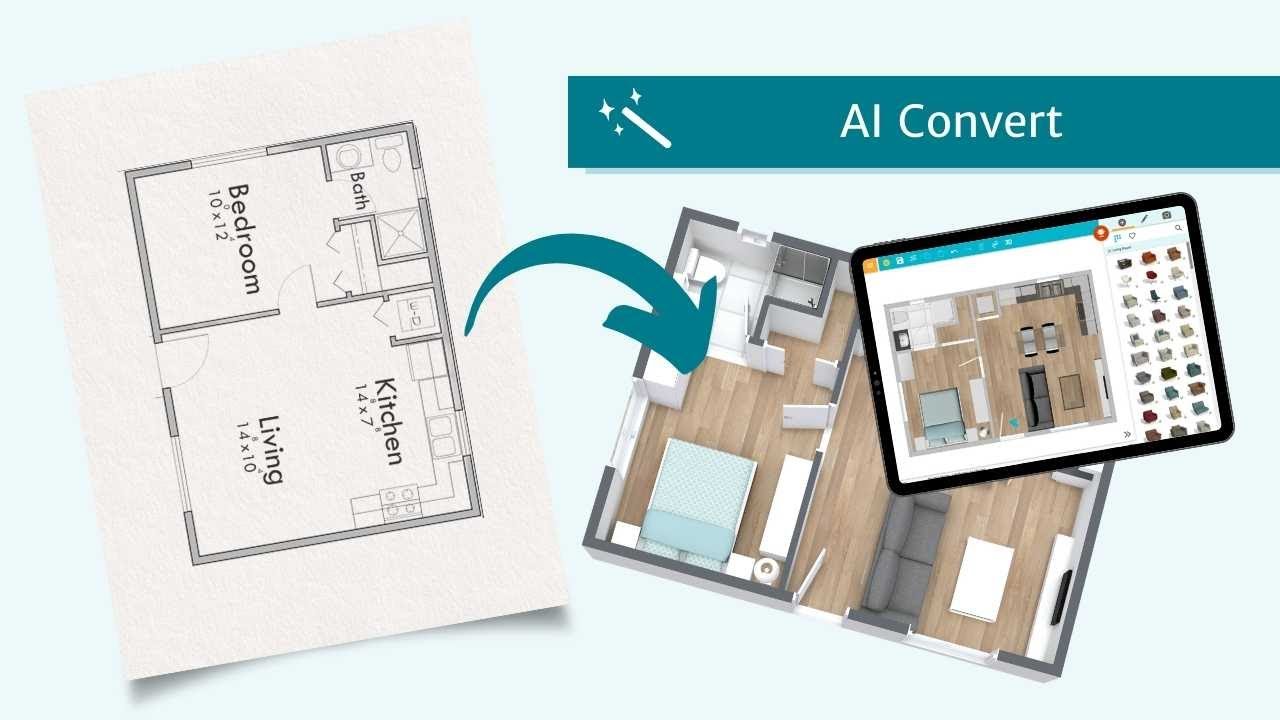
Internal tests show that manually tracing a modest one-bedroom, 430-square-foot floor plan takes roughly three minutes. AI Convert completes its conversion in just around five seconds and returns an editable plan at scale, providing professionals a significantly faster starting point while maintaining accuracy.
A major advantage of AI Convert is that it also straightens the document when it's captured at skewed or uneven angles. This enables further editing in RoomSketcher, allowing walls and objects to function as if they were in any other RoomSketcher floor plan.
How AI Convert Works
AI Convert is the result of more than 2.5 years of development and extensive in-house training. Over 50,000 floor plans were manually annotated, marking junctions, doors, windows, stairs, and other architectural features. These annotations were used to train RoomSketcher’s custom computer-vision model, which runs on GPUs to enable fast conversions from blueprints to geometry.
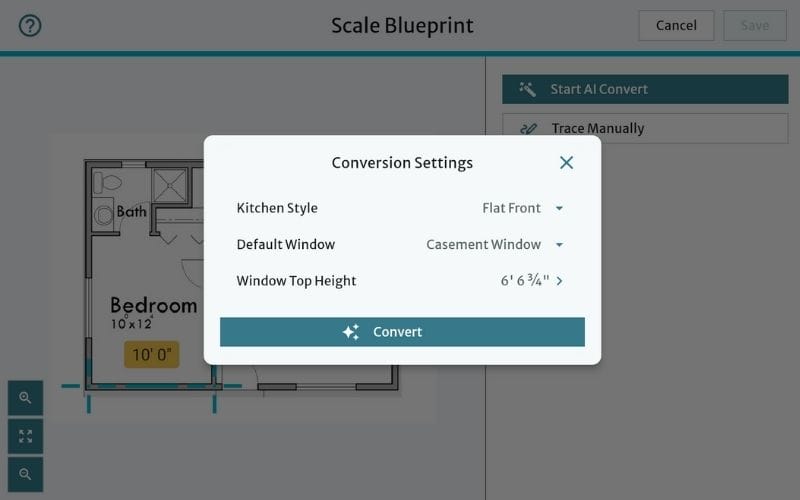
AI Convert works over several key steps:
- Blueprint Straightening is an optional first step and uses a custom AI agent.
- Multi-Pass AI Object Detection recognizes walls, openings, windows, stairs, and other elements.
- Conversion to RoomSketcher geometry by mapping elements to RoomSketcher rules.
- Post-processing normalizes angles and partial details through purpose-built logic.
- GPU-accelerated output draws up editable projects in seconds.
A New Way of Working at RoomSketcher
RoomSketcher CEO Trond Bergquist described “finding the right balance between speed and precision” as the largest challenge AI Convert presented. “We achieved high accuracy rates and swift conversion times through continuous iterations on AI Convert’s code.”
“We’re very proud to finally release AI Convert after so much time and effort spent creating it. It will enable a huge leap in speed for our customers, and we’re excited to keep improving it.” - Trond Bergquist, RoomSketcher CEO
Jon Tollefsen, who contributed to AI Convert’s optimization, noted how “the team had to adapt to a workflow where they iteratively trained, tested, and optimized a model rather than implementing conventional feature-based logic.”

Available Now in RoomSketcher Web Portal
AI Convert has launched alongside the RoomSketcher web portal, the company’s redesigned online interface for starting and managing projects. The new portal provides easier access to account tools and introduces a streamlined workflow for using AI Convert from any modern browser.
AI Convert is an important step toward automating repetitive manual work for real estate professionals, interior designers, and space planners. Through quickly converted and editable floor plans, we aim to give users more time to focus on delivering better design and client service.
RoomSketcher is committed to providing the best possible professional floor plan software. AI Convert continues this commitment by offering a faster, more accurate foundation for creating high-quality and polished floor plans.
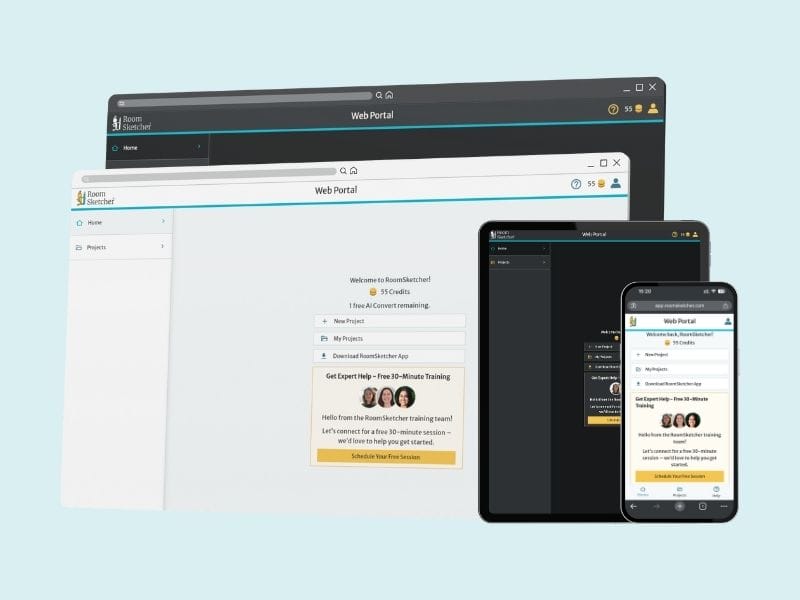
RoomSketcher Launches New Web Portal for Streamlined User Experience
An overhauled web interface makes for a simple and intuitive starting point for all your RoomSketcher projects, floor plans, and designs.
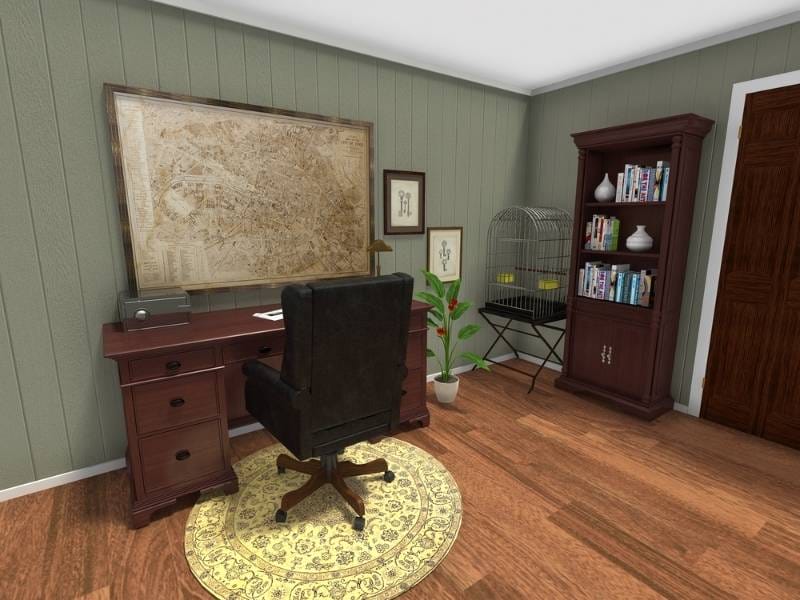
Add Playful Touches to Your Projects With Pool Tables, Bird Cages, and More
Our new product update has so many exciting new furniture items. Let's take a closer look at what's come to the RoomSketcher app. The new update includes pool tables, bird cages, and Replace Materials.

New Decor and Outdoor Products Now Support Replace Materials
We’ve expanded replace material to include a wide mix of decor, and outdoor equipment! This update allows you to deliver professional, polished floor plans.