Upgrade Your Electrical Floor Plans With 170+ New Symbols
Create detailed electrical layouts with the latest additions to the RoomSketcher symbols library.
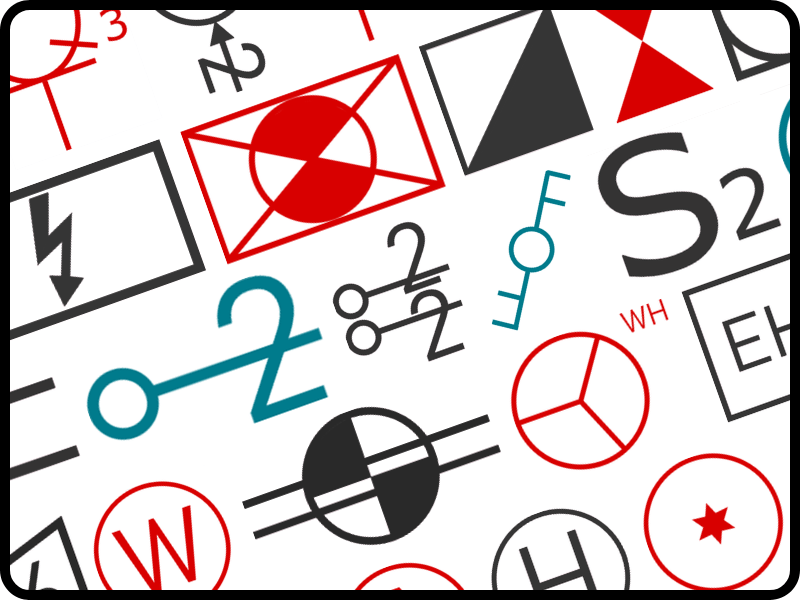

We’ve expanded the RoomSketcher symbols library with a wide range of electrical symbols, making it easier than ever to create detailed electrical plans directly in the RoomSketcher app.
Symbols for Every Electrical Layout
The new industry-standard symbols can be used across a wide range of electrical floor plans. New symbols include:
- Outlets and switches
- Ceiling, wall and outdoor lights
- Security elements
- HVAC, thermostats, and machinery
- TV, telephone, and data
These additions bring the RoomSketcher electrical symbol library to more than 250 symbols, supporting a wide range of use cases across professions and specialties.
Outlets, Switches, and Lighting
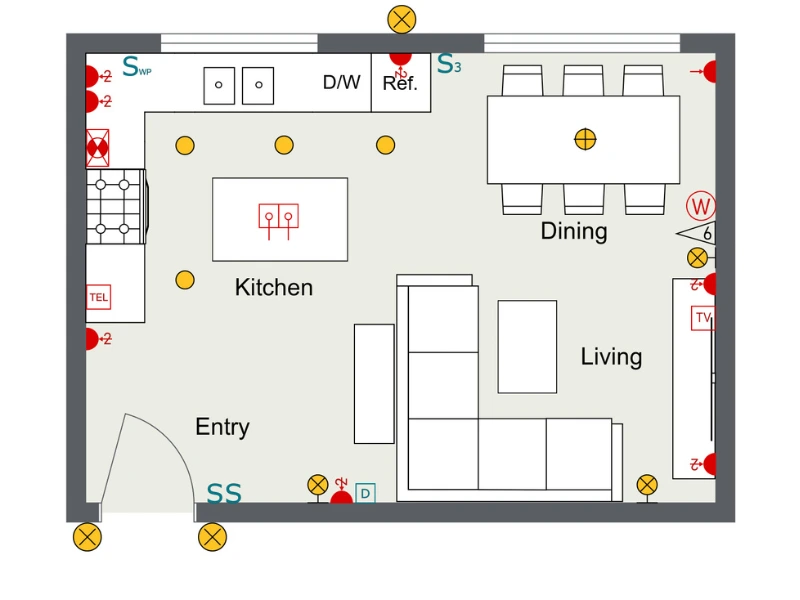
New symbols in this release include multiple wall socket types, switched outlets, dimmers, and specialized switches. The lighting library also expands with symbols for external, recessed, surface-mounted and strip lights.
Security and Detection Systems
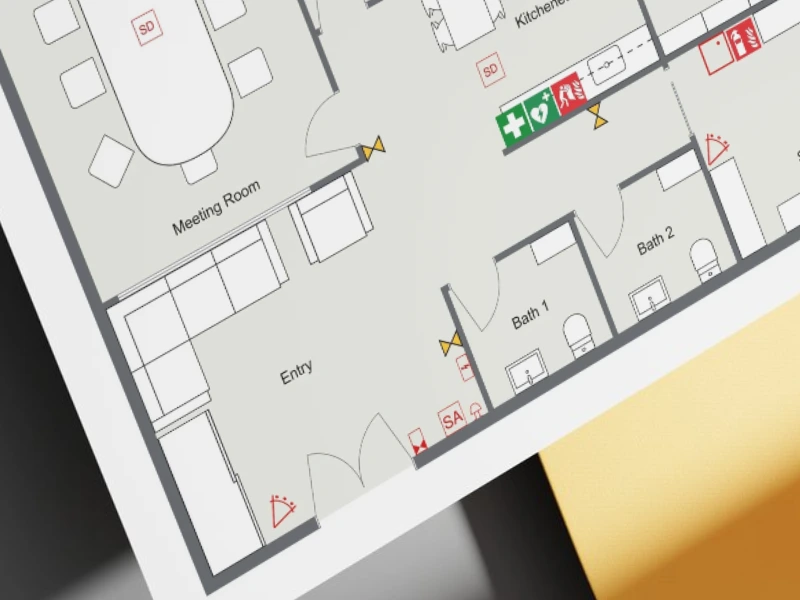
New symbols support security and electrical control systems within floor plans. These include infrared motion detectors, electrical panels, distribution boxes, service panels, and emergency signage. These symbols help represent safety and electrical infrastructure more clearly, and have multiple use cases, including office floor plans, homes, and commercial spaces.
Climate Control and Machinery
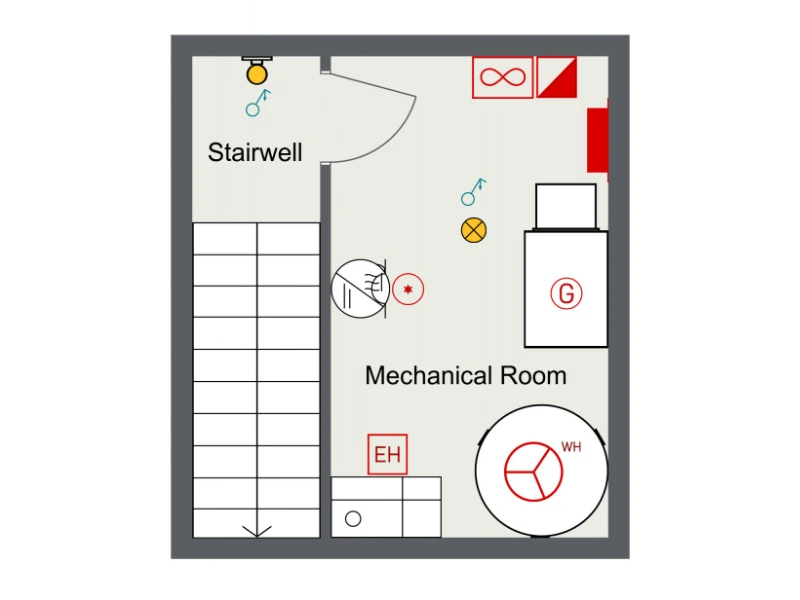
This update also adds symbols for heating systems, thermostats, and machinery. Examples include radiators, immersion heaters, electric heaters, water heaters, and underfloor heating manifolds. Machinery symbols such as motors, generators, and relays are also included for technical layouts.
Start Planning Electrical Layouts Today
These new symbols are available to RoomSketcher Pro and Team subscribers, giving you the tools to create more detailed electrical plans. Start creating electrical layouts in the app today.