2D Floor Plan Maker
Draw accurate 2D floor plans from scratch, or upload an existing plan and let AI Convert turn it into an editable project. Add measurements, room names and furniture, then see your plan in 3D.
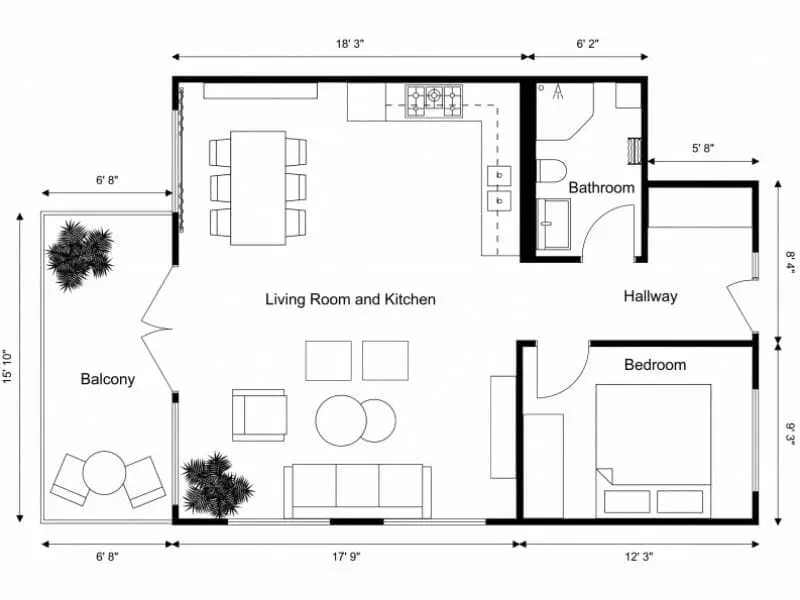





The Easiest Way to Create 2D Floor Plans
Already have a floor plan? Upload it and AI Convert will map out the walls, doors, and windows in seconds.
Starting from scratch? Draw the layout yourself in the RoomSketcher app.
You don’t need CAD or design experience to get started. Draw the walls room by room, and they snap together as you work. Dimensions appear automatically, so you can see the space's size as the layout takes shape.
Get the Measurements Right
When you’re planning a remodel, checking what fits, or documenting an existing space, the dimensions matter.
Create your floor plan to scale and add the measurements you need, from wall lengths and room dimensions to doors, windows, and distances between items. If the layout changes, the measurements update with it.
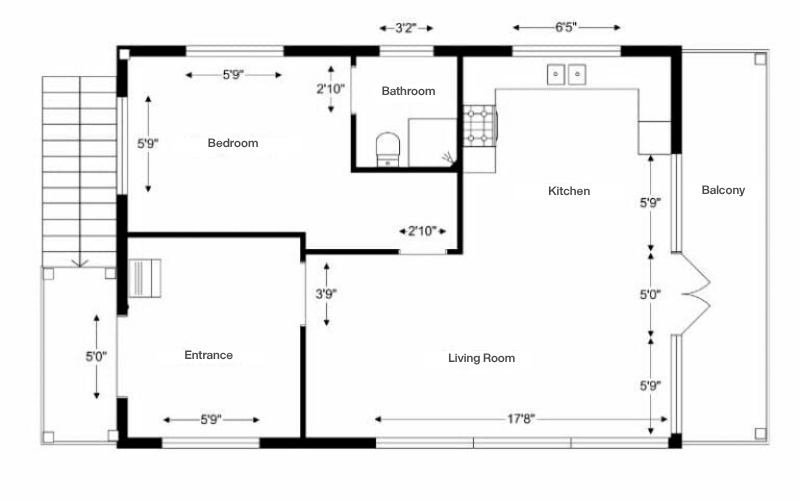
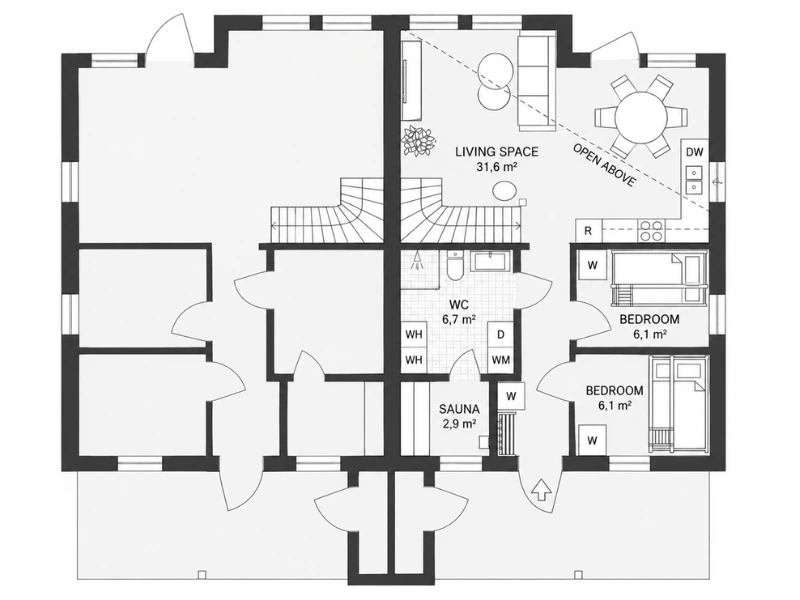
Show the Details That Matter
Sometimes you want a simple overview of the space. Other times, you need to show exactly how each room is set up.
Add room names and sizes, furniture, and fixed installations, or leave furniture out for a cleaner floor plan. Choose the level of detail that makes sense for what you’re working on.
Change the Layout Without Starting Over
Ideas change. A room gets bigger, a wall moves, or you decide the furniture layout isn’t quite right.
Your RoomSketcher project stays editable, so you can go back and make changes whenever you need to. Your projects are saved in your account, ready to continue working on from your computer or tablet.
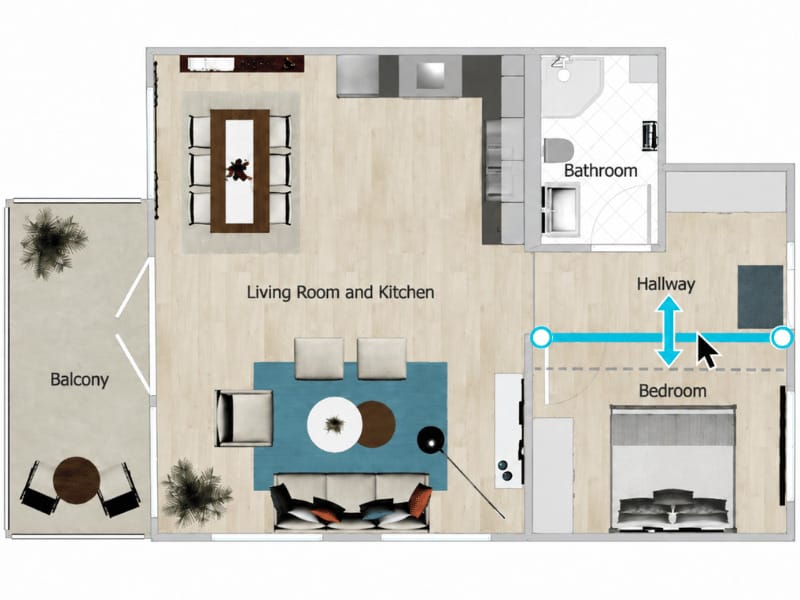
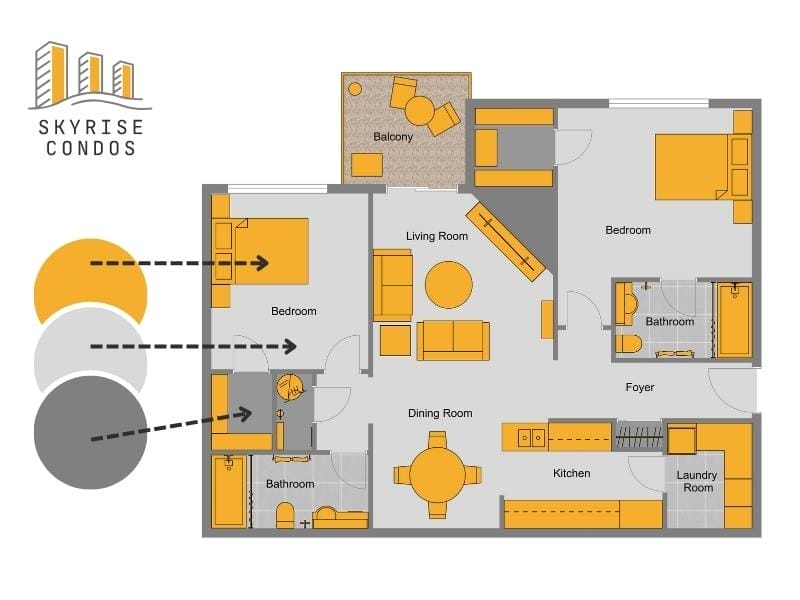
Choose the Look That Fits Your Project
A floor plan doesn’t always have to look the same.
Keep it clean and simple in black and white, or add colors and materials to make rooms and surfaces easier to distinguish. You can customize walls, floors, furniture, doors, windows, and other elements to create the look you want.
Download, Share, or Print to Scale
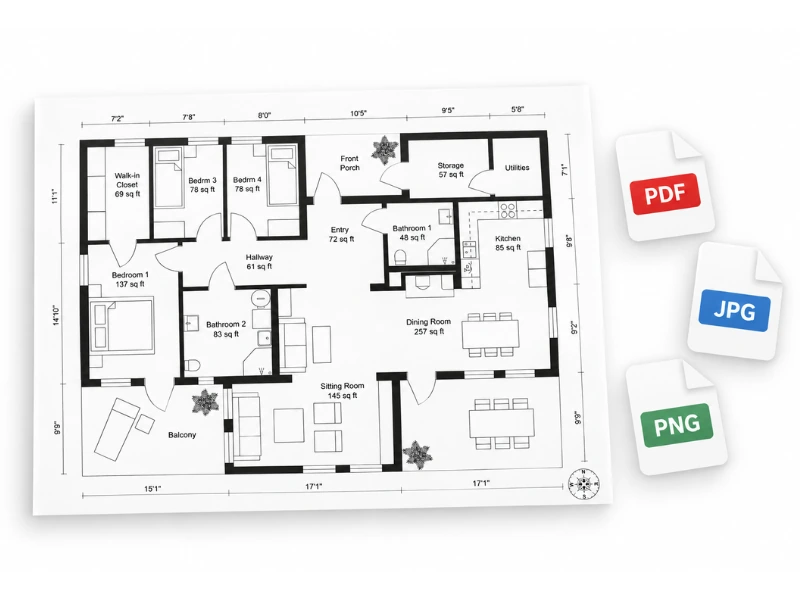
Once your floor plan is ready, save it in high resolution so you can use it wherever you need it.
Download in JPG, PNG, or PDF format for sharing or printing. You can also print your floor plan to scale in meters or feet when accurate dimensions matter on paper.
See the Same Layout in 3D
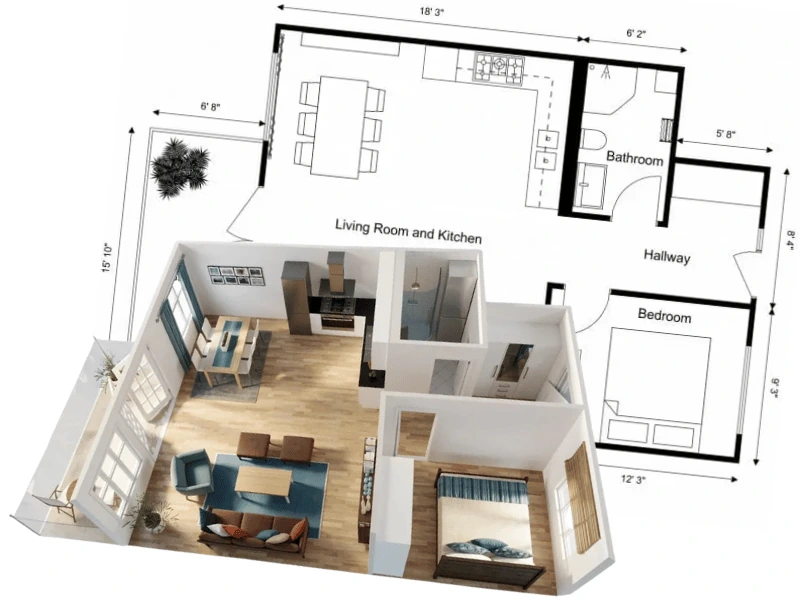
A 2D Floor Plan gives you a clear overview of the layout, but sometimes it helps to see the space from another perspective.
Use the same RoomSketcher project to view your design in 3D and get a better sense of room proportions, furniture placement, and how the spaces connect. There’s no need to build the layout again.
Trusted by 10+ Million Users Worldwide
"RoomSketcher has changed the way I work. I can now do all the work I normally had to outsource on my own."
"We have been using RoomSketcher successfully since 2022 and are completely satisfied with the functions, user-friendliness and results."
Matthias Petri
"Outstanding product. Makes an otherwise challenging design task easy and enjoyable. Highly recommended."
"You don’t need to spend countless hours on technical software to produce the results you’re looking for. RoomSketcher is easy to use and cost-effective."
For Professional Work and Home Projects

For Professionals
Create Floor Plans That Are Ready to Share
Create consistent floor plans for properties, design projects, or client presentations.
- Choose the level of detail for each project
- Keep floor plans consistent with custom styles and branding
- Update existing projects without starting over
For Homeowners
Plan Changes Before You Commit
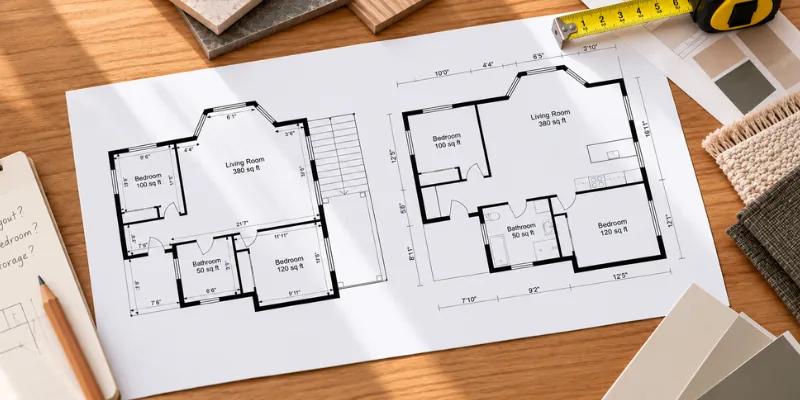
Use a to-scale floor plan to work through ideas before you start a renovation or speak with a contractor.
- Try different room and furniture layouts
- Check what fits using real dimensions
- Bring a clear plan to contractors or suppliers
Frequently Asked Questions
Yes. You can start with a free RoomSketcher account and create floor plan projects, draw rooms, add furniture, and try basic 3D viewing. You can upgrade when you need professional outputs or more advanced features.
Not at all! RoomSketcher is designed to be easy to use, even if you have no CAD or design experience.
Yes. Just upload a JPG, PNG, or PDF and use it as the starting point for your project.
You can trace over the plan yourself, use AI Convert to turn it into an editable floor plan, or order floor plans from our redraw service.
Yes. Your first AI Convert is free, so you can try turning an existing floor plan into an editable RoomSketcher project before using Credits for additional conversions.
You can use the RoomSketcher web portal in your browser to manage projects, upload floor plans, use AI Convert, generate floor plans, and download finished plans. To draw or edit the floor plan yourself, use the RoomSketcher app on a computer or tablet.
Yes. RoomSketcher lets you download and print finished floor plans in different formats and layouts, depending on your subscription and output options.
Yes. RoomSketcher can display room sizes, and Pro includes more advanced measurement tools and total area calculations.
Yes. You can use your RoomSketcher project to create 3D views of the same layout. Live 3D also lets you explore the space interactively and get a better feel for how the rooms connect.
Yes. With a Pro or Team subscription, you can add your logo, customize colors, and create branded floor plans that match your business.
You can also set up a custom letterhead with your company information and disclaimer, and adjust fonts and text styling for a consistent look.
Ready to Create Your Floor Plan?
Sign up for free and start drawing your layout in the RoomSketcher app. No credit card required.