Bring Your Floor Plans to Life with AI Render
Turn your RoomSketcher project into photorealistic visuals in seconds. Test different interior styles with just a few clicks and fine-tune the look with your own prompts.




No experience needed
Photorealism in One Click
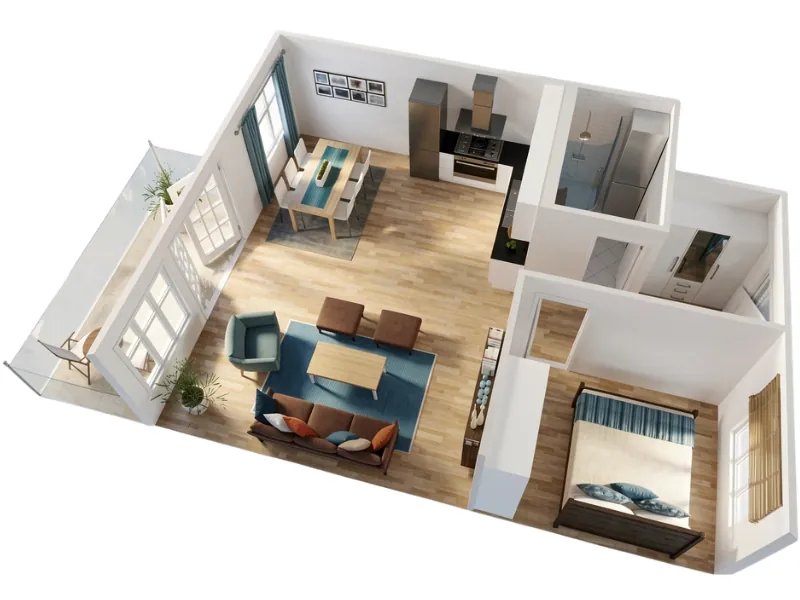
You don’t need design skills or expensive software to create a photorealistic visual. AI Render does the hard work, so you can create a high-quality image in seconds without switching programs.
Get instant inspiration
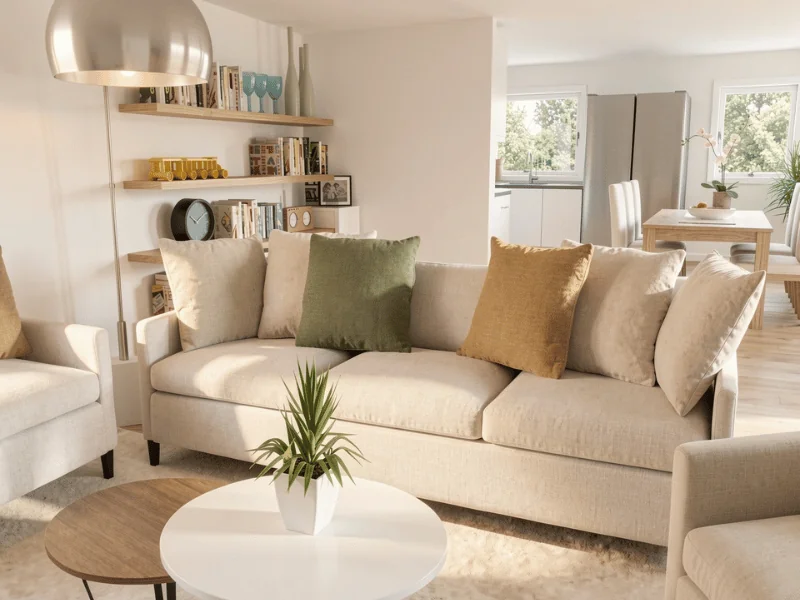
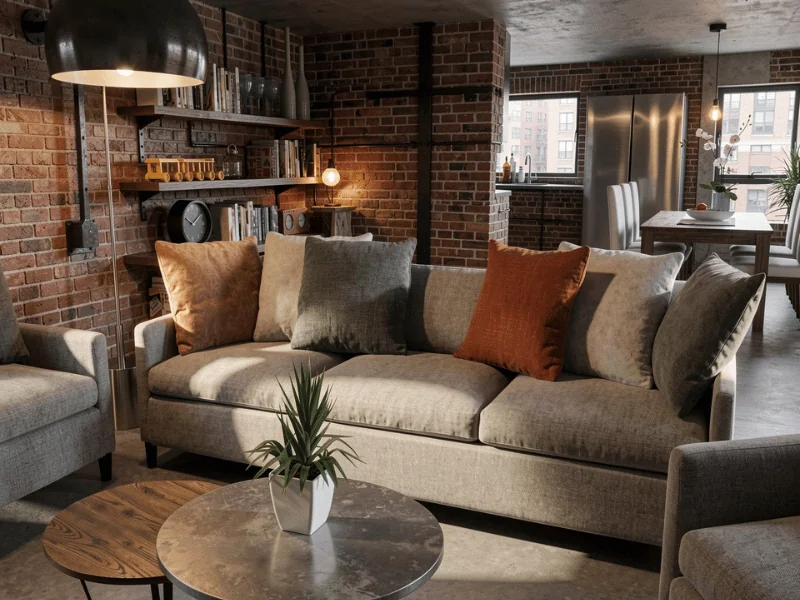
Try Different Interior Styles
Get a feel for different styles before you make changes to your floor plan. Choose from predefined styles, including Japandi, modern farmhouse, maximalist, and more, to find the look that works best for your project.
Make specific changes
Fine-Tune Details with Prompts
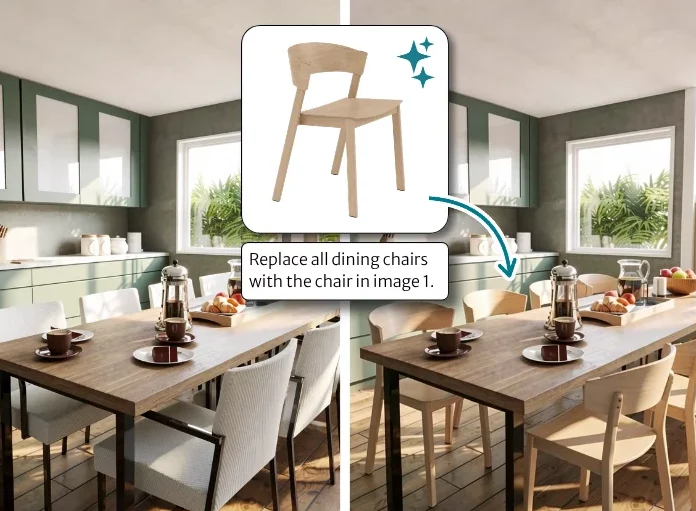
Use a text prompt to change parts of your AI Render. Adjust the lighting, add curtains, update finishes, or upload a reference image to add a particular product into your design.
Based on your floor plan
Stay in Control of Your Design
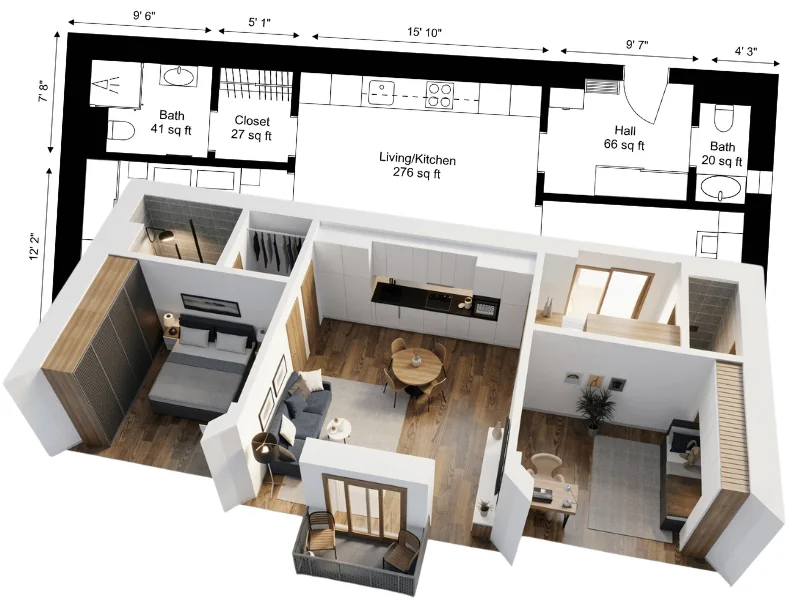
AI Render works directly with your RoomSketcher project, so you can explore different looks while your original floor plan stays intact. Go back, make manual changes, and create a new AI Render whenever you like.
"The 3D option is an extremely helpful feature that allows a customer to truly dream of seeing themselves in their own home. Thank you RoomSketcher for making the process easier."
"The 3D visualizations are worth the price - for a remodel that will likely cost $50,000 - $70,000, getting a tool like this to make some VERY IMPORTANT decisions early on was invaluable."
"You don’t need to spend countless hours on technical software to produce the results you’re looking for. RoomSketcher is easy to use and cost-effective."
"I absolutely love RoomSketcher - it’s saved me thousands of pounds of architects fees by designing myself and walking through - I’ve redeveloped two properties using it and the images to the final build are uncanny."
"RoomSketcher has changed the way I work. I can now do all the work I normally had to outsource on my own."
Based on your floor plan
Stay in Control of Your Design
AI Render works directly with your RoomSketcher project, so you can explore different looks while your original floor plan stays intact. Go back, make manual changes, and create a new AI Render whenever you like.
FAQ
Your Questions Answered
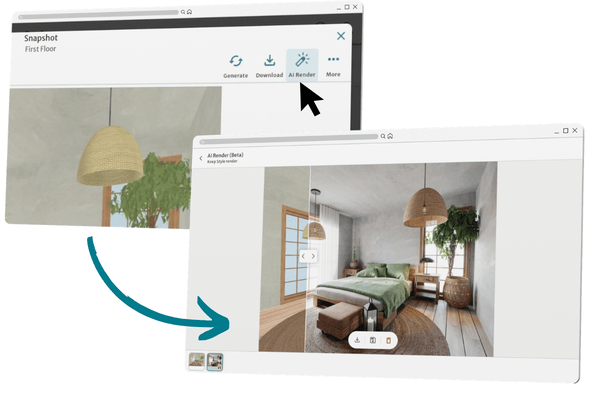
Open your project in the web portal. Select a Snapshot and click the 'AI Render' button in the top right. Pro and Team users can also use AI Render in web portal Live 3D.
For step-by-step instructions, see the full AI Render Help Center article.
Free, Pro, and Team subscribers can use AI Render. Free users can generate up to 10 photorealistic renders with the Credits included in their free account. Pro and Team subscribers unlock access to AI Render directly from Live 3D.
A free RoomSketcher account comes with 2 Credits. 1 Credit is used to save a project, while another Credit can be used to generate up to 10 AI renders.
Each AI Render costs 0.10 Credits. Credits are deducted for AI Render in bundles of 1 full Credit at a time.
AI Render enables you to reimagine the furnishings, finishes, and look of your spaces with preset styles. Select your preferred style after generating a photorealistic render of the space.
You can edit photorealistic and restyled AI Renders through text prompts and image references. Describe the changes you would like to make in your render and upload photos to direct AI Render toward your exact vision. You can also make changes to your original RoomSketcher project through the app.
Try AI Render for Free
Use the Credits included in your free account to create up to 10 AI Renders.
Usage-based pricing means you only pay for what you use.