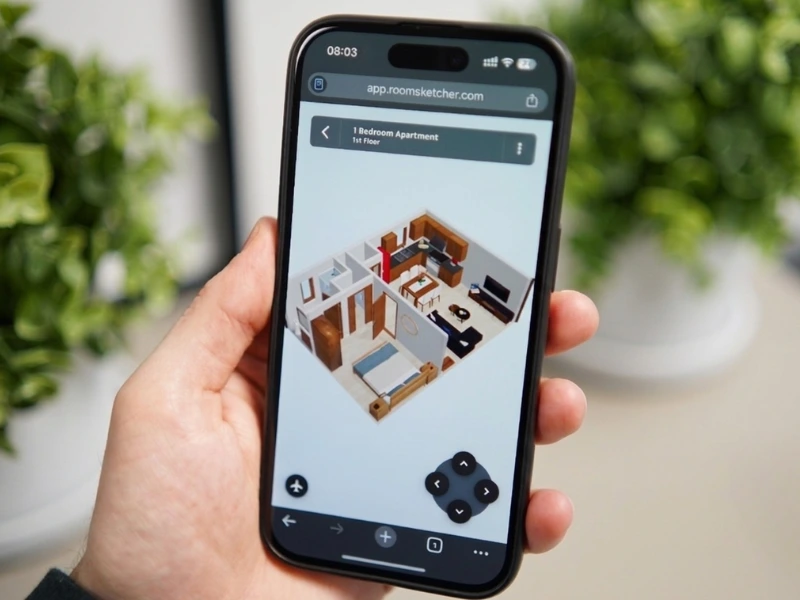
Step Inside Your Floor Plan with Live 3D
View your floor plan from every angle, walk through it like you’re there, and explore it in real time.
What is Live 3D?
Live 3D is a powerful, interactive walkthrough that brings your floor plan to life. View your layout as a realistic 3D environment while you work. Move from room to room, see updates as you edit, and experience your floor plan with true-to-scale furniture, materials, and lighting.
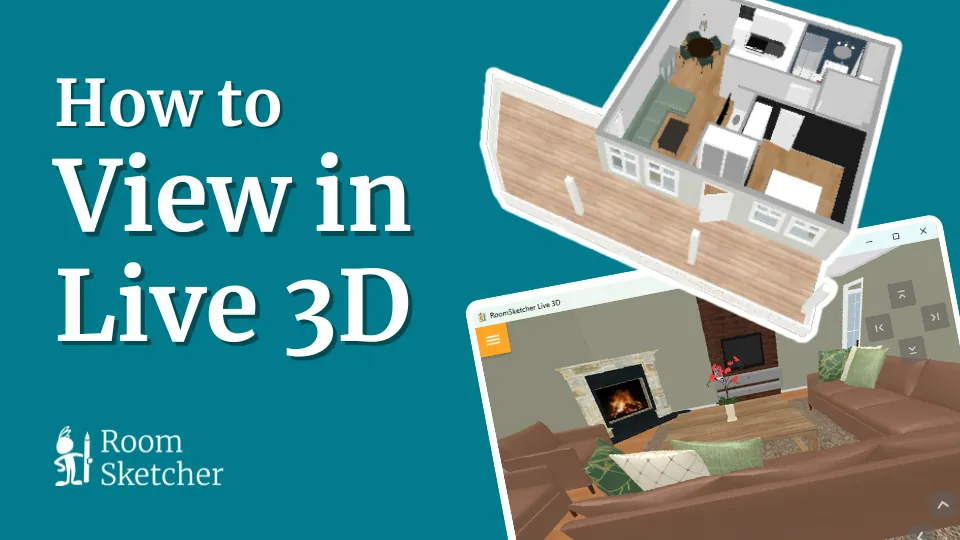
Watch the video or explore the feature below:
How to Start Live 3D
Live 3D fits into your workflow, whether you’re designing or presenting your project.
In the RoomSketcher app:
Use Live 3D in the RoomSketcher app to design and edit your floor plan in real time. Place furniture, test materials, and see changes instantly as you work.
In your browser:
Open Live 3D in your web account to view and share your project. It works on any device and is ideal for presentations and collaboration.
View in Two Ways
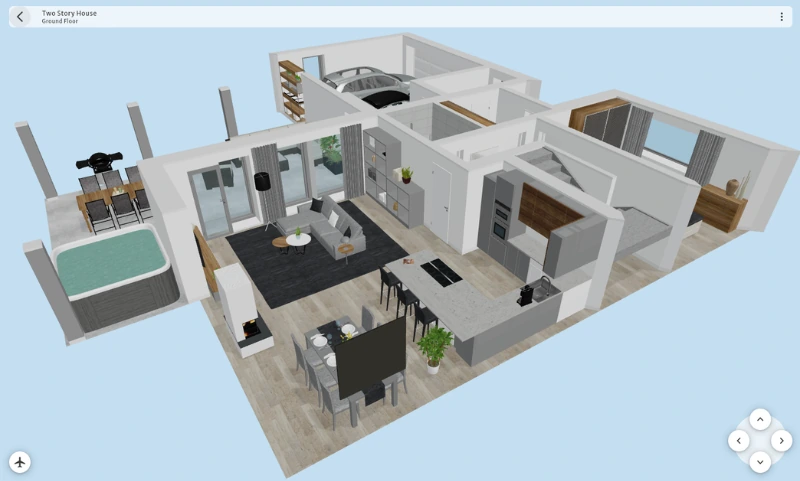
Live 3D gives you the flexibility to view your project from multiple perspectives as you work. Switch between modes at any time to better understand your layout, catch issues early, and present your ideas clearly.
- Flyover Mode: view your floor plan from above to quickly check layout and furniture placement
- Camera Mode: walk through your project in first person using your mouse and keyboard

Seamless Camera Integration
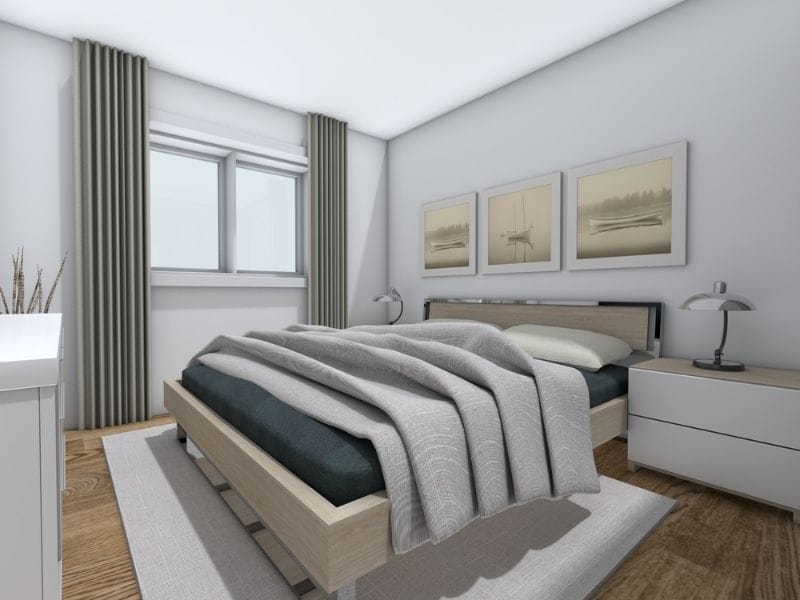
Live 3D is fully synchronized with the RoomSketcher camera. As you move through your project, you can:
- Create interactive 360 Views
- Take Snapshots on the go
- Capture high-quality 3D Photos
Share Live 3D with Clients and Collaborators
Send a Live 3D link to let others walk through the project on their own. Great for client presentations, design reviews, and remote collaboration.
- View projects on any device
- No downloads or installs required
- Links remain active for 1 year