Order Floor Plans
Skip drawing floor plans yourself when you’re short on time or have many plans to produce. Use RoomSketcher's Redraw Service to upload a sketch, blueprint, or existing floor plan for our expert illustrators to redraw.
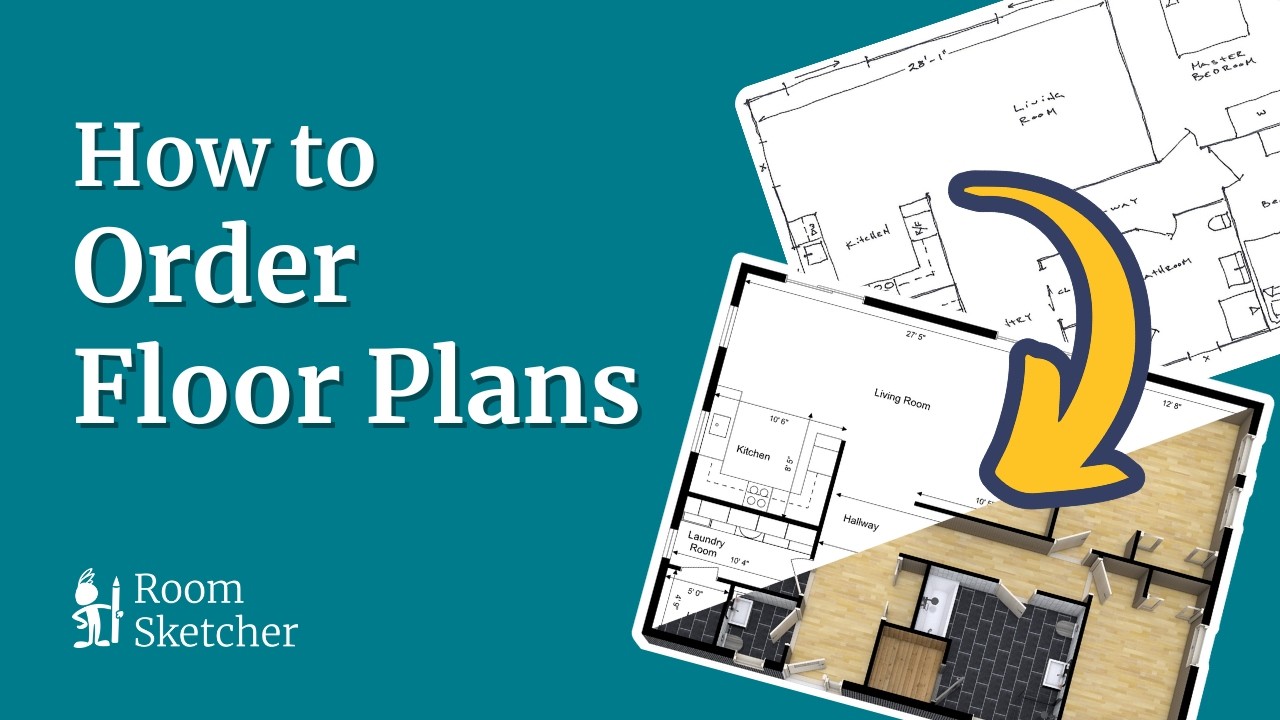





Save Time on Floor Plan Drawing
Let us take care of the floor plan drawing, so you have more time for your listings, clients, and other work.
Keep full control after delivery. Your finished floor plan stays editable in RoomSketcher, so you can open it in the app, make changes, and re-generate your Floor Plans whenever you need to.
Why Order Floor Plans from RoomSketcher

Ready Next Business Day
Get professional 2D and 3D Floor Plans back the next business day.

Affordable Pricing
Pay $38 for each floor, or use Credits to get a discounted price.

Editable After Delivery
Edit your project anytime in the RoomSketcher app after delivery.
How to Order Floor Plans
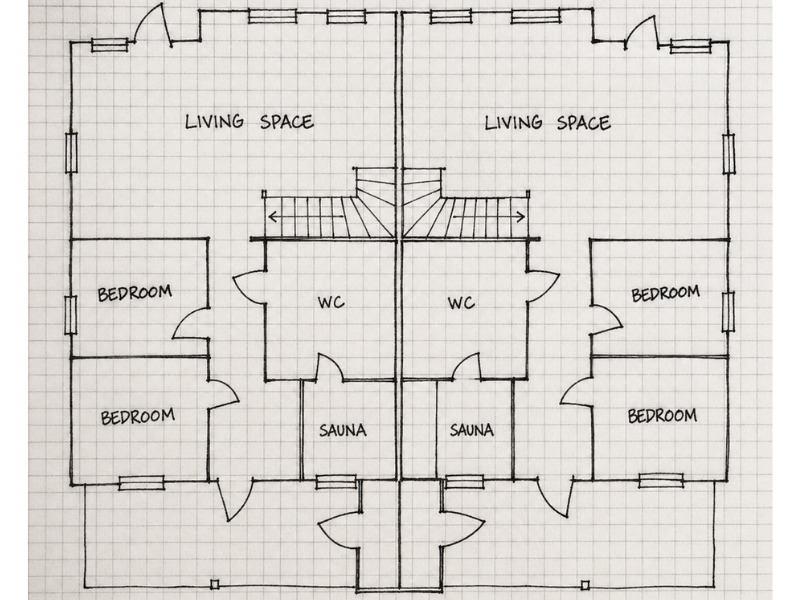
1. Upload What You Have
Send us a hand-drawn sketch, blueprint, or existing floor plan in JPG, PNG, or PDF format.
2. Let Us Redraw It
Let our expert illustrators create professional 2D and 3D Floor Plans from your uploaded plan.
3. Get It Next Business Day
Check your email the next business day, then download and use your finished floor plans.
See What Our Customers Say
“I was impressed by the speed with which the drawing service processed orders. I always receive detailed and prompt help from customer service if I have any questions. I am very satisfied!"
"You don’t need to spend countless hours on technical software to produce the results you’re looking for. RoomSketcher is easy to use and cost-effective."
"I love the order a floorplan feature. I use RoomSketcher on a daily basis and this feature saves me time from doing it myself."
What You Get with Every Order

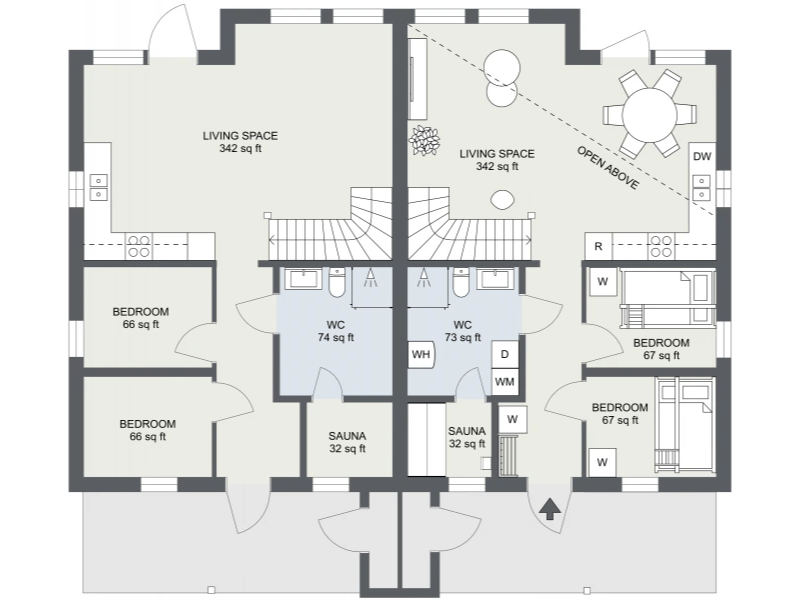
2D Floor Plan
Get a professional top-down floor plan that clearly shows the property layout, room names, furniture, and measurements.
Choose whether you want your floor plan fully furnished, furnished as indicated, or unfurnished, and whether to show outside measurements.
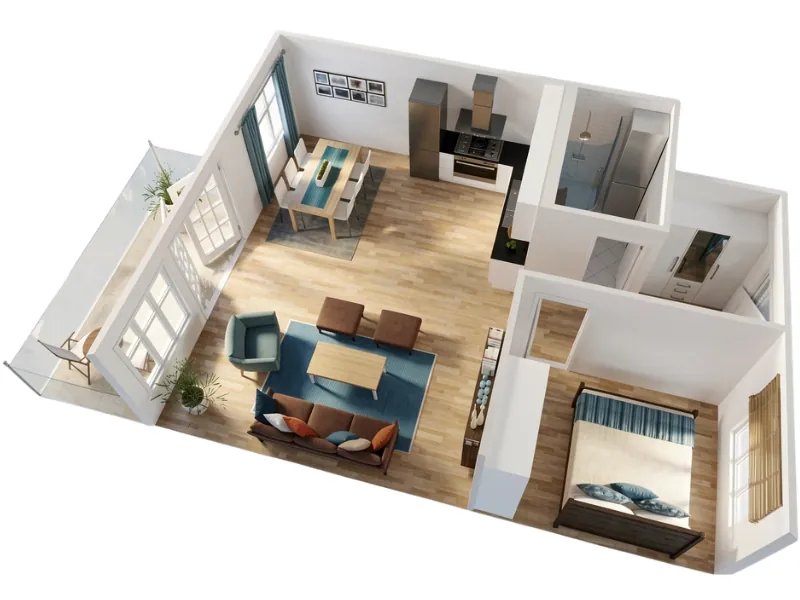
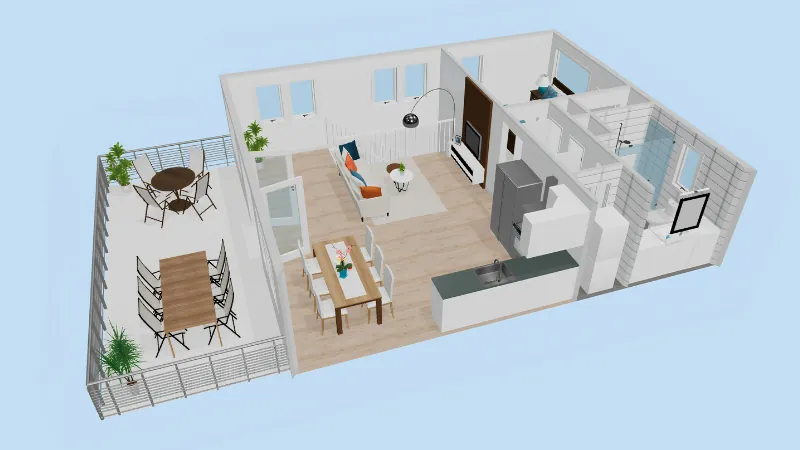
3D Floor Plan
Get a furnished 3D view of the property that makes the layout and relationship between rooms easier to understand.
Use it alongside your 2D Floor Plan for property listings, presentations, and other client-facing materials.
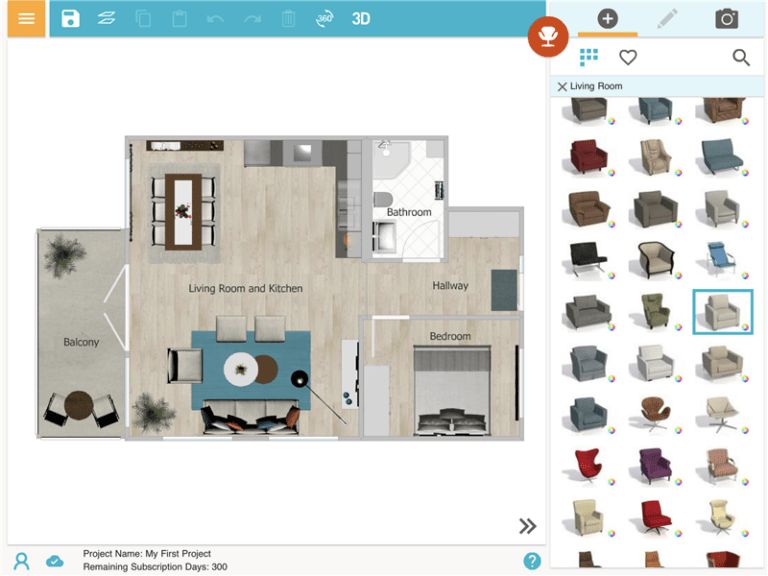
Editable RoomSketcher Project
Get your floor plan as an editable RoomSketcher project, then update the layout, furniture, room names, and other details yourself.
Re-generate updated 2D and 3D Floor Plans at no additional cost for 30 days after delivery.
Live 3D
Explore the property with one year of Live 3D access included with every floor plan order.
Share the interactive 3D walkthrough with clients, homeowners, buyers, or project teams.
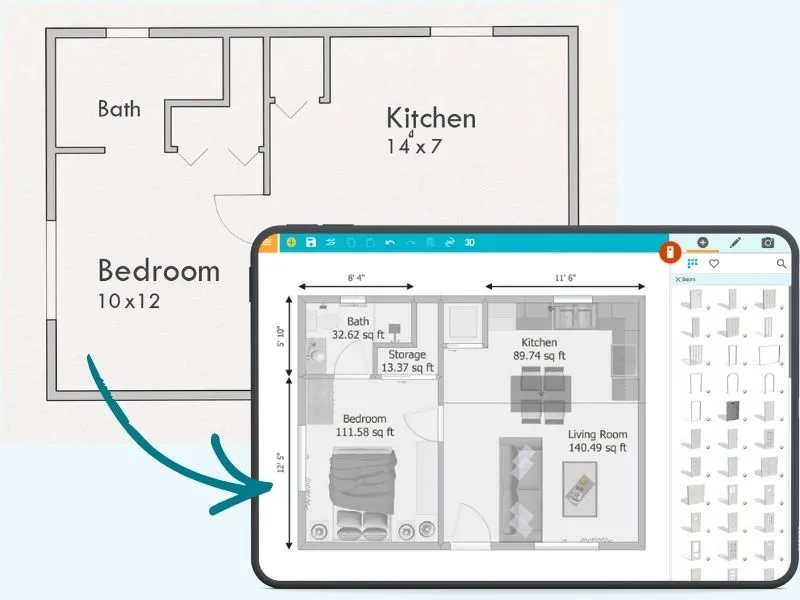
Get an Editable Floor Plan in Seconds
Do you already have a professional floor plan? Use AI Convert to turn it into an editable RoomSketcher project in seconds.
Upload your floor plan, and AI maps out the walls, doors, and windows so you can start editing right away.
Frequently Asked Questions:
In addition to high-quality 2D and 3D Floor Plans, you will receive a floor plan that you can edit with the RoomSketcher App. Find out more about the furniture and materials used in our terms of delivery.
Just take a photo or scan your sketch, then upload it as a PDF or image when placing your order. You can do it from your computer, tablet, or phone.
Yes! We accept hand-drawn sketches, scanned floor plans, or architectural blueprints.
Yes, you can! If you want to improve the look of an old plan or convert it to a 3D version, our redraw service is a great option.
Yes! You can open it in the RoomSketcher app and make as many edits as you like for 30 days at no extra charge.
No subscription is required! You can order a single redraw as a Pay As You Go customer. Subscriptions (Pro and Team) just give you better rates.
Your projects stay in your RoomSketcher account as long as your account is active.