Get started, risk free
Create a free account and see how easy it is to create, edit, and visualize floor plans. No credit card required.
Explore the tools at your own pace, and upgrade whenever you need more projects or advanced features.
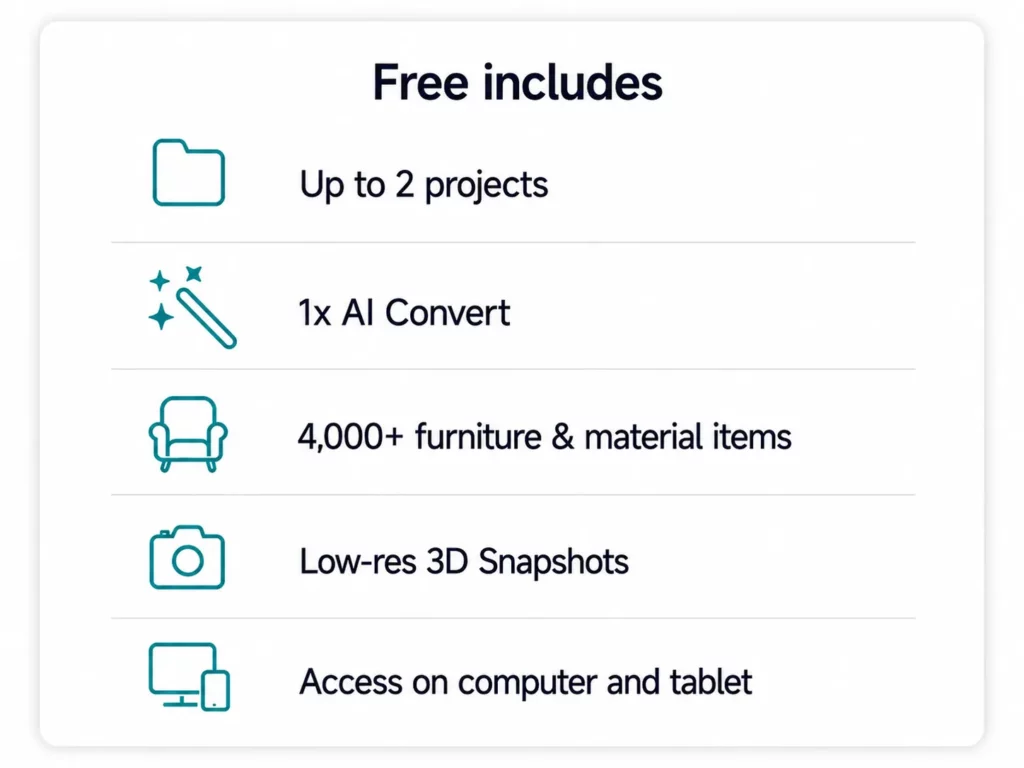




Everything You Need for Your Project
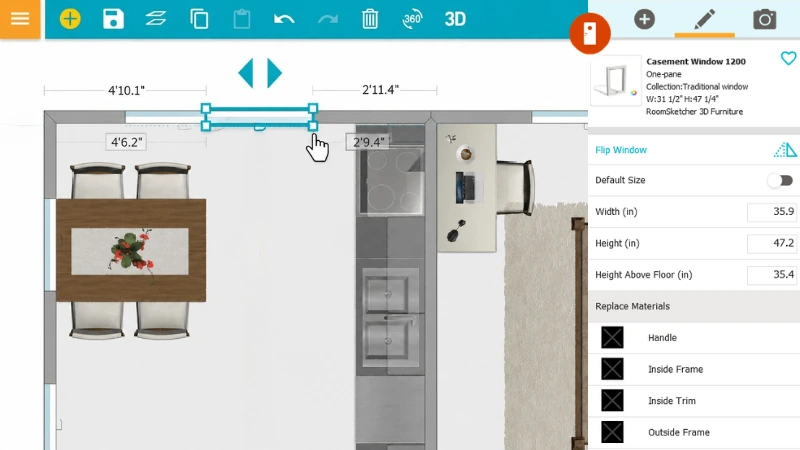
1. Create the Floor Plan
Draw a floor plan from scratch or use AI to convert an existing one. Get an editable layout you can work with right away.
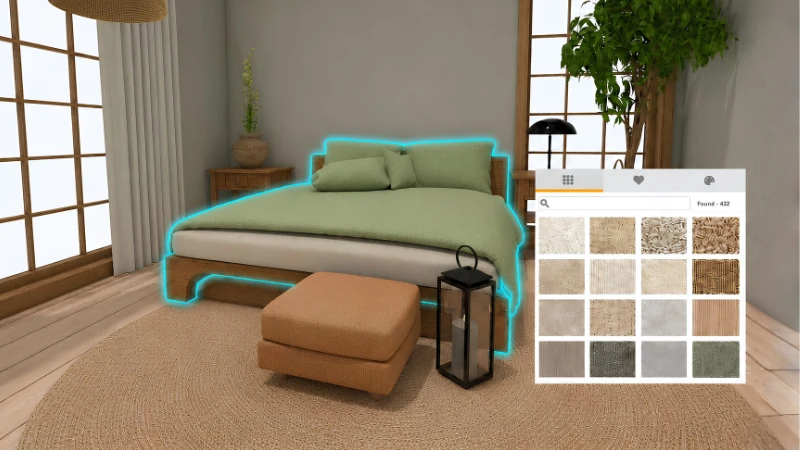
2. Edit and Customize
Adjust walls, doors, and windows, add furniture, and choose colors and materials. Make changes as often as you need.
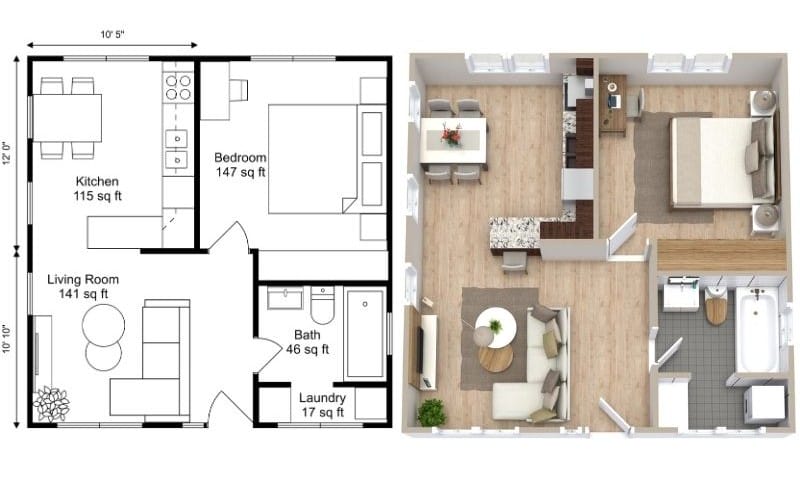
3. Generate Visuals
Generate and export the visuals you need, from professional 2D and 3D Floor Plans to photorealistic AI Renders.
"This software is perfect for me. Being able to independently generate 360-degree views, 3D photos, and 3D floor plans at an affordable price is a massive advantage for a small developer."
"Tools in the program are flexible and easy to understand. Unlike AI tools here you can customise any element to desired scale , size , colour that actually matching reality."
"We use RoomSketcher for putting floor plans into real estate listings. The app is great and easy to use. The service for pulling in blueprints is fantastic and has saved us so much time. Reasonable cost, great turnaround time, and easy to deal with. This one is a winner!"
"I've been using RoomSketcher to create floor plans and interior layouts, and it has made the design process much faster. The interface is easy to understand, so I was able to start creating projects without a steep learning curve"
"This is honestly one of my favorite apps. I love using it every time we move or when we’re flipping a home. It’s incredibly easy to use, but still detailed enough that I can add furniture, map out layouts, and really think through projects before making decisions."
Ready to Get Started?
Create your free account and start working on your first project today.