Interior Design Software You Can Master in Minutes
Turn your ideas into clear 2D Floor Plans and realistic 3D visuals your clients can understand right away.
It’s easy to get started and flexible enough to support your full design process.
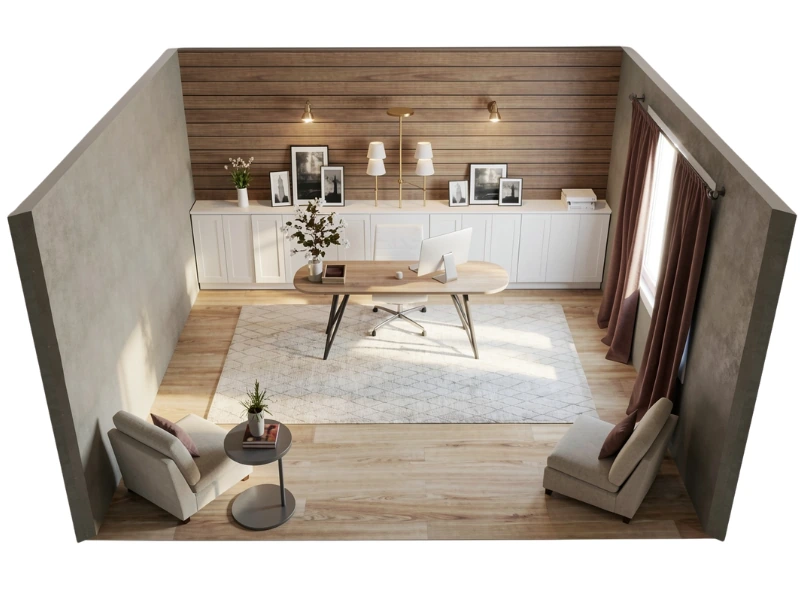




Designer-led, AI-assisted
RoomSketcher's suite of smart features means you get started faster and your visuals are rendered more realistically.
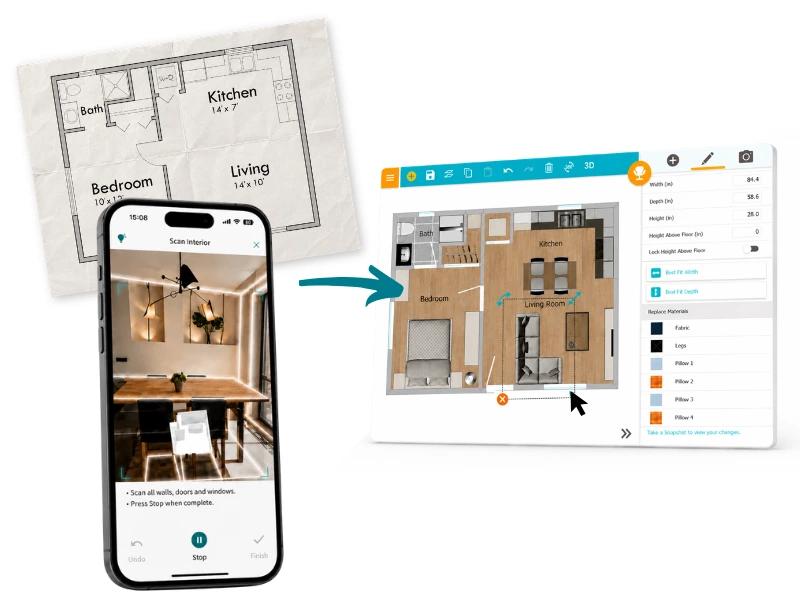
AI Convert & FloorCapture
Design Faster with AI
Start designing interiors in seconds by converting existing plans to editable projects in seconds using AI Convert.
No existing plans? Capture spaces quickly by scanning them with your LiDAR-enabled iPhone or iPad using FloorCapture.
Prefer to draw from scratch? Drawing requires no CAD experience and includes live and accurate measurements.
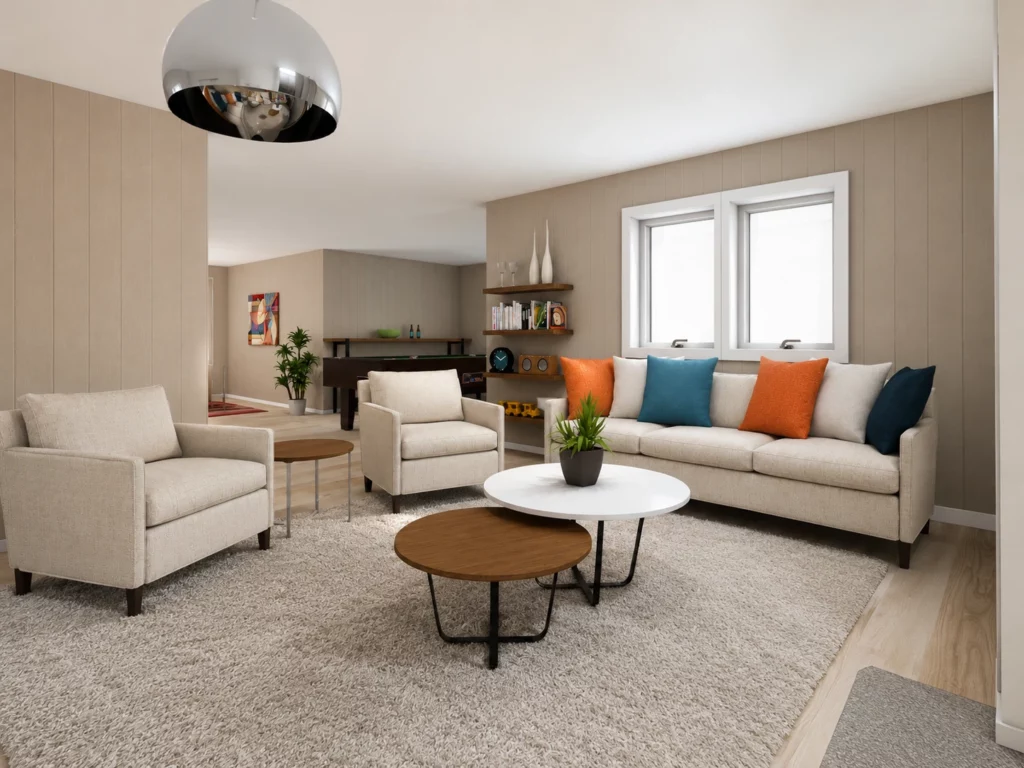
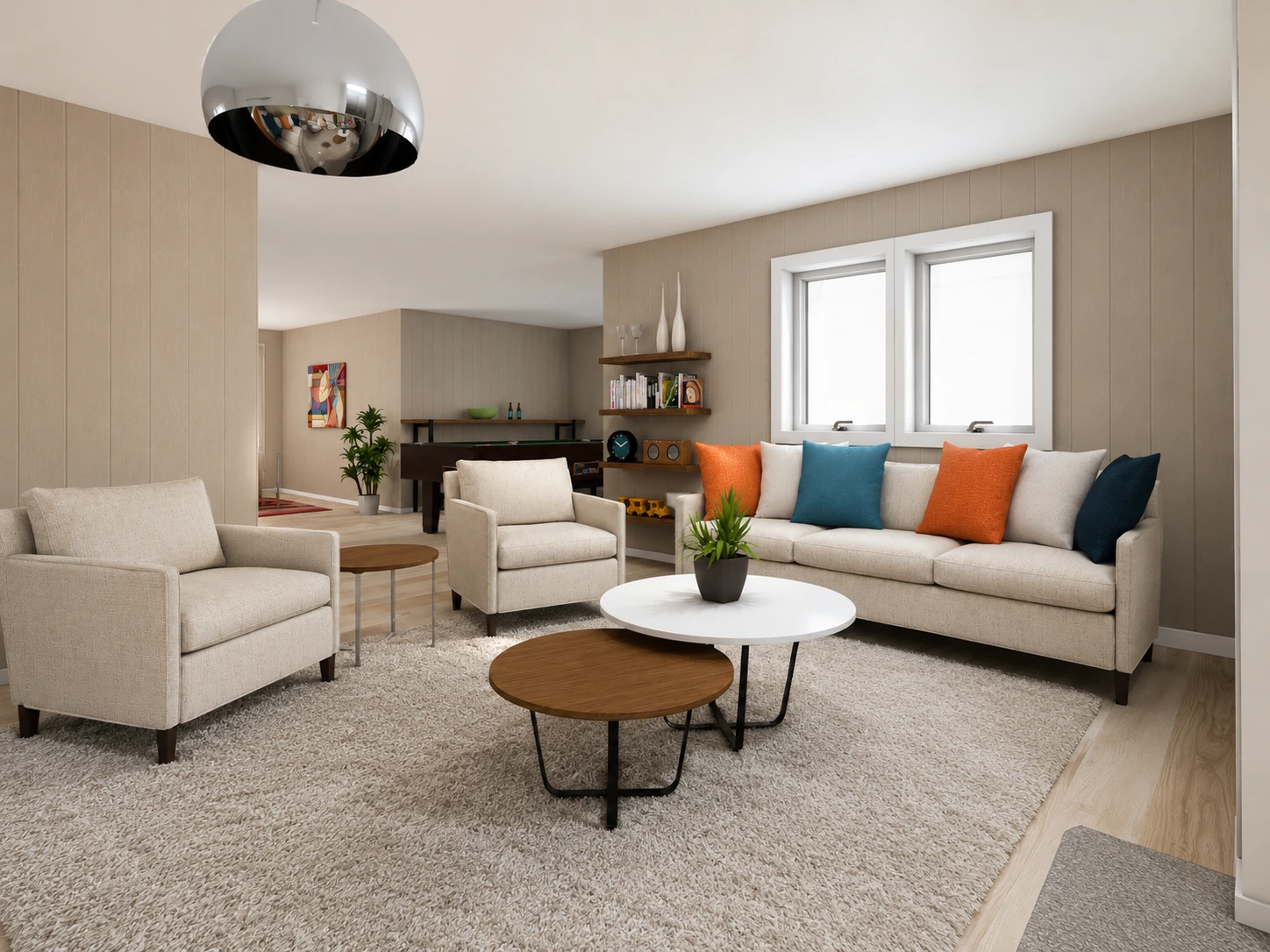
AI Render
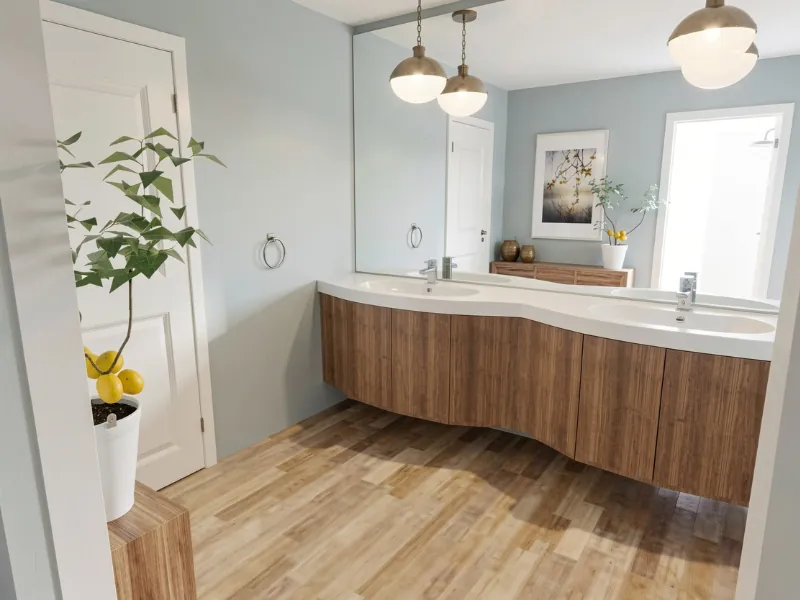
Create Photorealistic Visuals Instantly
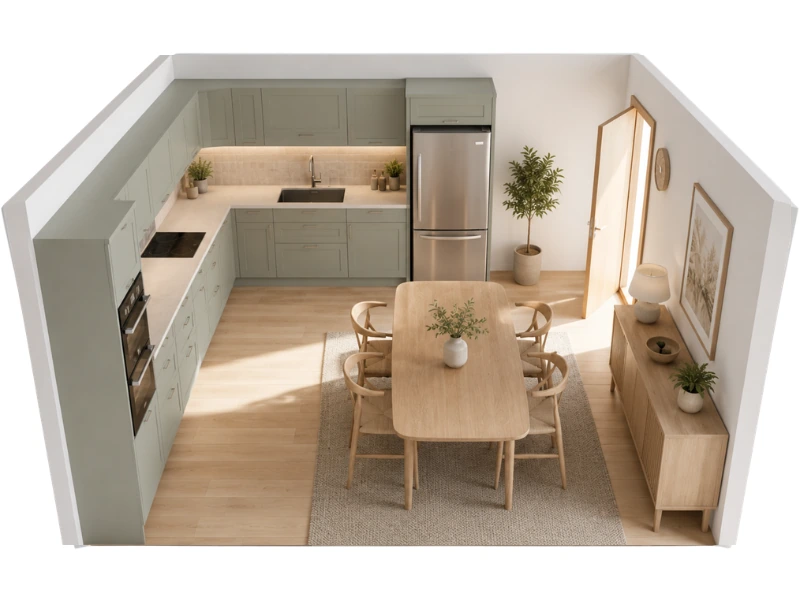
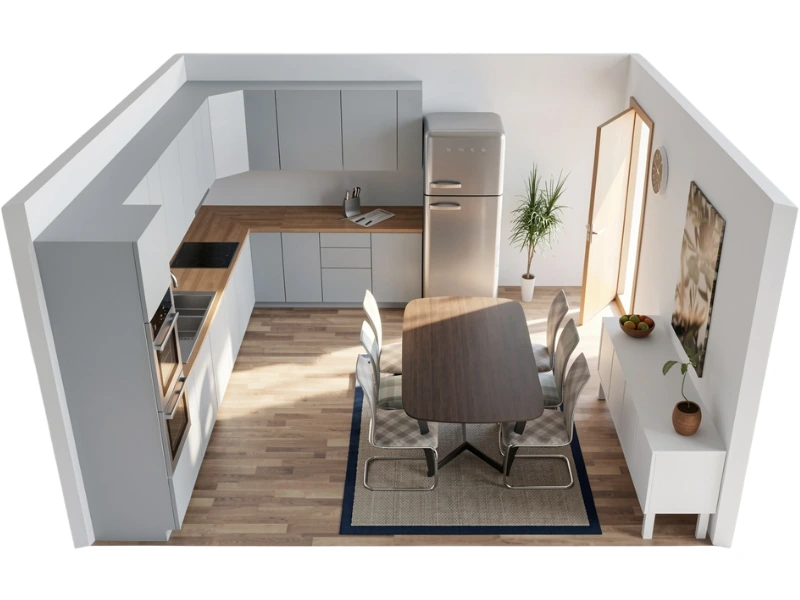
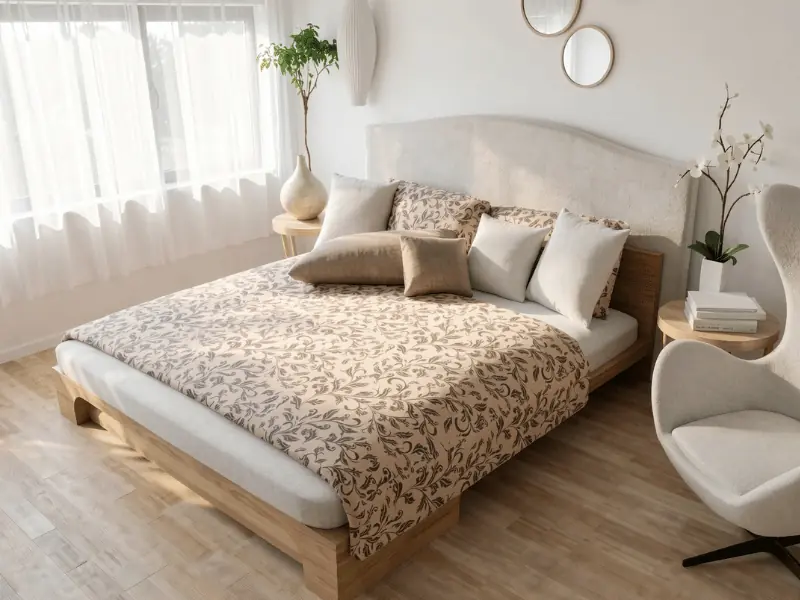
Communicate ideas and intent better with instant, photorealistic renders of your designs. AI Render brings your interiors to life in stunning detail, while maintaining accuracy and fidelity.
Explore finishes, lighting, and atmosphere faster, so clients can see the design direction clearly before decisions are finalized.
"I have been looking for a straight forward floor plan/design package to use for my interior design business for a while now. Having tried a few packages I came across RoomSketcher and found that it was uncomplicated to use, it met all my needs, it was reasonably priced, and the online training videos and customer/client support, in my view have been impeccable."
"This program is fantastic for helping my clients visualize spaces in their homes. It saves me valuable time and my clients money."
"RoomSketcher struck me as an accessible, flexible tool that’s easy to use, and still gives me that ‘wow’ factor when I’m presenting ideas to clients."
"I’ve had people message me asking ‘can you do your magic wand on this for me?’ So RoomSketcher has obviously generated some clients based on what I’ve been able to show people."
"RoomSketcher is easy to use and you can add a lot of great furniture to your floor plans! It's just perfect!"
"RoomSketcher has elevated my design presentations to a new professional level. It is easy to use, affordable, and provides excellent technical and customer service support. My clients are especially impressed with the live 3D presentations."
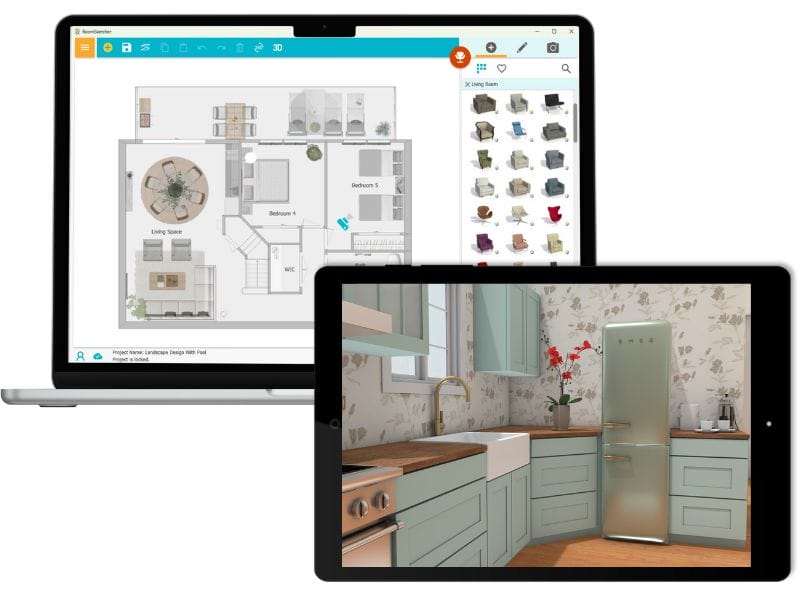
How It Works:
1. Create Your Floor Plan
Start with a real room, sketch, blueprint, or blank canvas. RoomSketcher helps you turn it into an editable floor plan.
2. Edit and Customize
Edit the layout, add furniture, try different options, and see updates instantly in 2D and 3D.
3. Generate Polished Visuals
Present your ideas with Live 3D walkthroughs, photorealistic renders, and 360 Views.
Thousands of interior designers trust RoomSketcher
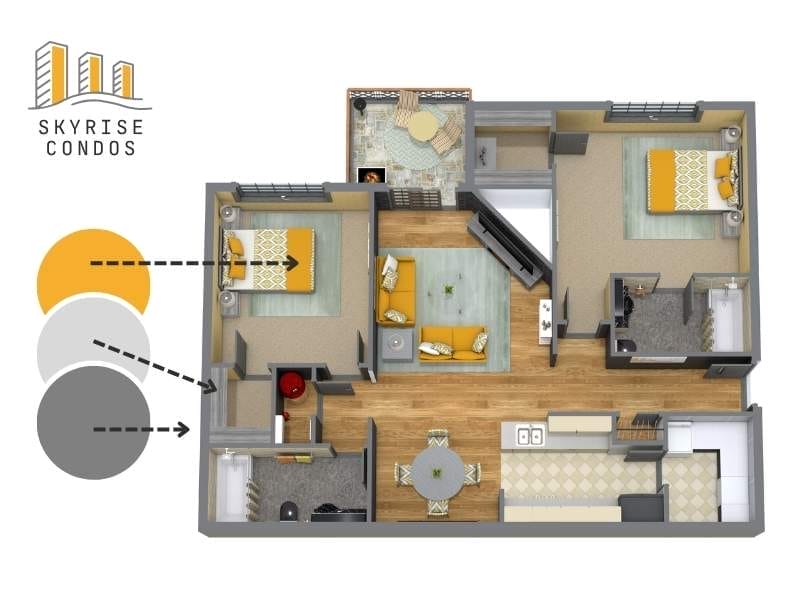
Present Floor Plans Clients Can Actually Read
RoomSketcher helps you present layouts in a way clients immediately understand.
Clear labels, measurements, and furniture placement make the design easier to follow and easier to approve.
- Easy-to-read room labels and dimensions
- Furniture layouts that show how the space works
- A clear starting point for every project
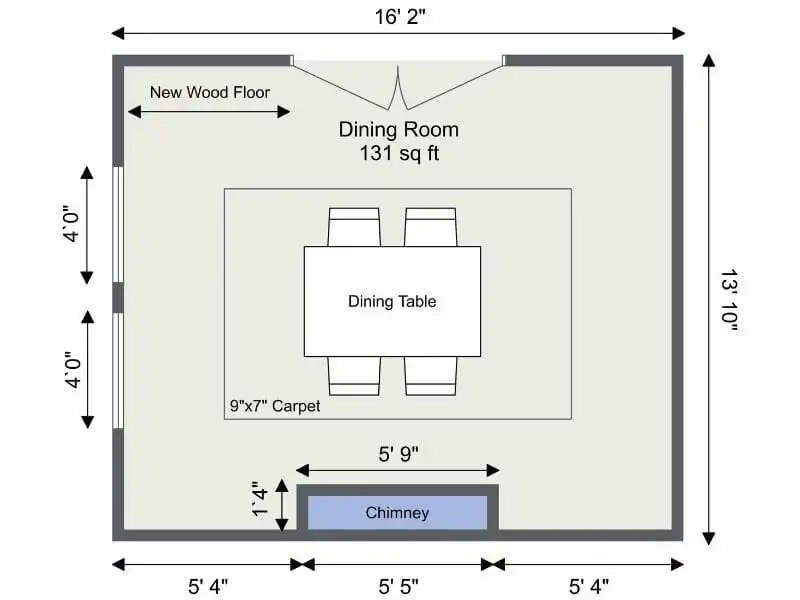
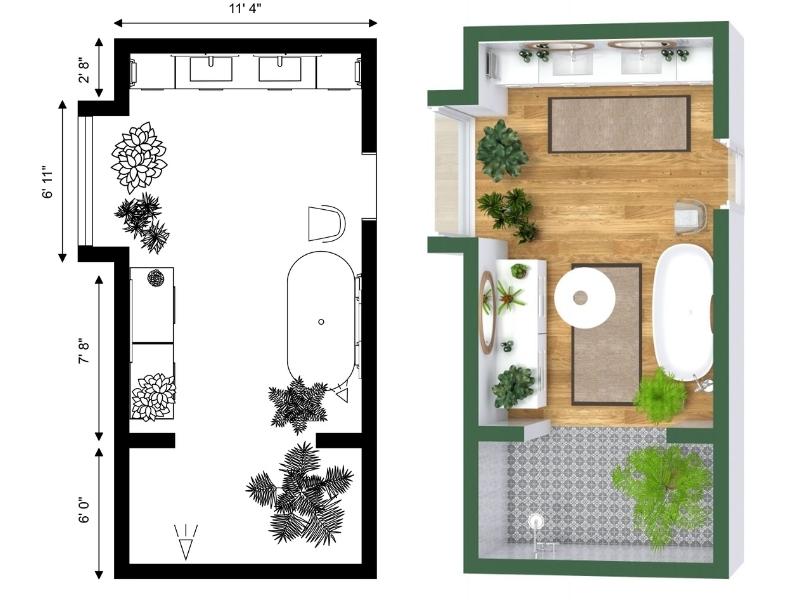
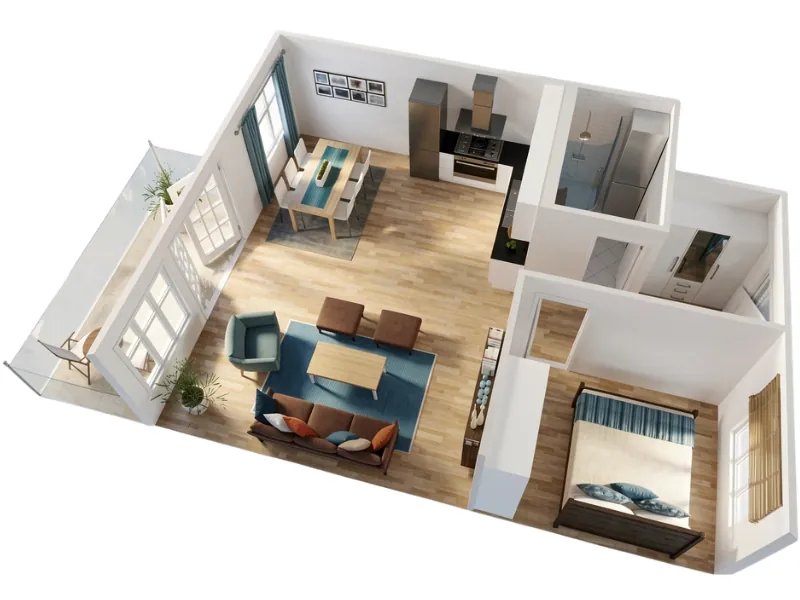
Show the Same Plan in 2D and 3D
Even when clients understand the layout, it can still be hard for them to picture the space.
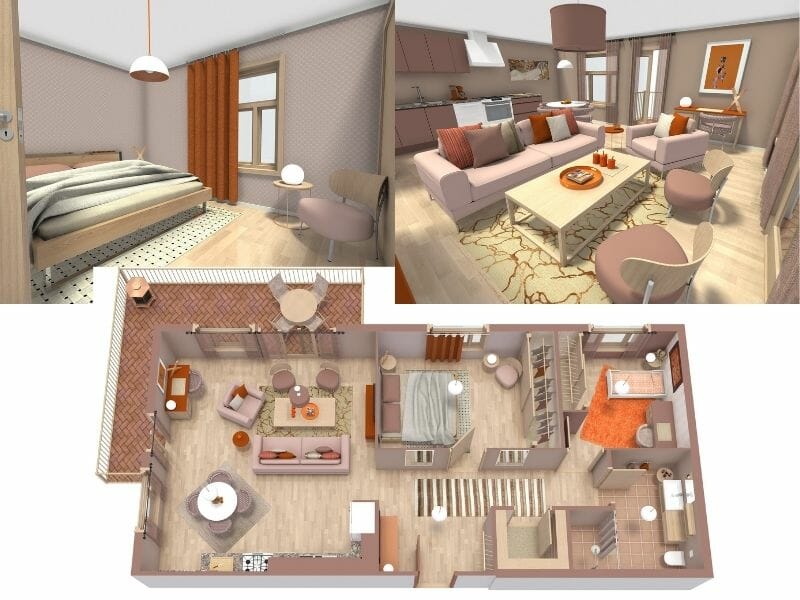
With 3D Floor Plans, you can show the exact same plan in a clear, visual format. Help clients see scale, flow, and proportions before budgets are locked in.
Reduce revisions that come from “Oh, I didn’t realize it would look like that.”
Test Options Without Starting Over
Instead of chasing the “perfect” design, present a few clear options and let clients compare.
Duplicate a project, adjust the layout, change furniture, test materials, and compare versions side by side. All within the same workflow.

We’re Here to Help
New to design software? No problem! RoomSketcher is designed for everyone, from complete beginners to professionals.
And we’ve got your back the whole way with:
- A friendly customer support team ready to help
- Weekly live webinars, including one just for interior designers
- A large help center and a complete YouTube tutorial library
Favorite Features for Interior Designers



Frequently Asked Questions
Yes, we do. We have lots of videos, tutorials, and help articles available to get you going. And if you want to get help from a human, just reach out to our friendly customer service team and they will help get you going.
Yes. RoomSketcher lets you download and print your 2D and 3D Floor Plans in different formats and layouts.
Yes. You can create a free RoomSketcher account, draw floor plans, furnish rooms, view your design in low-resolution 3D, and try AI Render. No credit card is required, and the Free subscription does not expire.
Open your project in the web portal. Select a Snapshot and click the 'AI Render' button in the top right. Pro and Team users can also use AI Render in web portal Live 3D.
For step-by-step instructions, see the full AI Render Help Center article.
Yes. Pro and Team subscribers can customize floor plans with branding options such as colors, labels, logos, and other presentation settings for a more professional look.
Yes. RoomSketcher lets you add measurements to floor plans and display room sizes. Advanced measurement tools and total area calculations are available for professional workflows.
Yes. RoomSketcher’s AI Convert can turn a computer-generated blueprint into an editable floor plan. The AI detects walls, doors, and windows, and you can then refine the result in the RoomSketcher App.
Related Blog Posts:
Interior Design Presentations: The Secret to Winning More Clients
Create professional 3D interior design images and interactive project presentations online- quickly, easily and affordably using the RoomSketcher App!

Interior Design Sketches vs. Computer Software
In today's digital landscape, interior design evolves: traditional sketches meet cutting-edge software, transforming how designers create, communicate, and bring visions to life.

How to Visualize a Room Using an Interior Design Visualizer
Bring your interior design ideas to life with RoomSketcher. Create room designs, floor plans, and visualize your ideas in stunning 3D.