Floor Plan Creator
Whether you need to create a floor plan from scratch or update an existing one, RoomSketcher makes the process easy.
Combine AI-powered tools with intuitive drawing features to create floor plans and visuals faster, without the complexity of CAD software.




Already Have a Floor Plan?
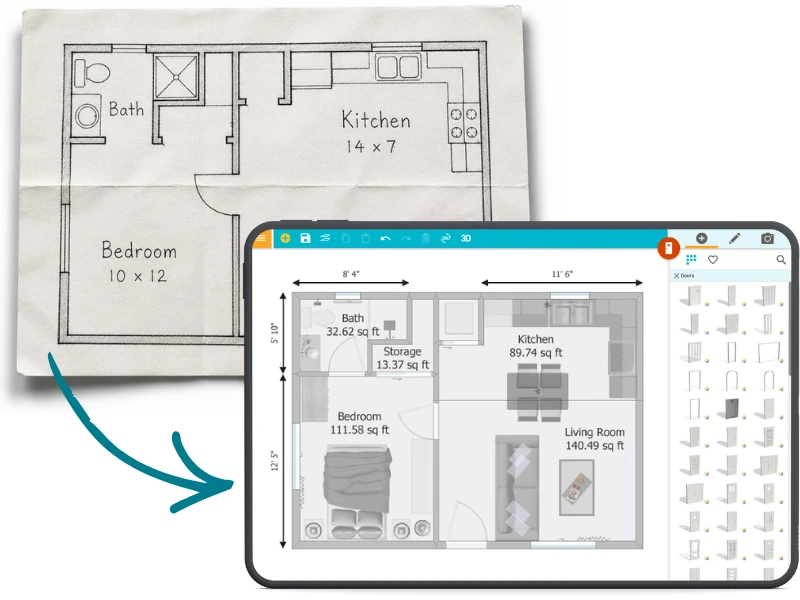
Use AI to Digitize it in Seconds
It could be a PDF, an image, or an older floor plan that needs updating.
Upload your existing floor plan and let AI map out walls, doors, and windows for you automatically. You get a fully editable digital floor plan in seconds, without drawing a single line.
AI Convert is trained on thousands of real floor plans, so your results are accurate and ready to work with right away.
You can also trace over an existing floor plan directly in the app for full control, or let our team of experts draw it for you.
Don’t Have a Floor Plan Yet?
Capture the Space Around You
If you’re starting from scratch, you don’t have to create
everything manually.
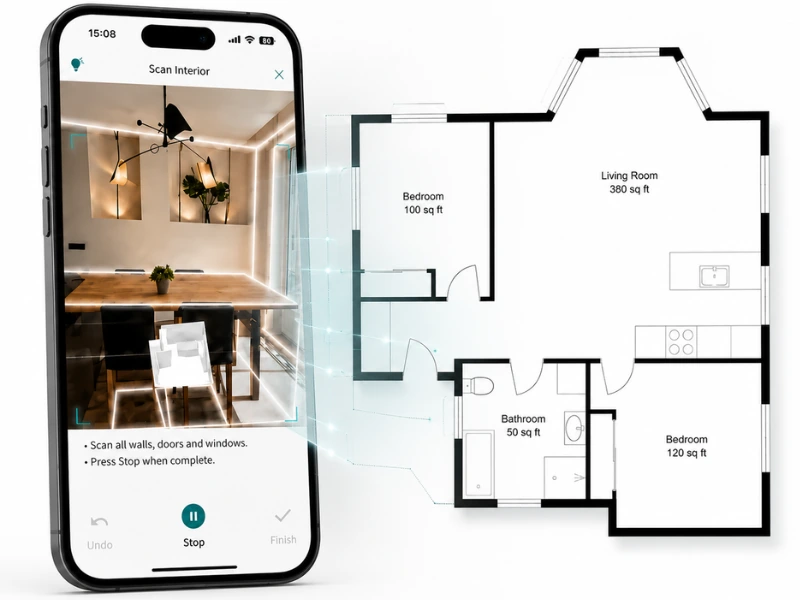
Use FloorCapture on your iPhone or iPad with LiDAR to capture a space as you walk through it.
AI automatically turns your capture into a digital floor plan with accurate dimensions in just a few minutes. It’s a fast, hands-off way to get started.
Or Draw It Yourself
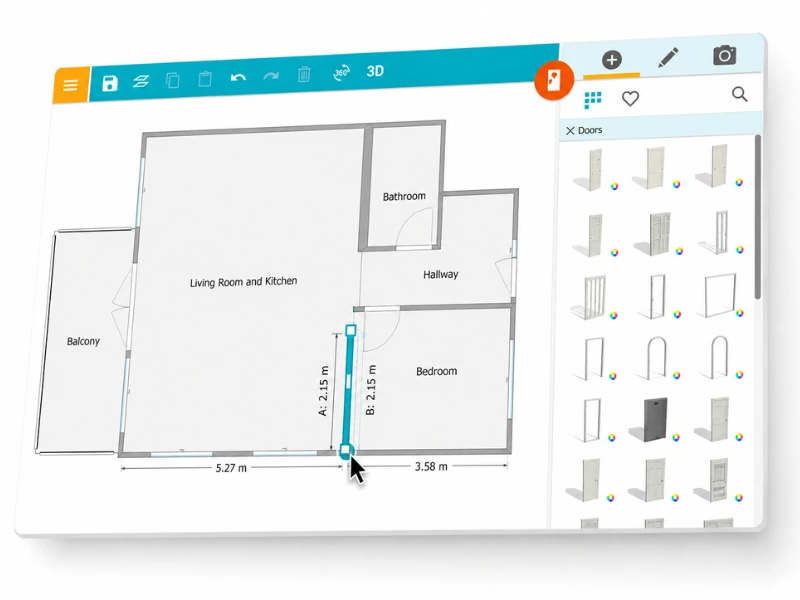
If you want to create your floor plan yourself, you don’t need any special training to get started.
Draw your layout using intuitive tools that guide you as you go. Click to place walls, move your cursor to shape the layout, and build your floor plan step by step. Measurements are shown as you draw, helping you keep everything accurate.
Flexible Pricing That Fits Your Needs
Start with a free account and explore RoomSketcher at your own pace. When you’re ready to generate finished floor plans or high-quality visuals, you can pay as you go or upgrade to a subscription.
See What You Can Create
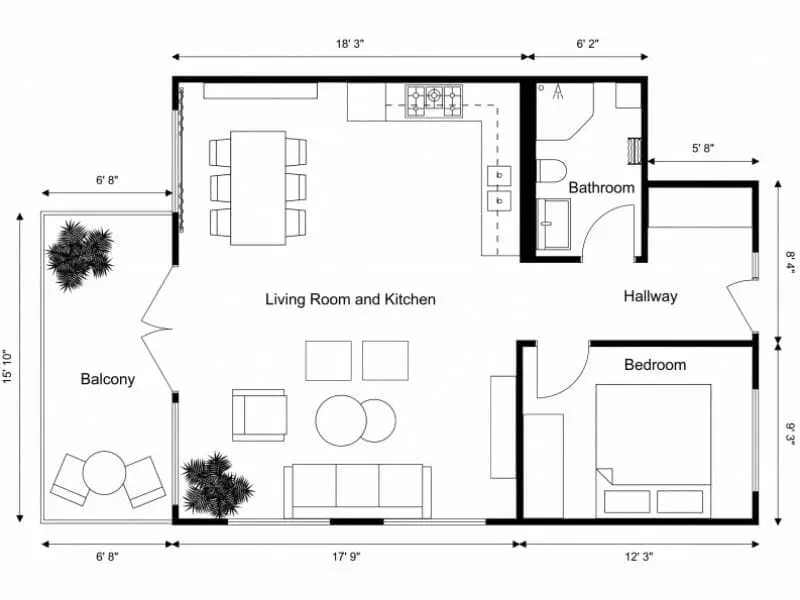
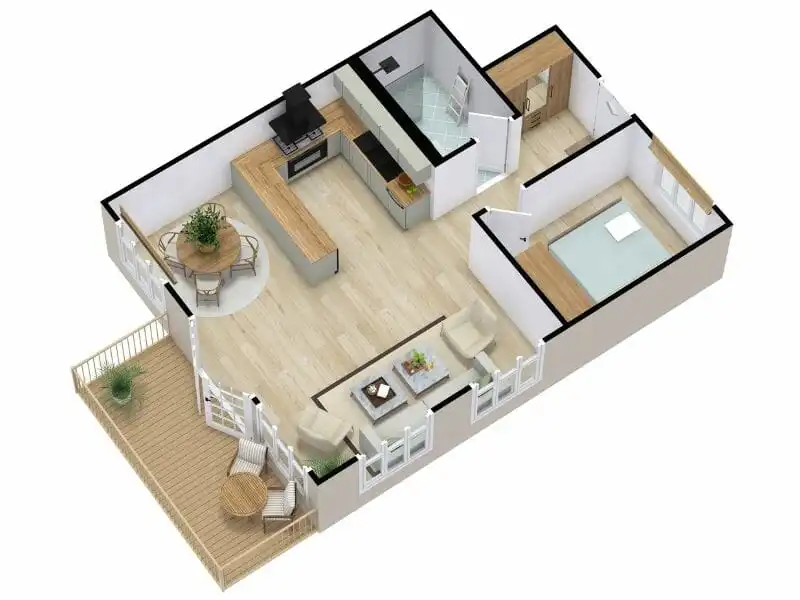
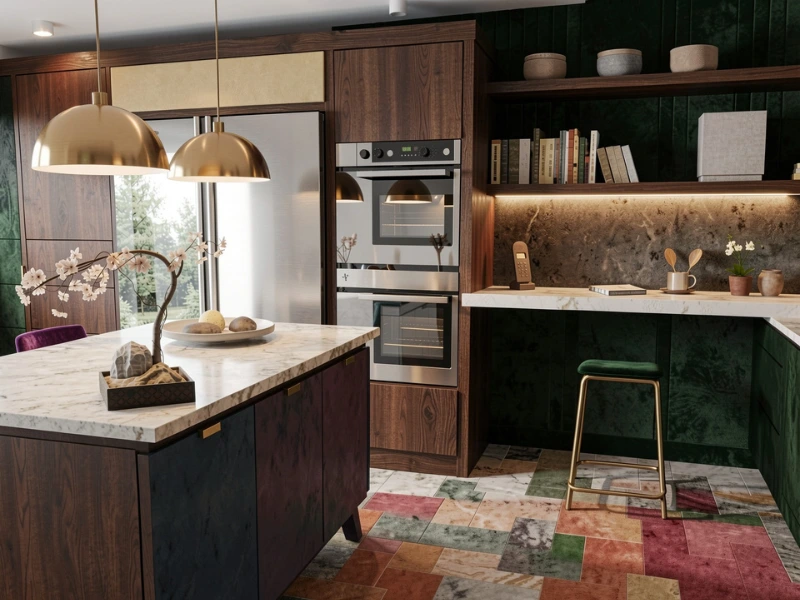
Work Faster with Less Effort
When software is easy to use, everything else becomes easier too.
RoomSketcher helps you create, update, and share floor plans and visuals quickly, without the steep learning curve of CAD tools.
That means less time spent training or troubleshooting, and more time focusing on getting things done.
Accurate Plans You Can Rely On
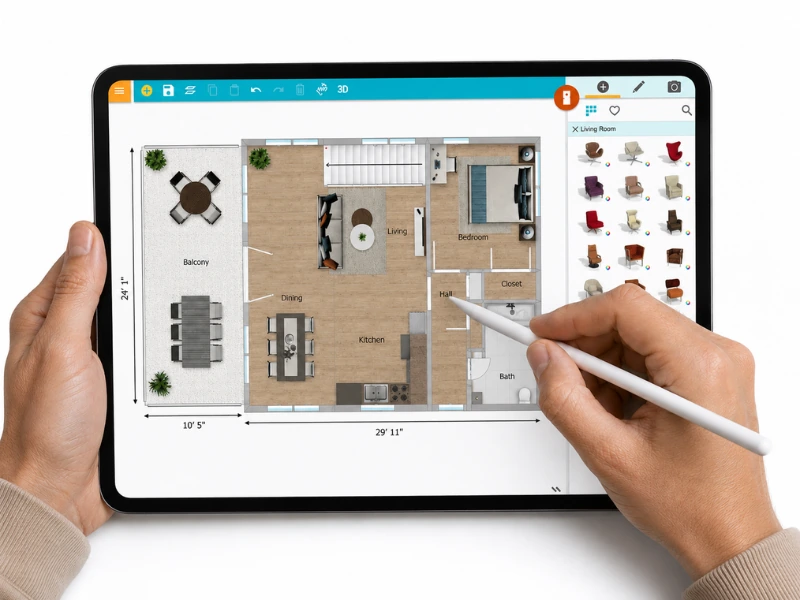
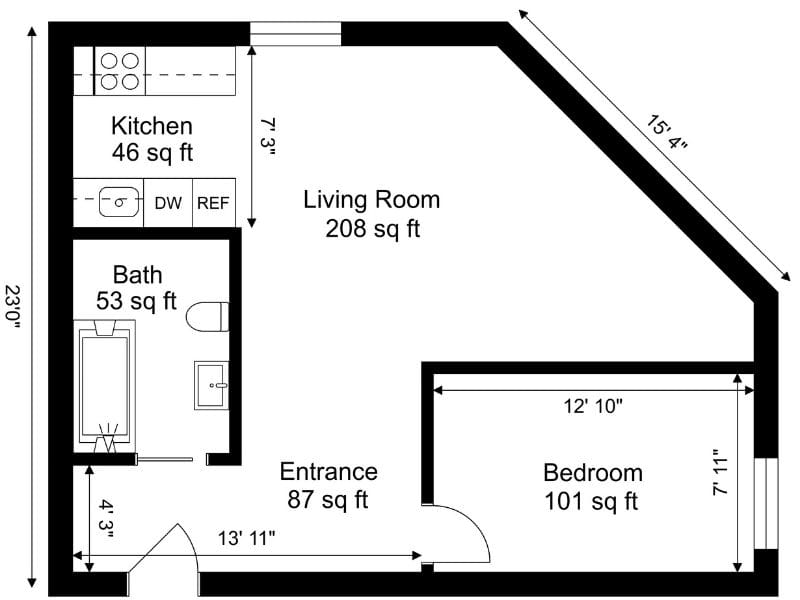
The floor plans you create in RoomSketcher are drawn to scale. That means you can hand them to a contractor, add them to a listing, or show them to a client without worrying that the measurements are completely off.
Move walls, resize rooms, or update the layout, and the dimensions update automatically to match. So your floor plans stay accurate as the project evolves, without having to redo everything from scratch.
Support When You Need It
No matter where you are in the process, help is always within reach. Whether you prefer to learn step by step or find answers as you go, there are resources to support you along the way.
Join live webinars, watch YouTube tutorials, explore the Help Center, or reach out directly to our in-house team of experts.
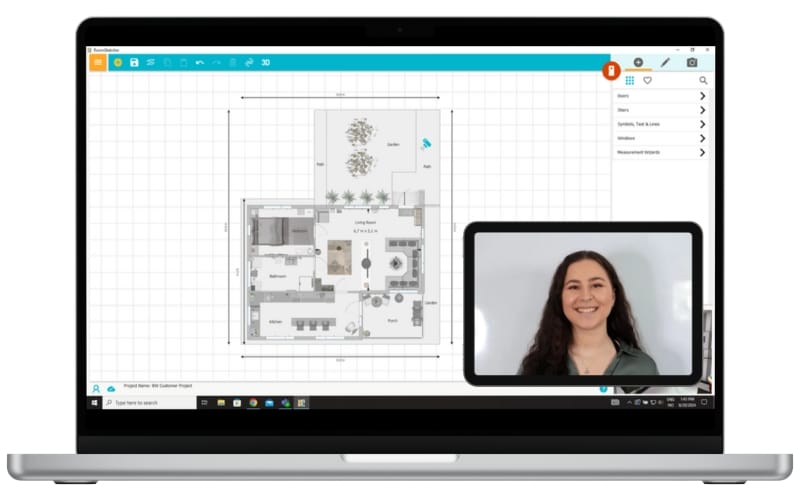
RoomSketcher has changed the way I work. I can now do all the work I normally had to outsource on my own.
You don’t need to spend countless hours on technical software to produce the results you’re looking for. RoomSketcher is easy to use and cost-effective.
Outstanding product. Makes an otherwise challenging design task easy and enjoyable. Highly recommended.
Frequently Asked Questions
Yes. Upload a PDF, image, or scanned floor plan and RoomSketcher's AI Convert will automatically detect walls, doors, and windows and turn it into a fully editable digital floor plan.
RoomSketcher's AI Convert is trained on thousands of real floor plans, so the output is accurate and ready to work with. Before conversion, you set the scale by marking one known wall length. For professional use, you can review and adjust any element after conversion.
No. RoomSketcher is built for people who need professional results without CAD training. You click to place walls, drag to adjust dimensions, and the software guides you with snapping and live measurements as you draw. Most users are creating floor plans within minutes of getting started.
Yes. If you'd rather not create the floor plan yourself, you can order a professionally drawn floor plan directly through RoomSketcher. Submit your existing plan or sketches, and the RoomSketcher team will produce a finished digital floor plan for you. It's the fastest route to a professional result if you're short on time or prefer to hand the work off entirely.
You can start with a free account and explore the tools at your own pace. When you're ready to produce finished floor plans or high-quality visuals, you can pay per project or upgrade to a subscription — whichever fits how you work. There's no commitment required to get started.