Photorealistic Renders are Finally Here
AI Render brings photorealistic imagery to RoomSketcher. Turn 3D visuals into photorealistic images in just a few seconds, right inside the RoomSketcher web portal.
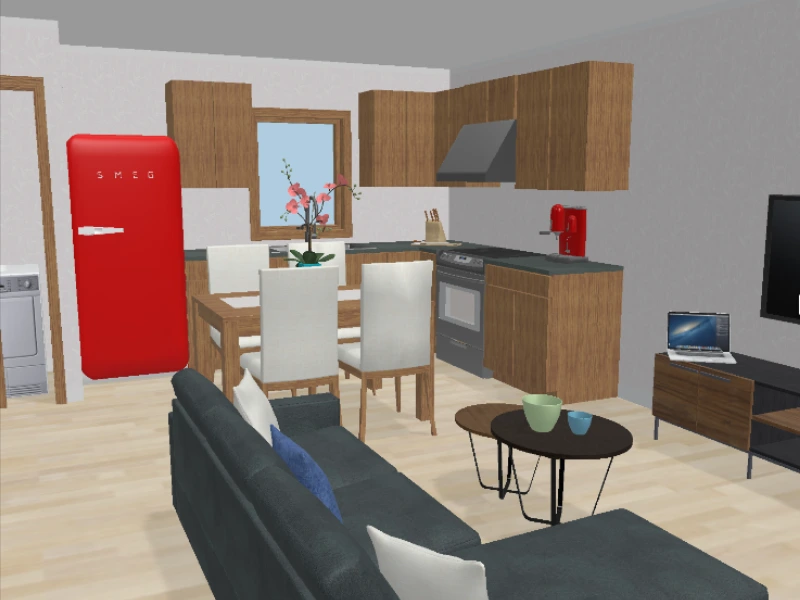
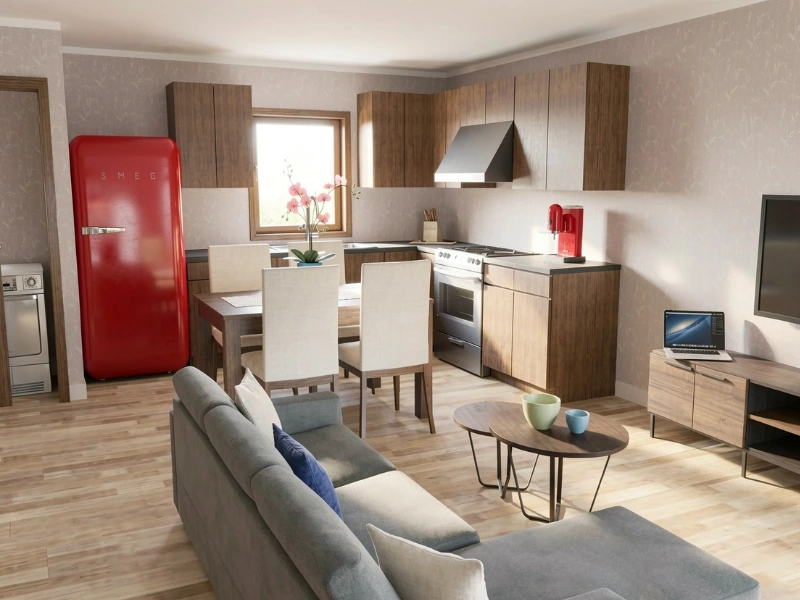

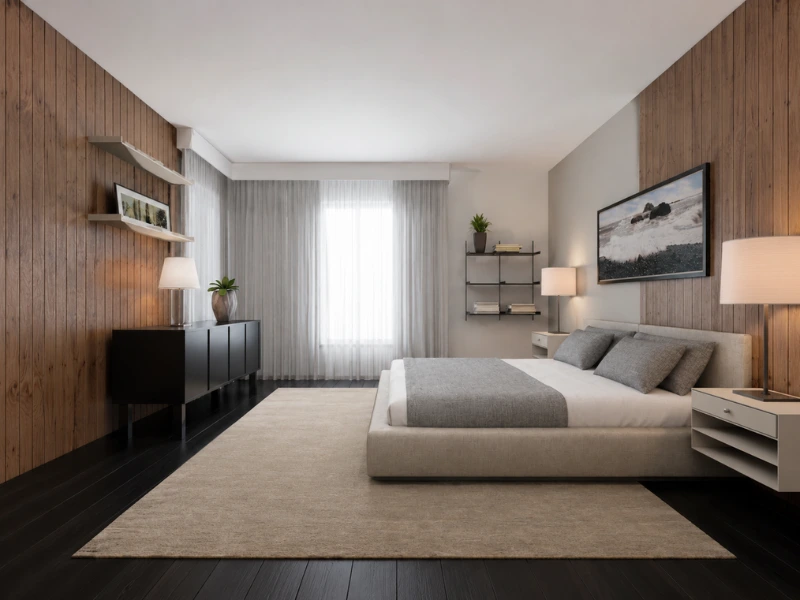
RoomSketcher has launched AI Render, a new feature that uses AI to turn your designs into photorealistic images in seconds. Available to everyone, it brings a new level of realism to your projects. Turn the spaces you've designed into images that look like real photographs, ready for presentations, listings, and client previews.
What is AI Render?
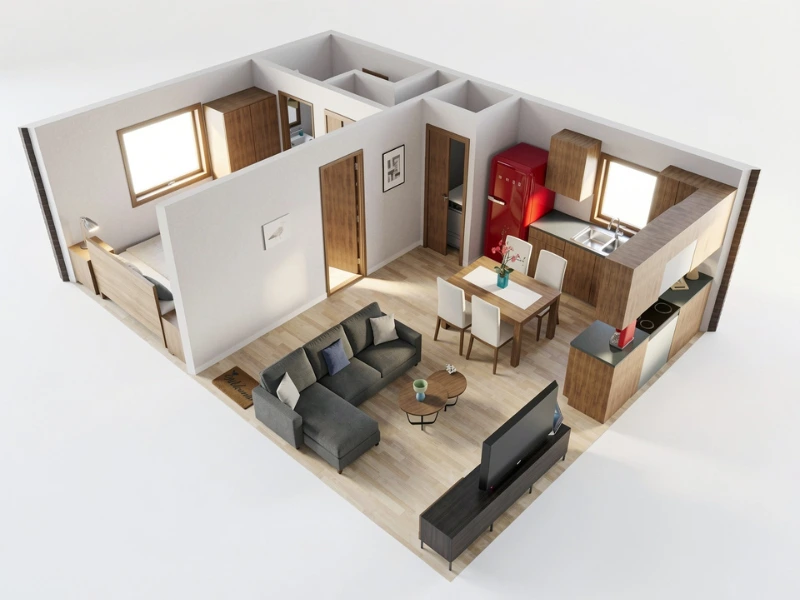
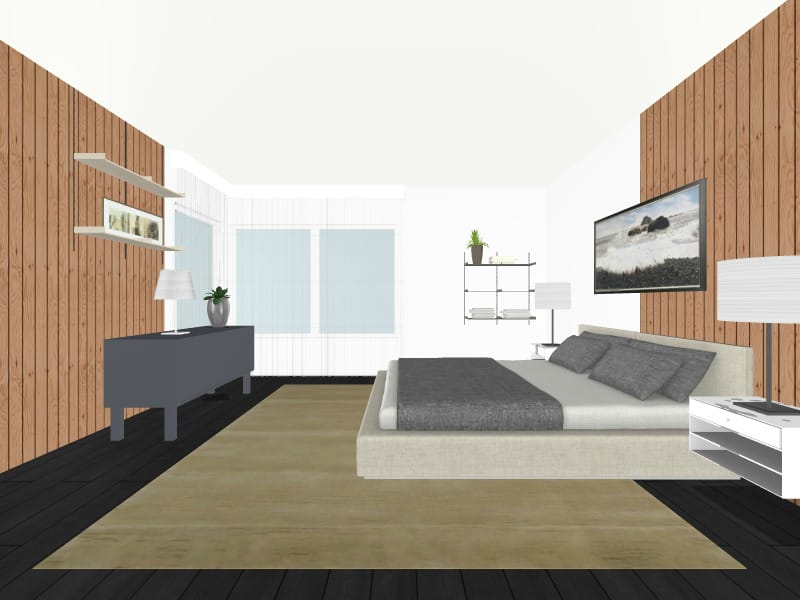
AI Render transforms your existing RoomSketcher visuals into polished, photorealistic images. Open Live 3D, a snapshot, or a 3D Photo, click the AI Render button in the top right, and you get a finished image in around five seconds.
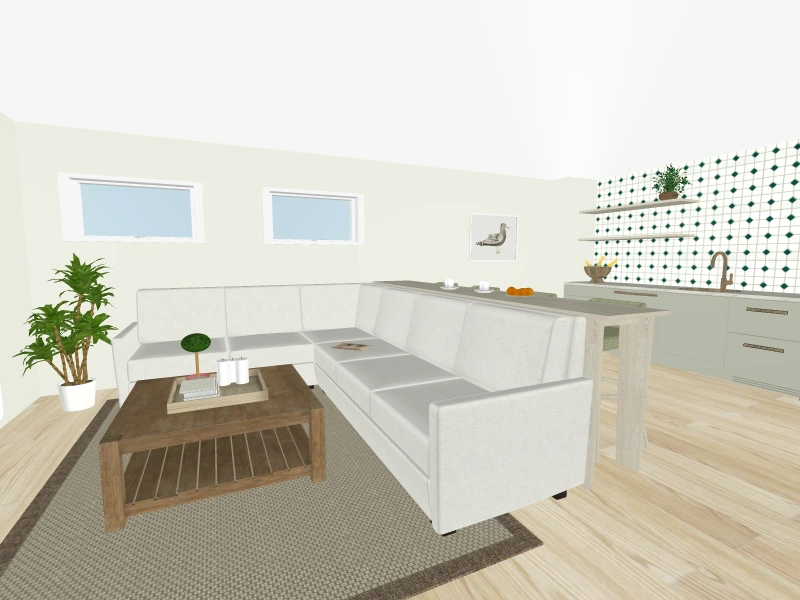
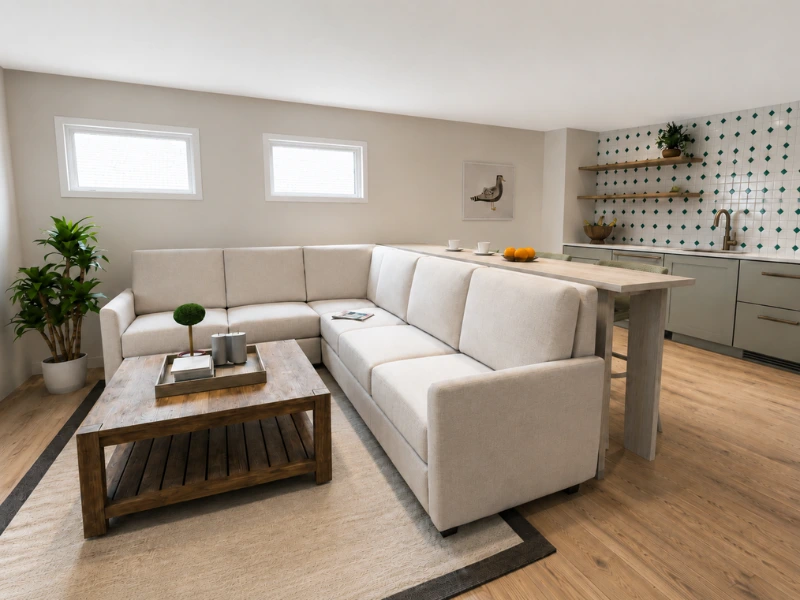
From Live 3D, you can choose your aspect ratio (16:9 Widescreen, 3:2, 4:3, or 1:1 Square) in both Flyover Mode and Walkthrough Mode, while 3D Photos render at their original dimensions.
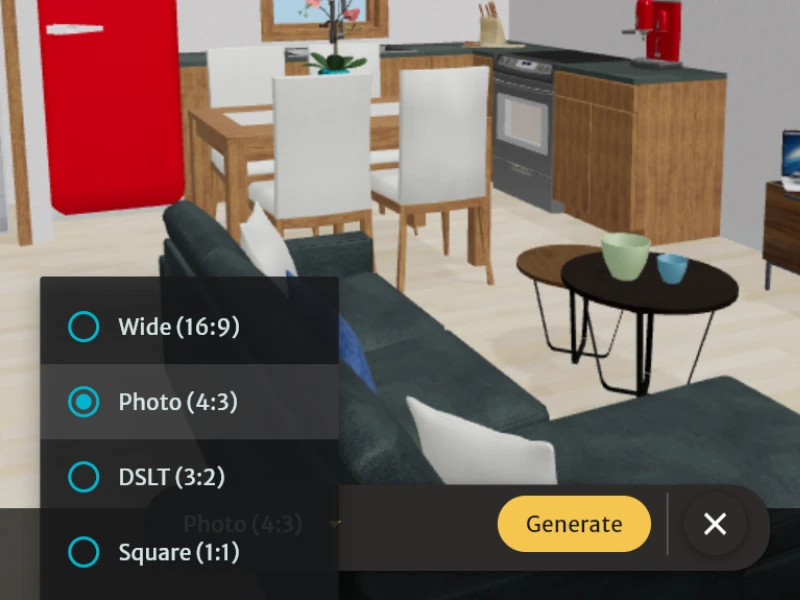
Each render costs just 0.10 Credits, so you can experiment freely until you find the look you want. This means a Pro subscriber's five monthly Credits can cover up to 50 renders every month!
Save, Download, and Organize
Once you've created a render, you can download it straight to your device or save it to your Project. Saved renders live in a new, dedicated AI Renders section, sitting alongside your other project media, so everything stays in one place. This means that when you share a Project Presentation, your AI Renders are conveniently right next to your floor plans, 3D Photos and snapshots!
Available for Free and Pro Subscribers
AI Render is available to all RoomSketcher subscribers. Users with Free accounts can generate renders from their snapshots or 3D Photos. Pro and Team subscribers can also render straight from Live 3D, capturing any angle of a walkthrough as a photorealistic image.
AI Render is a new RoomSketcher feature, made possible by continuous development from our product team. Subscribe to our newsletter to keep up to date with more updates in the months ahead. Open a project and try AI Render out for yourself.
Recommended Reads
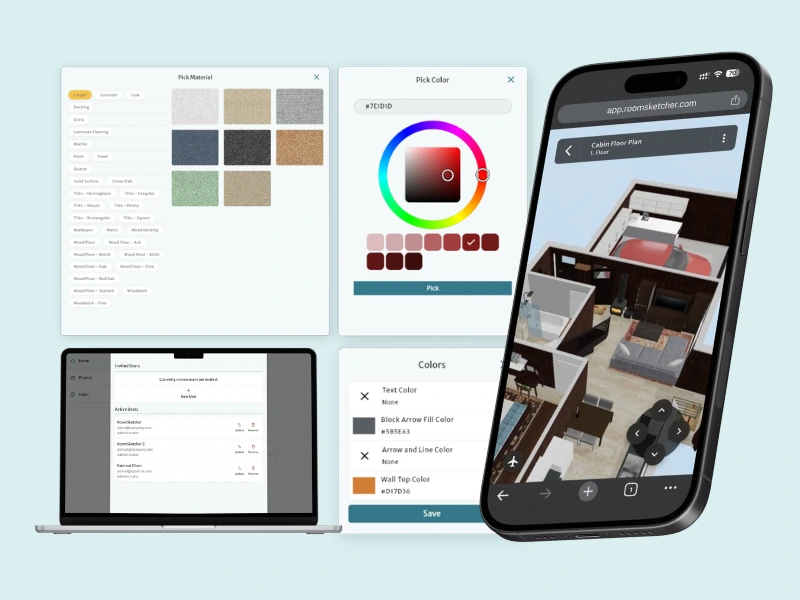
Customize Styles, Use Live 3D on the Go, and Manage Users with Our Latest Update
This update expands the RoomSketcher web portal with style customization, Live 3D viewing on mobile devices, and user management for Team accounts.
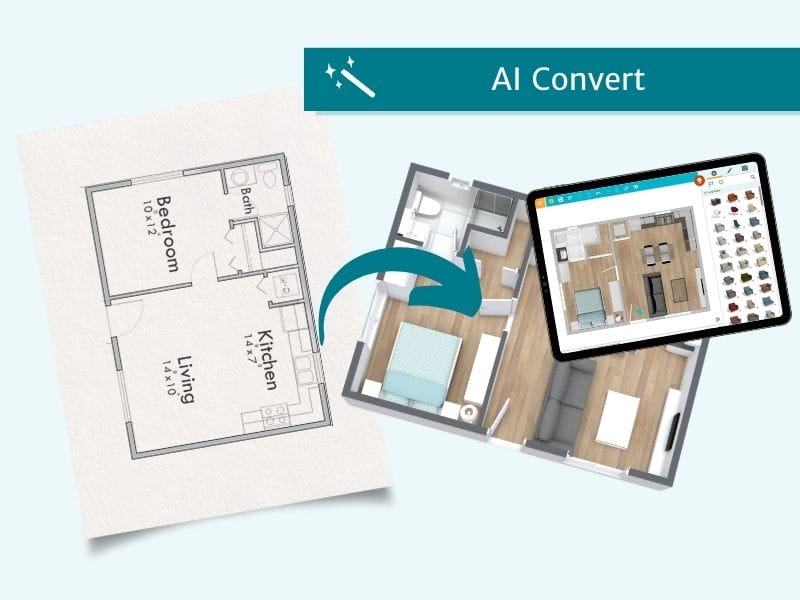
RoomSketcher Launches AI Convert, Transforming Blueprints Into Editable Floor Plans in Seconds
Automatically convert scanned, photographed, and digital blueprints quickly to start editing on RoomSketcher.
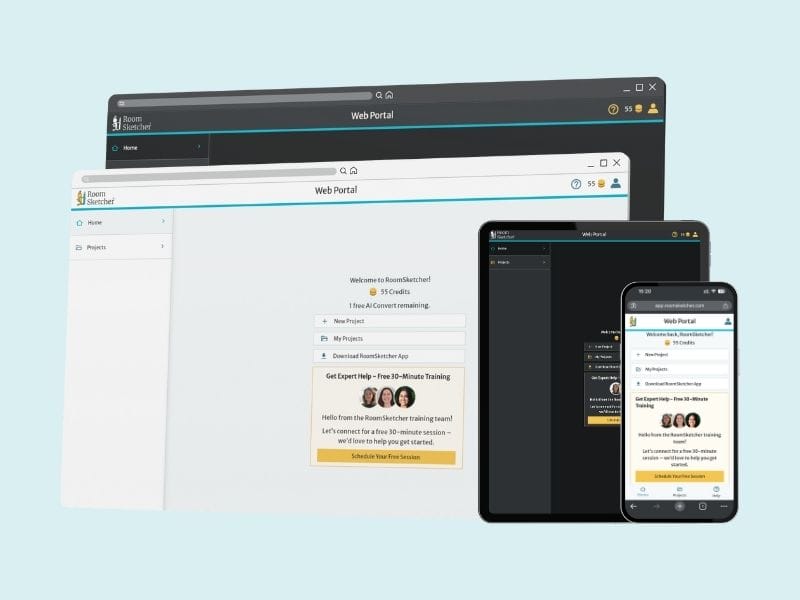
RoomSketcher Launches New Web Portal for Streamlined User Experience
An overhauled web interface makes for a simple and intuitive starting point for all your RoomSketcher projects, floor plans, and designs.