Customize Styles, Use Live 3D on the Go, and Manage Users with Our Latest Update
This update expands the RoomSketcher web portal with style customization, Live 3D viewing on mobile devices, and user management for Team accounts.
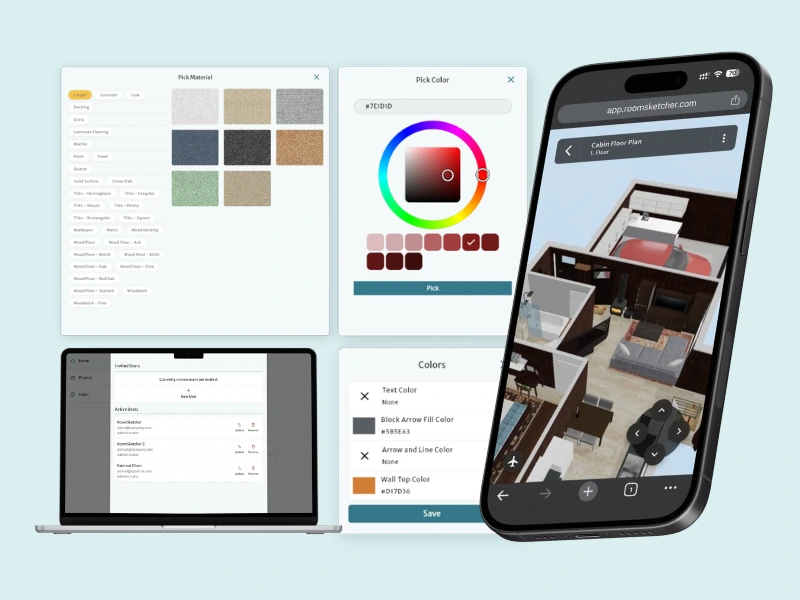

RoomSketcher's latest update makes it easier to customize floor plans, explore projects in 3D from more devices, and manage team access directly in the web portal.
Customize Floor Plans with Styles & Letterheads
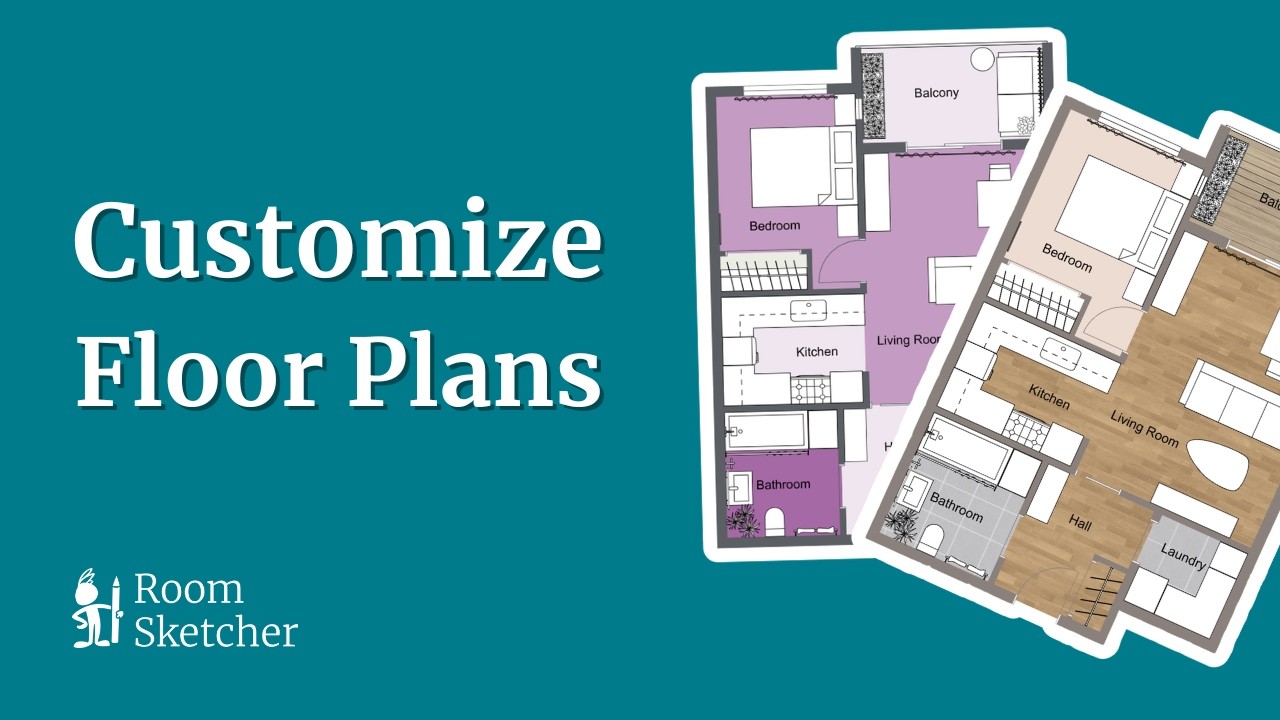
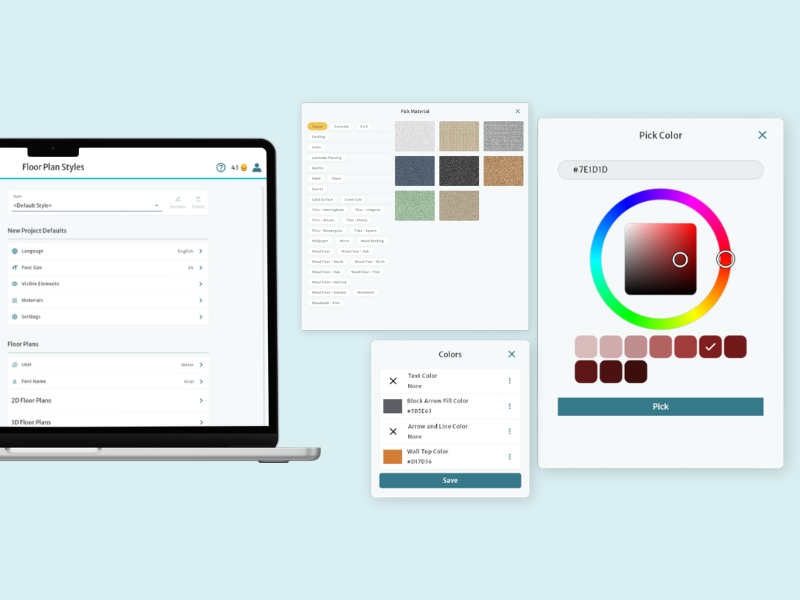
Styles let you control how your floor plans look in both 2D and 3D. With Styles, you can:
- Customize colors for walls, furniture, text, and room types
- Show or hide furniture, labels, and measurements in 2D plans
- Adjust wall cut height and camera settings for 3D Floor Plans
- Add branding such as logos and disclaimer text
Styles help ensure consistent, branded floor plans without having to adjust settings manually for every project.
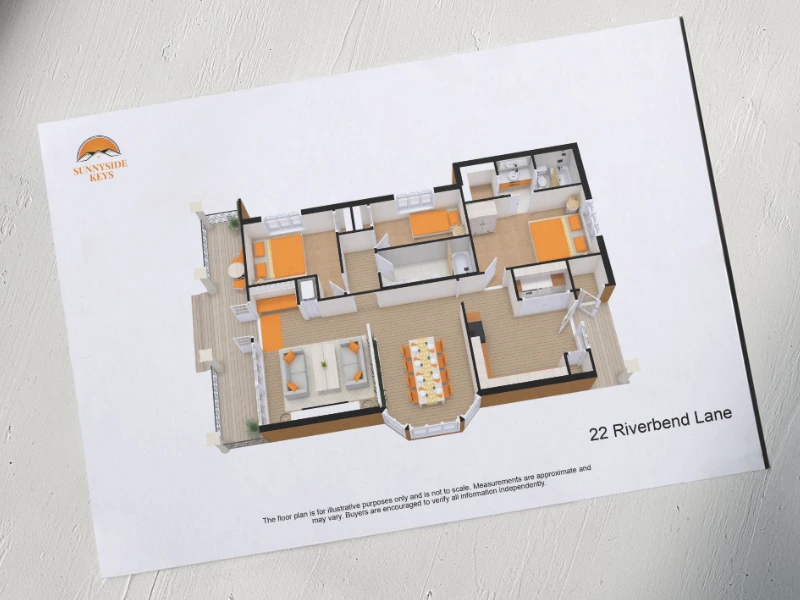
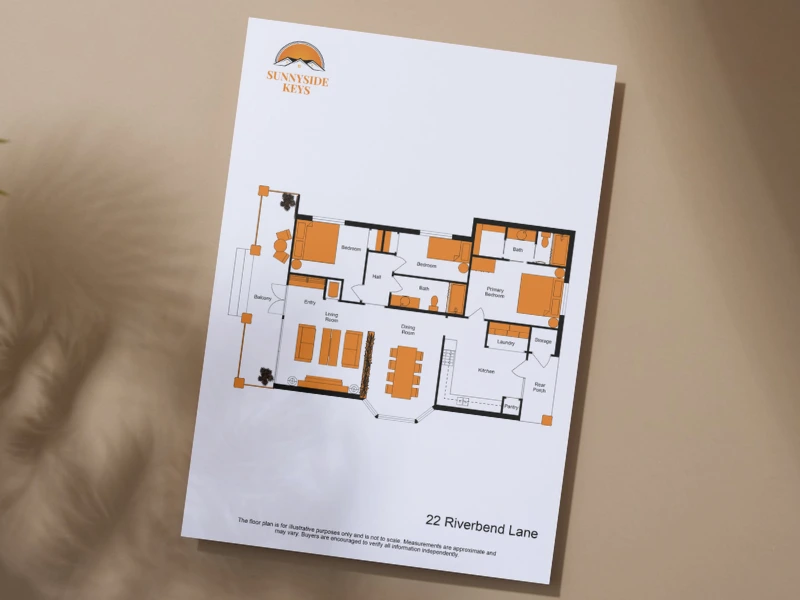
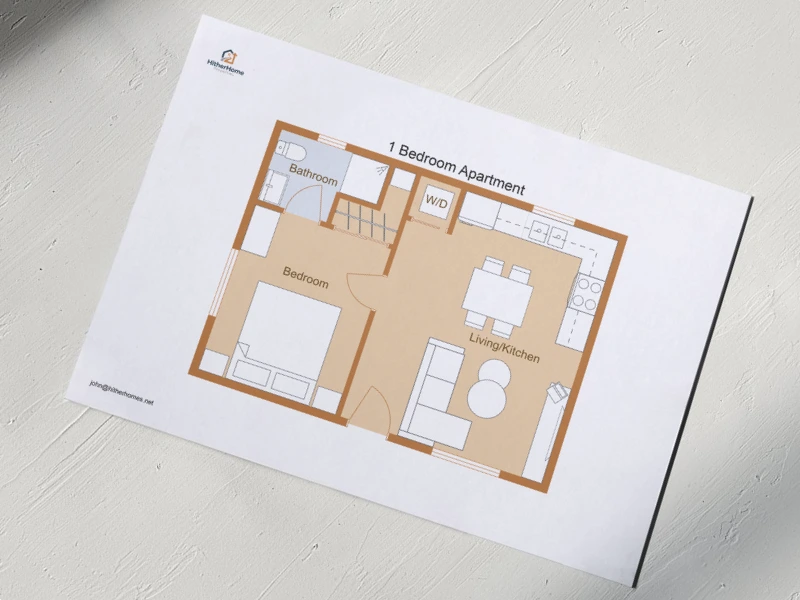
Styles make it easy to create reusable templates for your floor plans. You can define settings for different use cases, such as marketing materials, client presentations, or internal planning, and apply them consistently across projects.
Team subscribers can also save dedicated style presets, making it easy to reuse settings across multiple projects and workflows.
Styles can be managed from the new Styles section in the web portal. The interface includes intuitive color pickers and dedicated settings for 2D Floor Plans, 3D Floor Plans, and branding.
Live 3D Now in Your Browser & Phone
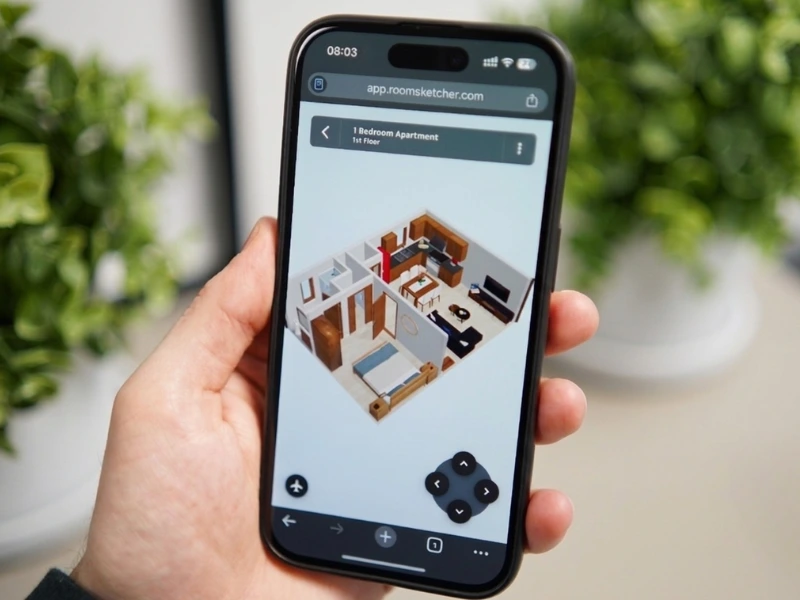
Live 3D has been completely rebuilt for the web portal, bringing interactive 3D viewing directly to your browser, including support for mobile devices.
You can now explore your projects in 3D on a wider range of devices, making it easy to review floor plans during meetings, on-site visits, or when working remotely.
To open Live 3D, simply open a project in the web portal and click the Live 3D icon in the top-right menu.
Introducing User Management for Team Accounts
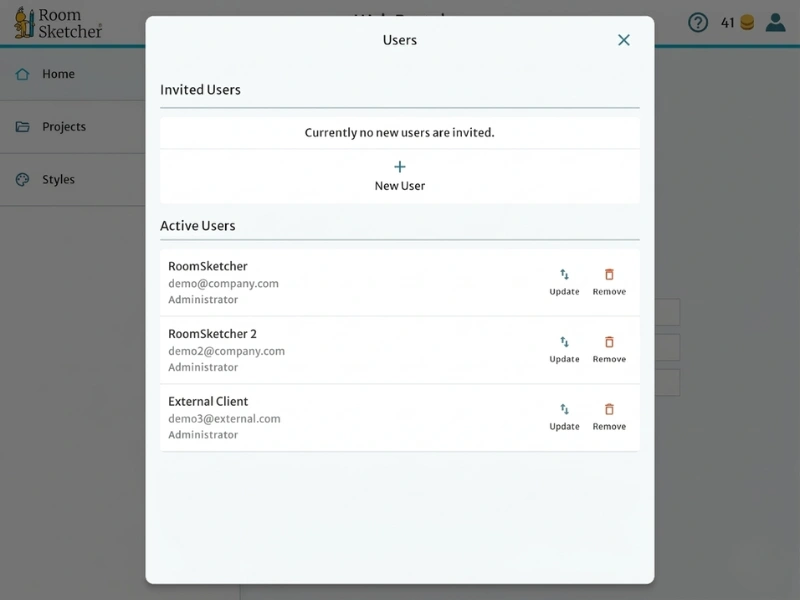
RoomSketcher Team subscribers can now manage users directly from the web portal.
Account administrators can add users, manage roles, and control who has access to the RoomSketcher account.
This makes it easier to organize how different team members use RoomSketcher within the same account.
More of RoomSketcher Now on the Web
RoomSketcher functionality is now available directly in the web portal, including Styles, Live 3D viewing, and user management for Team accounts.
Sign in to the web portal to explore the new features.
Want to stay informed about new updates? Sign up to our newsletter to get the latest news sent straight to your inbox!
Recommended Reads
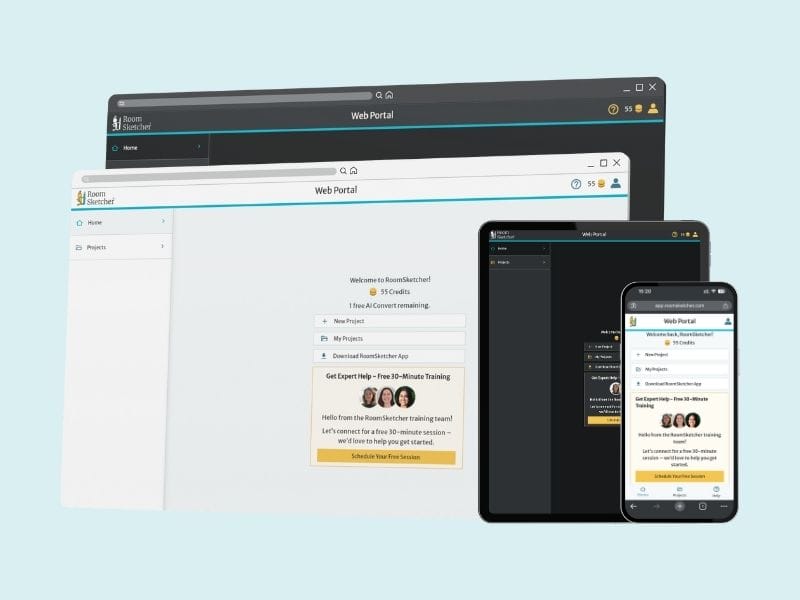
RoomSketcher Launches New Web Portal for Streamlined User Experience
An overhauled web interface makes for a simple and intuitive starting point for all your RoomSketcher projects, floor plans, and designs.

RoomSketcher officially among G2 Best Software winners
Hundreds of positive customer reviews on the popular business software comparison platform land RoomSketcher on G2's list for the best Real Estate Software of 2026.
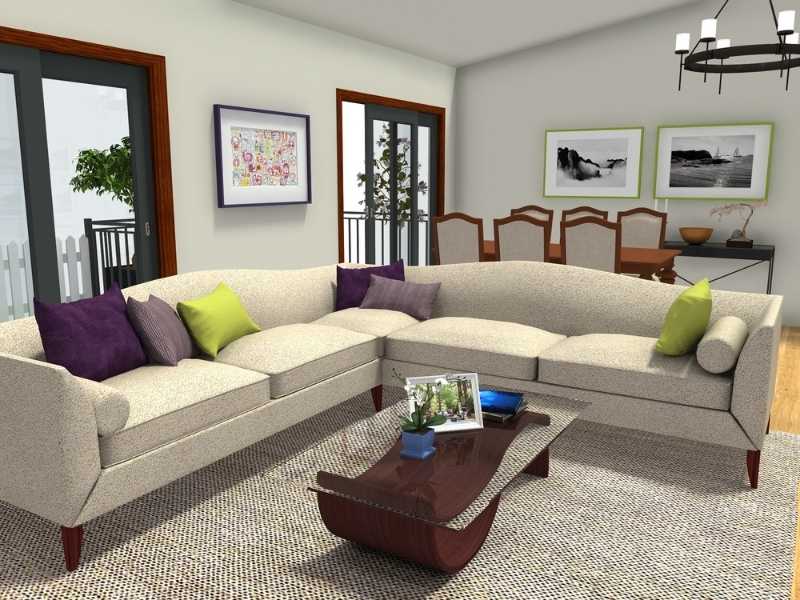
Unleash Your Style With 80 New Furniture Pieces and Material Customization for Pictures
Our latest update brings 80 new furniture pieces, many with expanded customization options. RoomSketcher's Replace Materials customization also comes to picture frames, giving users more control over materials, colors, and their combinations.