Visualize Home Lighting Design Ideas
The lighting design is an important feature in any home. The lights in your home should not only illuminate your spaces but, they should also elevate the design of your rooms.
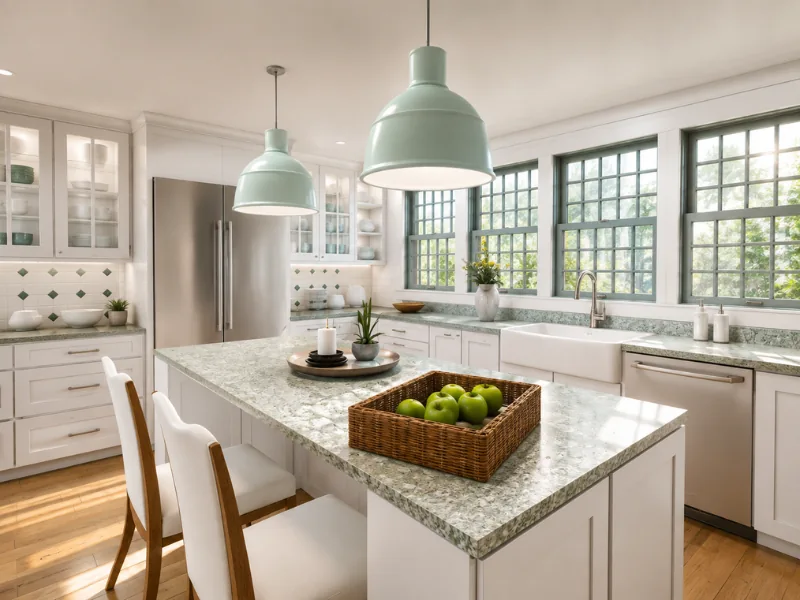

Quick summary:
The way to know whether a light will suit your room is to actually see it in the room. With RoomSketcher, you can draw a floor plan and furnish it from a Product Library of more than 7,000 items, including hundreds of lighting styles from floor lamps to chandeliers.
Choosing a light from a product photo is one thing. Knowing how it will work with your furniture, colors, and room layout is another. This article shows how you can explore your options visually and make a more confident choice.
Find Lighting That Works in Your Space
The right lighting can completely change how a room looks and feels. It can make a kitchen more practical, create a relaxing atmosphere in a bedroom, or add a focal point to a dining area.
Updating your lighting design is also one of the easiest ways to refresh your home without making major changes.
But where do you start? And how do you know which styles, sizes, and placements will work in your actual room?
With the RoomSketcher app, you can visualize different home lighting design ideas before you buy. Try traditional or modern fixtures, compare floor and table lamps, or see how a pendant or chandelier looks with the rest of your design.
Explore Hundreds of Lighting Styles
The RoomSketcher furniture library includes hundreds of lighting options for different rooms and purposes. You can explore decorative fixtures, such as chandeliers, pendants, and table lamps, alongside practical options like recessed, bathroom, and outdoor lighting.
This makes it easier to compare different styles and see how each fixture works with your room layout, furniture, and finishes.
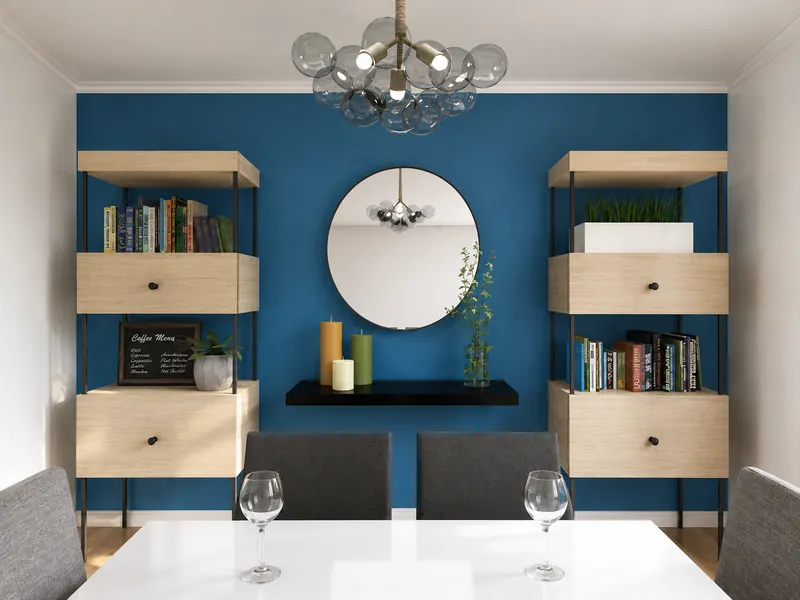
See Your Lighting Ideas in 3D
To get started, draw a floor plan of one room or your entire home in the RoomSketcher app. The easy-to-use drawing tools let you add walls, doors, windows, and room measurements without technical drawing experience.
You can then furnish the space with fixtures, finishes, and furniture from the RoomSketcher furniture library. Add different lights, move them around the room, and compare how they work with the rest of the design.
Once your layout is ready, view the room in 3D to get a clearer sense of the scale, placement, and overall look.
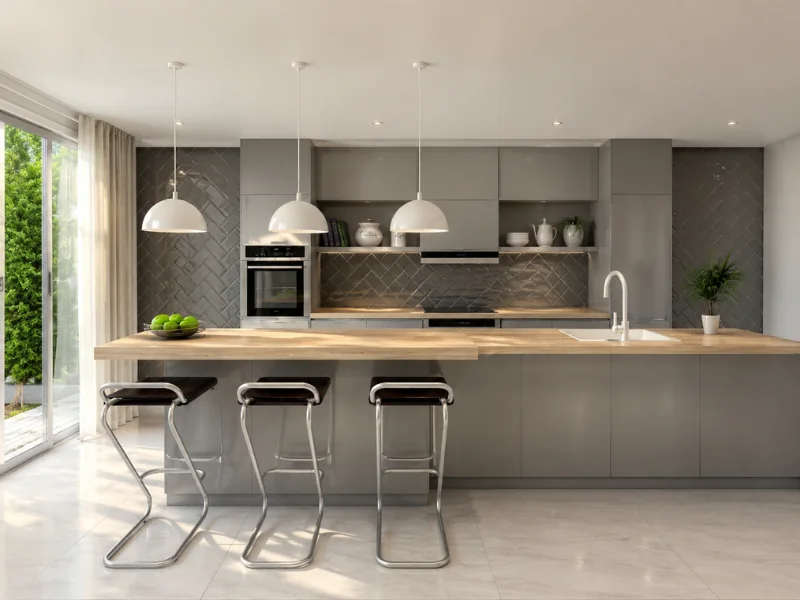
Compare Different Looks Before You Buy
A fixture can look very different in a product image than it does in a complete room. Its size, color, height, and position can all affect the final result.
With RoomSketcher, you can test different options without moving furniture or buying several lights first. Compare traditional and modern styles, try different finishes, and see how the fixtures look from room to room.
You can also save different versions of your design, making it easier to compare your options and choose a lighting style that works with the rest of your home.
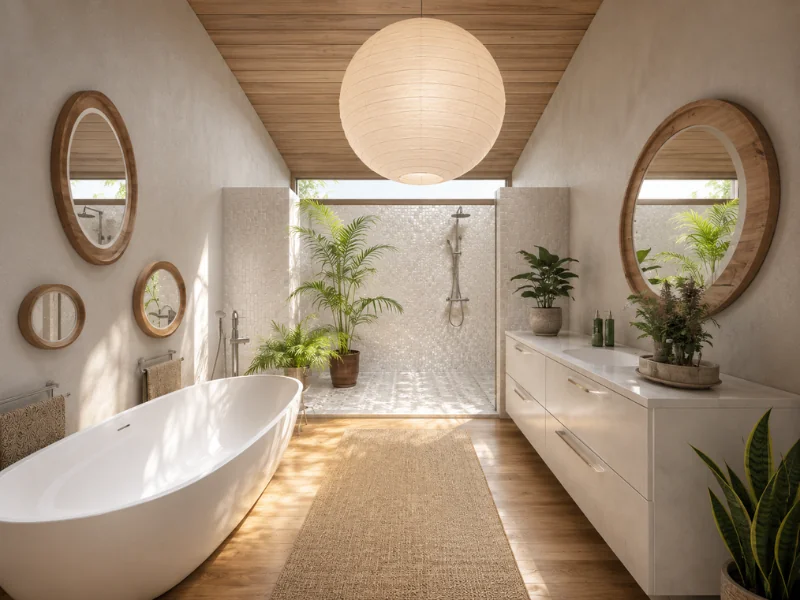
Start Visualizing Your Lighting Design
The lighting styles shown above are just a few examples of what you can explore in your own project. Try different fixture types, layouts, and combinations until you find an option that feels right for the room.
Sign up for a RoomSketcher Free subscription, create your floor plan, and start exploring different lighting styles. No credit card is required.
Common Questions
Start by identifying what you do in each part of the room. Add ambient lighting for general visibility, task lighting for activities like cooking or reading, and accent lighting for features you want to highlight. Then check the position of each fixture against the furniture layout, windows, doors, and walkways.
Ambient lighting illuminates the room as a whole. Task lighting provides focused light for a particular activity, such as preparing food or working at a desk. Accent lighting highlights decorative features, artwork, shelving, or architectural details. Combining all three creates a layered and flexible lighting design.
In a small room, choose fixtures that provide enough light without taking up unnecessary space. Recessed lights, wall sconces, and pendants can keep tables and floors clear. Mirrors and pale finishes can also help reflect light, but avoid relying on one very bright fixture that creates harsh shadows.
Use lighting to define the different areas within the open space. Pendant lights can mark out a kitchen island or dining table, while floor and table lamps can frame a living area. Keep the overall design connected by repeating a finish, color, shape, or material across the fixtures.
Yes. With the RoomSketcher app, you can add different lighting fixtures to your room design and view them in 3D. This lets you compare styles, sizes, and positions in the context of your own layout before deciding which fixtures suit the space.
Recommended Reads

How to Visualize a Room Using an Interior Design Visualizer
Bring your interior design ideas to life with RoomSketcher. Create room designs, floor plans, and visualize your ideas in stunning 3D.
How to Choose the Right Windows for Your Home
Visualize window designs online with RoomSketcher. See how different window styles and finishes will look in your home - in 3D! Hundreds of windows to choose from - traditional, modern and more!
16 Stunning Staircase Ideas to Inspire Your Own Staircase Design
Visualize your staircase design online with RoomSketcher. See how different stair types and finishes will look in your home - in 3D!