Porch Layouts That Shape How Your Home Feels
A porch can change how a home feels before you even step inside. Where it sits on the floor plan affects the entrance, the flow between rooms, and how indoor and outdoor spaces connect.
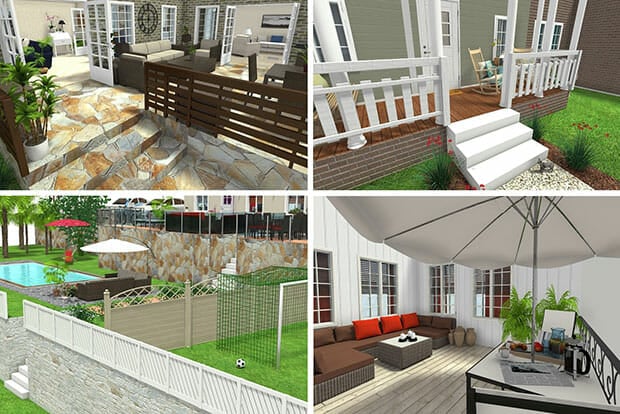

A porch isn’t just about looks. Where it sits and how it connects to your home affects how you move through the space, how welcoming the entrance feels, and how indoor and outdoor areas work together.
When you explore floor plan templates, porch placement is one of the easiest ways to compare layouts. Here are the most common porch configurations you’ll see, and what each one is best suited for.
Front Porch Only
Classic, clear, and welcoming
This is the most common porch placement. It sits directly in front of the main entrance and creates a clear arrival point for guests.
A front porch works well when:
- The main door opens into a hallway, living room, or entry zone
- You want a defined transition from outside to inside
- Curb appeal is a top priority
In floor plan templates, this porch usually aligns with the front door and living spaces, making it easy to visualize furniture placement and entry flow.
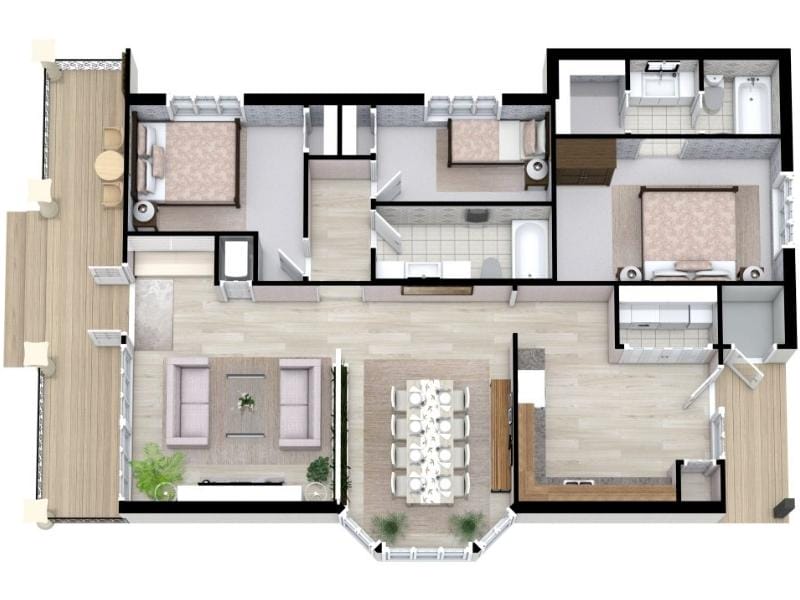
Front Porch Connected to the Living Room
Blurs the line between inside and outside
Some porches connect directly to the living room through large doors or windows. This creates a strong visual and physical link between indoor and outdoor space.
This layout works well if you want:
- More daylight in the living area
- Easy access to outdoor seating
- A social, open feel
In templates, you’ll often see this porch placed along the same wall as the main living space, rather than just framing the front door.
Wrap-Around Porch
Outdoor space on more than one side
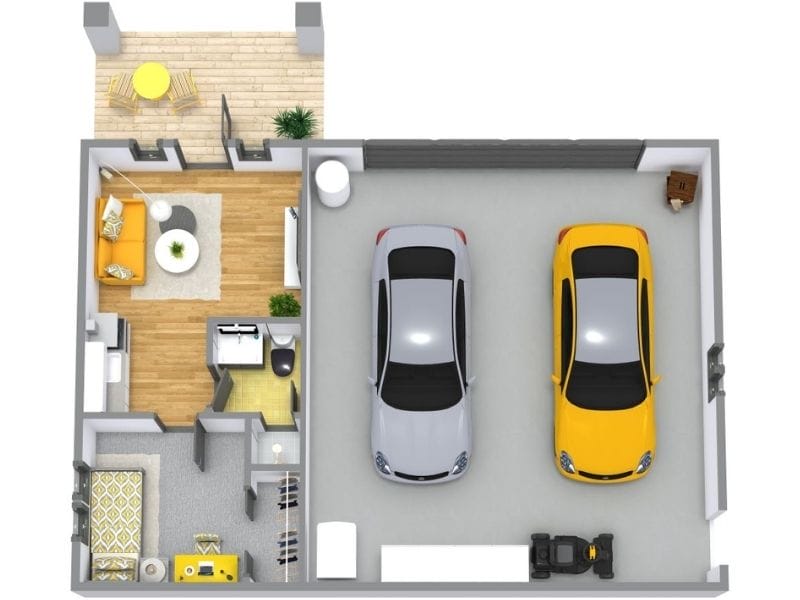
A wrap-around porch extends along two or more sides of the house. It gives you multiple outdoor zones and changes how rooms connect to the exterior.
This porch placement is a good fit when:
- You want access from more than one room
- The house sits on a larger lot
- You want shade and views from different angles
In floor plans, wrap-around porches clearly show how doors, windows, and rooms open toward the outside, which makes templates especially helpful here.
Side Porch or Side Entry
Practical and often more private
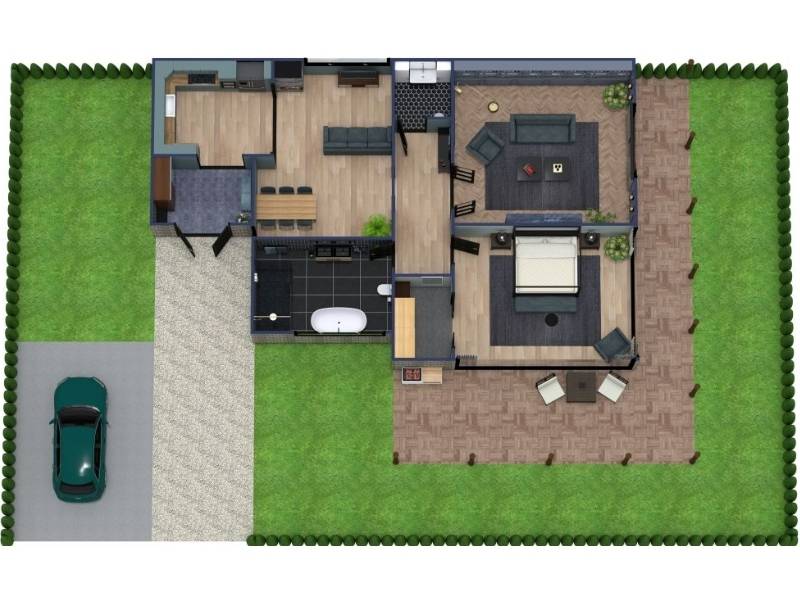
Side porches are common when the front of the house faces the street closely, or when the main entrance is slightly tucked away.
You’ll often see this layout when:
- The main entry is off to the side
- The porch connects to a kitchen or mudroom
- Privacy matters more than curb-facing seating
In templates, side porches help explain why the entry path and interior layout are arranged the way they are.
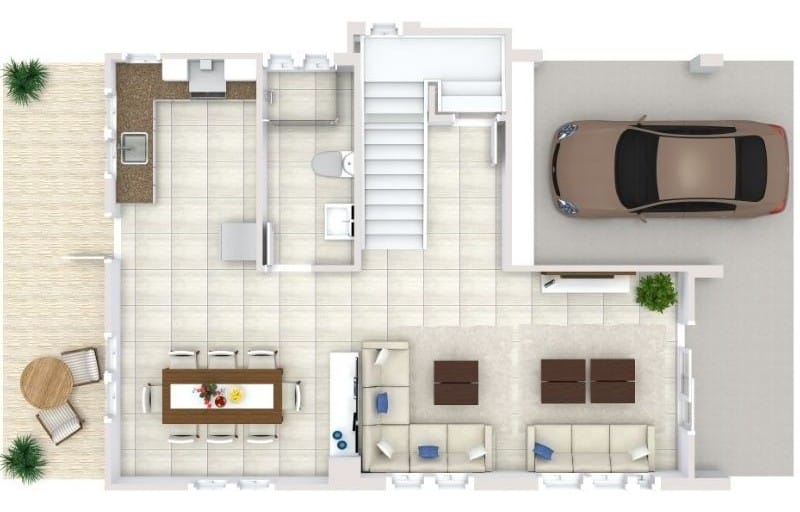
Covered Entry vs. Full Porch
A quick stop or a place to stay
Some homes have a small covered entry that only shelters the door, while others have a full porch with space for seating.
A covered entry is ideal if:
- You want weather protection without using much space
- The lot or footprint is limited
A full porch works better if:
- You want room for chairs or plants
- The porch is meant to be used, not just passed through

Why Porch Placement Matters in Floor Plans
Porch placement affects more than the exterior.
It influences:
- How you enter the home
- Which rooms get more light
- How indoor and outdoor areas connect
That’s why porch layout is so useful to compare in floor plan templates. Seeing the porch in context helps you understand how the home will actually work, not just how it looks from the street.
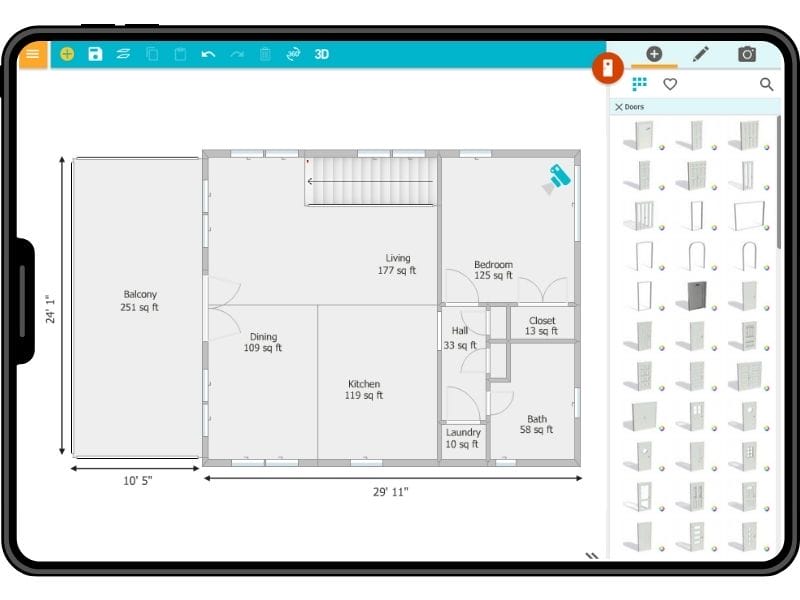
Create Floor Plans with RoomSketcher
Not sure which porch placement works best for your home? Seeing it in a floor plan makes the decision much easier.
With RoomSketcher, you can:
- Create professional floor plans in minutes
- Adjust room layouts, entrances, and connections
- See how spaces flow together before you make decisions
- View your floor plan in 2D and Live 3D for a clearer picture
Related Articles

From Patios to Pools: The Best Outdoor Living Space Ideas
RoomSketcher home design software isn’t just for indoors. You can create outdoor designs too! Get inspired and learn how to create outdoor areas, decks, patios, pools, yards, and gardens now.

Container Home Floor Plans: Smart, Sustainable Living
Container homes have emerged as a sustainable and innovative solution to the increasing demand for affordable and eco-friendly housing.

What to Include on a Site Plan: 10 Essential Features
Trouble figuring out what to include on your site plan? Don’t worry! We’ve created a list of ten essential things every site plan should include.