Thousands of Furniture and Material Options at Your Fingertips
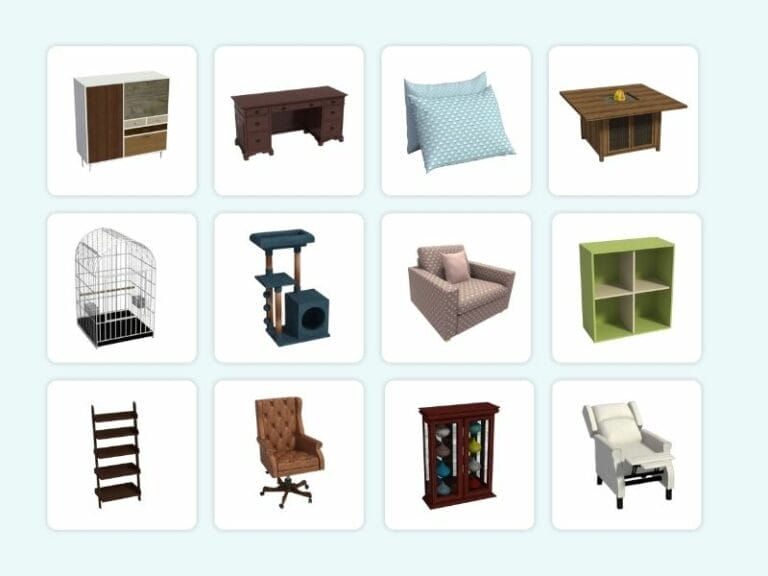
With RoomSketcher Pro and Team, you get access to a large and growing library of furniture, fixtures, and materials to complete any type of project. From kitchens and bathrooms to offices, you’ll find what you need to plan, present, and deliver with confidence.
A Library for Every Type of Project
The furniture and materials library includes thousands of items for different project needs. Whether you're working on a home, office, gym, or outdoor space, there are plenty of options to choose from:
- Multiple cabinet styles for detailed kitchen layouts
- A large number of office desks, chairs, and storage
- A full selection of gym equipment

Symbols and Labels for Detailed Planning
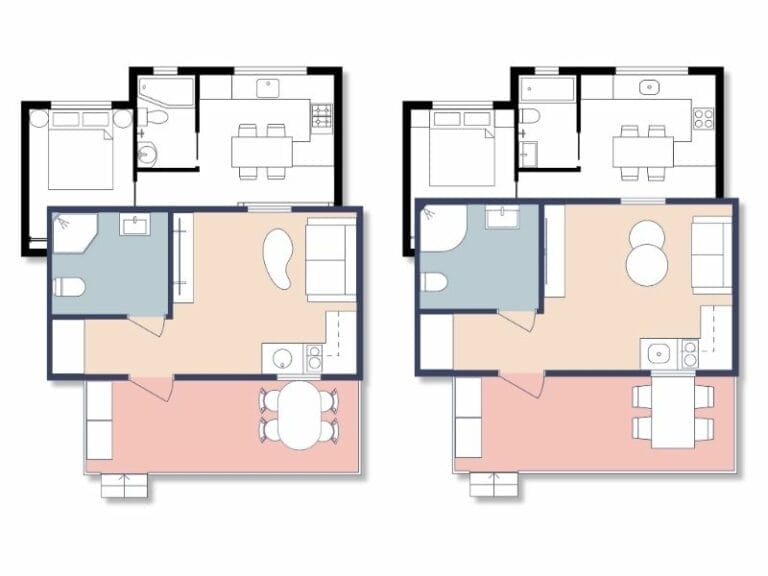
Add planning elements like electrical, lighting, and evacuation symbols directly to your floor plans. These appear in 2D and help communicate layout details clearly.
- 2D-only symbols for technical plans
- Labels and annotations for furniture and rooms
Easily Customize Furniture with Replace Materials
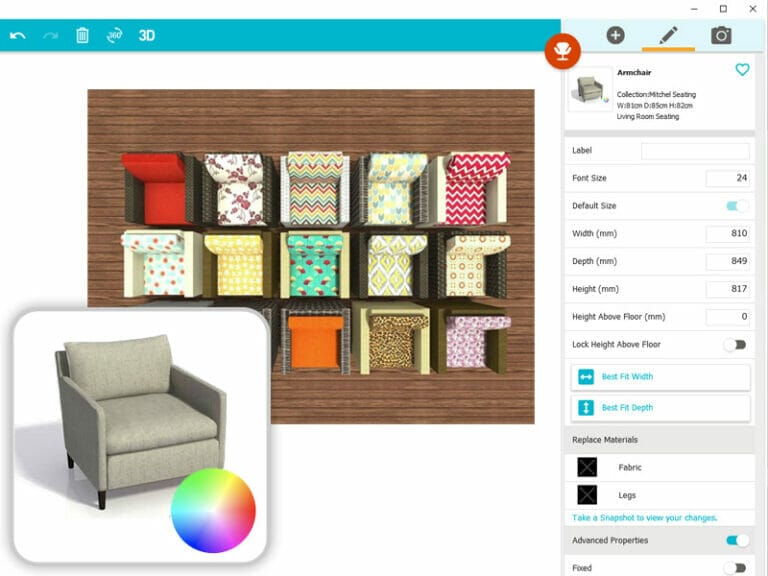
All new furniture includes the Replace Materials feature, letting you change finishes to suit any style. Look for the color wheel icon on the right side of the item to know it’s customizable.
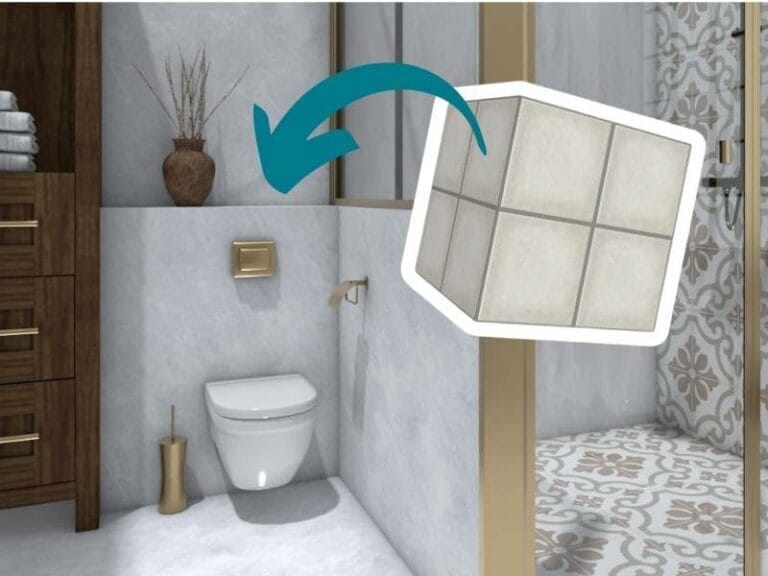
- Swap default colors for wood, metal, stone, or fabric finishes
- Match materials across items for a cohesive look
- See your changes instantly with Live 3D previews
Create Custom Items with Building Blocks
When you need something not in the catalog, use building blocks to create your own. Build benches, bars, retail displays, or anything else with flexible shapes and customizable materials.
- Choose from block shapes like squares, circles, and more
- Apply colors or materials to match your project
Get a Custom Product Selection
Need consistency across projects? A custom product selection can limit your library to specific items, making workflows easier and results more consistent. Contact our customer service team to get it set up.
- Standardize product choices
- Simplify collaboration and ordering
New Items Added Regularly
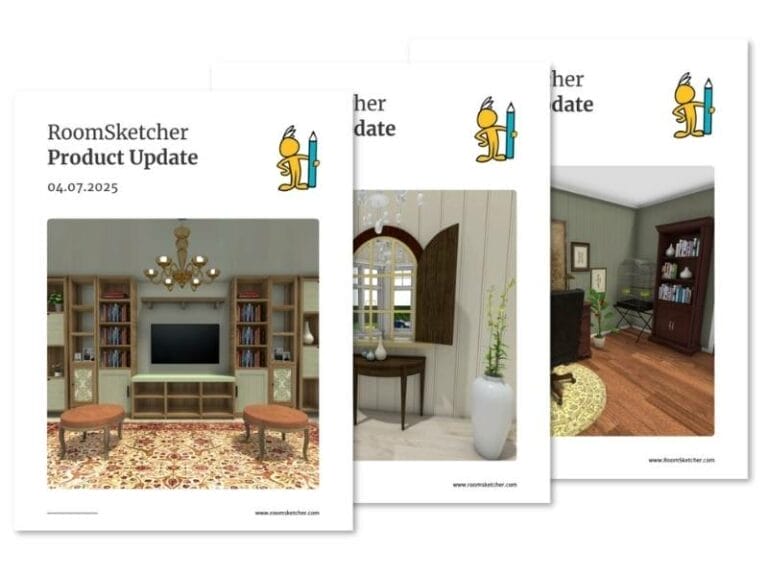
We regularly release new furniture and materials. Each product update is shared in our newsletter, including a downloadable PDF overview of every new and updated item.
- See which products have been added to the catalog
- Be the first to get the new update by subscribing to our newsletter