Create and Visualize House Plans in Minutes
Change the way you create and present house plans with RoomSketcher. Quickly draft precise 2D Floor Plans and instantly generate impressive 3D visualizations.




Create Your House Plan Faster
RoomSketcher gives you flexible ways to begin, so you can create an editable house plan faster and keep refining it as your ideas change.
AI Convert
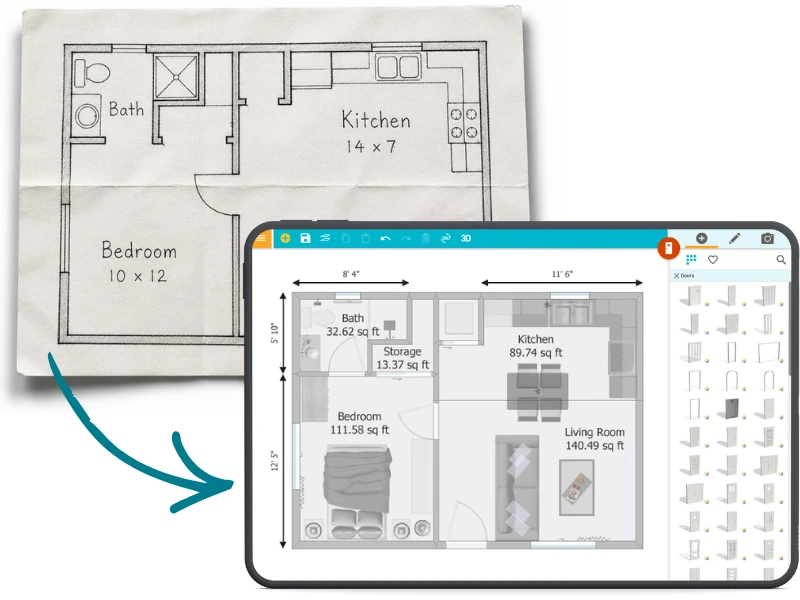
Digitize an Old Plan in Seconds
Already have a house plan, blueprint, or PDF? Use AI Convert to digitize it in seconds. Walls, doors, and windows are mapped into an editable RoomSketcher project, so you don’t have to start from scratch.
From there, adjust the layout, furnish rooms, add materials, and generate polished 2D and 3D Floor Plans.
FloorCapture
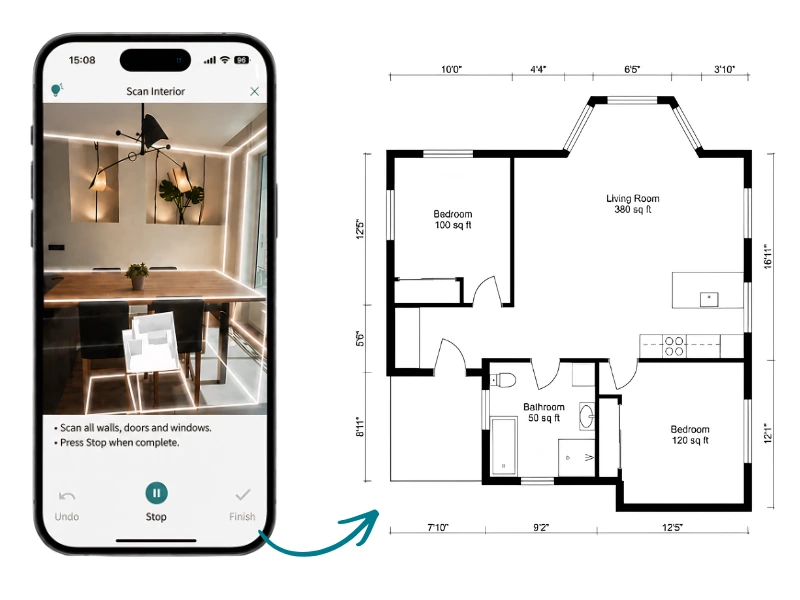
Capture a Real Space
No house plan yet? Use FloorCapture with a LiDAR-enabled iPhone or iPad to capture the space and turn it into a digital floor plan.
AI turns the capture into a measured starting point you can refine in RoomSketcher. Adjust walls, add details, furnish the rooms, and build out the house plan from there.
Draw yourself
Create Your House Plan From Scratch
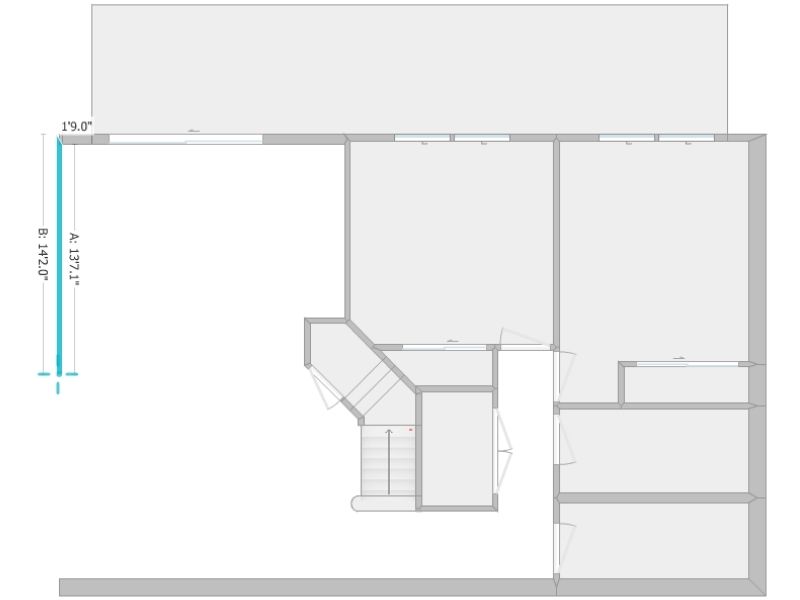
Starting with a new idea? Draw your house plan yourself in the RoomSketcher app.
Begin with a blank canvas, draw rooms, move walls, add doors and windows, and shape the layout exactly how you want it. As your plan develops, you can furnish the space, test materials and colors, and generate 2D and 3D Floor Plans when you’re ready.
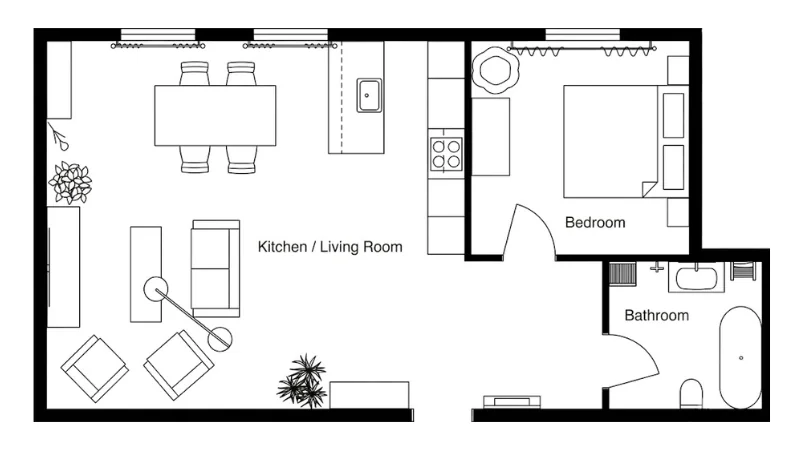
Generate Polished Outputs
“I find RoomSketcher to be a very trusted company on all areas. It's professional, cares about users, delivers as promised in shape and form, which is of paramount importance as we organize our architectural services!”
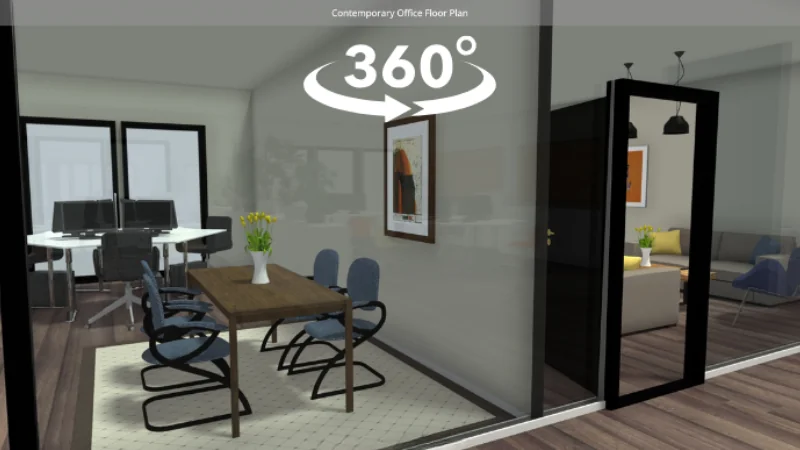
"RoomSketcher is a very good tool for creating professional layouts in 2D, 3D, and even live 360 views, and it has become extremely useful for my business."
"My client was thrilled with the visual of the 2D/3D and the 360 view that she was ready to start right away!"
"The frequent updates to the furniture and product libraries are outstanding, and the 2D and 3D features are essential in helping our clients clearly visualize their interior spaces."
Flexible pricing
Start Planning for Free
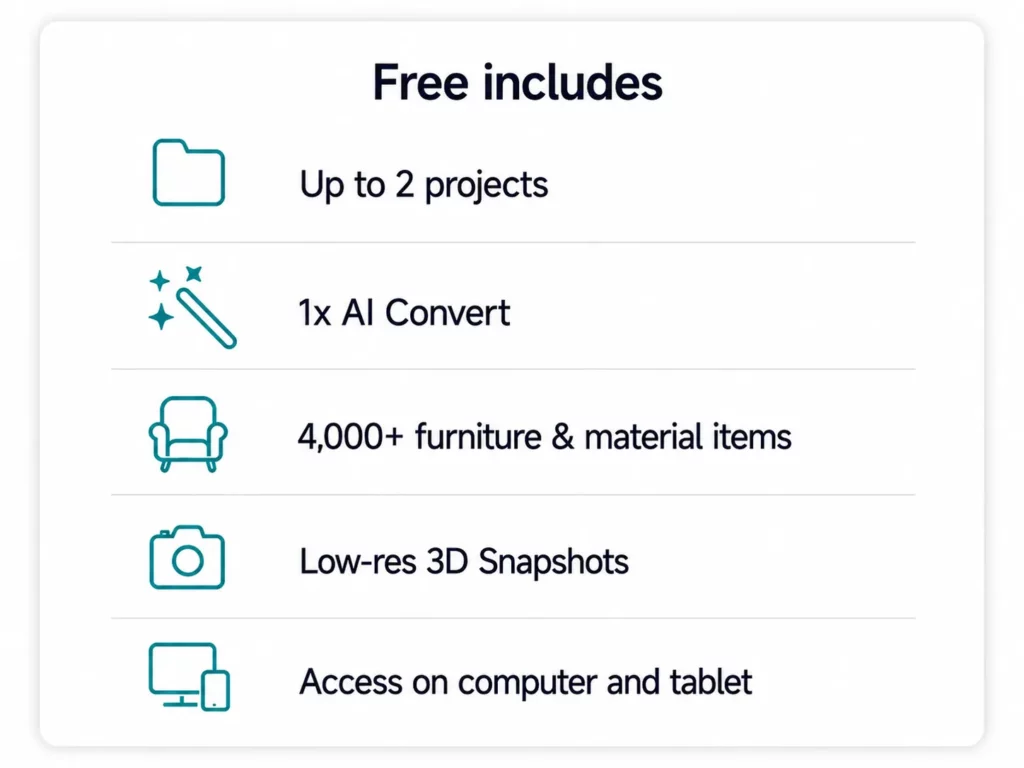
Create a free RoomSketcher account and begin your house plan today. Draw your layout, test ideas, furnish rooms, and see your design in 3D before you commit.
There’s no credit card required. When you need more projects, professional floor plan outputs, or advanced features, you can upgrade anytime.

Easy sharing
Share Your House Plan in One Place
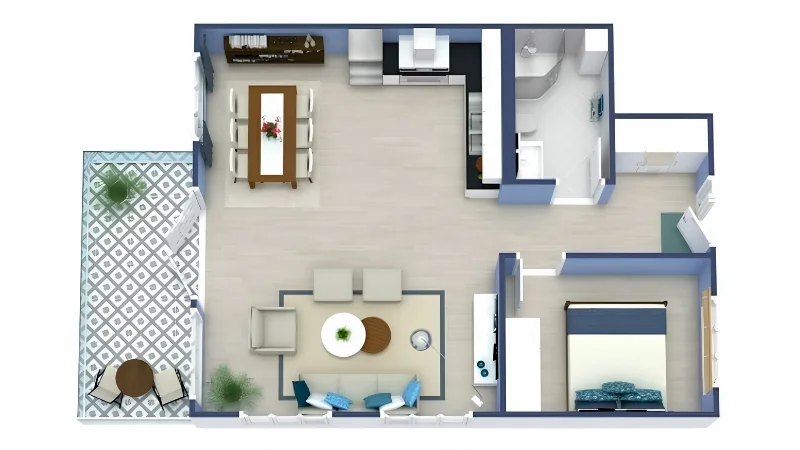
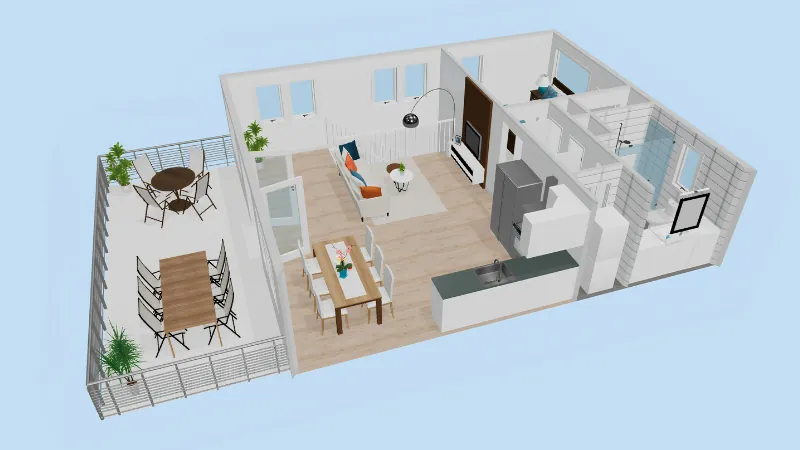
Keep your 2D Floor Plans, 3D Floor Plans, 3D Photos, and 360 Views together in one project.
Share a single link with family, clients, contractors, or anyone else involved in the plan. They can review the layout, switch between views, and explore the home in 2D and 3D without needing the app.
Ready to use
Download and Print to Scale
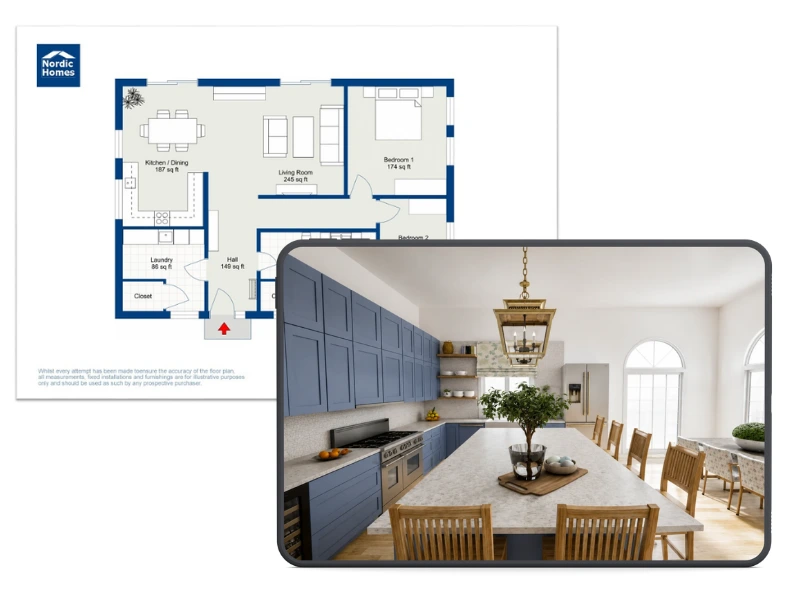
When your house plan is ready, you can download it as a high-quality PDF, PNG, or JPG.
Print your 2D Floor Plans to scale, include measurements, and use branded templates when you need a polished presentation. It’s ideal for planning, reviewing, sharing, or bringing your ideas into a meeting.
FAQ
Common Questions
A house plan is a blueprint that illustrates the layout of a home. Floor plans are helpful because they give an idea of the flow of the home and how each room connects.
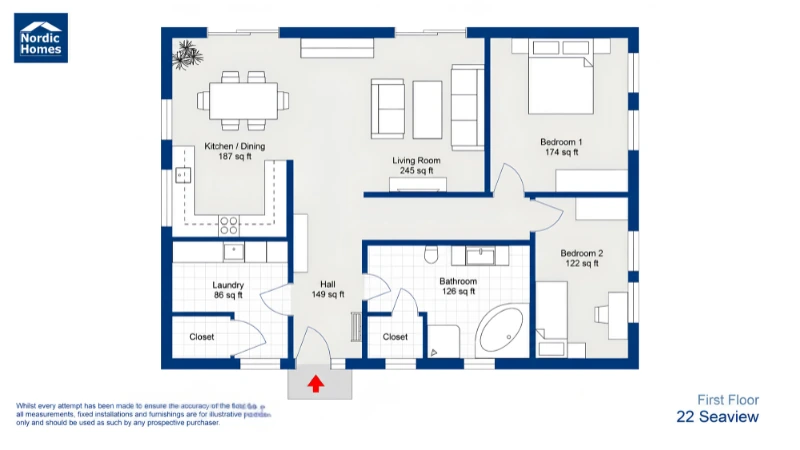
Typically, a floor plan design includes the location of walls, windows, doors, stairs, and fixed installations.
Sometimes, they include suggested furniture layouts and built-out outdoor areas like terraces and balconies.
They are usually drawn to scale and indicate room types along with room sizes and key wall lengths.
You most certainly can! Designing a house plan yourself can save a lot of time and money, and it is also really fun.
Many local authorities require a house blueprint together with the permit application. If you have already designed the house layout, an architect can finalize the plan and convert it into a blueprint relatively quickly.
With your own house floor plan, the architect isn’t starting from scratch, and you already have a good idea of your dream home design.
Yes, you can! To print your house plan to scale in RoomSketcher, you need to save it as a PDF with a Letterhead that includes a scale (like 1:100 or ¼” = 1’). This feature is available in the Save to Disk option.
You can use the RoomSketcher app to add outdoor areas to your house plan. Just drag and drop outdoor elements like furniture, plants, and decks.
RoomSketcher supports precise measurements, and you can scale and dimension your drawings to match real-world layouts.
Yes you can! RoomSketcher is a powerful software built for both beginners and professionals. You don’t need any CAD knowledge, just open the app and start creating.
Yes! Browse our collection of professionally designed templates, including 2-bedroom, 4-bedroom, and multi-family layouts.
Your house plan is five minutes away
Create floor plan projects, draw and furnish rooms, and try
3D viewing — no credit card required.