AI Convert: From Image to Editable Floor Plan
The fastest way to start your project.
Upload your computer-drawn floor plan and get a digital version you can actually edit. AI maps out your layout for you, so you can skip the manual drawing.
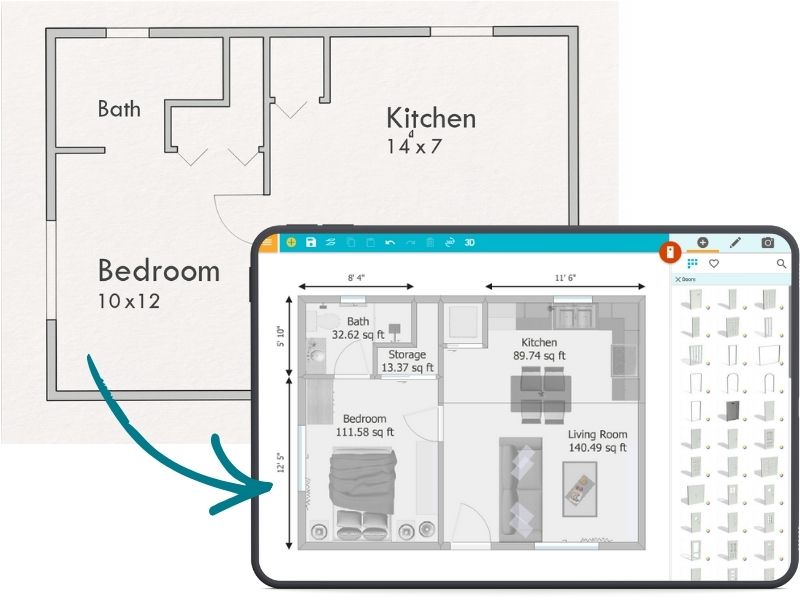

Fast Conversion
Converts your floor plan in
under five seconds

Trained for Accuracy
AI Convert is trained on more than
50,000 real floor plans

Unlimited Customization
Add furniture, materials, and measurements for a full custom look
Here’s How It Works
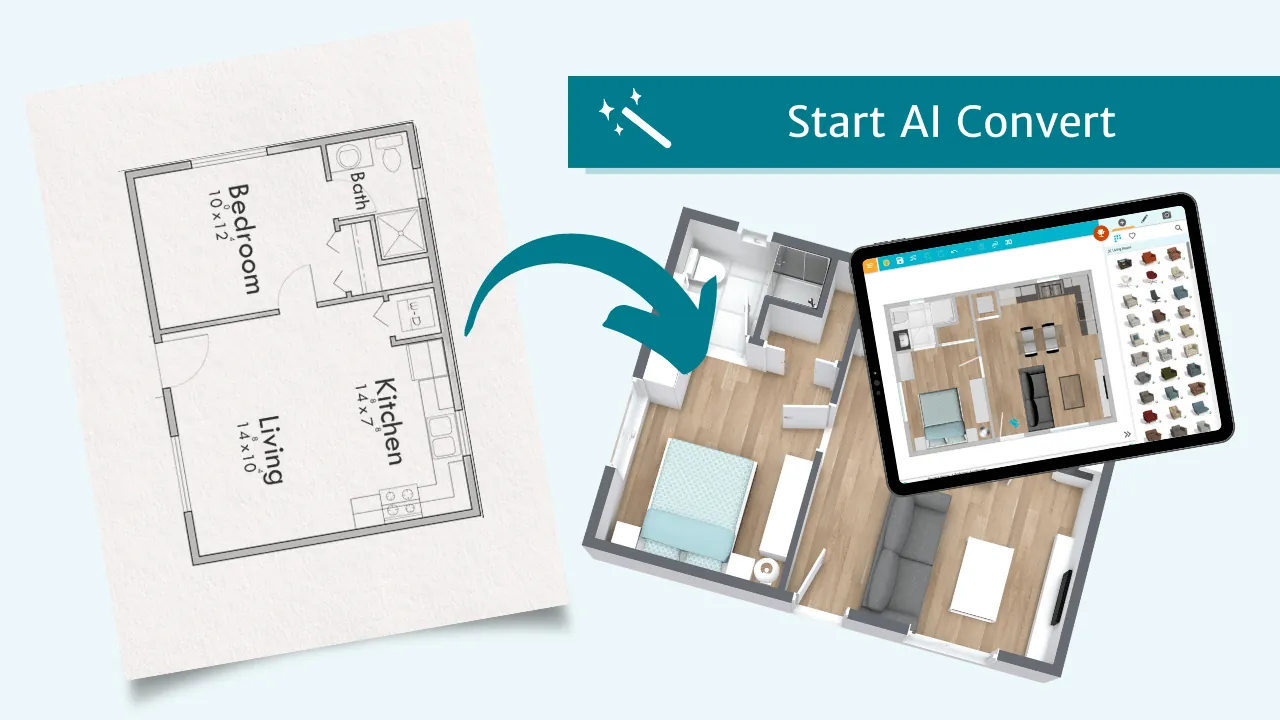
1. Convert
Upload your floor plan as a JPG, PNG, or PDF and let AI map out your walls, doors, and windows in seconds.
2. Edit
Open your converted plan in the RoomSketcher app, ready for anything from quick fixes to a full customization.
3. Share
Download and share 2D and 3D floor plans with clients and contractors.
Ways to Use Your Digital Plan
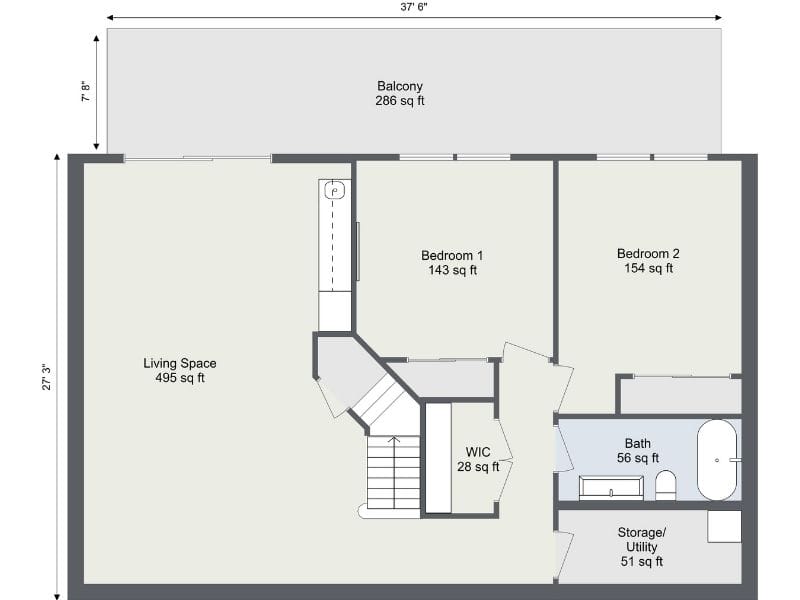
2D Floor Plans
Turn your converted plan into a clean, professional 2D Floor Plan that’s easy to work with.
Add measurements, materials, labels, and branding so everything is clear and up to date.
When you’re ready, download a polished plan you can share with clients and contractors in seconds.
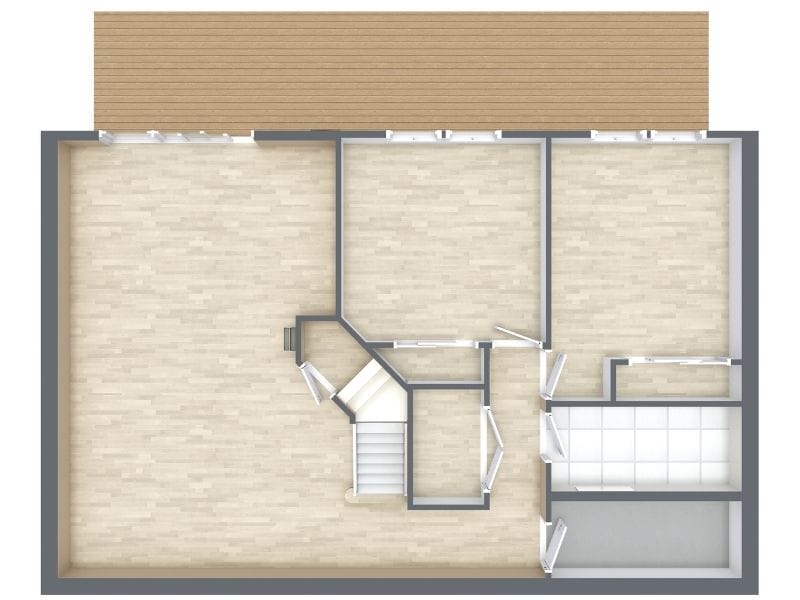
3D Floor Plans
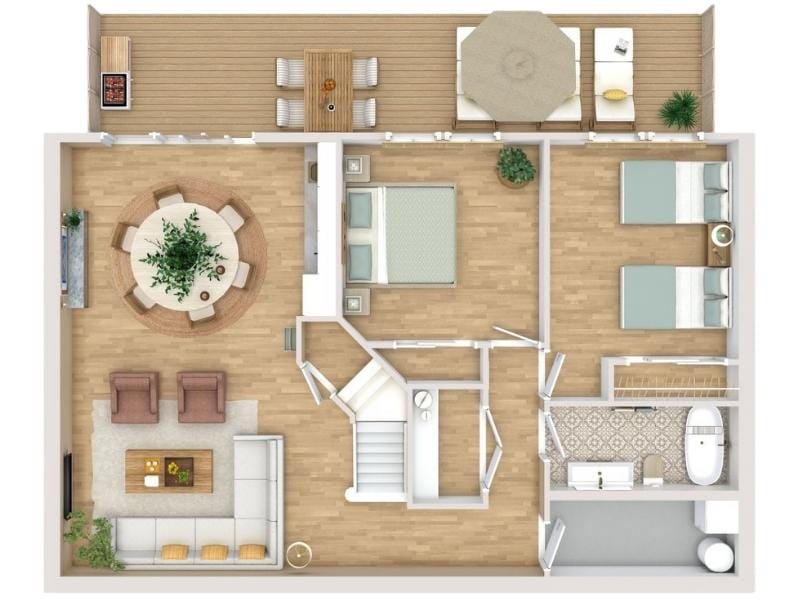
View your layout as a clear and engaging 3D Floor Plan that’s easy to explore.
Switch materials, colors, and furniture to see different options and get a real sense of the space.
It’s a great way to help clients understand the layout before anything is changed or built.
Never Lose Track of a Floor Plan Again
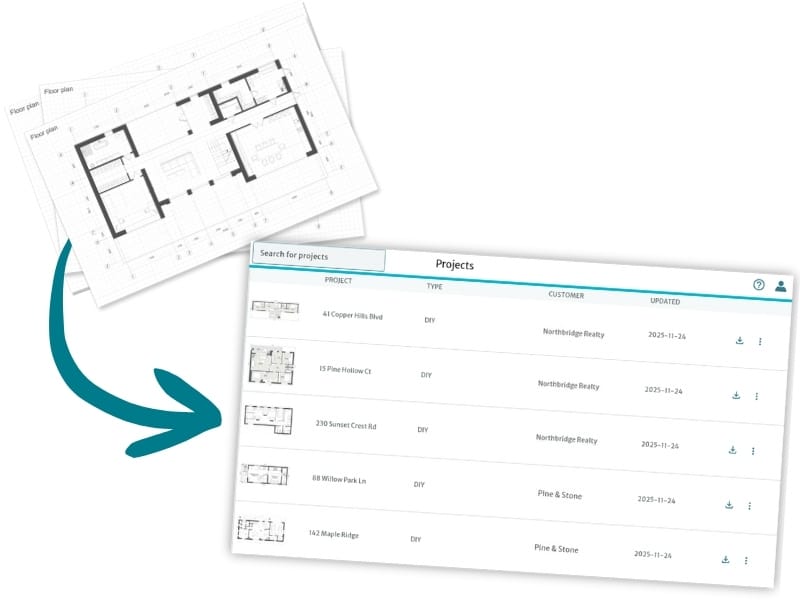
Turn your old floor plan archive into a simple digital library.
Instead of searching through old folders or scattered files, convert your plans into a digital version that’s easy to find, update, and share.
With RoomSketcher, your plans stay organized and ready to work with.
Need Help Getting Started?
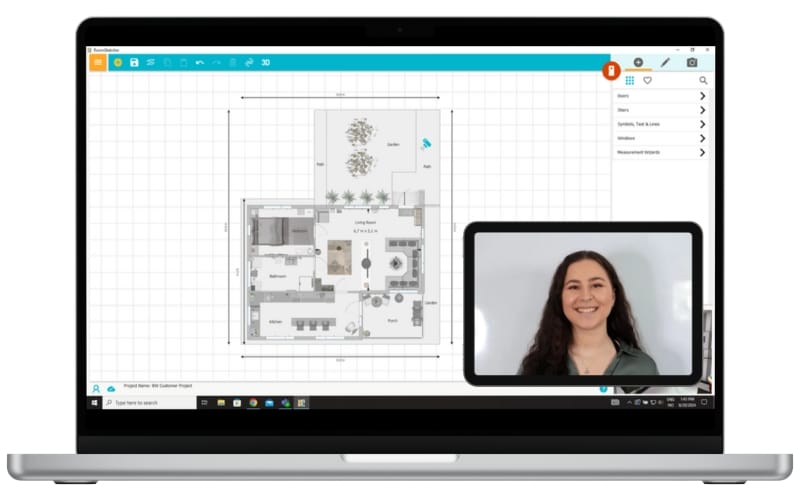
If you want a little guidance as you get started, our friendly customer support team is here to help.
You can also sign up for one of our free webinars to learn tips, workflows, and simple ways to get more out of RoomSketcher.
Working with a larger archive or a shared workflow? We offer tailored 1:1 training for teams and businesses.
Frequently Asked Questions
No, but you can import your sketch into the RoomSketcher app and trace over it.
Not yet, but stay tuned!
No problem. Snap a quick photo of your paper plan and upload it. AI Convert can read clear photos just as well as digital files.
Your first conversion is free. After that, each one costs 5 Credits.
Yes! You’ll get a preview of your converted plan first. You only spend Credits if you choose to save it.
AI Convert is available to anyone with a RoomSketcher account, whether it's Free, Pro, or Team.
If you convert floor plans often or work with a large volume of projects, a Team subscription is your best fit. It gives you more monthly Credits and makes high-volume work easier to manage.
Not a RoomSketcher User Yet?
You can get started in minutes. Create an account, upload your floor plan,
and try AI Convert for yourself.