Create 2D & 3D Floor Plans Faster with AI
Create professional floor plans without any design experience.
RoomSketcher combines easy-to-use tools with AI-powered features, so you can get started quickly, make edits with confidence, and generate polished 2D and 3D visuals.
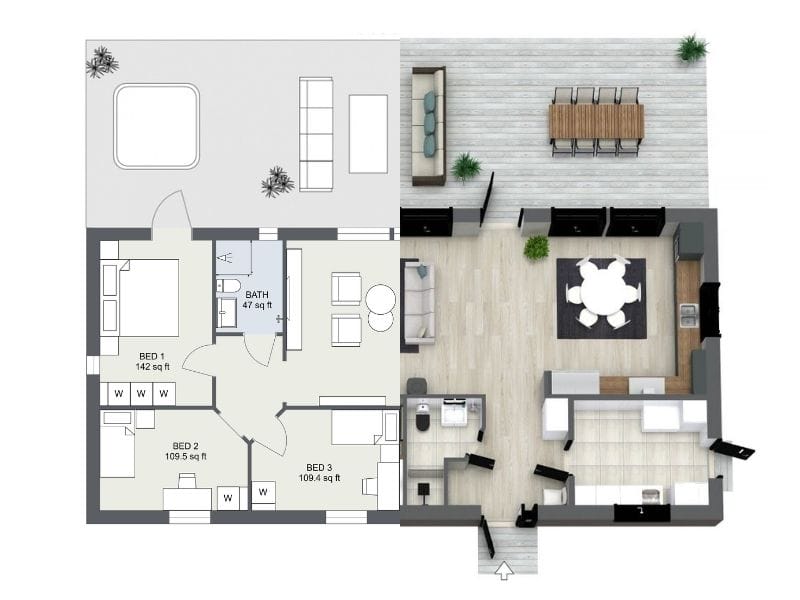




Smarter Ways to Start Your Floor Plan
Getting started is the slowest part of any floor plan. RoomSketcher gives you flexible, AI-powered ways to move faster.
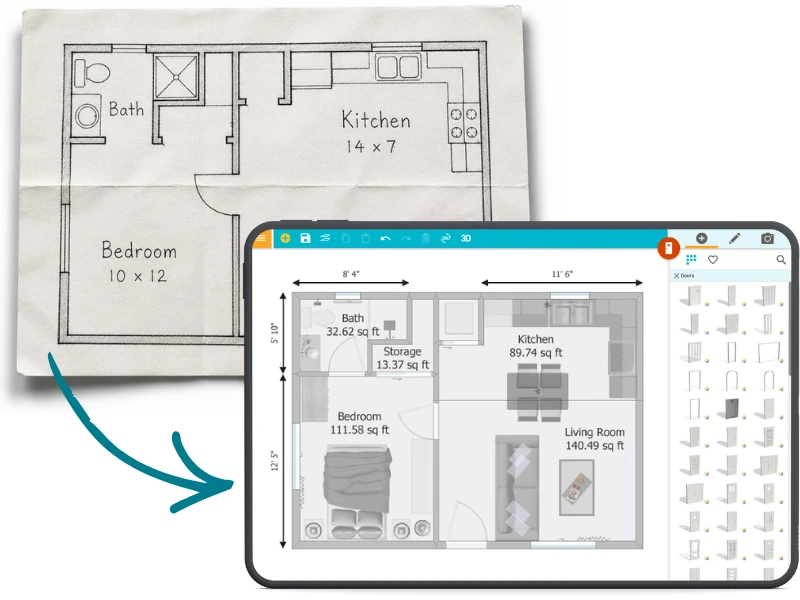
AI Convert
Turn existing plans into editable projects
Got an old floor plan, blueprint, or PDF?
AI Convert digitizes it quickly by mapping walls, doors, and windows into an editable project you can refine in RoomSketcher.
From there, adjust the layout, furnish rooms, apply materials and branding, and generate polished 2D and 3D floor plans.
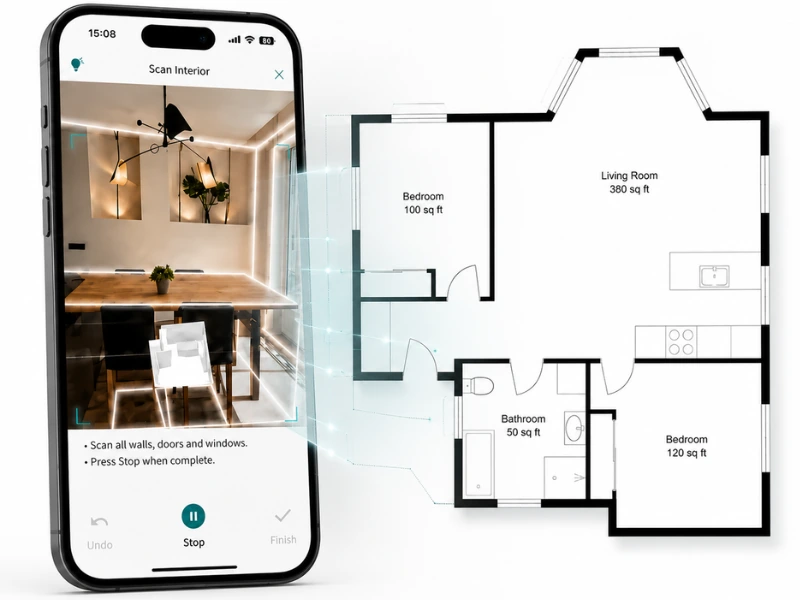
FloorCapture
Capture a space and create a floor plan fast
No floor plan yet?
Use FloorCapture with a LiDAR-enabled iPhone or iPad to turn a real space into an editable digital floor plan.
AI turns the capture into an editable digital floor plan, giving you a measured starting point you can refine in RoomSketcher.
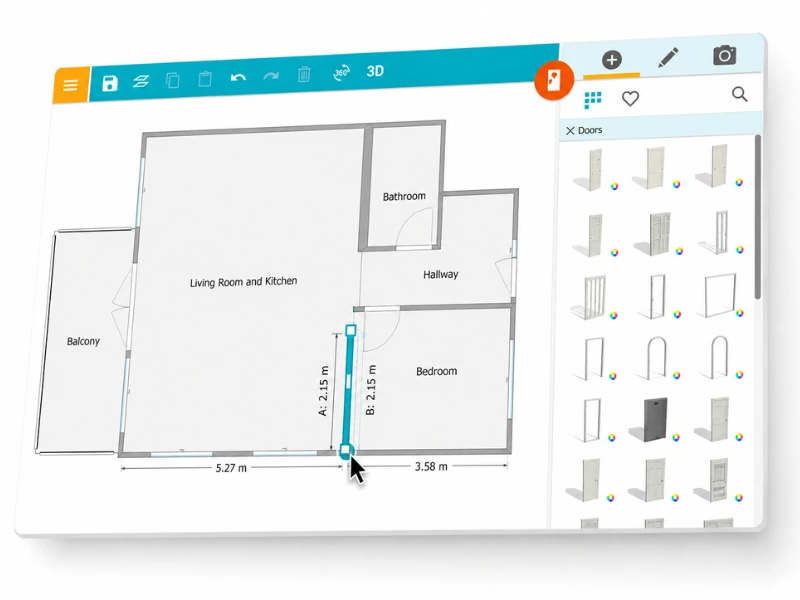
Draw Yourself
Create your floor plan from scratch
Start from a blank canvas and shape the layout exactly how you want it.
Draw rooms, move walls, add furniture, choose materials and colors, and generate polished 2D and 3D floor plans when you’re ready.
Why People Choose RoomSketcher

Quick Learning Curve
User-friendly tools make it easy to get started

Advanced Features
Customize measurements, materials, and more

Flexible Creation
Convert, capture, draw, trace, or order floor plans

Work Anywhere
Projects cloud sync across your tablet and computer
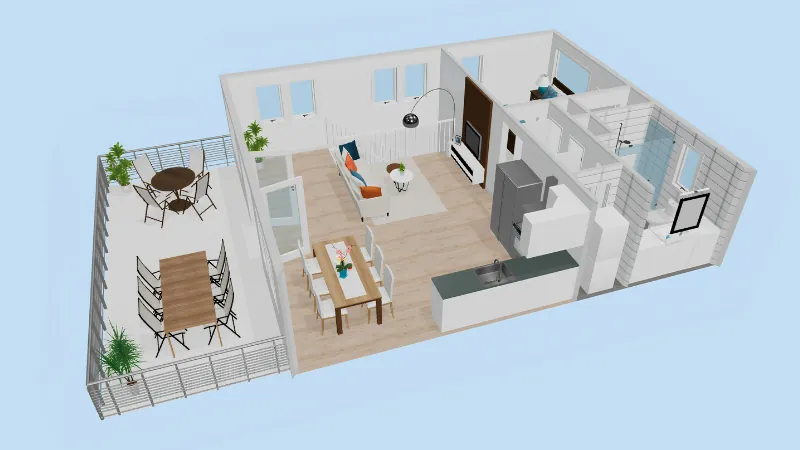
Turn Floor Plan Into Impressive Visuals
Get Started, Risk-Free
Reduce Errors with Measurements
Ensure accuracy with our built-in Measurement Wizard and Total Area Calculator. Our software supports GTA, GFA, GLA, GIA, and more, helping you minimize mistakes and deliver precise floor plans every time.


Present and Sell More Effectively
Impress clients with professional 2D and 3D floor plans that showcase your layouts in detail.
Easily share polished presentations with a single click, complete with your branding. If you have a floor plan in your presentation, you’re 58% more likely to get hired, according to a study by Rightmove.
- Export or print branded letterheads
- Share your project online
- Show your project in Live 3D
Large Furniture & Symbols Library
Choose from thousands of customizable furniture, appliances, and décor items to complete your floor plans.
Our library also includes important symbols for electrical layouts and evacuation routes, making creating clear visualizations for any project easy.

RoomSketcher Key Features
- Easy drag-and-drop floor plan editor
- Draw from scratch or trace over blueprints
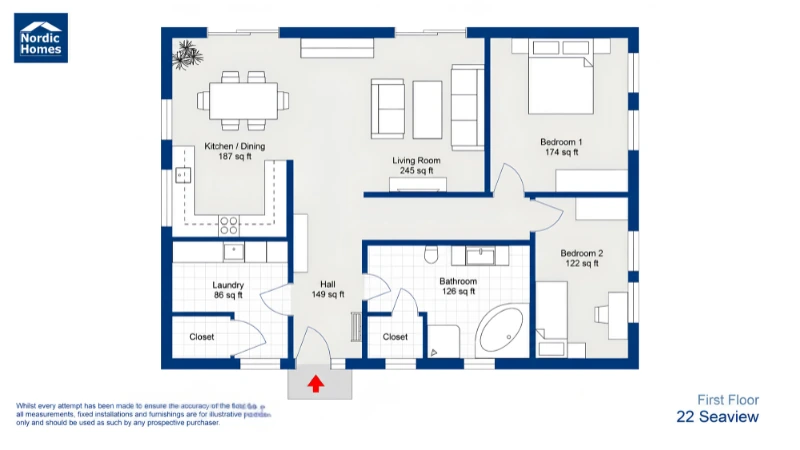
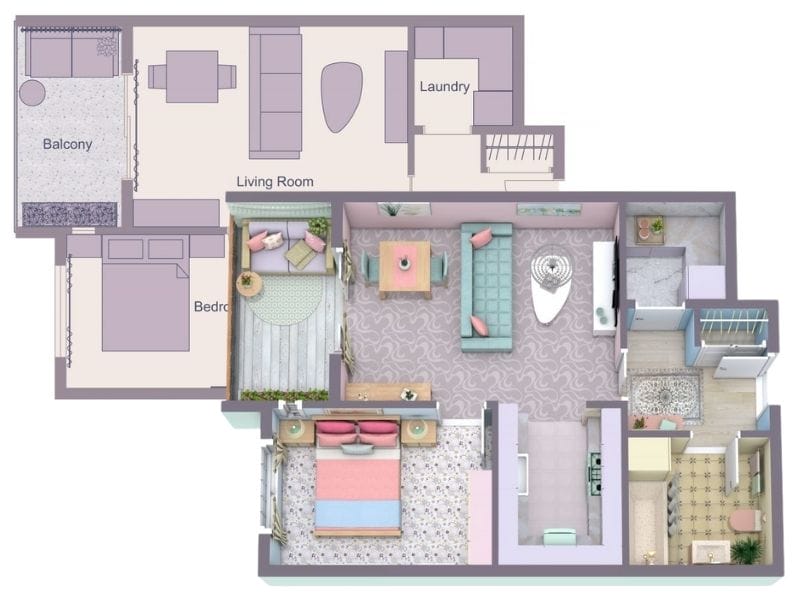
- Customizable 2D and 3D Floor Plans with colors, and materials
- Branded floor plans
- One click 3D Floor Plan generation
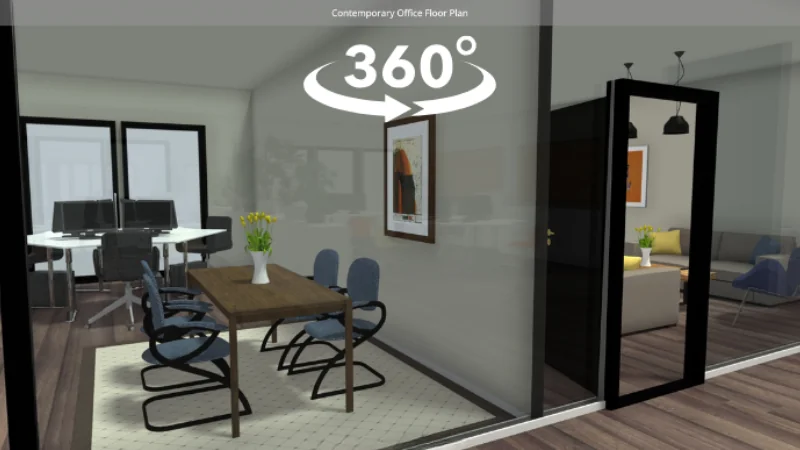
- Live 3D, 3D Photos, and 360 Views for immersive presentations
- Built-in Measurement Wizard and Total Area Calculator for accuracy
- Thousands of furniture and symbol options
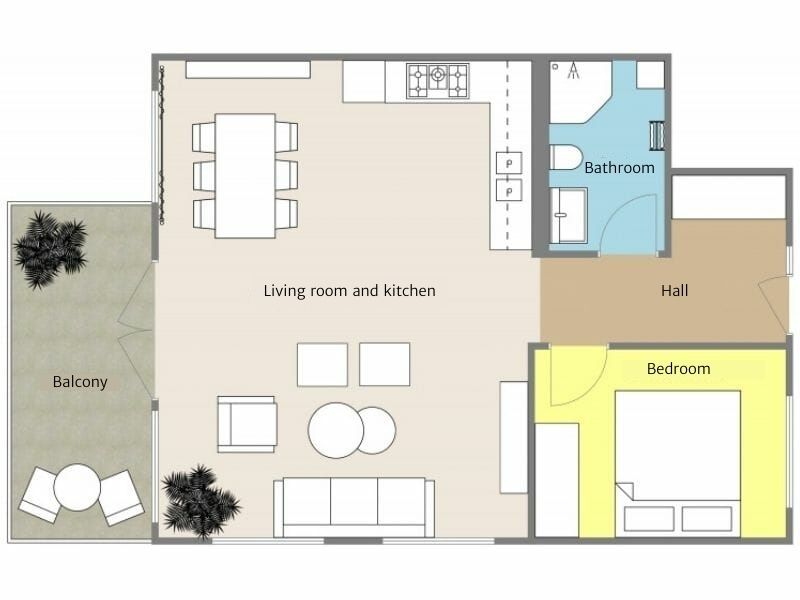
- Over 1000 ready-to-use templates
- Cloud-synced projects for computer and tablet use
- Simple sharing and exporting for polished client presentations
Use Over 1,000 Floor Plan Templates


Short on time? Let us draw for you
Simply send us a sketch, blueprint, or old floor plan, and we'll deliver a digital one by the next business day.
- Affordable from $20 to $38 per floor
- Edit and customize as needed
- Choose preferred furniture; we’ll set it up for you


Floor Plan Creator For Your Business

Real Estate Agents
Floor plans give buyers a clear view of the property's layout, helping you attract more interest and close deals faster.

Interior Designers
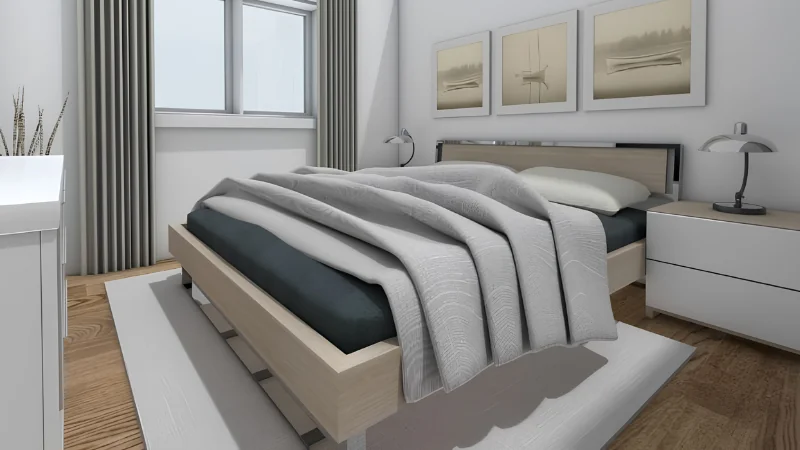
Different layouts and 3D renderings help choose materials and furnishings, making it easier to communicate ideas.

Home Builders
Detailed floor plans ensure clear communication with contractors and clients, keeping projects organized.
Get Help When You Need It
We're here to help you succeed. Browse our Help Center, join informative webinars, or schedule a 1:1 training session. Our dedicated support team is always ready to assist you.


“I find RoomSketcher to be a very trusted company on all areas. It's professional, cares about users, delivers as promised in shape and form, which is of paramount importance as we organize our architectural services!”
Ruben O. Feldman
Architect, USA
Frequently Asked Questions (FAQ)
A floor plan is a scaled diagram of a room or building viewed from above, showing the relationships between rooms, spaces, and physical features.
They are important because they clearly visualize a space, which helps plan, design, and communicate ideas effectively.
There are two main types: 2D and 3D floor plans.
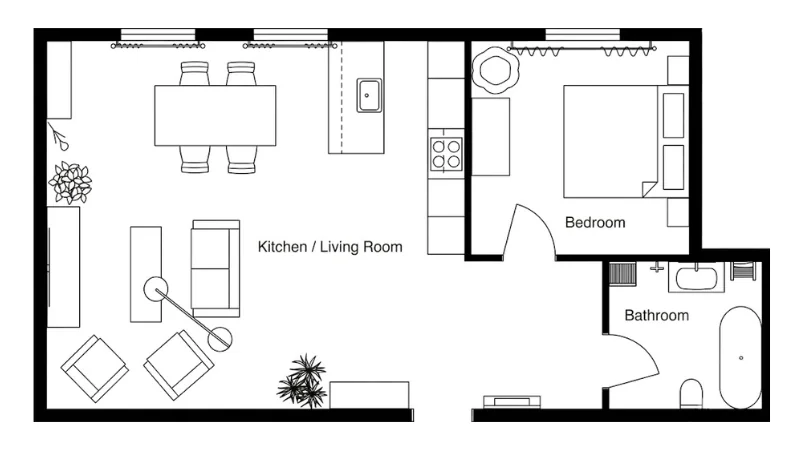
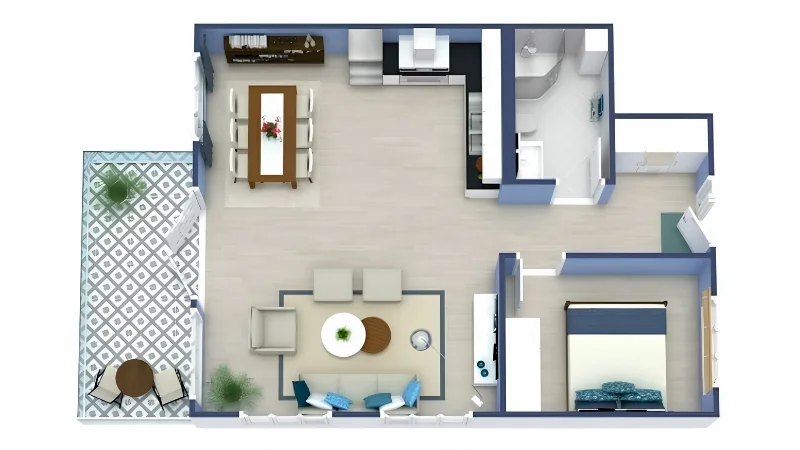
A 2D floor plan is a flat, top-down representation of a space, showing layout, walls, doors, and furniture without depth or perspective. A 3D floor plan, on the other hand, adds height and depth, providing a more realistic visualization of the space with textures, lighting, and a sense of scale.
RoomSketcher allows you to create both 2D and 3D Floor Plans, providing different perspectives for your projects.
Using our software, you can draw one from scratch, use a template, or trace over an existing blueprint. Alternatively, you can order from us with a sketch or blueprint.
Follow these steps to draw yourself:
- Download the app
- Measure up your space
- Draw walls
- Add windows, doors, and stairs
- Furnish and decorate your space
- Generate 2D/3D floor plans from your project
You can choose between three different plans:
- Pay as you go: Includes free features and the ability to purchase high-quality renderings of your projects
- Pro Subscription: Includes all premium features for a single user
- Team Subscription: Includes all premium features, multiple users, project collaboration, and customer profiles
For a more detailed overview, visit our pricing page.
The RoomSketcher app works on Windows and Mac computers, as well as iPads and Android tablets. You can download the app to as many devices as you want. All your projects are stored in the cloud, so you can open and edit them on any device.