Kitchen Planner
RoomSketcher lets you explore different kitchen options before presenting ideas to a client or discussing them with a manufacturer.
Work out what fits, compare layouts, use AI to explore different looks, and see the kitchen in 3D, all before you start making the big decisions.




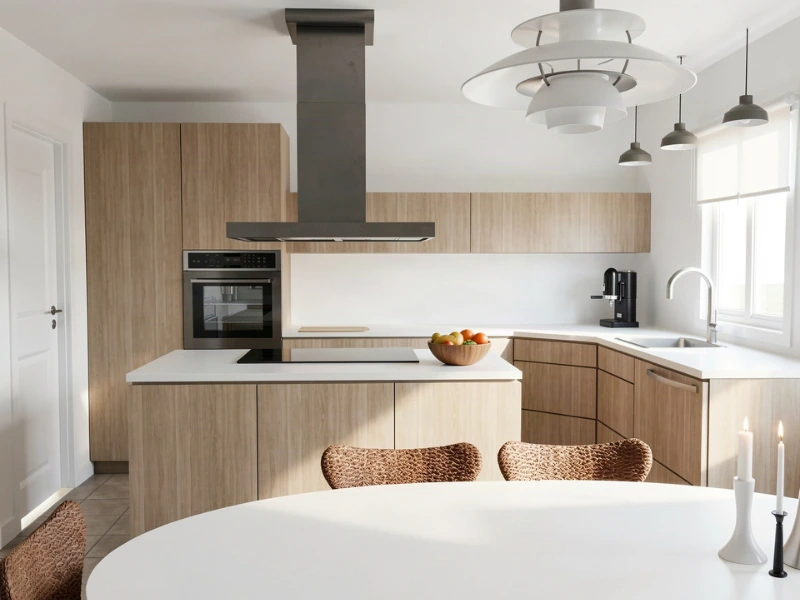
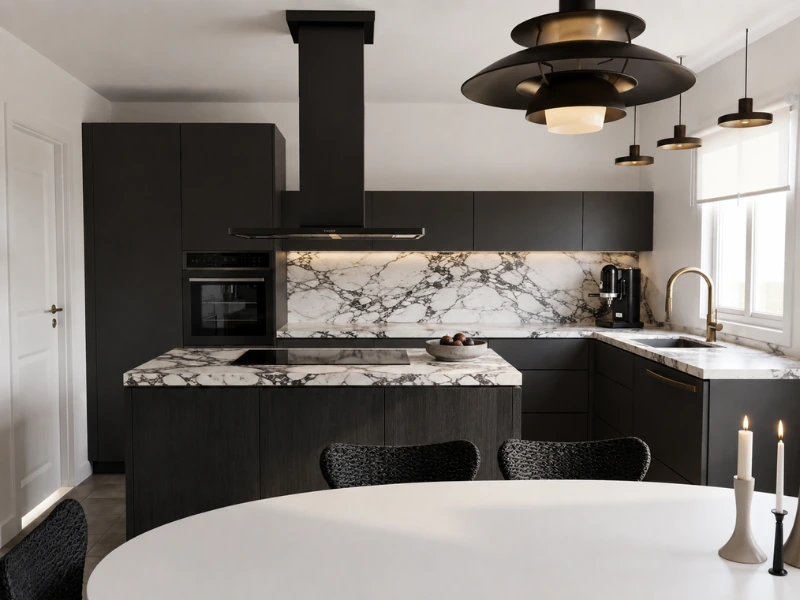
Try Kitchen Styles Instantly with AI
Planning a kitchen comes with a lot of choices, from the overall style to the smaller details. It’s often easier to decide once you can actually see the options in a space.
With AI Render, you can quickly test different colors, materials, and finishes. Choose a predefined style or describe what you want with a prompt, then compare the results and narrow down the directions you want to explore further.
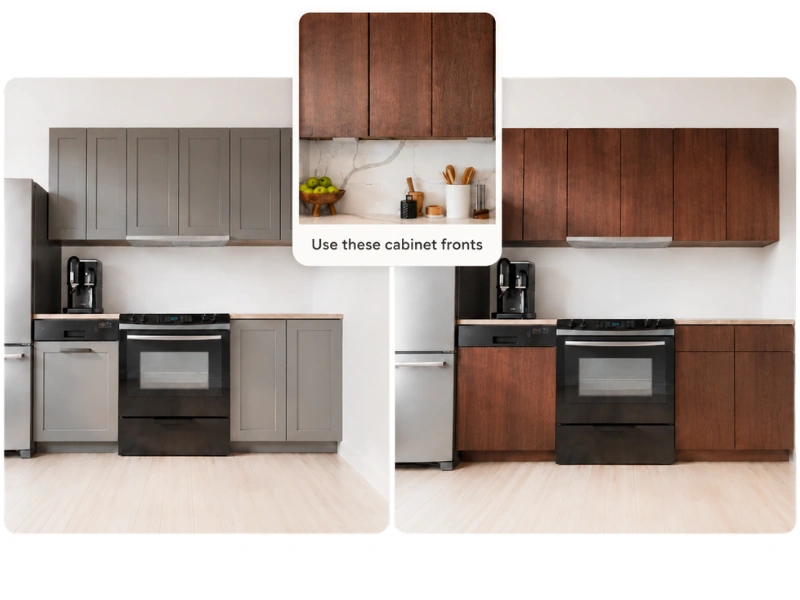
Visualize Products and Materials with Reference Images
Already found a specific cabinet finish or appliance you like?
Add a reference image to AI Render and bring that item into your own kitchen. Instead of trying to piece together product photos and material samples in your head, you can see how each choice looks in the room.
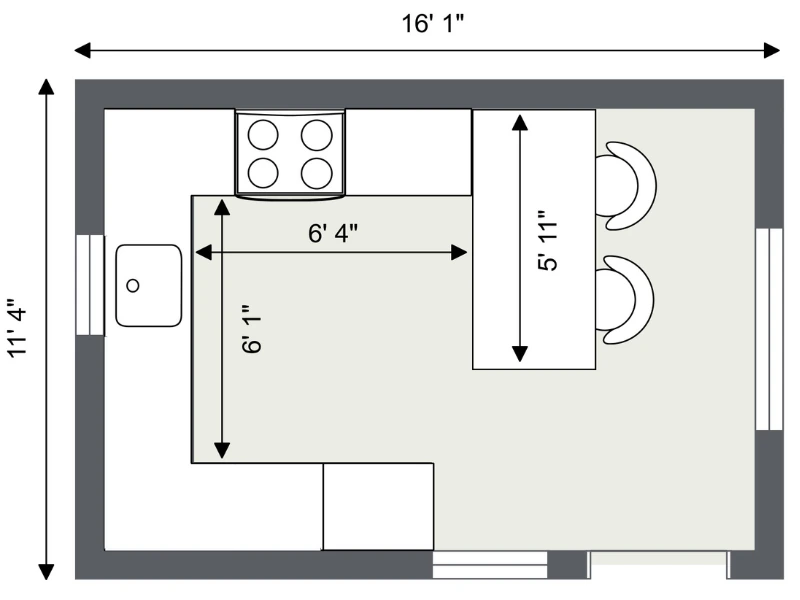
See What Actually Fits in Your Kitchen
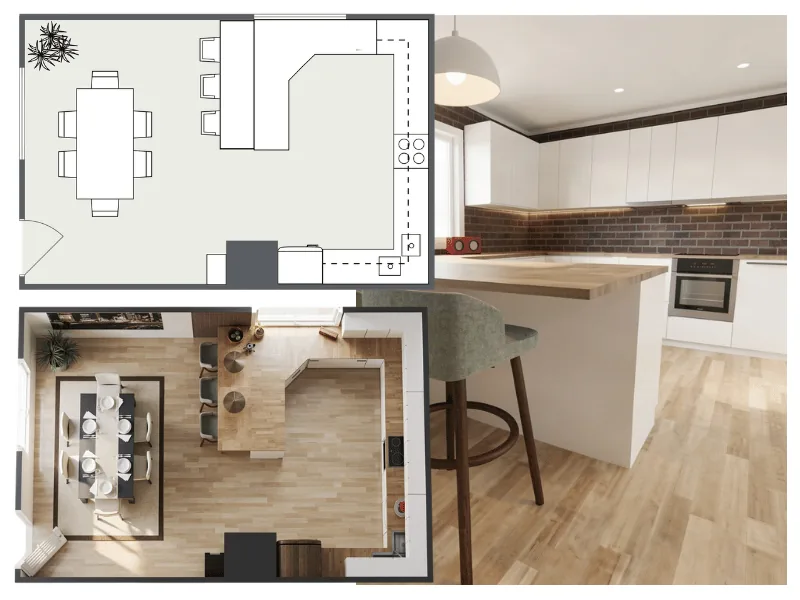
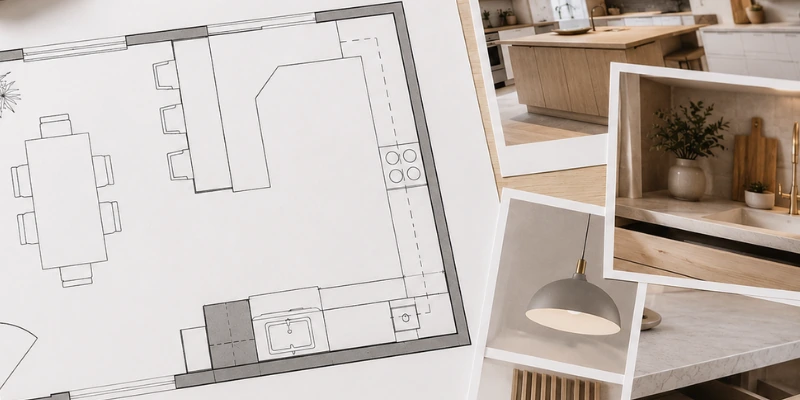
Use a 2D Floor Plan to work through the practical side of the layout before you make bigger design decisions.
Add cabinets, appliances, fixtures, and furniture, then position them using the dimensions of your room. See whether there’s enough space for an island, check the distance between counters, and make sure there’s room to move comfortably through the kitchen.
Check the Layout From Every Angle
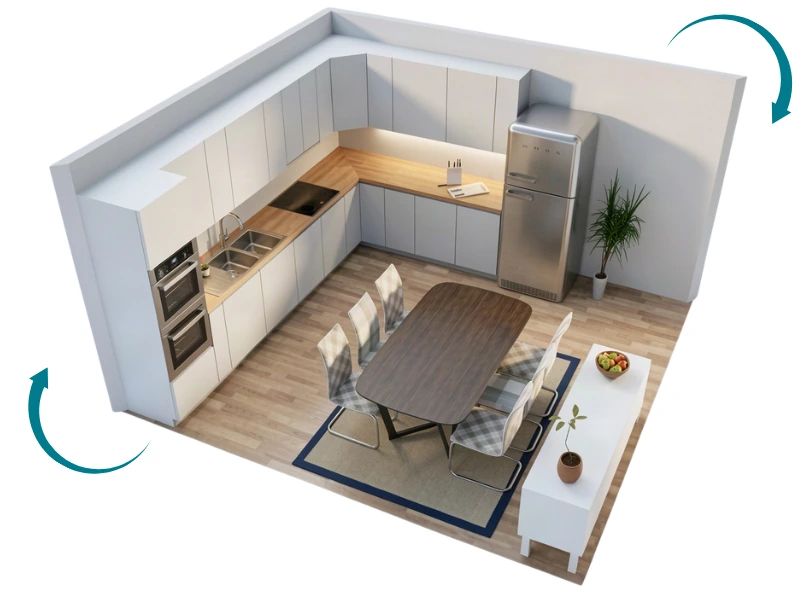
A single view only tells you so much. With RoomSketcher, you can look at your kitchen from above, rotate the view, or move through the space at eye level.
Use a 3D Floor Plan to understand the full layout from different angles, or open the design in Live 3D to explore the room from inside.
Create a Kitchen Plan That’s Easy to Edit
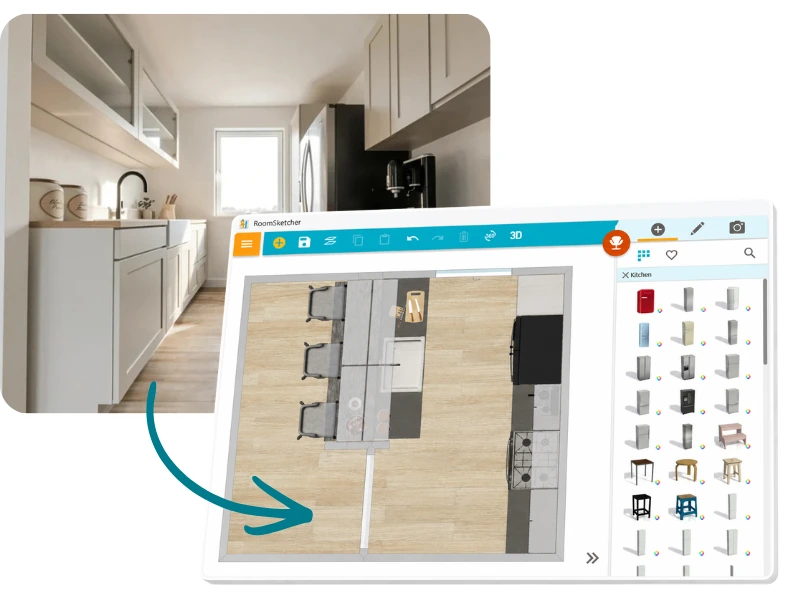
Already have a floor plan? Upload it with AI Convert and turn it into an editable RoomSketcher project in seconds.
Starting without one? Draw the kitchen from scratch and add the walls, doors, windows, and measurements you need. Either way, you can get started on your project in no time.
Trusted by Professionals and Homeowners
"This app is hands down one of my absolute favorites. I’ve used it to flirt with the idea of bathroom and kitchen remodels. I finally took the leap on the kitchen. It is just as beautiful as the app had shown me. I recommend it to everyone! This includes you!"
"Very easy to use. Love the 3D views - makes homeowners ideas come to life. Landed many jobs from this app."
"Outstanding product. Makes an otherwise challenging design task easy and enjoyable. Highly recommended."
"You don’t need to spend countless hours on technical software to produce the results you’re looking for. RoomSketcher is easy to use and cost-effective."
"I was able to use RoomSketcher with ease to layout our home renovation. It's amazing how using RoomSketcher allowed me to see my vision come to life without needing to hire an outside consultant."
Designing for a Client or Planning Your Own Kitchen?
For Interior Designers & Contractors
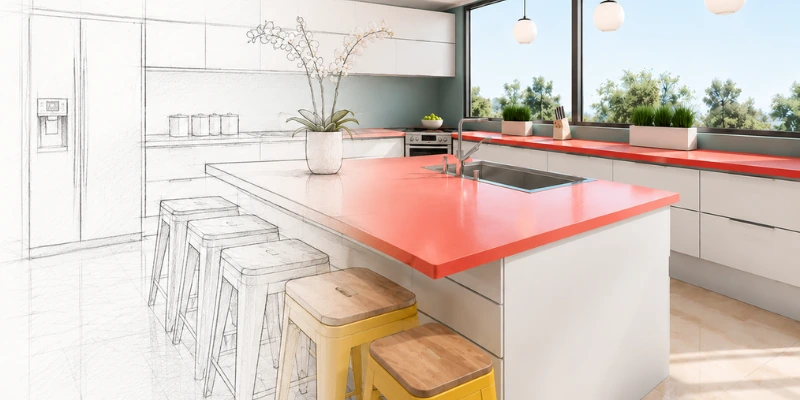
Show Clients Different Kitchen Options Faster
Create the client's space once, then test different layouts and design directions without starting over.
- Compare different layouts without starting over
- Show clients multiple design directions quickly
- Use 2D, Live 3D, and AI Render to support the conversation
For Homeowners
Bring a Clear Plan to Your Kitchen Manufacturer
Create a to-scale plan, explore the layout and style, then bring your ideas into the conversation with your manufacturer.
- Know what fits before you visit a showroom
- Explore layouts, styles, and finishes beforehand
- Bring visuals that make your ideas easy to explain
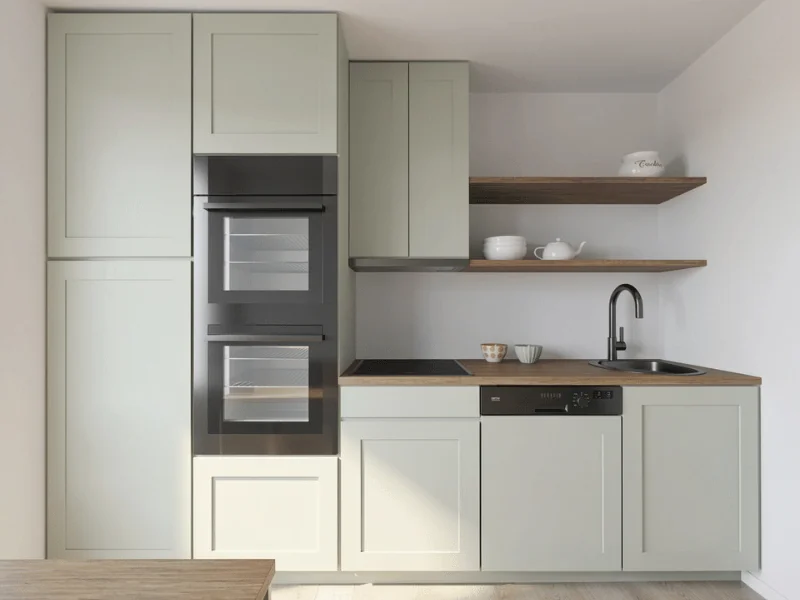
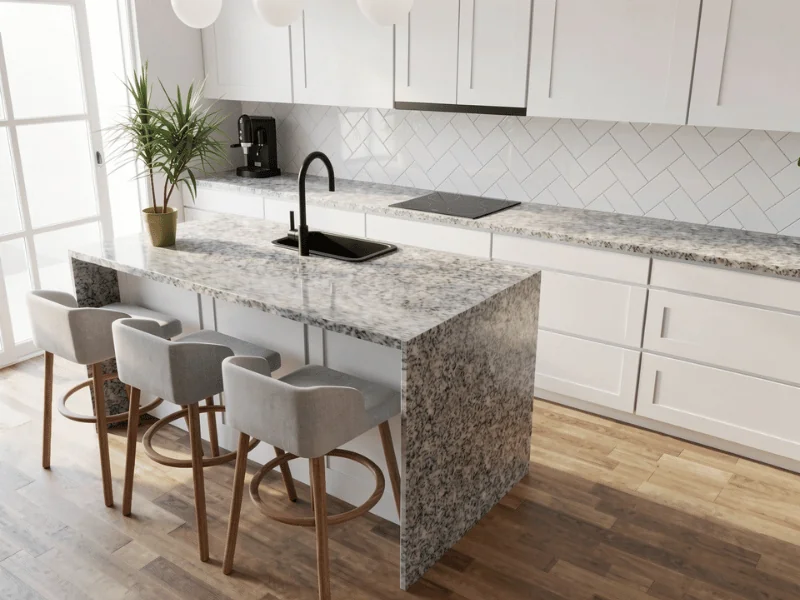
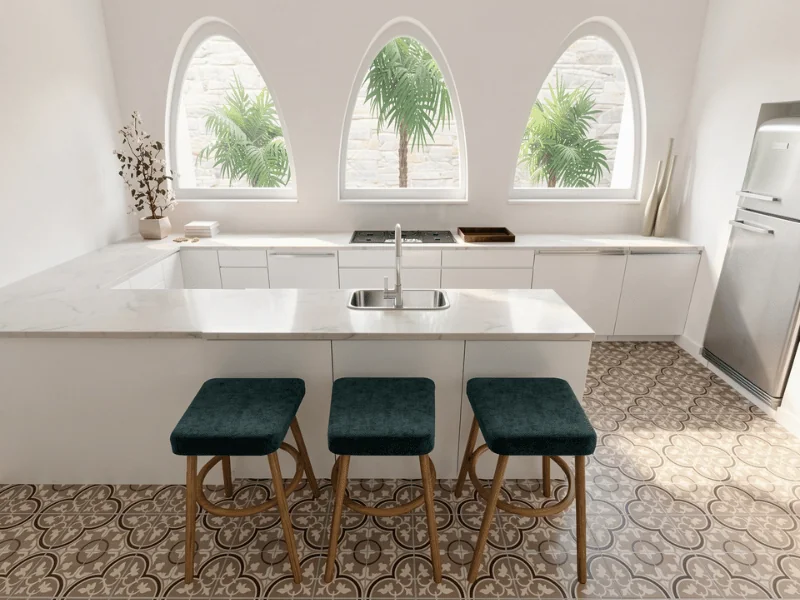
Explore Kitchen Layout Ideas
Choose a ready-made kitchen layout and use it as a starting point for your own design.
Frequently Asked Questions
Yes, you can start planning your kitchen with a Free subscription. Draw your layout in the RoomSketcher app and start exploring your ideas right away.
If you want access to more features, you can upgrade to a Pro or Team subscription.
Not at all. RoomSketcher is designed to be easy to use, even if you’ve never planned a kitchen before.
Draw your layout, add cabinets and appliances, and start exploring different ideas at your own pace.
RoomSketcher lets you create floor plans with precise dimensions, so you can plan around the actual size of your space.
You can work in metric or imperial units, adjust measurement precision, and use the Measurement Wizard to add measurements quickly and consistently.
Yes! You can create common kitchen layouts like U-shaped, L-shaped, galley, one-wall, island, and peninsula kitchens, or draw a custom layout to suit your space.
Add and arrange cabinets, appliances, and furniture to match the shape and size of your kitchen, and use layout examples for inspiration.
You can customize the layout, sizes, colors, materials, and finishes throughout your kitchen.
Change cabinets, countertops, walls, floors, appliances, islands, and other details to suit your space and style. You can also use AI Render to quickly try different styles and finishes, describe changes with a prompt, or add a reference image to visualize a product or material in your kitchen.
Plan Your Kitchen in Minutes
Try different layouts, materials, and details, and see every choice take shape right away — free to start, no design experience needed.