9 Essential Home Office Design Tips
Planning a home office? Whether you have a separate room, a small bedroom, or just a quiet corner, a few practical decisions can make your workspace more comfortable, organized, and easier to use.

Quick summary:
A good home office starts with choosing a location that suits how and when you work. Make sure you have enough room to sit, move, and store the things you use most. Choose a desk and chair that support a comfortable working position, plan for natural and task lighting, and keep cables under control. Creating a floor plan first can help you test different layouts and see what fits before buying furniture.
If you spend the full work week there or even just a few hours, it’s important that your home office be a comfortable and inviting place to spend time and to get your work done efficiently.
Read on for our nine essential tips for creating a beautiful and practical home office design.
In this article:
1. Choose the Right Location
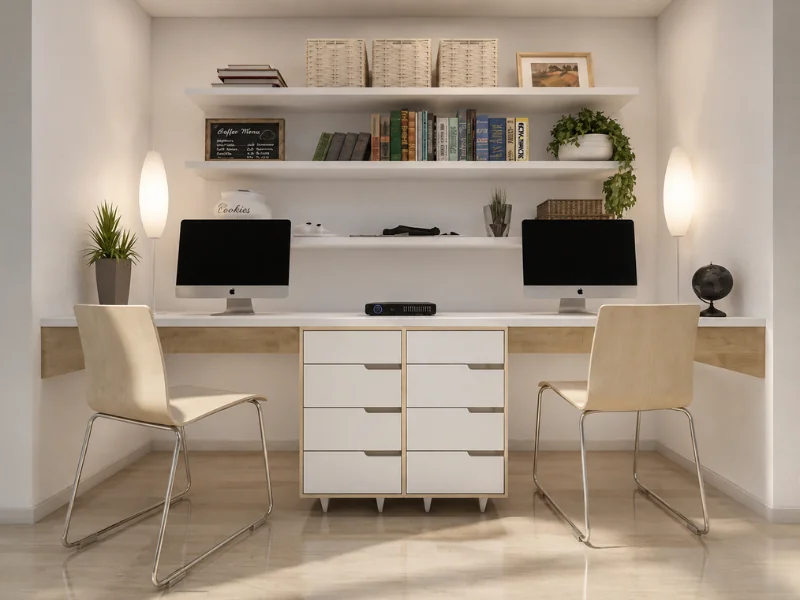
Home offices can take many forms. You might have a separate room, a desk in a spare bedroom, a quiet landing, or a small workspace in the kitchen or living area.
The best location depends on how you work. If you need to stay close to family activity, a desk in a shared space may be practical. If your work involves calls, meetings, or long periods of concentration, look for somewhere quieter and more private.
Also consider how often you will use the office. A compact desk may be enough for occasional admin, while full-time remote work usually calls for a more permanent and comfortable setup.
2. Allow Enough Space
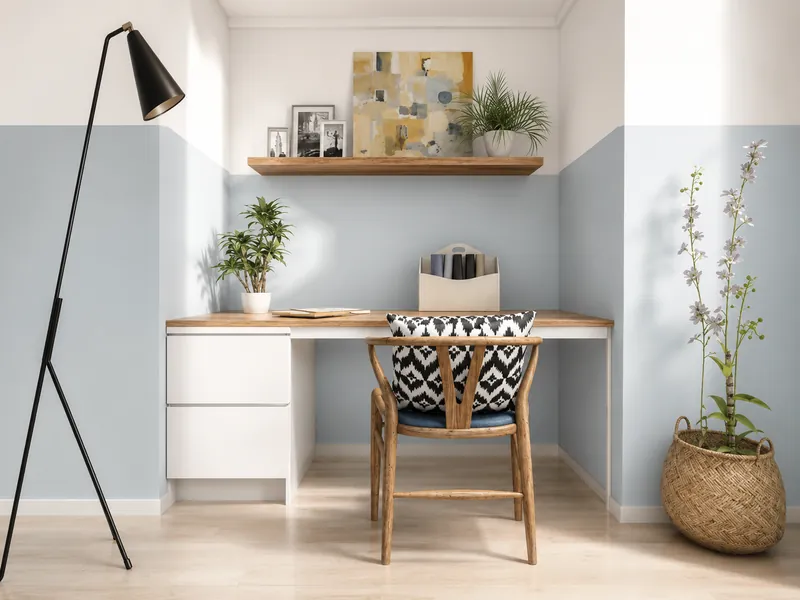
It is easy to underestimate how much space a home office needs.
Make sure you can pull the chair away from the desk, stand up comfortably, and move around without bumping into furniture. Remember to allow space for drawers, cabinet doors, and the natural swing of the room door.
As a general guide, a workstation around 60 inches (150 cm) wide and 84 inches (210 cm) deep gives many people enough room for a desk, chair, and circulation space. Smaller layouts can still work, but it is worth testing them before buying furniture.
A simple floor plan can help you check clearances and compare different arrangements.
3. Choose a Comfortable Desk and Chair
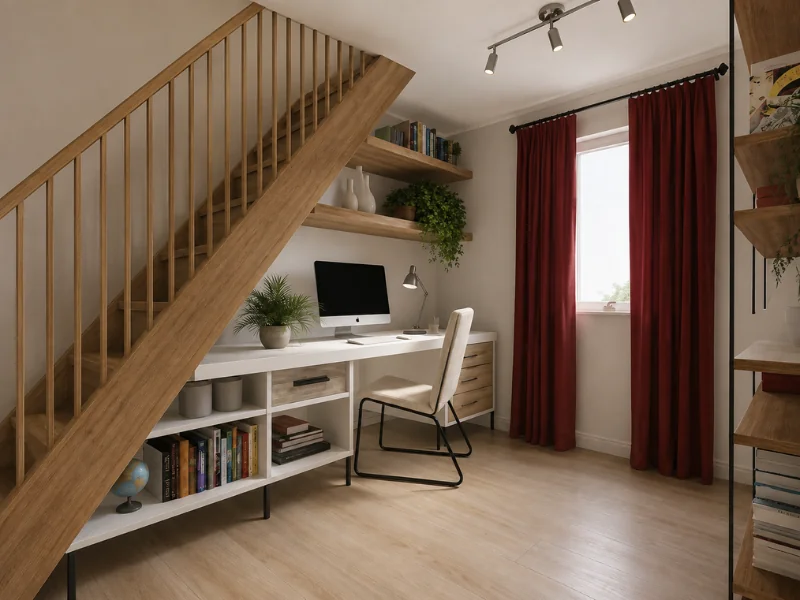
Your desk should be large enough for your computer and the other items you use regularly, such as a monitor, notebook, desk lamp, or reference materials.
A desk that is at least 48 inches (120 cm) wide works for many setups, while 60 inches (150 cm) or more gives you extra space. A smaller desk may be enough if you mainly work from a laptop.
Standard desks are often around 28–30 inches (70–75 cm) high, but the right height depends on your chair and body position. Your shoulders should feel relaxed, your elbows should sit comfortably near desk height, and your feet should rest flat on the floor or on a footrest.
Choose an adjustable chair with good back support where possible. Being able to adjust the seat height, backrest, and armrests can make a noticeable difference during a long working day.
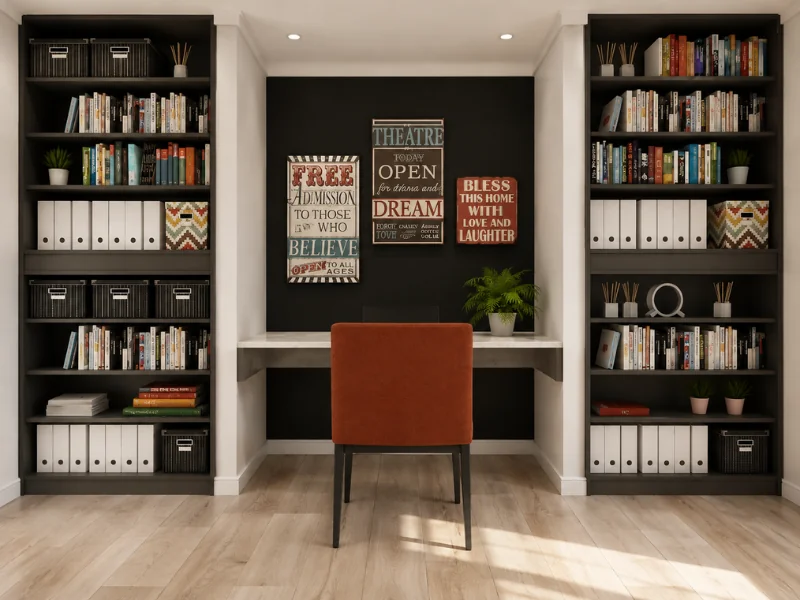
4. Plan Storage Around Your Tasks
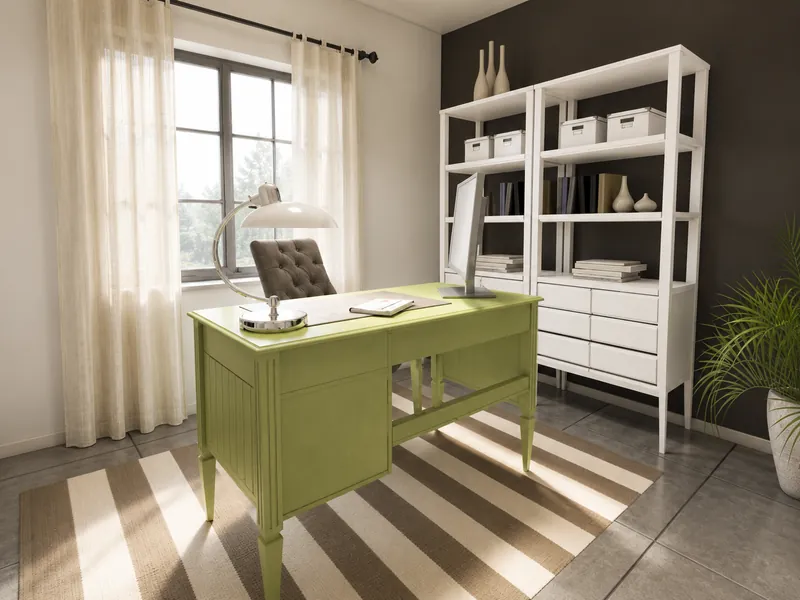
Good storage helps keep the desk clear and makes everyday tasks easier.
Think about what comes into your workspace, what you use while working, and where finished work needs to go. Keep frequently used items within easy reach, and store less-used supplies higher up or farther away.
Depending on your needs, you might include:
- Drawers for stationery and small items
- Shelves for books and reference materials
- Filing cabinets for paperwork
- Closed cupboards for equipment and supplies
- Pegboards or wall organizers above the desk
Using the wall above and around your desk can add useful storage without taking up extra floor space.
5. Include Space for Meetings
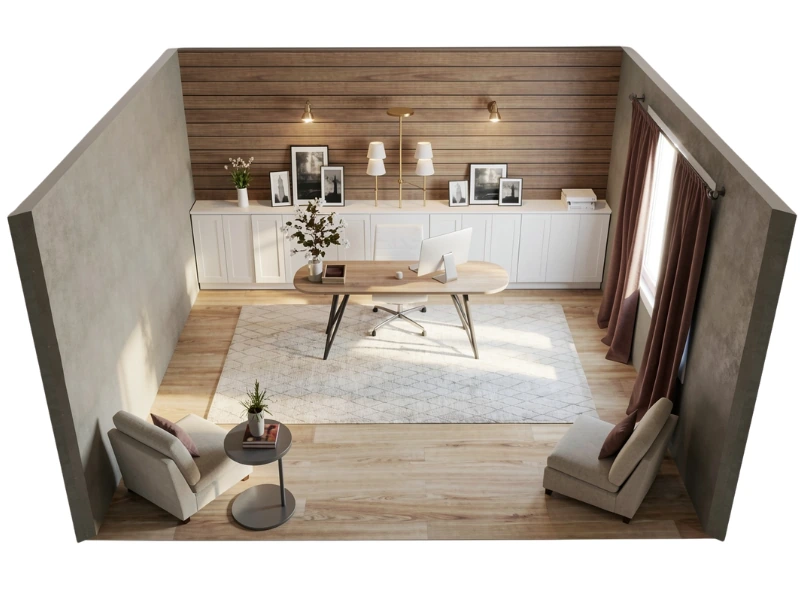
Will clients, colleagues, or customers ever visit your home office?
If you have enough room, consider adding a small meeting area with a table and a couple of chairs. In a compact office, one or two lightweight chairs that can be pulled up to the desk may be enough.
For online meetings, think about what appears behind you on camera. A tidy shelf, a plain wall, or a simple piece of artwork can create a more professional background without requiring extra space.
6. Make the Most of Natural Light
Good lighting can make your office more comfortable and reduce eye strain.
Choose a location with natural light where possible, but avoid placing your computer screen directly in front of or behind a bright window. Positioning the desk at an angle to the window can help reduce glare and reflections.
Blinds or translucent shades allow you to control bright sunlight without making the room feel dark. Light-colored walls and mirrors can also help reflect daylight around the space.
Add more than one artificial light source. A ceiling fixture or floor lamp can provide general lighting, while an adjustable desk lamp gives you focused light for reading, writing, and detailed work.
If the room has no view, face the desk toward the door or place artwork, plants, or a pinboard where you can look up from the screen.
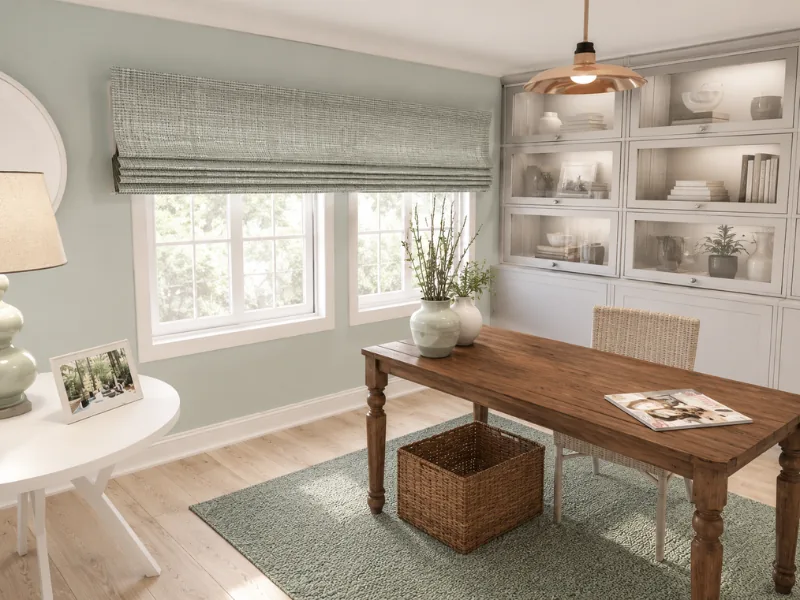
No view? Position your desk to face the door instead or place a pleasing piece of artwork or an inspirational pinboard above your desk. Either, will give your eyes a rest and something to focus on when you look up from your work.
7. Keep Cables Under Control
Loose cables can make even a well-designed home office feel cluttered.
Plan where your computer, monitor, printer, chargers, and other equipment will sit before deciding where to place the desk. Keeping the workstation close to power outlets can reduce the number of cables crossing the room.
Useful cable-management options include:
- A cable tray mounted beneath the desk
- A desk grommet for routing cables through the desktop
- Cable clips attached to the back or underside of the desk
- Sleeves or ties for grouping wires together
- A power strip fixed beneath the desk rather than left on the floor
- A charging station for phones and smaller devices
Leave a little flexibility so cables remain easy to reach when you need to replace or move equipment.
8. Add Personality Without Adding Clutter
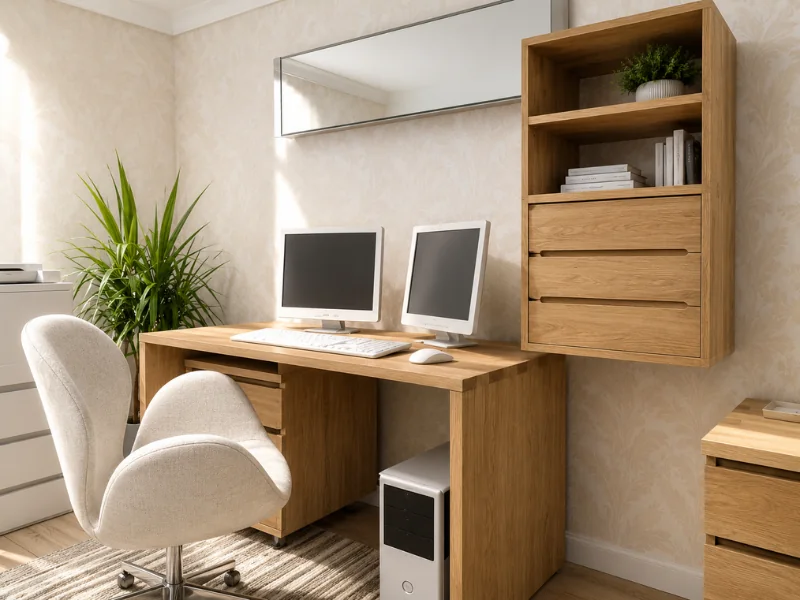
One benefit of working from home is that you can create a workspace that feels like your own.
Choose colors, materials, and accessories that suit the rest of your home while helping the office feel distinct. A piece of artwork, a plant, a pinboard, or a favorite object can make the room more inviting.
Try not to fill every surface. A few well-chosen items usually have more impact than lots of small decorations, especially in a compact office.
You can also use rugs, curtains, and soft furnishings to make the room feel warmer and help reduce noise.
9. Create a Floor Plan First
A floor plan makes it easier to see what will fit before you buy furniture or start moving things around.
With the RoomSketcher app, you can draw your home office and test different layouts. Add the desk, chair, storage, doors, windows, and other furniture to see how everything works together.
Use your floor plan to:
- Check the size and position of the desk
- Leave enough room behind the chair
- Test different storage arrangements
- Keep doorways and walkways clear
- Compare several possible office locations
- See the finished room in 3D
Planning the layout first can help you avoid buying furniture that is too large or placing the desk somewhere with poor lighting, limited access, or distracting glare.

Plan Your Home Office with RoomSketcher
A well-designed home office should support the way you work and fit comfortably into your home.
With RoomSketcher, you can create a floor plan, try different furniture layouts, and visualize the finished space in 3D before making changes.
Create a free account and start planning your home office today!
Common Questions
Choose a location that matches how you work. A separate room is useful if you need privacy and quiet, while a desk in a kitchen, bedroom, or living area may work for occasional use. Consider noise, natural light, nearby outlets, and how much space you need.
A desk around 48 inches (120 cm) wide is enough for many basic setups. A width of 60 inches (150 cm) or more provides extra room for monitors, paperwork, and accessories. Laptop-only workstations can often be smaller.
Many standard desks are 28–30 inches (70–75 cm) high. Adjust your chair so your shoulders are relaxed, your elbows sit comfortably near desk height, and your feet rest flat on the floor or on a footrest.
Keep current work and frequently used supplies close to the desk. Use drawers for smaller items, shelves for books, and closed cabinets for equipment or paperwork you do not need every day. Wall-mounted storage can save floor and desk space.
Combine natural light with general and task lighting. Position the desk to avoid glare on the screen, and use blinds or shades to control bright sunlight. Add a ceiling fixture or floor lamp for general light and an adjustable desk lamp for focused work.
Recommended Reads
9 Tips for Creating the Perfect Built-in Home Office Desk
Looking for DIY home office ideas? Try painting a desk. Paint is a great way to give an old wooden desk a fresh updated look with modern appeal.
5 Great Ideas for Small Office Floor Plans
Your office does not have to be big to be a perfect place in which to work. If you arrange the items in the room wisely, you can maximize the space you have.
Design Your Ideal Home Office
A well-designed, functional, and beautiful home office can make your working hours more efficient and more enjoyable.