3D House Design: Plan and Visualize Your Space
Plan your home, then see it in 3D.
Create a floor plan and instantly turn it into a clear, realistic 3D view of your house. Test layouts, materials, and furniture so you can make confident decisions before anything is built.
How It Works

1. Create
Draw it from scratch, scan your space, or bring in an existing plan.

2. Customize
Experiment with layouts, furniture, and finishes until the space feels right.
3. Visualize
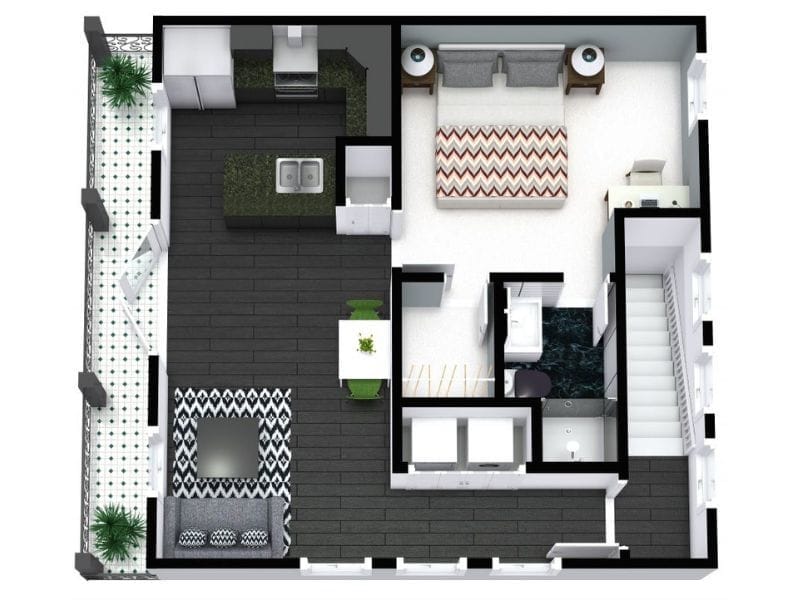
Generate detailed 3D views of your design with one click.
Design Your House in 2D and 3D
RoomSketcher helps you design your home in a way that feels straightforward and manageable.
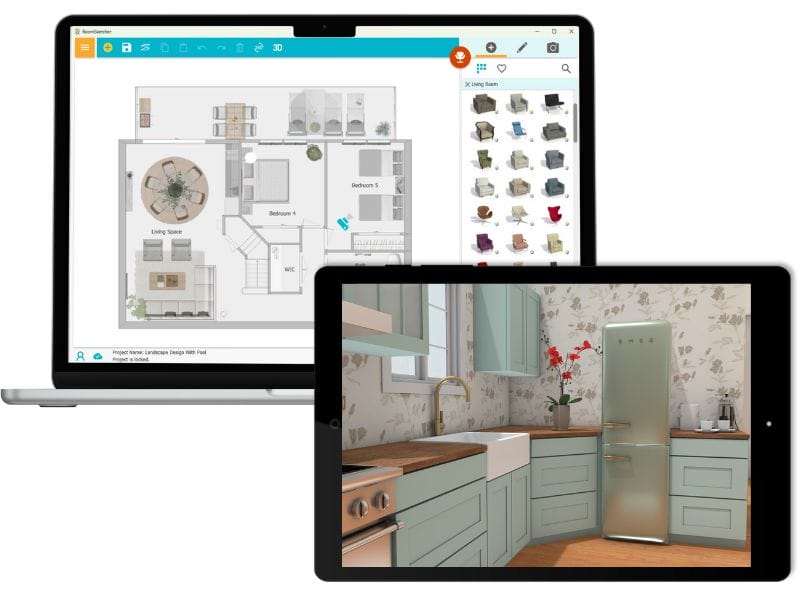
You start by creating a floor plan in 2D. From there, you can view the same plan in 3D to better understand the space, try different materials and finishes, and see how everything works together.
This makes 3D visualization a natural part of the design process, not an extra step. You draw once, then switch between 2D and 3D as needed.
RoomSketcher works for both personal and professional projects, whether you’re planning a home for yourself or preparing visuals to share with others.
Seeing the Plan Before Building
“We planned our complete house alterations and garden landscaping based on our very detailed project in RoomSketcher (floor plan and 3D images). RoomSketcher served as the basis for us to showcase our vision to our builder team who then implemented it exactly as visualized in our briefing.”
Julia Jentzen & Ben Hietzig
Homeowners, Cape Town

Choose the 3D View That Fits What You Need

3D Floor Plans
See the full layout at a glance.
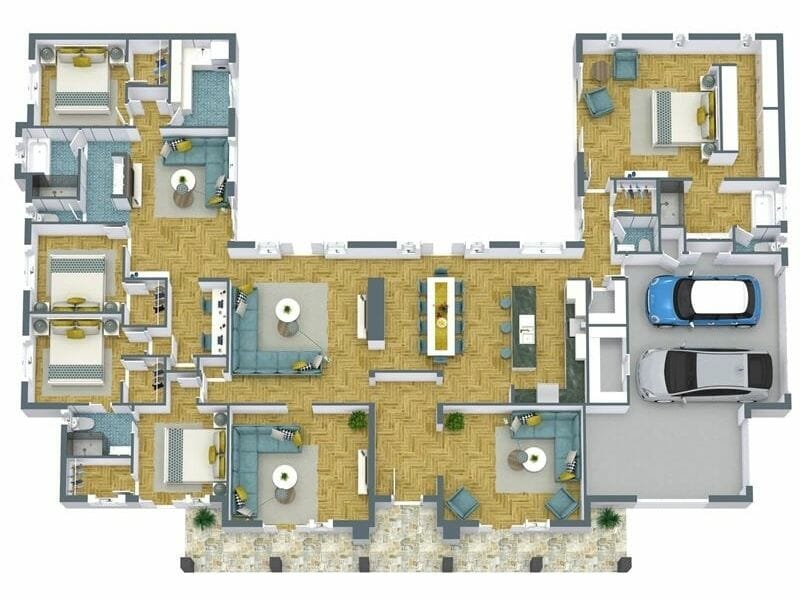
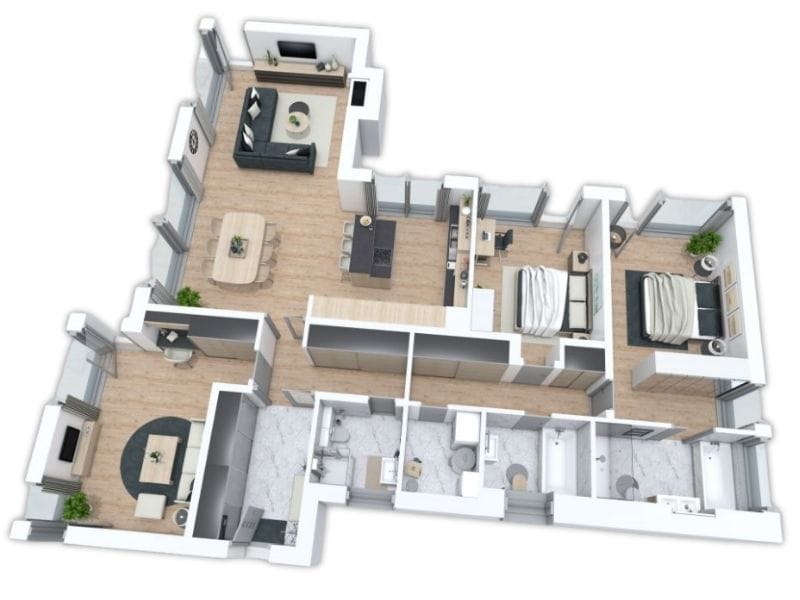
3D Floor Plans show rooms, walls, and furniture from above, with depth added. They make it easier to understand how the house is organized.
Use 3D Floor Plans to:
- Understand room relationships
- Explain the layout more clearly than 2D
- Share a clear overview with others
Interactive Live 3D
Walk through your house layout as if you were inside it.
Live 3D lets you move freely through rooms and hallways to understand flow, spacing, and how the layout feels overall.
Use Live 3D to:
- Walk through the house from room to room
- Check how spaces connect
- Get a better sense of scale than in 2D

360 Views
Review each room from a fixed point.
360 Views show the entire room around you in one view. They’re easy to explore and easy to share when you want feedback or approval.
Use 360 Views to:
- Review a room in detail
- Compare layouts or material choices
- Share a clear view with family, clients, or contractors
3D Photos
Create still images to review materials and finishes.
3D Photos focus on colors, surfaces, and details. They’re useful when you want to see how different choices come together before making a decision.
Use 3D Photos to:
- Compare materials and colors
- Review finishes like flooring and cabinetry
- Share realistic visuals for planning or presentation

Want More Inspiration?
Start planning your design with a template from our Floor Plan Gallery.

Tiny Homes

Small Homes

Large Homes

Studio Apartments

2-Bedroom Apartments