IKEA vs RoomSketcher: Which Is the Ultimate Floor Plan Tool?
IKEA and RoomSketcher are both popular options when planning a home layout. We tested both to provide a clear, side-by-side comparison to help you decide which floor plan software best fits your needs.
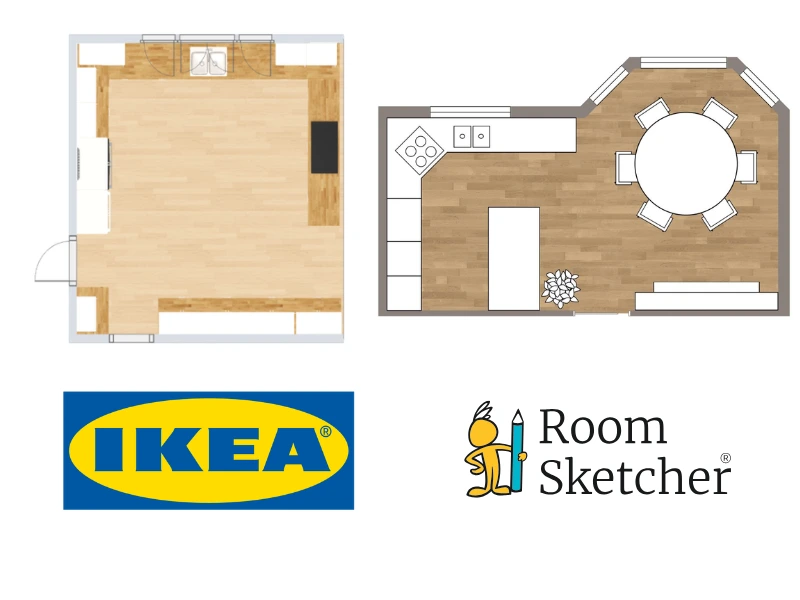

✍️Article Summary: IKEA offers several software tools to help customers visualize and purchase IKEA products. These planners are useful if you're designing a kitchen, wardrobe, or furnished room using IKEA's catalog. RoomSketcher is complete floor plan software for creating 2D and 3D floor plans for entire homes or individual rooms. It offers significantly more flexibility, customization, and sharing options, making it the preferred choice for anyone who needs polished floor plans.
Choosing between IKEA and RoomSketcher for your 2D and 3D floor plans? Both tools help you visualize room layouts, but they're built for different purposes. IKEA is a well-known furniture brand that has multiple online planners for customers. IKEA's planners are designed to support IKEA product purchases, while RoomSketcher is professional floor plan software for creating complete home designs.
Because IKEA's planners are tied to IKEA products, users hit a limit with what they can create much sooner than with floor plan software. This guide walks you through the key differences so you can decide which solution best fits your project.
📃Table of Contents:
Who Uses IKEA and Who Uses RoomSketcher?
Side-by-Side
| Feature | IKEA | RoomSketcher |
|---|---|---|
| Capture Rooms | Yes - iOS LiDAR | Yes - iOS LiDAR |
| Draw Floor Plans | Yes | Yes |
| Order Floor Plans | - | Yes |
| Trace Over an Existing Floor Plan | - | Yes |
| Convert an Existing Floor Plan | - | Yes |
| Edit Floor Plans | Yes | Yes |
| 2D Floor Plans | Yes | Yes |
| 3D Floor Plans | - | Yes |
| 3D Visualization | Yes | Yes |
| 3D Walkthrough | - | Yes |
| Site Plans | - | Yes |
| Measurements | Yes | Yes |
| Total Area Calculations | - | Yes |
| Customization of Floor Plans | - | Yes |
| Branded Floor Plans | - | Yes |
| Customizable Templates | - | Yes |
| Cloud Storage | Yes | Yes |
| Furniture Library | Yes | Yes |
| 2D Symbols | - | Yes |
| Pricing | Free | Free, Pro, Team |
| Customer Support | Online and offline support | Chat, Email, Help Center, 1:1 Training for Business Users |
| Learning Material | Tutorials | Tutorials, Webinars |
| Sharing | PDF furniture list, 2D floor plan, 3D floor plan views | Project link, walkthroughs, share floor plans and images as PDF, JPG, PNG |
Who Uses IKEA and Who Uses RoomSketcher?
IKEA
- Homeowners planning to purchase IKEA furniture
- Customers designing a kitchen or wardrobe using IKEA systems
- Decorators testing IKEA furniture placement
RoomSketcher
- Remodelers
- Home builders
- Interior designers
- Real estate professionals
- Anyone looking for professional-quality results with less hassle
How They Work
IKEA
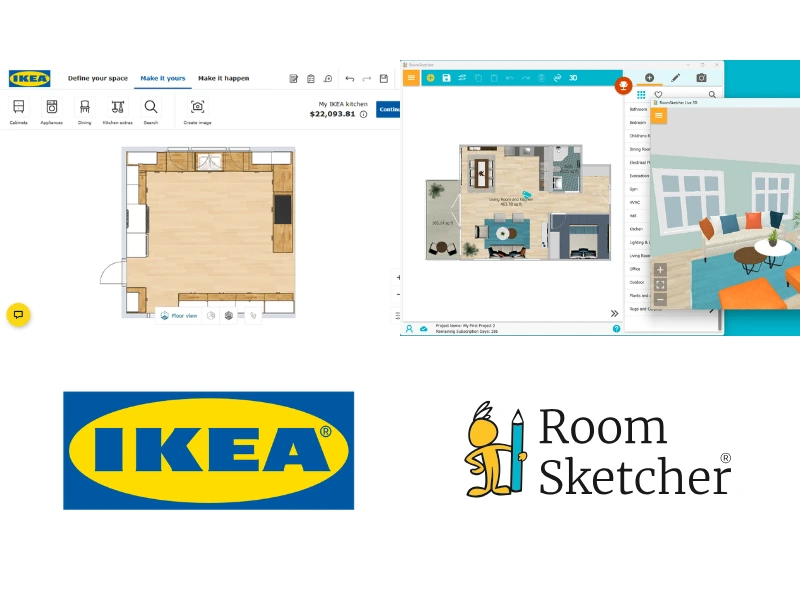
IKEA offers multiple planning tools, such as a Kitchen Planner, multiple Wardrobe/Storage Planners, and a general Room Planner for spaces like bedrooms and living rooms. There is also IKEA Kreativ, which uses iOS LiDAR, letting you capture a real space to place IKEA furniture and see how it will look. Each tool operates independently, so if you want to design multiple rooms in a home, you need to switch between planners.
Within each planner, you draw your room dimensions in 2D, add IKEA products, and toggle to a 3D view to visualize the space. This works well if you're designing specifically around IKEA furniture, but it doesn't offer flexibility for adding non-IKEA products. Additionally, when starting a project, you can't upload an existing blueprint to trace or automatically convert a floor plan. You also can't create a full home or apartment layout within one unified interface.
RoomSketcher
RoomSketcher takes a different approach. There are more automated ways to get started, including using AI-powered tools to convert an existing floor plan into an editable project, as well as the ability to trace or draw from scratch. You can also get started by capturing a space with iOS LiDAR through FloorCapture. Plus, everything happens inside one platform; you can draw a complete home or apartment floor plan with this one tool.
The interface is designed to be easy to use. For example, adding, rotating, resizing, and moving furniture is much simpler and more intuitive. RoomSketcher's furniture and materials libraries aren't tied to any retail catalog, giving you the freedom to design whatever you actually plan to use.
Once you've finished your layout, you can generate both 2D and 3D floor plans from the same project. Choose black-and-white or colored floor plans, display materials, and show with or without furniture. You can also generate 3D Photos, 360 Views, and other visualizations with just a few clicks, making it easy to produce high-quality outputs.
💻Platform Availability:
- IKEA: Web-based. IKEA Kreativ uses iOS LiDAR capturing on compatible iPads and iPhones.
- RoomSketcher: Downloadable desktop app for Windows and Mac + iOS and Android tablets. FloorCapture uses iOS LiDAR to capture spaces.
Order Floor Plans
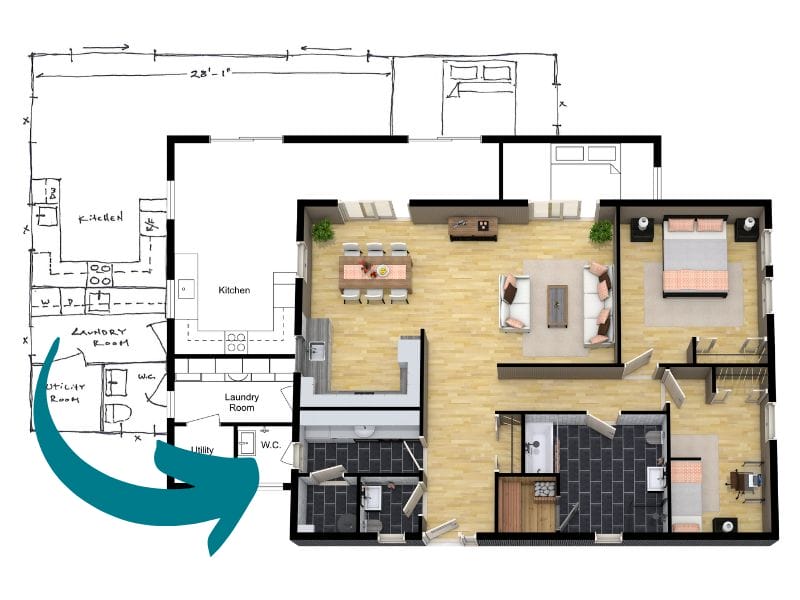
RoomSketcher offers a professional redraw service. You can submit a sketch or blueprint online and receive professional-quality 2D and 3D floor plans by the next business day. Importantly, you also receive a fully editable project file. If you need to make adjustments, you can update the project and regenerate new floor plans at no additional cost.
Many users also choose to use the redraw service as a starting point, having the original layout professionally drawn, then customizing and refining the design themselves.
IKEA does not offer a redraw service. While you can visit an IKEA store for in-person room planning assistance, there isn't an option to submit an existing sketch or blueprint online and have it professionally recreated.
2D Floor Plans
IKEA provides a basic 2D layout view of a room, primarily designed to show IKEA product placement within the space. Customization options are limited to the flooring and furniture colors IKEA offers for the specific pieces in the design.
RoomSketcher offers significantly more flexibility for 2D Floor Plans, and you can create multiple versions of a plan from a single design. You can color-code rooms, display different flooring materials throughout the plan, show or hide furniture, and adjust wall and furniture colors individually. Measurements can be displayed or hidden. You can also create branded templates that include your company logo and style settings.
High-resolution JPG and PDF exports are available, ready for print or digital presentations. Rendering is fast, making it easy to quickly generate multiple variations of a floor plan.
3D Floor Plans
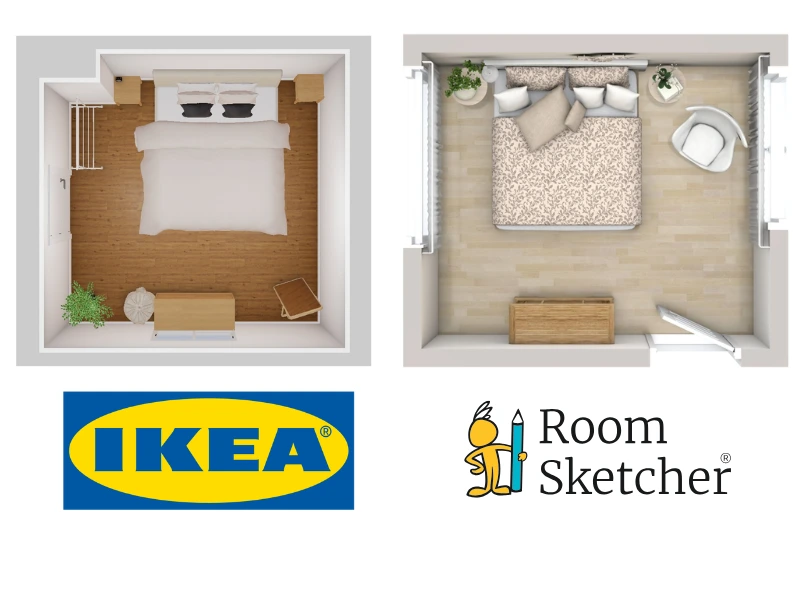
IKEA lets you switch to a 3D view to preview products in your design. While this helps visualize how furniture fits within a space, the 3D floor plan options are somewhat limited. In IKEA Kreativ, you can view a floor plan from above in 3D and screenshot it. For rooms, you can generate a furniture list that includes four 3D room views, one from each corner. For kitchens, you can rotate the 3D view and take a low-resolution screenshot. You do not have the option to view kitchen plans from above in 3D.
RoomSketcher, on the other hand, delivers far more flexibility for creating high-quality 3D Floor Plans that you can explore in greater detail. You can choose from a much wider range of floor materials, including hardwood, carpet, tile, and stone, as well as wall finishes, paint colors, and furniture fabric. Detailed room labels, annotations, and orientation compasses can also be added.
When viewing your 3D floor plan, you can adjust the perspective and viewing angle to highlight specific areas of the layout, creating more dynamic visuals. You can also save custom 3D style settings to ensure every floor plan consistently reflects your brand and design standards. High-resolution JPG and PDF exports are available for print or digital presentations.
Measurements and Calculations
IKEA planners provide basic room dimensions to ensure product fit, but they do not offer advanced measurement customization or total area calculations for professional reporting.
RoomSketcher automatically calculates room areas and allows you to show or hide those values. Measurement Wizard simplifies adding wall lengths or room dimensions, and you can adjust font size, arrow placement, and formatting. You can use Best Fit to automatically size cabinets, wardrobes, stairs, and furniture to fit in an existing space. This works in "Best Fit Width" and "Best Fit Depth", making it useful for getting exact dimensions, for example, of a piece of your kitchen.
RoomSketcher also provides a Total Area Calculator, which supports six industry-standard measuring methods, including Grand Total Area (GTA), Total Living Area (TLS), and Gross Internal Area (GIA), among others.
Furniture and Materials
IKEA's furniture library is limited to IKEA products. This makes it easy to configure specific cabinets, wardrobes, or furniture pieces, but it limits design flexibility if you want to include non-IKEA items or create conceptual layouts. Furniture colors are limited to IKEA offerings, and there is a small materials library of flooring, paint, etc.
RoomSketcher includes a furniture and object library covering furniture, appliances, fixtures, landscaping, and HVAC. Because it's brand-neutral, you are not restricted to a single company's products. The vast library of wall and flooring materials includes virtually unlimited paint colors, as well as tile, wood, concrete, carpet, and more. Materials can be swapped instantly, and changes are visible in 3D immediately, making customization easy.
3D Photos and Virtual Tours
IKEA does not offer standalone 3D images, 360-degree views, or interactive walkthrough experiences.
RoomSketcher provides a full suite of 3D visualization tools:
3D Photos

High-resolution 3D Photos allow you to create realistic room images. RoomSketcher 3D Photos help you present a space in a polished, realistic way. You can generate high-quality images that show layout, furniture, materials, and finishes with impressive detail, which makes it easier to communicate your design ideas clearly.
360 Views
With 360 Views, viewers can look around as if standing in the space. This gives users a more immersive experience than a static image alone. Instead of looking at just one angle, they can explore the room from a single point and look around, which helps them better understand the space's size, flow, and feel. It is a great way to make presentations more engaging and help people connect with the design.
Live 3D

Live 3D offers an interactive walkthrough that lets you move from room to room or fly over the floor plan. It takes visualization a step further by letting you actively explore the design. You can move through rooms as if you are walking inside the project, or switch to a flyover view to see the full floor plan from above. This interactive experience makes it easier to review layouts, check how spaces connect, and present designs in a way that feels intuitive and dynamic.
These tools work for both existing and unbuilt projects, making them ideal for new construction, staging, or renovation planning.
Project Sharing
The IKEA tools generate PDF lists of furniture used in the project, along with a low-resolution 2D floor plan and several 3D floor plan views. Sharing seems to be limited to opening your project on the web or downloading a PDF.
With each project in RoomSketcher, it automatically generates a Project Presentation link that you can email or post to your social media accounts. Your recipients can view generated 2D and 3D floor plans, explore Live 3D walkthroughs, browse 3D Photos and 360 Views, and see the furniture used in the design, all without downloading large files.
If viewers have RoomSketcher installed, they can open and edit a copy of the project. Additionally, it's easy to download individual floor plans or images for custom presentations.
Customer Support
IKEA primarily offers general customer service and in-store or online planning appointments. While helpful for product purchasing, there is almost no IKEA-developed training specifically for learning the planner software.
RoomSketcher provides:
- A comprehensive Help Center
- Video tutorials
- Weekly webinars
- Responsive email and chat support
- Free 1:1 training for business subscribers
For users who want guidance beyond basic FAQs, RoomSketcher offers a much more robust support system.
Which Floor Plan Software Should You Use?
If you need simple, fast floor plans or are designing a single kitchen or wardrobe using IKEA products and are preparing to purchase, IKEA's planners can be a useful tool.
However, if you need full home layouts, professional 2D and 3D floor plans, advanced measurements, branding, high-resolution exports, virtual walkthroughs, or redrawing services, RoomSketcher is the stronger, more flexible solution.
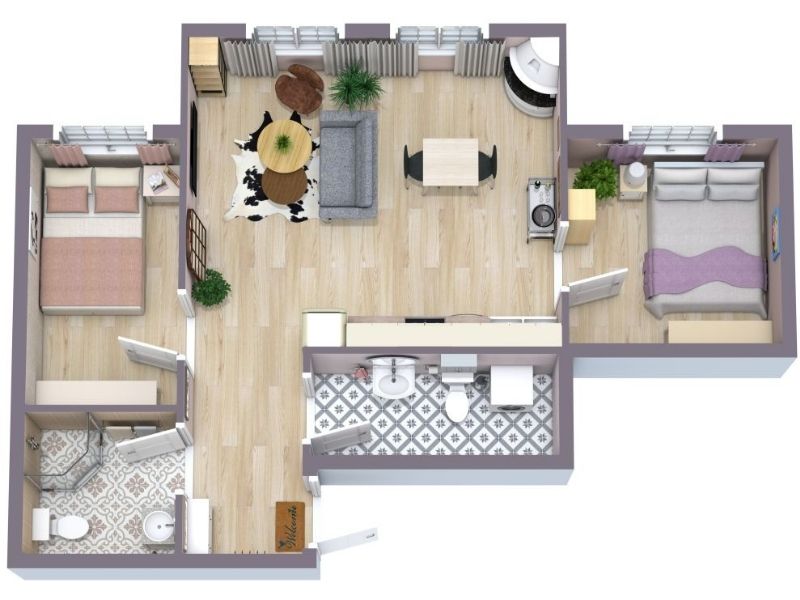
Why People Prefer RoomSketcher
- Intuitive and easy-to-use
- Capture, Convert, Draw, Trace, or Order Floor Plans
- Unmatched 2D and 3D Floor Plan customization
- Friendly customer support
- Flexible pay-as-you-go pricing
Ready to try it yourself? Create a free RoomSketcher account today and explore the features. Upgrade anytime to unlock 2D and 3D Floor Plans, 3D Photos, 360 Views, and Live 3D.
With a 30-day money-back guarantee, you can get started risk-free.
Recommended Reads
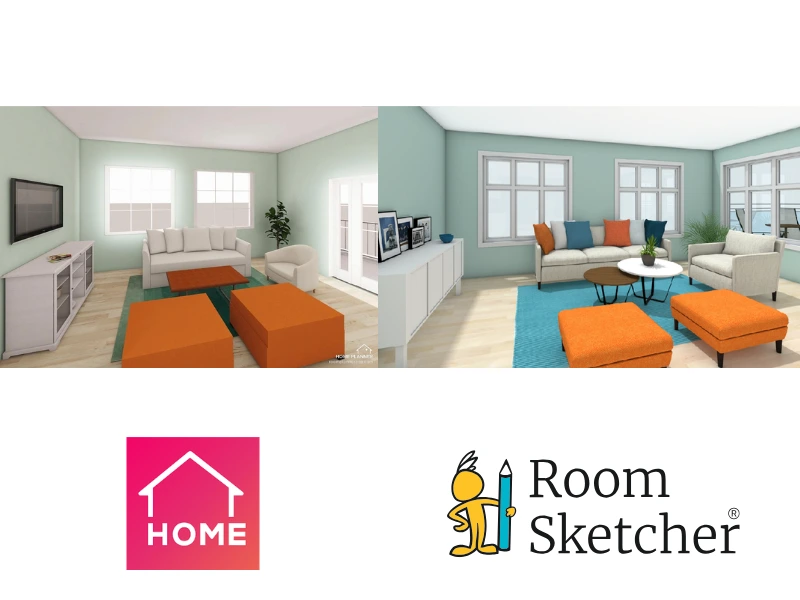
Choosing Between Home Planner and RoomSketcher? Read This First
Choosing between Home Planner and RoomSketcher for your floor plan needs? This article will help you decide which one you should use for your floor plan projects.
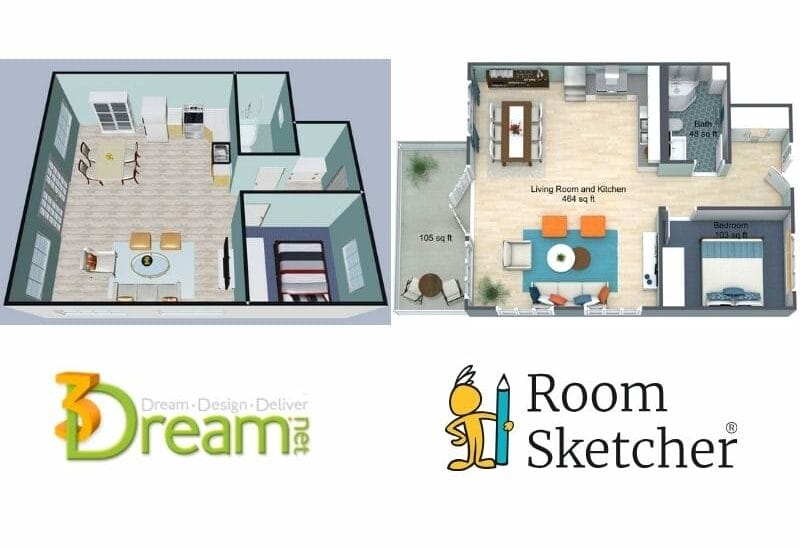
3Dream vs RoomSketcher: Complete Comparison
Choosing between 3Dream and RoomSketcher for your 2D and 3D floor plans? Both tools help you create layouts, but they're built with different priorities. This guide breaks down the key features, strengths, and limitations.
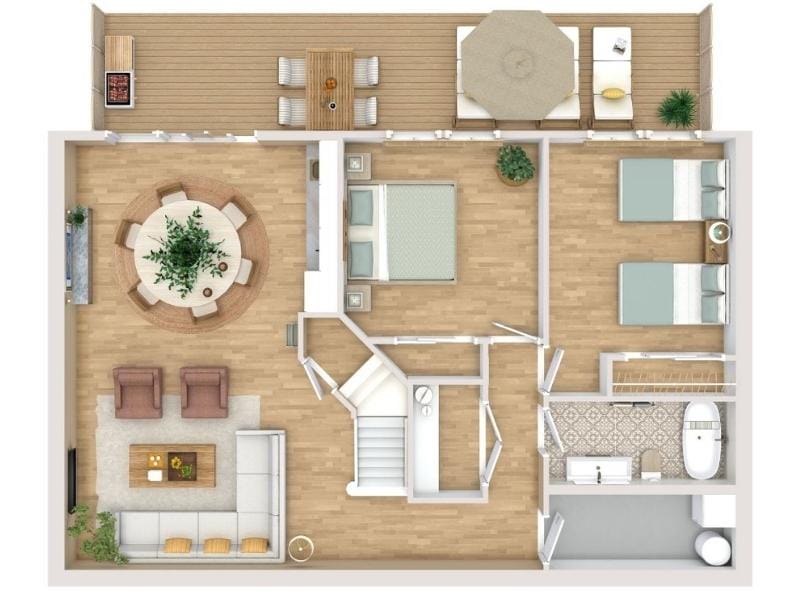
The 9 Best Floor Plan Software Tools for Interior Designers
Looking for that perfect software for your interior design projects? Look no further! We've gathered a top 9 list for you. Using a floor plan software is the best way to showcase an interior design project.