Create Electrical Plans without CAD Complexity
Draw electrical floor plans in minutes. Start with your floor plan, place 250+ symbols, and generate a layout that's easy to edit and share.
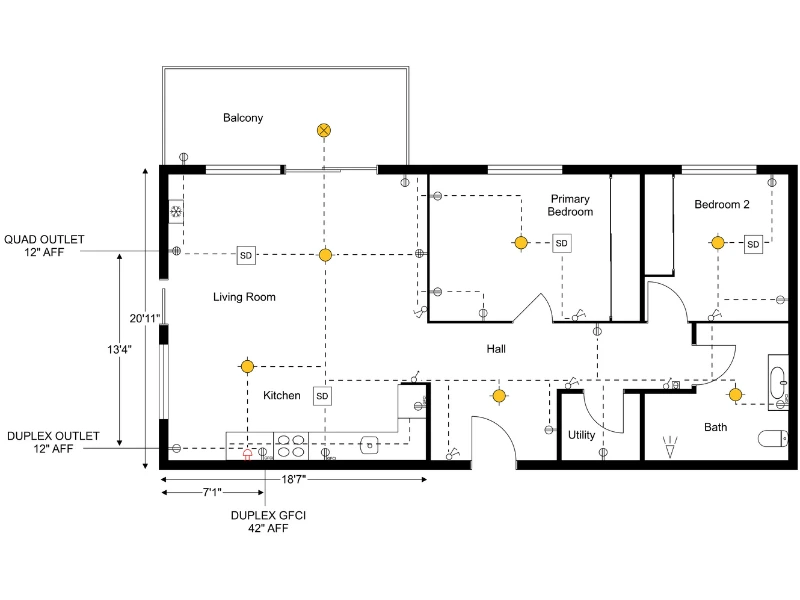
Start Drawing in Minutes
You don't need complex software or CAD experience to create an electrical plan. Start by getting your floor plan into RoomSketcher: draw it from scratch, trace an existing plan, capture your space with the mobile app, convert a file, or have our illustrators do it for you.
Then simply place your electrical symbols, adjust until everything is right, and export a plan your electrician or contractor can work from.


Access 250+ Electrical Symbols
Whether you're planning a renovation, building from scratch, or putting together a plan to share with a contractor or submit for a permit, the library has you covered.
Outlets, switches, lighting fixtures, appliances, HVAC elements, safety symbols, and more. All in the same program.
Keep Your Plans Organized
Use levels to manage different versions of the same floor plan. Copy a level, then add the symbols you need.
Keep separate plans for HVAC, lighting, or evacuation within the same project, without starting from scratch.
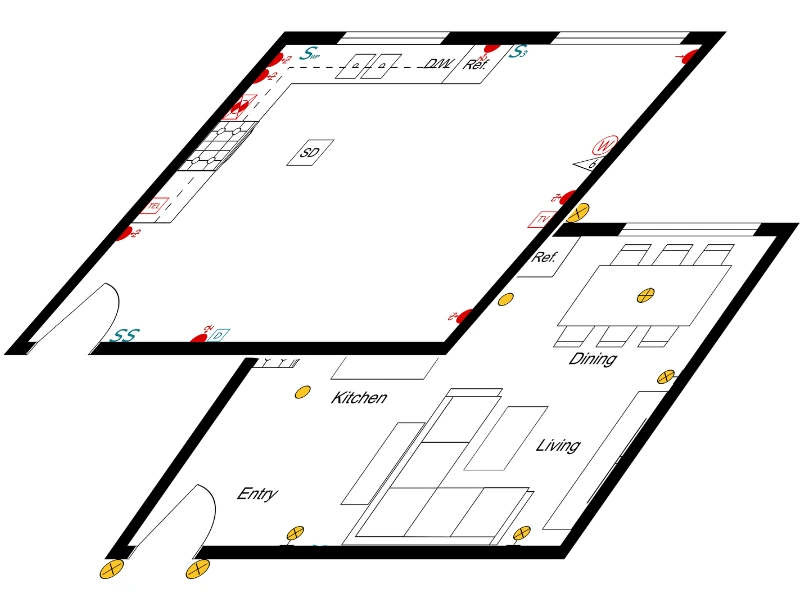

Share Plans Instantly
Sharing your plan is as easy as sending a link. It includes everything: your 2D floor plans, different levels, 3D views, and electrical plan, so clients and contractors get the full picture in one place.
If they use RoomSketcher, they can open a copy of the project and make suggestions without touching your original.
Work Across Platforms
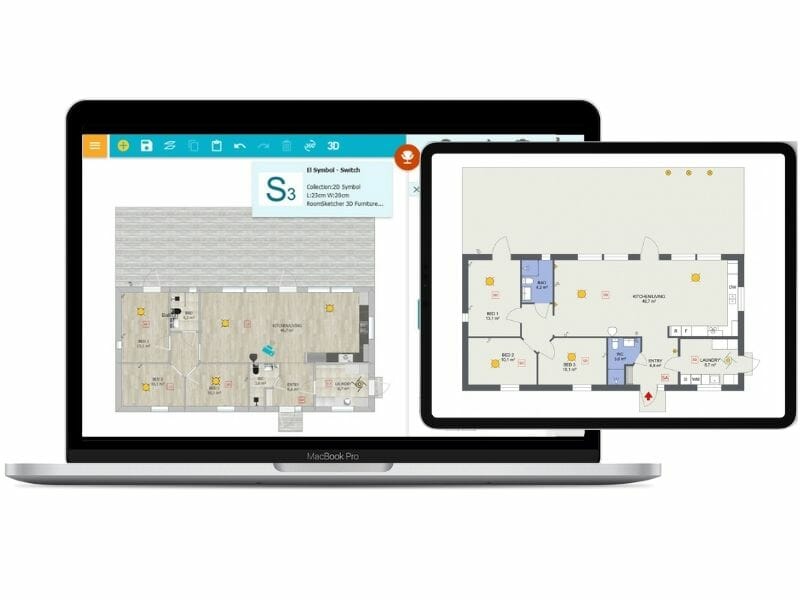
Whether you're working on a computer or tablet, your projects are always right there. RoomSketcher stores everything in the cloud and syncs automatically, so you're never working from an outdated version.
Need to work without an internet connection? The app works offline too, and syncs everything once you're back online.

Here If You Need Us
Our in-house team knows RoomSketcher inside out. If you have a question or run into an issue, reach us by email or live chat and we'll help you get sorted.
Prefer to learn at your own pace? The help center, YouTube channel, and weekly webinars cover everything from getting started to more advanced features.
Frequently Asked Questions
The full electrical symbol library is available with Pro and Team subscriptions. If you are on the Free version, you can still draw basic floor plans, but you will not see the dedicated electrical symbol set.
You get a wide range of symbols, including power outlets, various switch types, wires, light fixtures, fans, smoke detectors, fire alarms, and more. The symbols follow common industry conventions, so they are easy for electricians and contractors to understand.
Yes. Use the helpers such as text, symbols, and lines to label circuits, switches, and special instructions. This makes your electrical plan easier to read and reduces misunderstandings on site.
All symbols come in a classic black style, and many also have colored variants like red, blue, or yellow. Purely black symbols can follow the furniture outline color you set in your 2D floor plan styles, so you can match your drawing standard.
Yes. When your plan is ready, you can generate a 2D floor plan and then download or print it. This gives you a clear document you can share with clients, installers, or your building team.
What Our Users Say
We have been using RoomSketcher successfully since 2022 and are completely satisfied with the functions, user-friendliness and results. We would particularly like to emphasize the fast, competent and always solution-oriented support.

I find RoomSketcher to be a very trusted company on all areas. It's professional, cares about users, delivers as promised in shape and form which is of paramount importance as we organize our architectural services!

Related Articles
How to Draw an Electrical Plan with RoomSketcher
Learn how to draw an electrical plan step by step. This guide shows how to place lighting, outlets, and switches clearly on your floor plan so the layout is easy to understand and share.
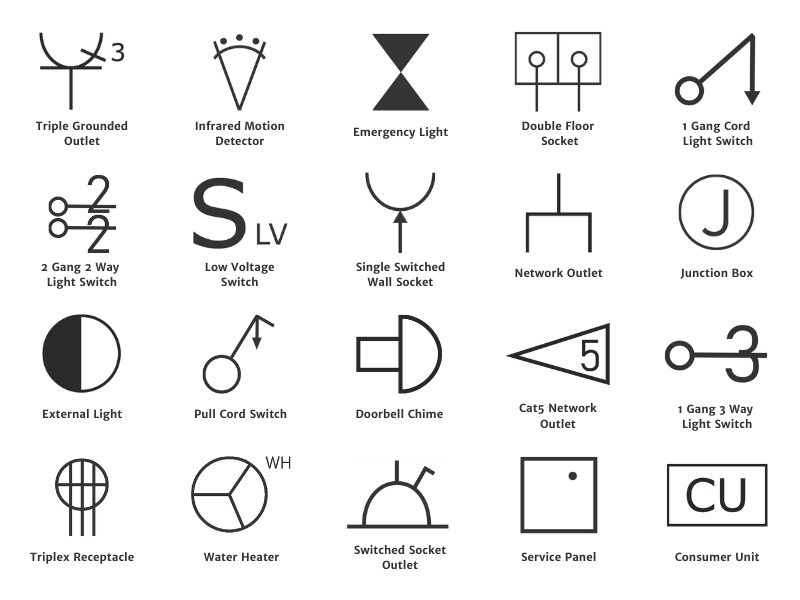
Complete Guide to Electrical Symbols and Abbreviations
What are electrical symbols, and what do they mean? Where are they placed on a floor plan, and what are the regulations for placing them? Here's everything you need to know about electrical plans.

Electrical Plan Examples to Kick-Start Your Project
Electrical plans show where outlets, switches, lighting, and other electrical elements should be placed within a space. In this article, you’ll find a collection of electrical plan examples for different rooms and building types, along with practical tips to help you plan your own layout.