Room Planner: Design Any Room in 2D and 3D
Easy-to-use room planner software. Design your layout in minutes. Create professional floor plans and stunning 3D visuals - perfect for home design projects.




HOW IT WORKS
Plan Your Room Layout
Draw your floor plan, choose your furnishings, and see your design in 3D — your projects sync across every device.
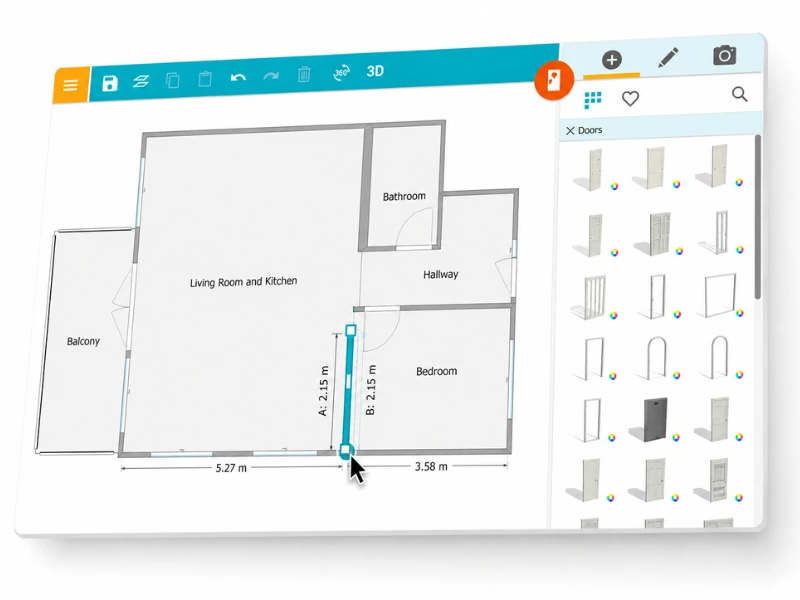
Step 1: Create the Floor Plan
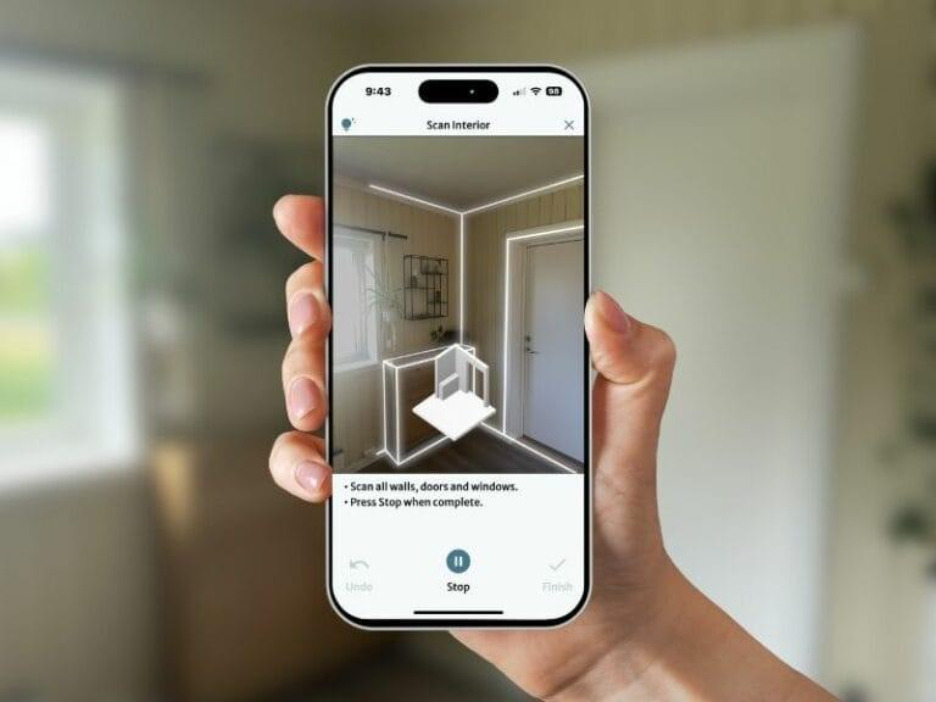
Draw your layout from scratch or use FloorCapture on an iPhone or iPad with LiDAR to capture a space and turn it into an editable digital floor plan.
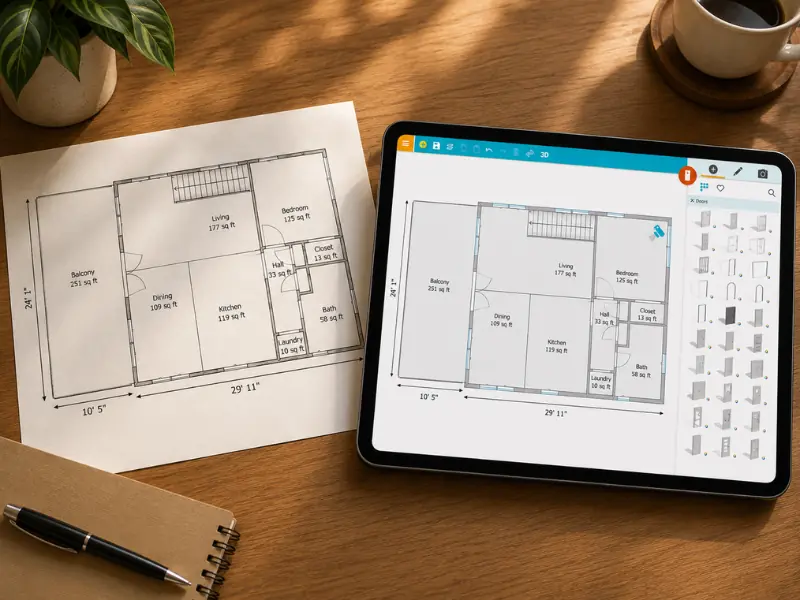
Already have a floor plan? Use AI Convert to digitize it, trace over an image, or let us redraw it for you.
Step 2: Furnish and customize the room
Place doors, windows, stairs, fixtures, and furniture, then adjust sizes by dragging items or entering exact measurements.
Choose from thousands of products, materials, and styles in the RoomSketcher furniture library to create a layout that fits your space.

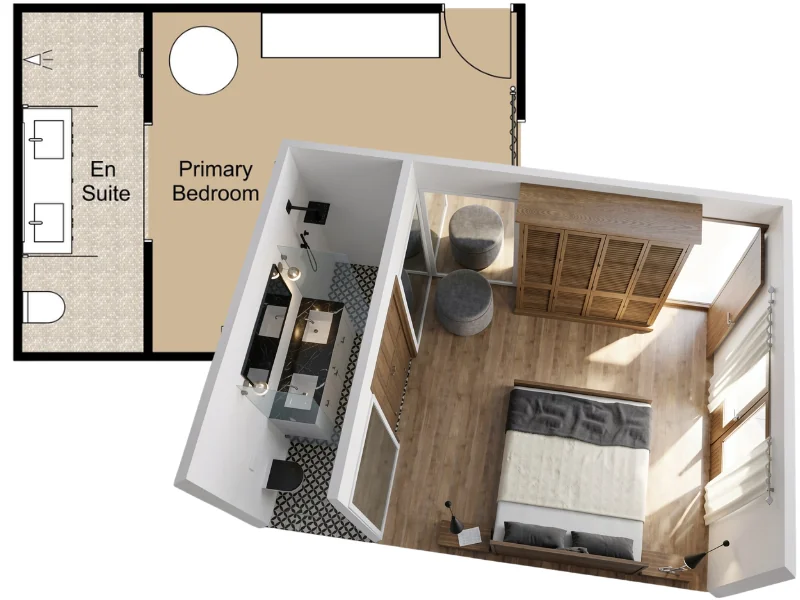
Step 3: Visualize and Share
Walk through your layout in Live 3D, generate professional 2D and 3D Floor Plans, and create 3D Photos or 360 Views to show the design from every angle.
Download, print, or share your room plans in formats like JPG, PNG, and PDF.
Need to make a change? Open your project, edit the layout, and re-generate your floor plans and visuals whenever you’re ready.
AI FEATURES
Let AI Do the Heavy Lifting
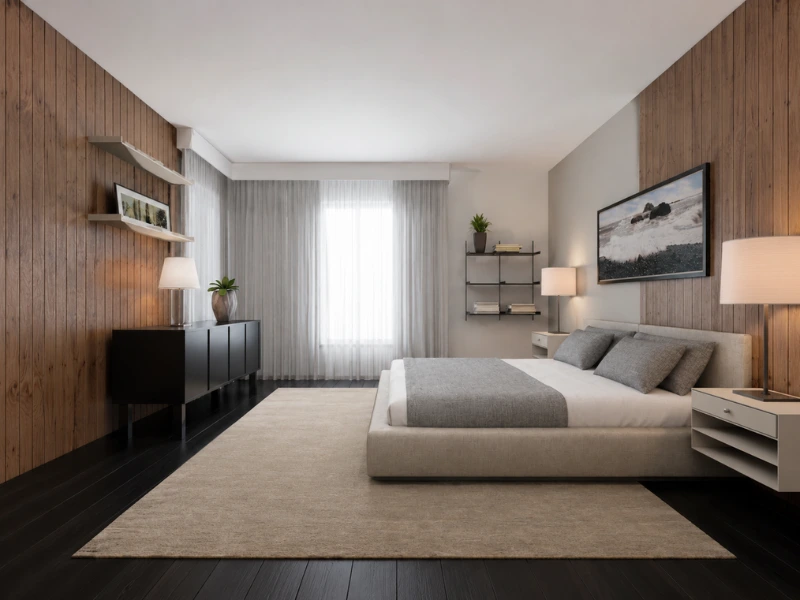
Start with less manual work and get to a finished room design faster. Use AI to create visuals, digitize existing plans, or capture a room you want to redesign.
TEMPLATES
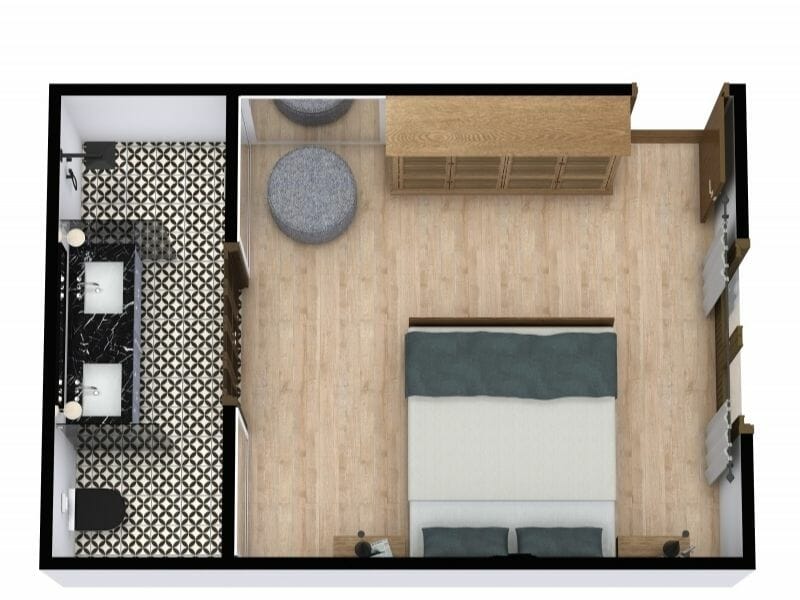
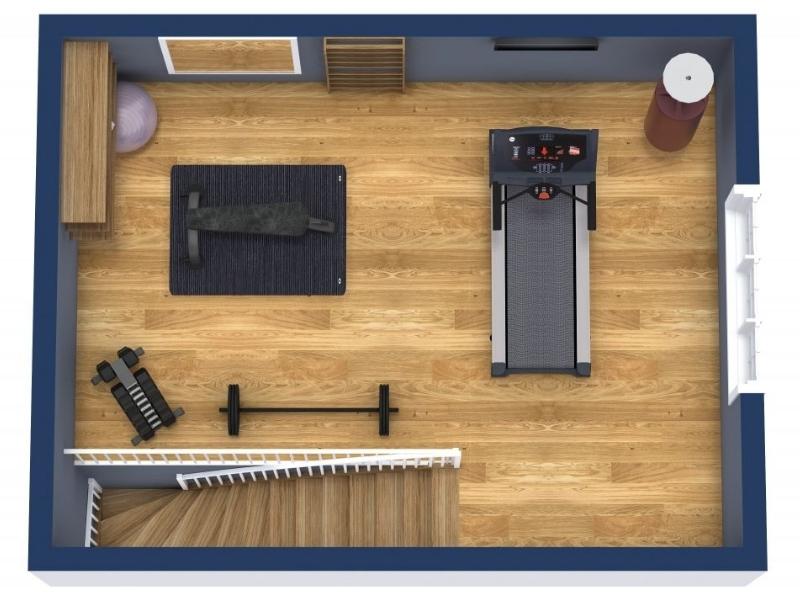
Free Room Layout Templates
Design a room for any project - big or small, for your home or business. Start with a room plan template that you find in our Floor Plan Gallery.




"RoomSketcher is easy to use and you can add a lot of great furniture to your floor plans! It's just perfect!"
"I have used RoomSketcher as my preferred interior design tool for several years. It’s an ingenious drawing tool that is quick and easy to work with."
"I love using RoomSketcher to show my clients the best way to arrange their room and maximize storage space. As a professional organizer, this tool has been invaluable for me when working with clients both in-person and virtually."
"Excellent, user friendly - has assisted me in avoiding multiple 'mistakes', both in design and layout that would have been very expensive."
"I absolutely love RoomSketcher - it’s saved me thousands of pounds of architects fees by designing myself and walking through - I’ve redeveloped two properties using it and the images to the final build are uncanny."
FAQ
Common Questions
With RoomSketcher Free, you can create floor plan projects, draw and furnish rooms, and try basic 3D viewing. Some outputs and advanced features, such as high-quality floor plans, professional customization, and certain 3D features, require an upgrade or paid add-on.
Choose Free if you want to try RoomSketcher and create simple projects.
Choose Pro if you want professional 2D and 3D Floor Plans, interactive Live 3D walkthroughs, measurements, customization, and branding.
Choose Team if you need multiple users, higher volume, or several floor plan styles.
Yes. RoomSketcher’s AI Convert can turn a computer-generated blueprint into an editable floor plan. The AI detects walls, doors, and windows, and you can then refine the result in the RoomSketcher App.
RoomSketcher's AI Convert is trained on thousands of real floor plans, so the output is accurate and ready to work with. Before conversion, you set the scale by marking one known wall length. For professional use, you can review and adjust any element after conversion.
No. RoomSketcher is built for people who need professional results without CAD training. You click to place walls, drag to adjust dimensions, and the software guides you with snapping and live measurements as you draw. Most users are creating floor plans within minutes of getting started.
Recommended Reads
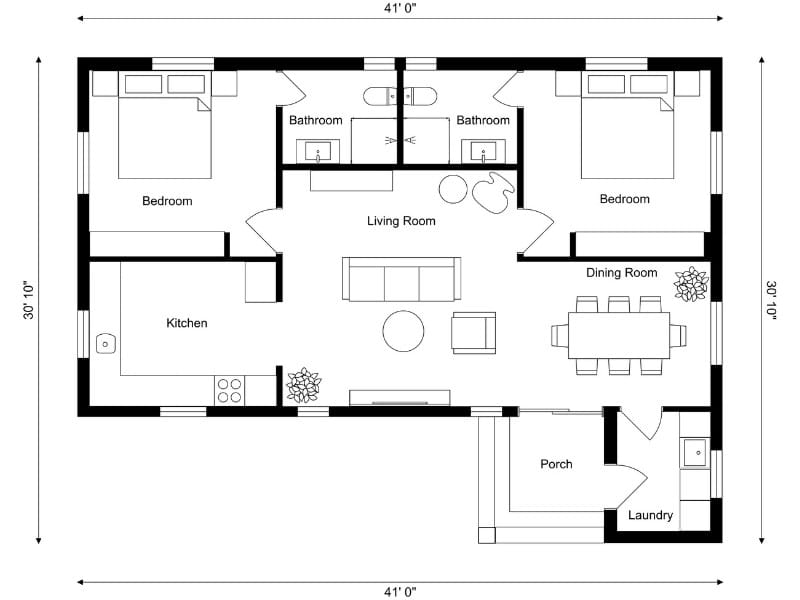
How to Create a Floor Plan (5 Easy Methods)
The easiest way to create a floor plan depends on your starting point. Sometimes you’re working with an empty space. Other times, you already have a sketch, PDF, or old floor plan you want to reuse. Learn about the five ways you can create a floor plan with RoomSketcher.
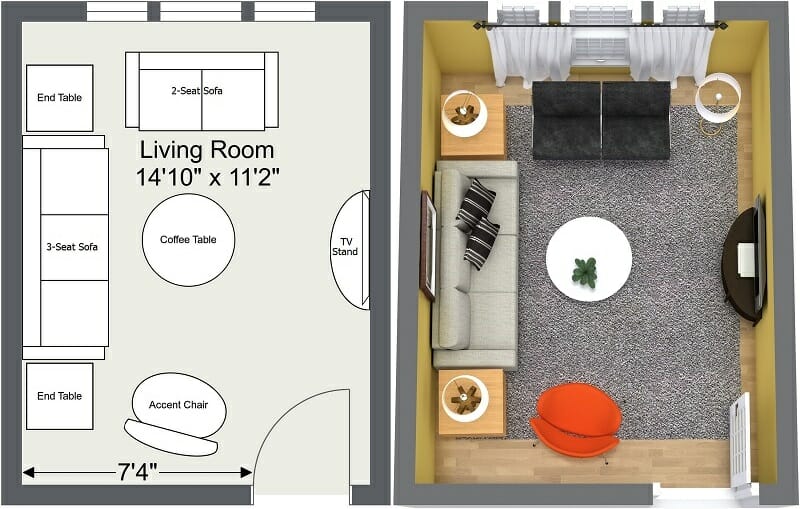
6 Simple Steps to Achieve the Best Furniture Layout
Today, we’ll discuss some ideas for creating the best possible furniture layout and how you can try out your furniture placement ideas without the heavy lifting!
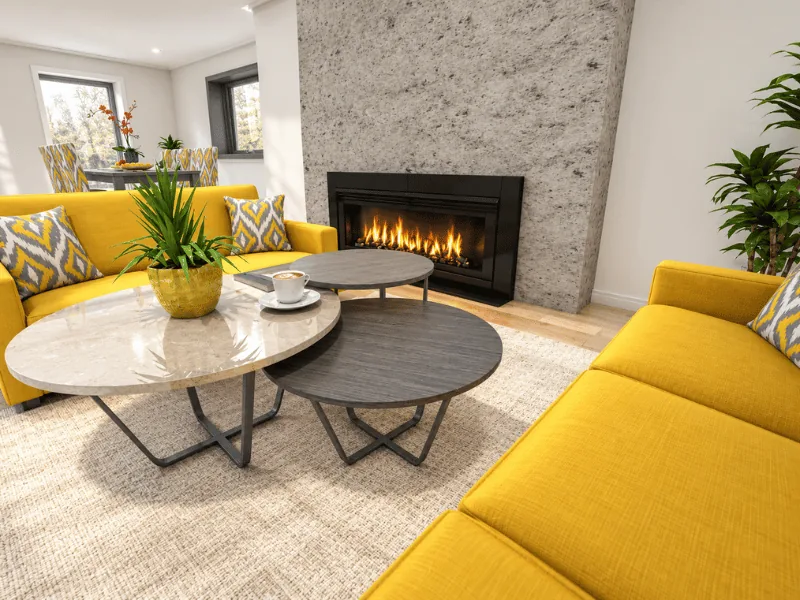
8 Design Tips for Small Living Rooms
Need help with a small or narrow living room layout? Get expert tips on how to make your small living room layout functional and inviting.
Start planning your room today
Create accurate floor plans and stunning 3D visuals — free to start, no experience needed.