How to Use AI in Interior Design Presentations (Without Misleading)
AI is a hot topic among interior designers. Something that used to take hours of work, can now be done in a matter of seconds. But could it also end up hurting client relationships?

Article summary:
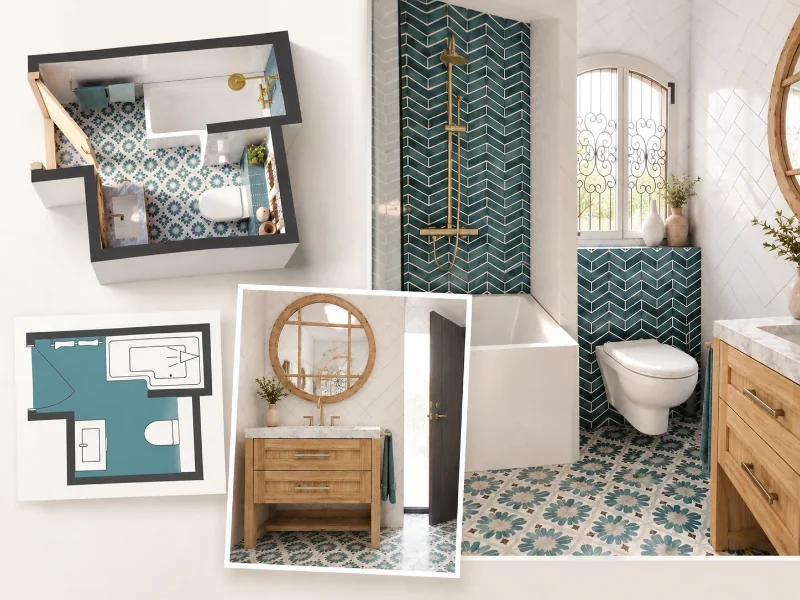
AI renders make it easier for interior designers to show clients what their ideas could look like. They're especially useful for exploring different styles before deciding on a final design. But realistic images can also create unrealistic expectations. Furniture might not exist, proportions can be wrong, and finishes may be outside the client's budget. The key is to be clear about what AI renders represent and use accurate floor plans as a starting point.
AI renders are changing how interior designers present their ideas to clients. Instead of relying on mood boards, you can show clients what different designs could look like in their own room.
This makes it easier to discuss ideas early in the process, especially when clients aren't sure what they want. But there's an important difference between showing someone a design concept and showing them a finished design.
In this article, we'll share practical advice on using AI renders in client presentations. You'll learn how to explore ideas with clients, set the right expectations, and avoid common mistakes that could lead to misunderstandings.
Why Use AI in Client Presentations?
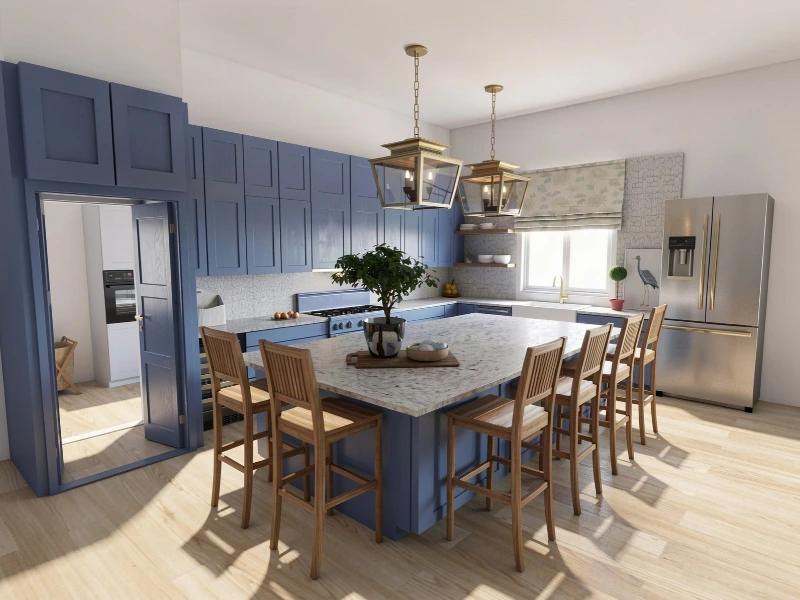
Mood boards and inspiration photos are great for showing clients different styles and ideas. But getting someone to picture how it will all look in their own home is another matter.
Interior designer Katie Christensen knows this well. She's spent hours looking through inspiration photos with clients, trying to make sure they were imagining the same thing. Creating realistic images of their actual space wasn't always an option either.
“Being able to show them what their wishes would actually look like in their space was a lot harder to do without a lot of time involved for hand drawing or manual rendering. It was just so time-intensive, and most people didn’t have the budget to pay for me to do that.”
That's where AI-generated images can make a massive difference. You can show clients different design ideas in their own space without spending hours creating each image.
How to Set the Right Expectations with AI

AI renders can look incredibly realistic. You might show a client a mockup of a stunning kitchen with the perfect lighting, only for them to assume that's exactly what they're going to get.
The problem is that AI doesn't always get the details right. The furniture might not exist, or the materials could be far outside your client's budget.
That's why it's important to present AI renders as design concepts, not previews of the finished room. And you don't need a long explanation to get that across.
You could simply say:
"This is an AI-generated image to help us explore how the room could look. We can use it as a starting point and choose the actual furniture and materials as we work on the design."
Being clear about this from the beginning means you can focus on discussing the design without clients assuming every detail has already been decided.
What to Check Before Showing AI Renders to Clients
Before presenting an AI render, check that the image gives a realistic impression of the space and doesn't create expectations you can't meet.
Here are three things worth paying attention to.
1. Furniture

AI can create furniture and decorative items that look real, but don't actually exist. Before your client falls in love with a sofa that isn't real, explain that you'll have to find a suitable product when developing the final design.
2. Dimensions and scale
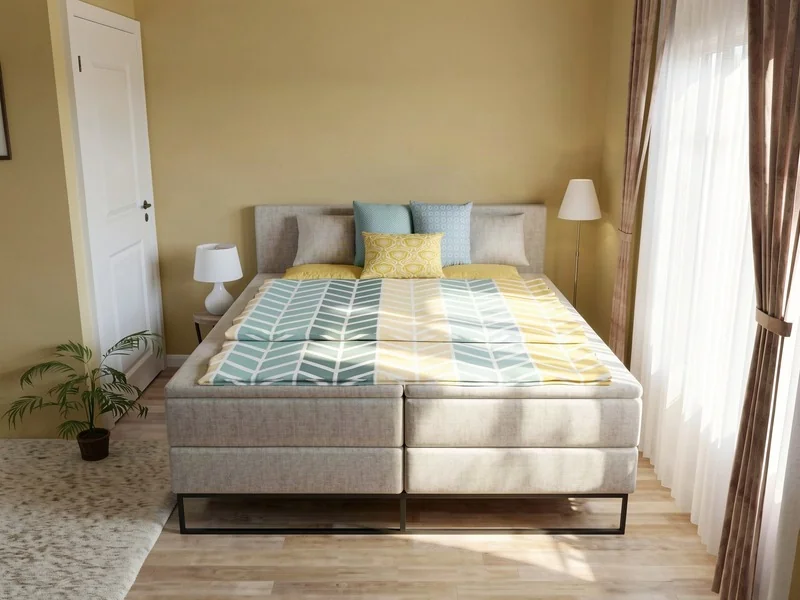
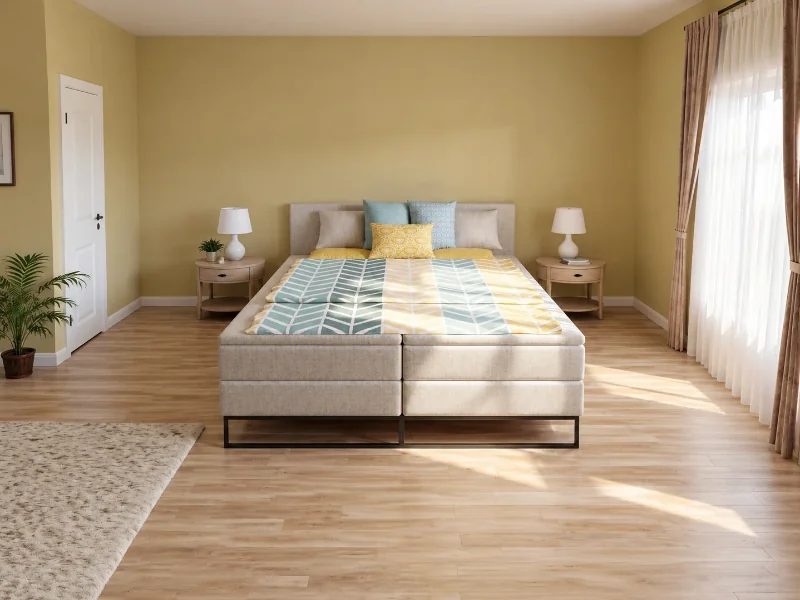
AI models don't have the best understanding of scale. For example, an AI-generated image might show a king-size bed with plenty of space on either side, even if the bed wouldn't fit comfortably in the actual room.
To avoid this, make sure your AI renders are based on a real floor plan with accurate dimensions. We always recommend using floor plan or home design software with built-in AI rendering capabilities rather than relying solely on prompt-based tools like ChatGPT.
Recommended read: Can ChatGPT Make Floor Plans? We Put It to the Test
3. Budget
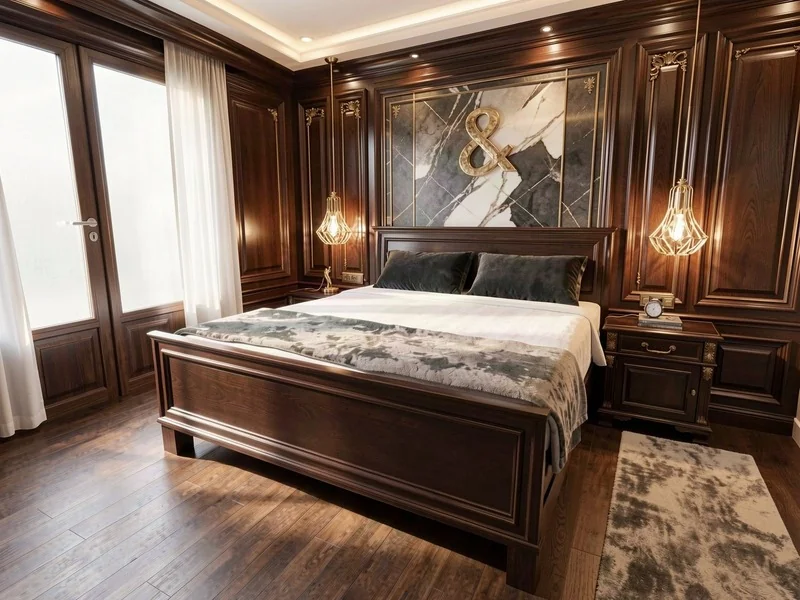
An AI render can make an expensive design look effortless, even when the products and materials haven’t been selected yet.
“AI can sometimes create unrealistic expectations. Often, it includes custom millwork, luxury finishes, designer lighting or high-end furnishings without an understanding of what those choices cost in real life.”
If you’re working within a specific budget, make sure your client understands that the final furniture and finishes will be chosen accordingly.
Use AI to Explore Ideas
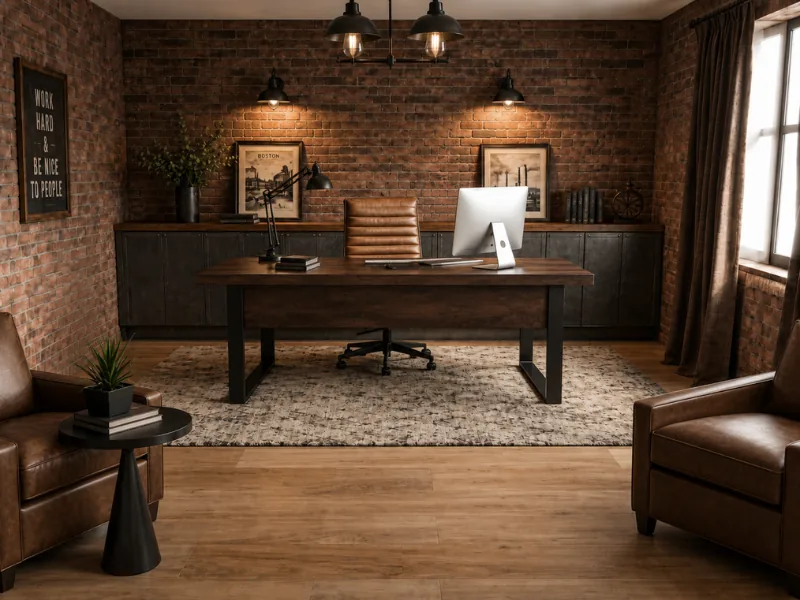
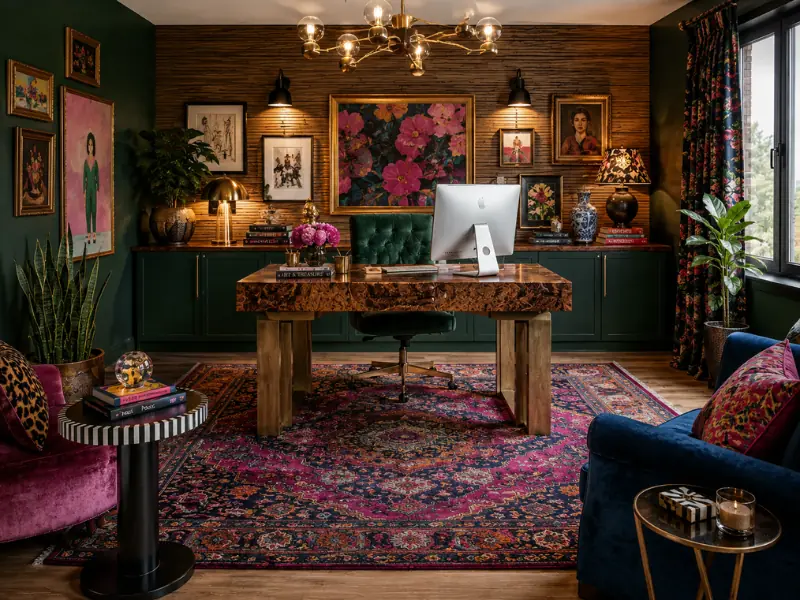
AI is especially useful during the early stages of a project, when you and your client are still deciding on a design direction.
Let's say you're presenting a living room design. Your client likes the layout but isn't sure whether they want a traditional look or something more modern.
With an AI-generated mockup, you can show different versions of the same room and discuss what they like about each one. Instead of spending hours developing a single concept, you can explore several options before deciding which direction to take.
Once you've agreed on a style, you can move on to the details, including furniture dimensions, specific products, materials, and costs.
The important distinction is that AI renders help you explore what's possible, while the final design still needs to be planned and checked.
Some design firms have already established guidelines around this. For example, Kligerman Architecture & Design has a policy that AI-generated images shouldn't be used as final deliverables, according to Business of Home.
By keeping AI renders focused on concept development, you can take advantage of the speed and flexibility they offer while staying in control of the final design.
Start with a Floor Plan Before Using AI
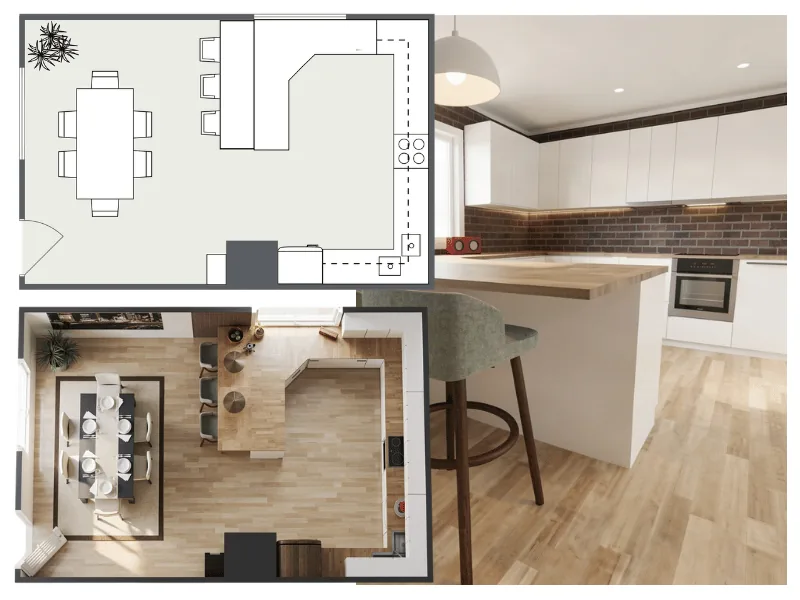
For client presentations, start with a floor plan and build your AI render from there.
This puts you in control of the design from the beginning. You decide the layout, furniture placement, and materials before using AI to bring the design to life.
It also makes the design process easier to manage. When a client wants to change something, you can update the floor plan and generate a new render based on the revised design.
This way, AI becomes part of your design process rather than the starting point. You make the design decisions, and AI helps you communicate them to your clients.
How to Create AI Renders for Client Presentations with RoomSketcher
With RoomSketcher, you can create AI renders from your own floor plan and use them to explore different design ideas with clients.
We've put together an easy workflow to help you get started:
1. Create your floor plan

Getting started is easy, whether you already have a floor plan or need to create one. You can upload an existing plan and convert it with AI, capture a room using your iPhone or iPad with LiDAR, or simply draw the layout yourself in the RoomSketcher app.
You can also trace an existing drawing or order a professional redraw if you'd rather have someone else do the work.
Choose whichever method suits your project, then check the measurements and make any adjustments before moving on to the design.
Recommended Read: How to Create a Floor Plan (5 Easy Methods)
2. Customize with furniture and materials
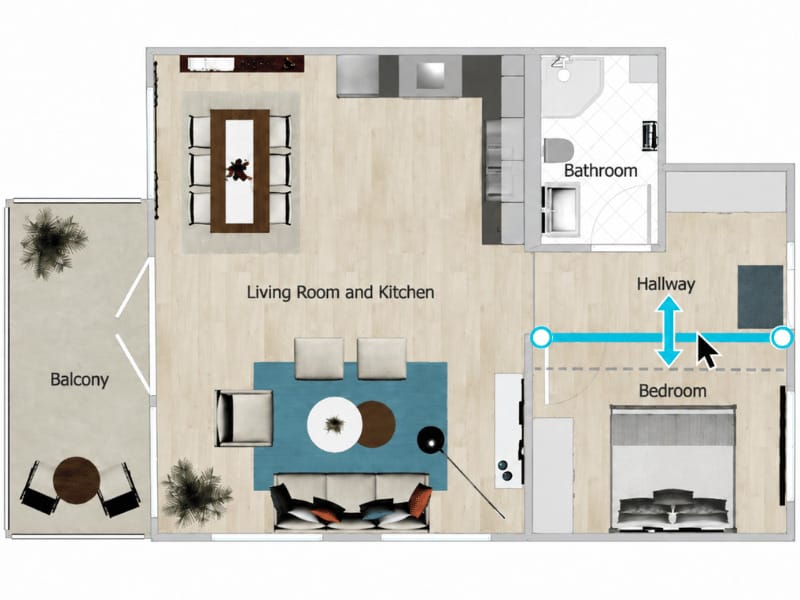
Drag and drop furniture from the large RoomSketcher furniture library directly onto your floor plan, then move things around to test different layouts.
Change colors, flooring, and materials to explore different looks. You can also view your design in Live 3D as you work, making it easy to see how your choices come together before generating your AI render.
3. Experiment with AI Render
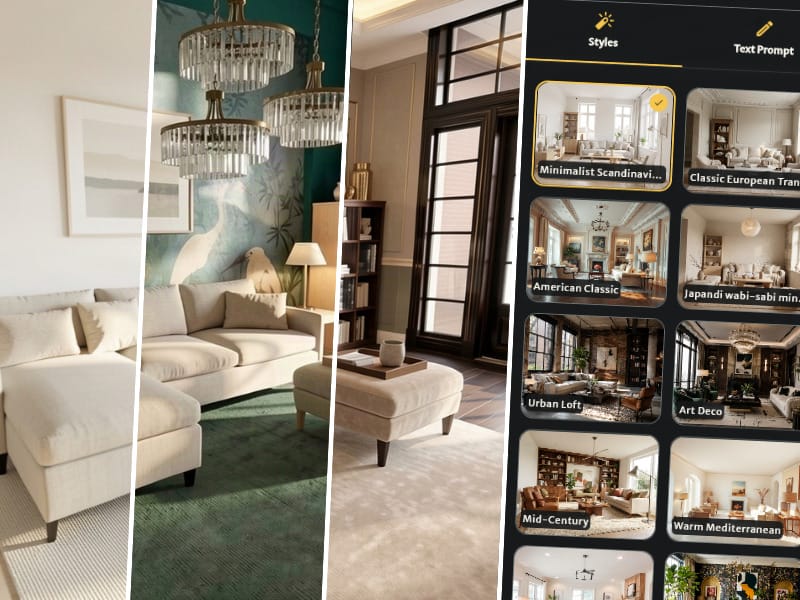
Turn your design into a photorealistic image in seconds with AI Render. Choose from predefined interior styles, such as Japandi and modern farmhouse, to explore different looks without changing your original floor plan.
You can then fine-tune the result with text prompts. Adjust the lighting, change finishes, add decorative details, or upload a reference image to guide specific changes, such as replacing the dining chairs with a style you've chosen.
Generate different versions to compare design ideas and find the options you'd like to present to your client.
Since RoomSketcher launched AI Render in June 2026, more than 16,000 images have been generated. Ready to see what it can do for you?
Related Articles
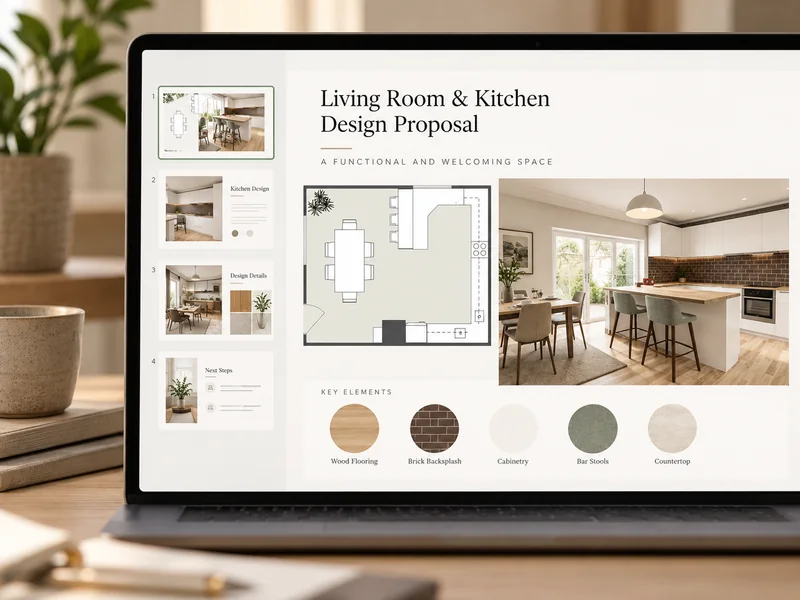
7 Clever Ways Interior Designers Use AI in Their Workflows
With so many AI tools available, which ones are actually worth trying? We've picked seven practical ways to use AI throughout your interior design workflow, from your first client meeting to the final follow-up.

How RoomSketcher became Interior Designer Katie Christensen’s “magic wand”
Why is RoomSketcher the right software for interior designers? We spoke with Katie Christensen, a RoomSketcher user and a professional interior designer with almost 30 years of experience, for her thoughts on the matter.
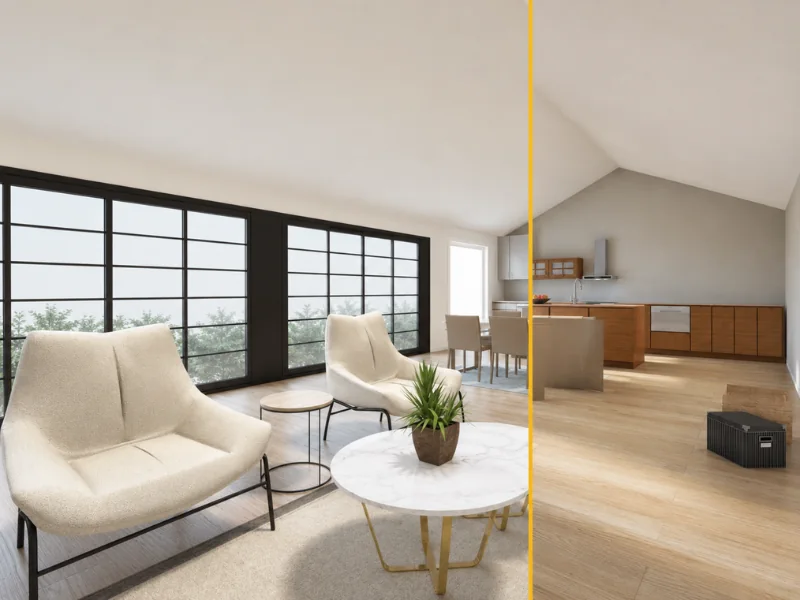
How to Use AI for Virtual Staging
Virtual staging is an innovative marketing approach that can help grab the attention of buyers and max out the property value.