Chief Architect vs RoomSketcher: Which Floor Plan Creator Is Better?
Both Chief Architect and RoomSketcher are popular floor plan software options. We tested both to help you understand the differences and choose the right tool.
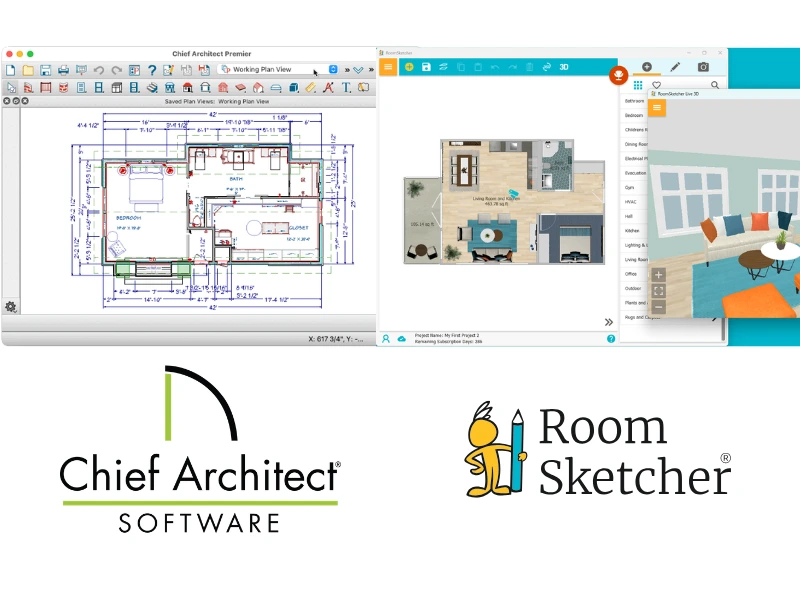

✍️Article Summary: Chief Architect is a full-featured, CAD-style software built for architects and professionals who need detailed construction drawings, elevations, and technical documentation. It's one of the most expensive floor plan tools on the market. RoomSketcher focuses on ease of use and speed, making it ideal for creating clean, affordable, and professional 2D and 3D floor plans and visual presentations.
Choosing between Chief Architect and RoomSketcher for your 2D and 3D floor plans? Both tools help you create layouts and visualize spaces, but they're designed for very different users. This guide breaks down the key differences so you can choose the right one.
Side-by-Side Comparison
| Feature | Chief Architect | RoomSketcher |
|---|---|---|
| Capture Rooms | - | Yes - iOS LiDAR |
| Draw Floor Plans | Yes | Yes |
| Order Floor Plans | - | Yes |
| Trace Over an Existing Floor Plan | Yes | Yes |
| Convert an Existing Floor Plan | - | Yes |
| Edit Floor Plans | Yes | Yes |
| 2D Floor Plans | Yes | Yes |
| 3D Floor Plans | Yes | Yes |
| 3D Visualization | Yes | Yes |
| 3D Walkthrough | Yes | Yes |
| Site Plans | Yes | Yes |
| Measurements | Yes | Yes |
| Total Area Calculations | Yes | Yes |
| Customization of Floor Plans | Yes | Yes |
| Branded Floor Plans | Yes | Yes |
| Customizable Templates | Yes | Yes |
| Cloud Storage | Yes | Yes |
| Furniture Library | Yes | Yes |
| 2D Symbols | Yes | Yes |
| Pricing | Monthly or Annual Subscription | Free, Pro, Team |
| Customer Support | Email, Phone, Knowledge Base, Community Forum, User Documentation | Chat, Email, Help Center, 1:1 Training for Business Users |
| Learning Material | Training Seminars, Tutorials | Tutorials, Webinars |
| Sharing | 3D Viewer, Export in PDF | Project link, walkthroughs, share floor plans and images as PDF, JPG, PNG |
Who Uses Chief Architect and Who Uses RoomSketcher?
Chief Architect
- Residential Design and Build Firms
- Kitchen and Bath Designers
- Those needing detailed construction documents
RoomSketcher
- Real estate professionals
- Home builders
- Interior designers
- Remodelers
- Anyone looking for professional-quality results with less hassle
How They Work
Both Chief Architect and RoomSketcher let you create professional 2D and 3D floor plans and visualize designs with 3D images and walkthroughs.
Chief Architect
Chief Architect has two main ways to start a project: draw from scratch or import an existing plan to trace. From there, you can add layers of detail, furniture, fixtures, and materials in both 2D and 3D views.
The software supports full construction documentation, including floor plans, elevations, sections, and detailed kitchen and bath designs, plus 3D walkthroughs and video tours.
Because of its depth, Chief Architect has a steeper learning curve. It's a powerful software, but new users should expect to spend time learning advanced tools. They provide training materials and documentation to help users get up to speed.
RoomSketcher
RoomSketcher is designed to be approachable for beginners while still producing professional results. It offers more ways to start a project, and they're easier to use:
- Convert an existing digital floor plan using AI Convert
- Import a sketch or blueprint and trace over it
- Order a professionally drawn floor plan
- Capture a space using LiDAR
- Draw from scratch
Once your layout is ready, adding furniture, materials, and finishes is straightforward. The interface keeps commonly used tools front and center, with more advanced options available when needed.
RoomSketcher is a good fit for users who don't need full construction documents but want clean 2D and 3D floor plans for real estate, move planning or interior design.
💻Platform Availability:
- Chief Architect: Downloadable desktop app for Windows and Mac*
- RoomSketcher: Downloadable app for Windows and Mac + iOS and Android tablets
* Chief Architect requires a computer, whereas RoomSketcher works on computers and tablets.
Order Floor Plans
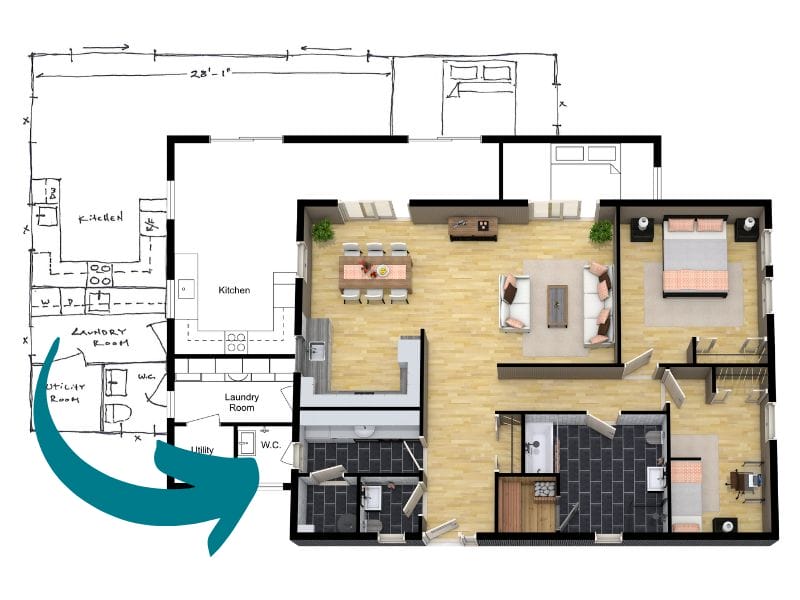
RoomSketcher offers a professional redraw service that lets users submit a sketch or blueprint and receive polished 2D and 3D floor plans, along with an editable project, by the next business day. You can make changes and regenerate floor plans at no additional cost, making this a flexible and affordable option for tight deadlines.
Chief Architect does not offer a redraw or floor plan drawing service.
2D Floor Plans
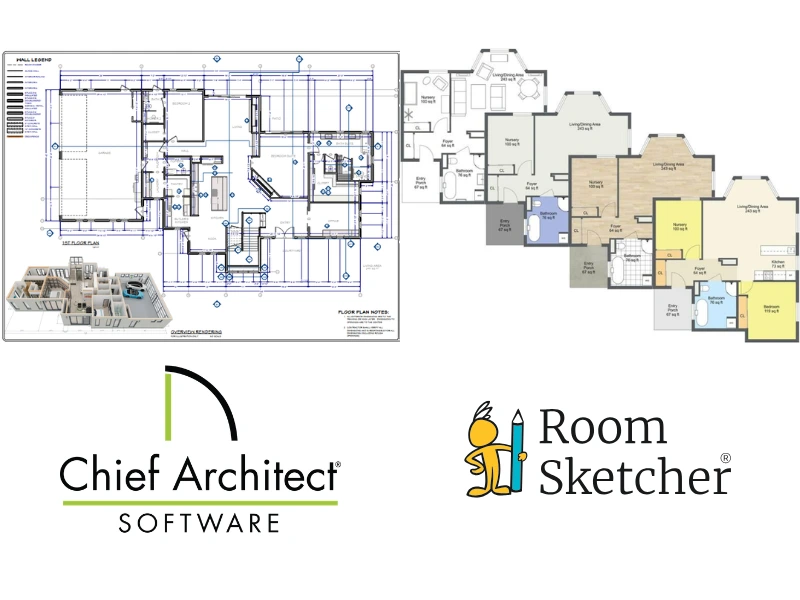
Both tools allow you to create professional 2D floor plans. Chief Architect is designed for complete construction document sets, including 2D foundation, floor, and ceiling plans, with detailed measurements, line styles, colors, and layers.
RoomSketcher, on the other hand, allows you to quickly create 2D Floor Plans in black-and-white or color that are clean, professional, and ideal for demonstrating building layouts, furniture arrangements, move plans, and more.
3D Floor Plans
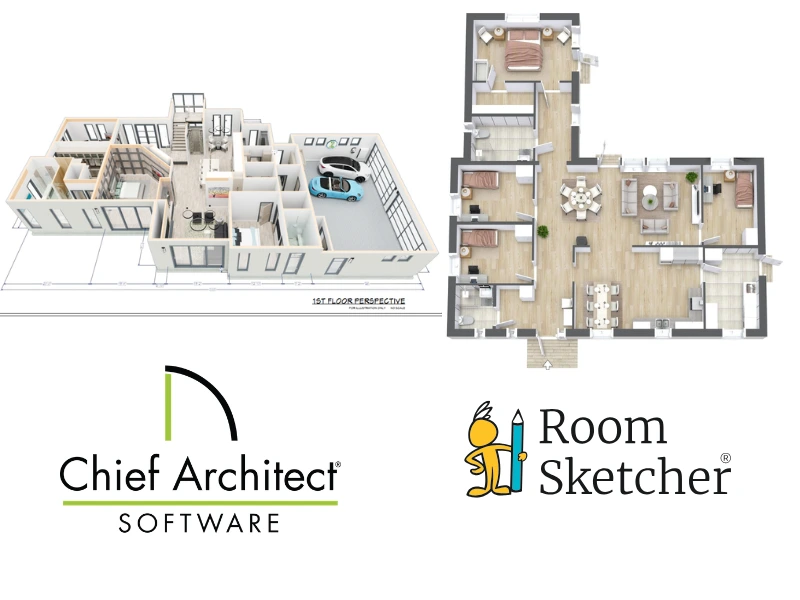
Both tools create 3D floor plans, but they serve different purposes. Chief Architect focuses on detailed, construction-level visuals. RoomSketcher, however, focuses on quick presentation-ready 3D Floor Plans that update instantly from your layout.
Project Sharing
In Chief Architect, you can back up your construction plan set to a zip file to share with clients. You can also share a 3D Viewer link to generate a PDF.
In RoomSketcher, each project includes an automatic Project Presentation that you can share via email or post on social media. Recipients see a polished presentation with any generated floor plans, Live 3D walkthroughs, 3D Photos, and furniture details, no larger file downloads required. If the recipient also has the RoomSketcher app, they can open and edit a copy of the project themselves. You can also download individual outputs, such as floor plans or images, as JPGs, PNGs, or PDFs.
Customer Support
Chief Architect's support options include user documentation, a knowledge base, video tutorials, community forums, training seminars, and email and phone support.
RoomSketcher offers responsive email and chat support, a comprehensive Help Center, video tutorials, weekly webinars, and free 1:1 training for business subscribers.
Pricing
Chief Architect is premium software with a premium price. It's one of the more expensive options on the market. Users can try a limited trial or purchase the full version with a short evaluation period.
RoomSketcher offers multiple lower-priced options:
- Free plan with limited features
- Pay-as-you-go pricing for occasional use
- Monthly and discounted yearly subscriptions
This flexibility makes RoomSketcher far more cost-effective for users who don't need advanced architectural tools or who only create floor plans occasionally.
Which Floor Plan Software Should You Choose?
If you need full-scale architectural software with detailed construction documentation and price isn't a concern, Chief Architect may be the right choice.
If you want an affordable and easy-to-use tool that helps you create professional 2D and 3D floor plans and presentations quickly, RoomSketcher is a strong option.
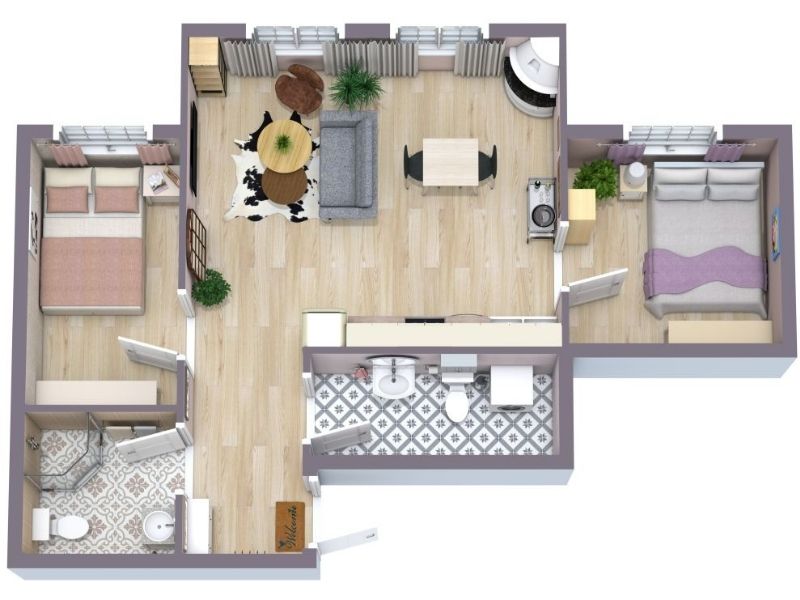
Why People Prefer RoomSketcher
- Intuitive and easy-to-use
- Capture, Convert, Draw, Trace, or Order Floor Plans
- Unmatched 2D and 3D Floor Plan customization
- Friendly customer support
- Flexible pay-as-you-go pricing
Ready to try it yourself? Create a free RoomSketcher account today and explore the features. Upgrade anytime to unlock 2D and 3D Floor Plans, 3D Photos, 360 Views, and Live 3D.
With a 30-day money-back guarantee, you can get started risk-free.
Recommended Reads
Which Is Better for Floor Plans? Rayon or RoomSketcher
Choosing between Rayon and RoomSketcher for your 2D and 3D floor plans? Both tools help you create layouts, but they're built with different priorities. This guide breaks down the key features, strengths, and limitations.
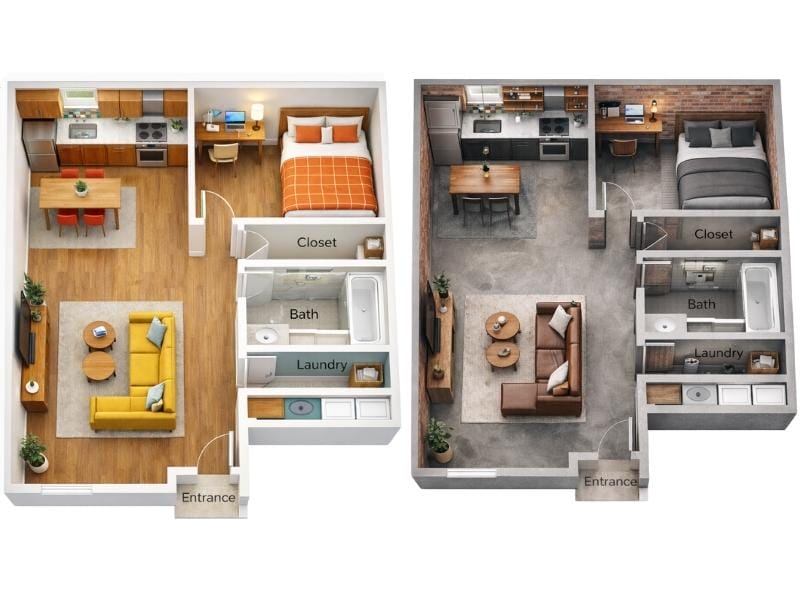
Can ChatGPT Make Floor Plans? We Put It to the Test
ChatGPT can generate simple floor plan sketches, but it struggles once you start making changes. We tested how well it handles real layout work, from editing and iteration to reuse across 2D and 3D.
SketchUp vs. RoomSketcher
Choosing between SketchUp and RoomSketcher for your floor plan needs? This article will help you decide which one is best for you.