2D Floor Plans for Any Project
Create clear, accurate 2D floor plans without overthinking it.
With RoomSketcher, you decide what your plan shows, how it looks, and how it’s shared. Everything is drawn to scale and ready for print or web.

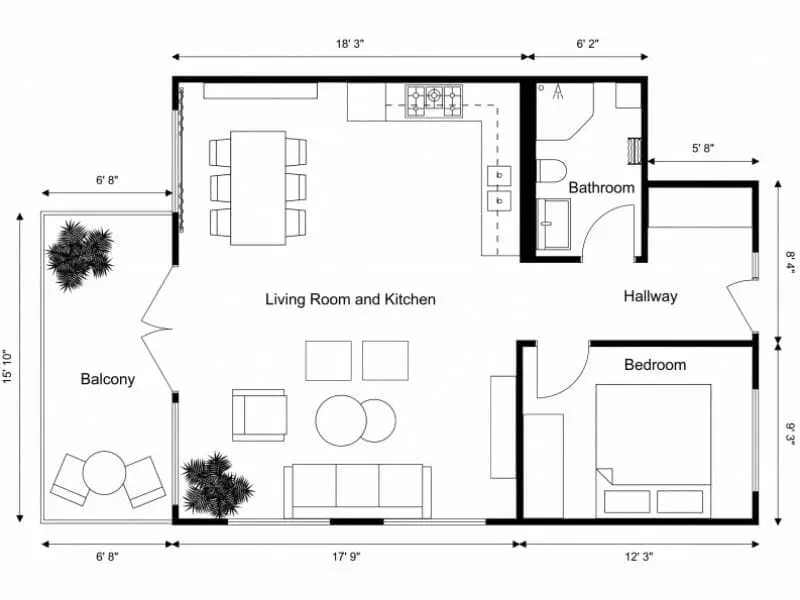
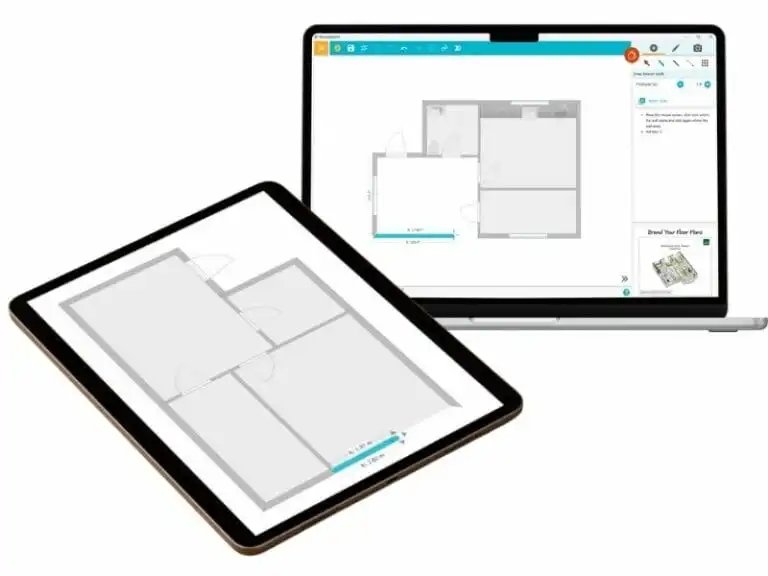
Floor Plans That Fit Real Needs
Whatever you’re creating a floor plan for, RoomSketcher adapts to the job. Keep it simple or add detail — the plan reflects what you need to communicate.
- Real estate and property marketing
Create clean, branded floor plans that help listings stand out. - Interior designers and stagers
Test layouts with furniture or present fixed installations only. - Contractors and renovators
Share accurate plans with clear measurements everyone can read. - Homeowners
Plan layouts, additions, or remodels with confidence.
Control Exactly What Shows
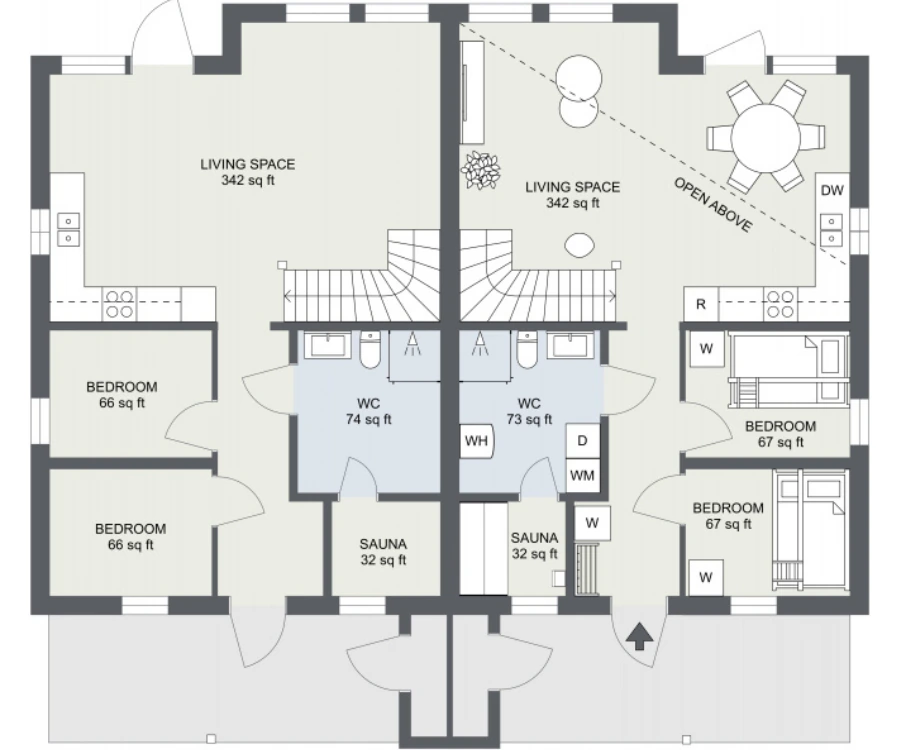
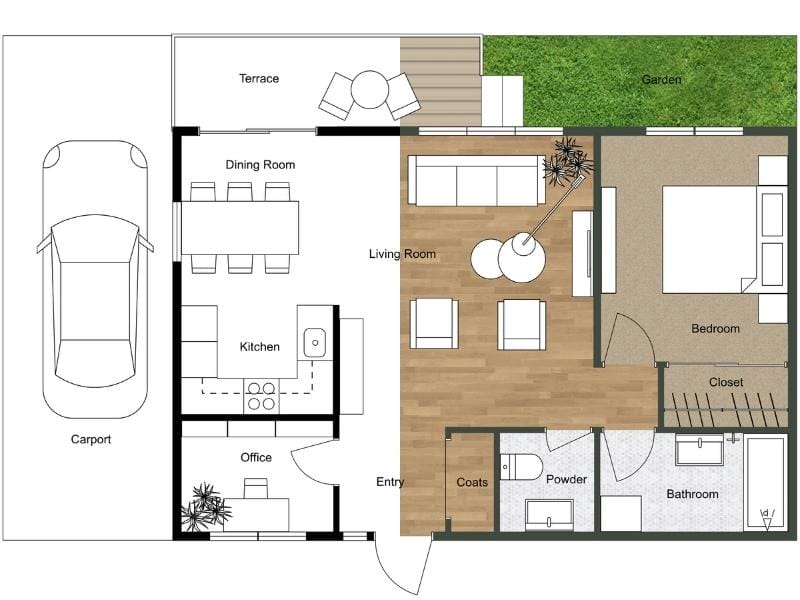
Show what matters. Hide what doesn’t. Adjust your floor plan in seconds based on who it’s for.
You can choose to show:
- All furniture, fixed installations only, or no furniture
- Room names and room sizes on or off
- Furniture labels like W/D or WH
- Kitchen cabinets as dotted lines, solid lines, individual units, or hidden
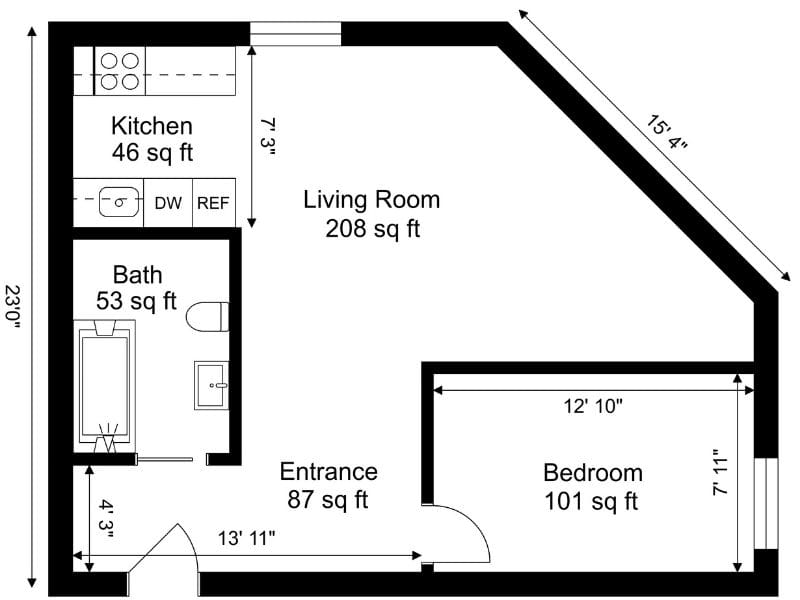
Add Measurements Where Needed
Add measurements directly to your 2D Floor Plan as you work. Because everything is drawn to scale, measurements stay accurate and update automatically when you make changes.
Choose what to include based on the purpose of the plan:
- Measurements for doors, windows, and fixed installations
- Room areas
- Wall lengths
- Room dimensions
- Distances between items
Set Colors and Styles Your Way
Color helps people read a floor plan faster. In RoomSketcher, you can choose colors for walls, floors, furniture, windows, doors, and measurement lines.
You can also assign room types to apply colors or materials automatically — for example, bathrooms in blue or bedrooms in a softer tone. Once set, your style stays consistent across every export.
Branded Floor Plans That Stay Consistent
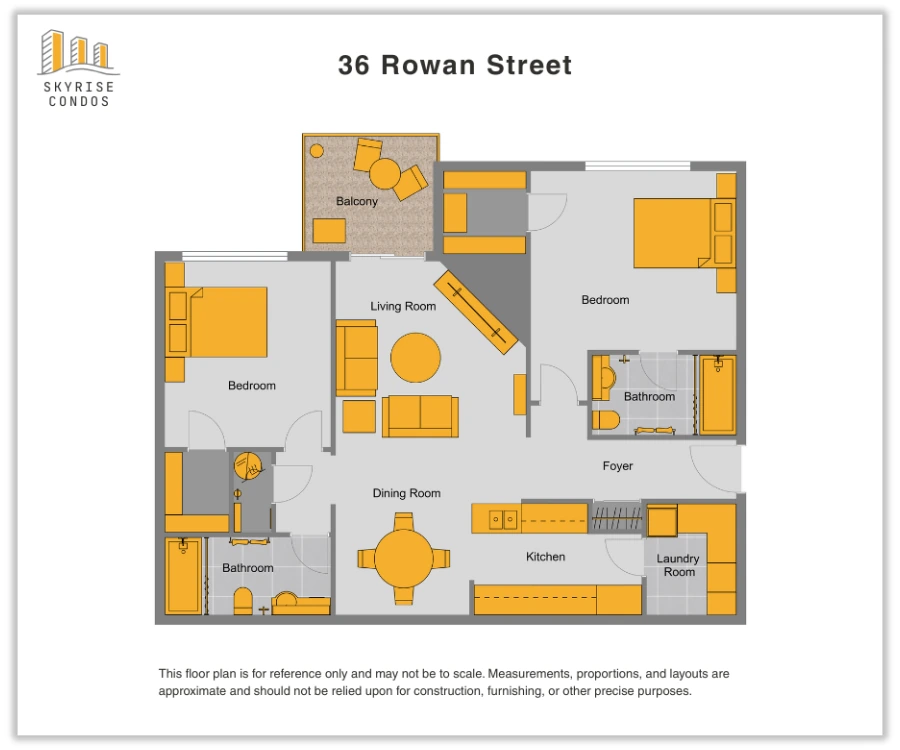
Add your logo, contact details, and disclaimer once, then apply the same letterhead to every 2D Floor Plan you export.
This is especially useful if you work with multiple clients or brands. Switch between templates in a click and keep every plan looking professional.
Our team can help you set this up during onboarding.
Turn 2D Into 3D with One Click
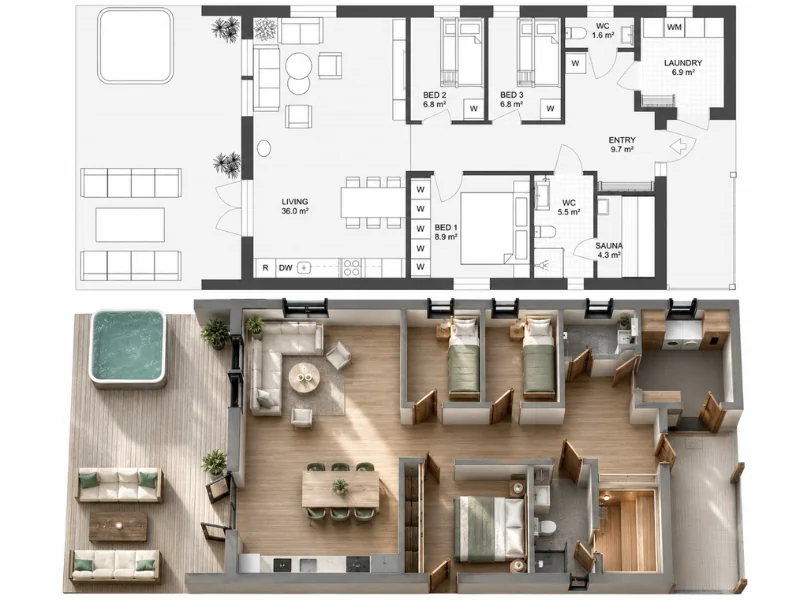
3D helps you understand space in a way flat drawings can’t. It’s especially useful when you need to check proportions, flow, and furniture placement before sharing or exporting.
Create your 2D Floor Plan once, then easily generate a 3D version. Your layout, measurements, furniture, and materials are all carried over automatically.
Access All Your Floor Plans Anywhere
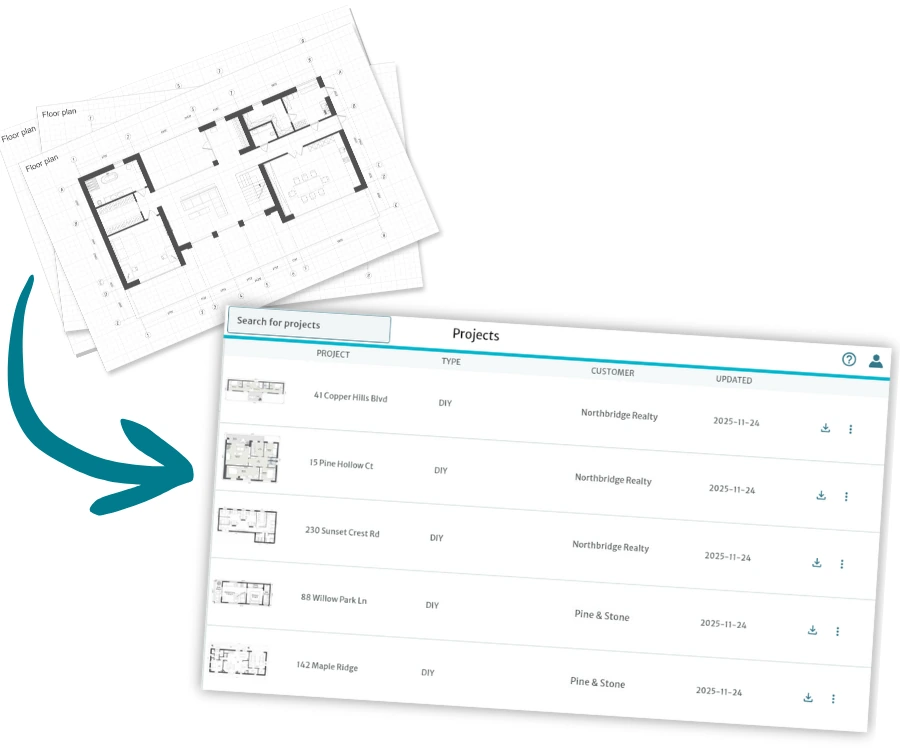
RoomSketcher works as your online archive, storing every floor plan, measurement, and customization in one secure cloud account.
Your entire floor plan history stays organized in one place, always ready when a client calls or a new project starts.
- Access old floor plans in seconds
- Edit past projects without starting from scratch
- Sync changes automatically across your devices
Five Easy Ways to Get Started
No matter how you work, RoomSketcher makes it easy to get your floor plan into the app and start creating. Choose what fits your workflow.





Trusted by over 10 Million users worldwide
"RoomSketcher has changed the way I work. I can now do all the work I normally had to outsource on my own."

"We have been using RoomSketcher successfully since 2022 and are completely satisfied with the functions, user-friendliness and results. We would particularly like to emphasize the fast, competent and always solution-oriented support."

"I have been using RoomSketcher for several years to showcase the floor plans in our portfolio. I have yet to find another solution that creates such high quality renders with the flexibility to modify to fit them to our specific needs."

Frequently Asked Questions
When you download or print a floor plan in RoomSketcher, you can choose the format, paper size, orientation, and scale. You can export letterhead PDFs with branding, scaled PDFs for accurate printing, or web images for sharing online.
Read the full guide in our Help Center to see all available options.
Yes. Downloading and printing a 2D Floor Plan is free.
You use 1 Credit to create a project. After that, 2D Floor Plan generation is included with Pro and Team subscriptions. With a Free subscription, each 2D Floor Plan generation costs 1 Credit.
Yes. You can add annotations, text, and helper symbols like arrows, scale bars, and compasses directly in the RoomSketcher app.
Yes! RoomSketcher offers free, pre-drawn floor plan templates you can use as a starting point for your projects. You can choose from multiple categories, open a template as a new project, and customize it to fit your needs.
No matter what your experience level is, we offer several ways to help you get started:
- Live weekly webinars that walk you through beginner and advanced workflows
- Video Tutorials and Help Center articles you can follow at your own pace
- Friendly customer support if you need help from a real person
- 1:1 training sessions available for business users